

Knowledge base · Service-King
Data Matrix or QR? Comparison to equipment records
Both codes are two-dimensional. The choice should be based on available space, reading devices and agreed data format, not just the appearance of a square label.
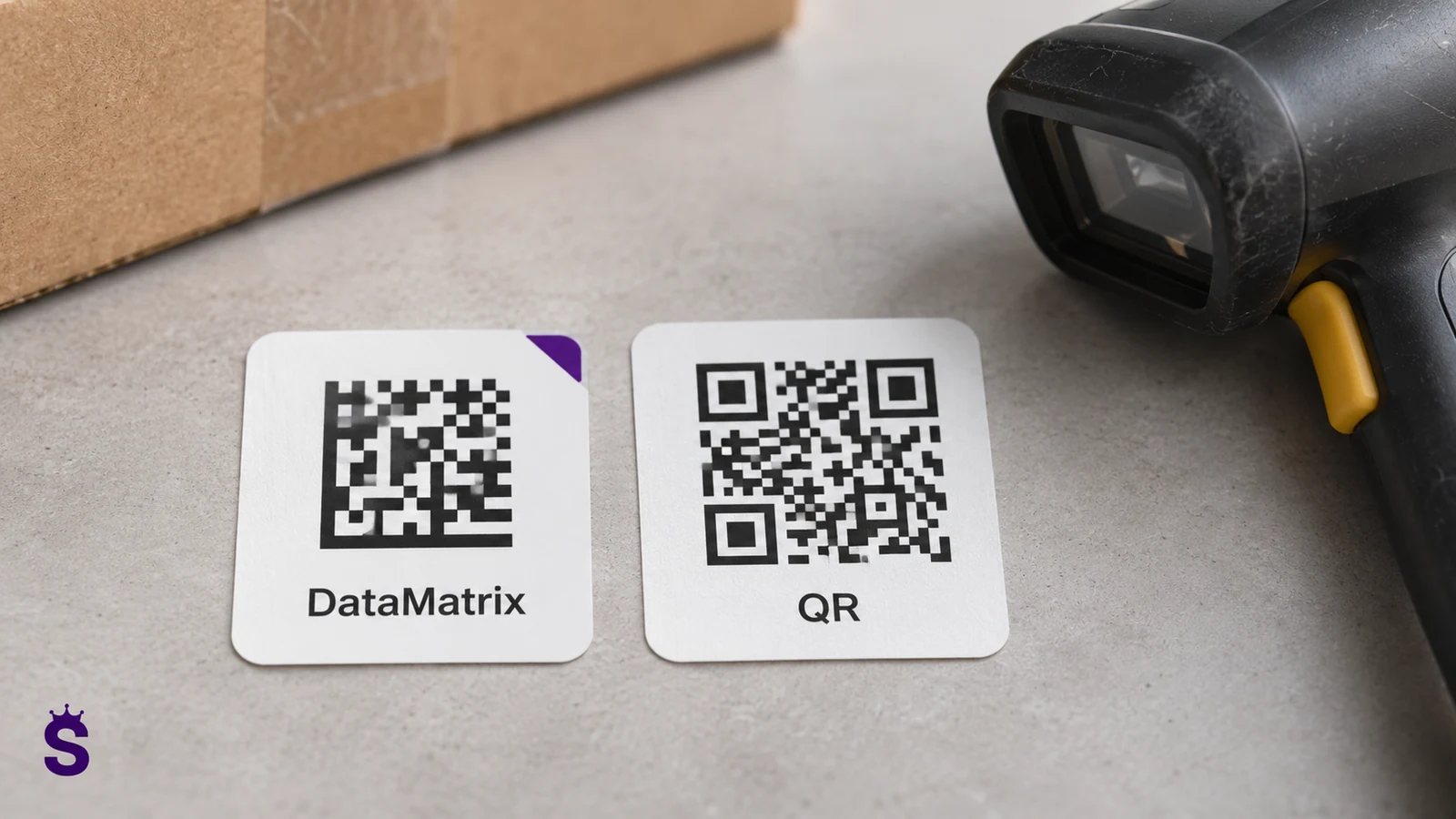
The code carries data; the record gives it meaning
The code may contain an identifier, a page address or data stored in a specific structure. Merely placing a number in a QR or Data Matrix does not create a record. You still need to link it to the right item and support the read format in the application.
| Criterion | Practical question |
|---|---|
| Location | Will the code fit the required free space and print? |
| Equipment | Does the scanner or phone app you use support this code and format? |
| Area | Will curvature, shine or dirt make reading difficult? |
| Data | Internal identifier, link or GS1 standard agreed with the recipient? |
| Durability | Will the print remain legible after use and cleaning? |
The amount of data affects the size and readability of the code
To identify items, a short identifier leading to the record is often enough. Putting the entire description, customer data, and multiple fields into a symbol may unnecessarily increase its complexity. First, determine what needs to be in the code and what should stay in the system. This makes it easy to update information without replacing every label.
When it comes to the Internet address, make sure the link is stable. If you change the structure of the application, the old markings should still lead to the correct place through the agreed mechanism. A public link and an internal identifier have different uses, so the format must be adapted to the way it is read and the user's permissions.
Assess both the printed code and the labelled item
Readability is influenced by contrast, module size, required free area and print quality. After installation, curvature, gloss, dirt and working angle are added. Testing on a flat sheet does not replace reading from the tool used. It is also worth checking the label after typical cleaning.
Use real readers and phones. Some devices or applications support a different range of symbols and formats. Even the correct code may be read as text that the application cannot associate with the directory. Compatibility therefore covers both the symbol and the meaning of the data. Shows practical solutions QR and barcode area.
QR does not have to be a public link
An internal ID code and a link to a public page are two different uses. If the code opens documentation, you need to establish access rules. Having a photo of the label should not automatically give access to sensitive data.
Data Matrix is sometimes used for small industrial markings and markings, and QR is common for phone interactions. However, specific possibilities depend on the size of the symbol, the amount of data and the device. GS1 data standards should be distinguished from the code geometry itself.
Describes the basic types of 2D codes GS1.
Example: tagging a measuring instrument
You need to fit an ID, code and a legible auxiliary number in a small space. First, perform a print and scan test on the finished object. Don't shrink the symbol to the point where only the new reader at the perfect angle works.
In the system, the code should point to an existing record. If you are adding UHF as a second means of identification, do not create a second item of the same thing.
A link to an item record or an operational identifier?
| Variant | Mileage | Most important requirement |
|---|---|---|
| Short ID | The application recognizes the number and searches for the record. | Compatible format and clear linkage. |
| Card address | The device opens the page assigned to the object. | Stable address and proper access rules. |
| Industry standard data | The system interprets the agreed structure. | Compliance with partner requirements. |
| Support code next to UHF | Two paths lead to the same item. | Keep one history and no duplicates. |
GS1 requirements should be considered separately from the choice of symbol shape itself. Any number in the Data Matrix does not automatically become an identifier consistent with every business partner standard.
Plan tag replacement and failed-read handling
If the print wears off, the operator should have a way to recognize the item: a readable auxiliary number, serial number or document. The new code must be assigned to the appropriate existing item. Replacing the identification data carrier does not constitute acceptance of a new item.
Test error: reading similar item and unknown code. The system should show the user what has been recognized before a binding operation is created. For small labels, an auxiliary name or number can be particularly useful for quick visual inspection.
When to compare the code with UHF
For a few individual items, a targeted scan may be most convenient. With many tagged elements, radio reading can shorten the work, but requires a reader and the selection of tags. It is worth comparing the entire process instead of just the speed of recognition.
Measure to reach the mark, select the correct piece and confirm the operation. Take into account exceptions and the cost of maintaining tags. An extensive comparison can be found in RFID and barcode guide.
Scenario: small label on a measuring instrument
There is little space on the housing and the operator wants to keep the number and code. Start with the minimum data needed for identification. A shorter identifier may reduce the complexity of the symbol if the application can open the correct directory based on it. It's worth limiting the content of your code rather than reducing it below usable readability. The support number should remain human-readable.
Prepare a printout in actual size and stick it in the target place. Check the readers and phone applications used by the team. Add typical angle, light reflection and dirt. If the test only works with one new device under the ideal setting, a different marking or location is needed. Simply reading a computer screen should not be considered acceptance of the label.
Finally, go through the situation after the print has been wiped off. Determine how the operator will recognize the instrument in a different way and replace the data carrier while maintaining the history. If the code links to documents, also check permissions. The device's identity may be publicly visible, but detailed information does not have to be. Reception should include both ease of reading, correct meaning and access after opening the record.
| Area | Practical arrangement |
|---|---|
| Data | The minimum ID compatible with the application. |
| Printout | Actual size and quality of the symbol. |
| Area | Curvature, gloss and conditions of use. |
| Devices | All types actually used in the process. |
| Access | Correct scope of documents after reading. |
| Failure | Reconnaissance by other means and exchange without duplicate. |
Label acceptance checklist
- Compatible data format and ID without duplicates.
- Read with any device actually used.
- Test after installation on the target surface.
- A clear number to handle scan failures.
- Confirmed data access rules.
Questions worth clarifying before implementation
Does a QR always have to contain a website address?
No. It can also transfer other data, including an ID. It is the application and the established process that determines how to interpret the reading.
Will Data Matrix read every phone?
You need to check the specific model and application. The mere presence of a camera does not confirm support for any symbol or data format in the process used.
Is it possible to make the code very small to fit on the tool?
The limits result from the amount of data, printing technology and devices. A symbol that is too small may only work under ideal conditions. The size is accepted based on a sample of the finished marking.
Go to solutions related to this topic
- QR codes and barcodes - Recognize a single item and access its data.
- Choosing labels and tags - Designations for clothing, tools and other working conditions.
- Inspection of tools and equipment - Specific pieces, check-outs, phrases and history.
- Service-King App - View system areas and select a scope for your company.
Free consultation
Let's choose readable labels for your equipment.
Describe the square footage, available space, and reading devices. We will determine the data format, print and method of linking it to the record.
Thank you for your inquiry.
Your message has been sent to the correct department. We will contact you to determine next steps.
Send another inquiry