

Confirmed items
The system shows which items from the register were read at the location being checked. You don't have to manually check off every item on the list.
UHF RFID stocktaking
The handheld terminal reads items marked with UHF RFID tags without searching for every label and targeting every code. Service-King compares readings with records and helps detect shortages, surpluses and equipment in the wrong location.
Book a free consultationDo you rarely take inventory? Make arrangements individual seasonal pricing - without data loss from previous censuses.
Ask for a seasonal quoteYou have it at your disposal support team. We help prepare and launch the system, a we can import the assortment from other systemsto shorten the deployment.
Call physical inventory, records and depreciation. Write-off parameters, schedule and reports apply to a specific fixed asset marked UHF or QR.
RFID supports physical inventory: mark the property, go through it with the handheld terminal and check compliance with the records.
Each item receives own RFID tag, assigned to his Service-King card. The employee selects a place for the stocktake and reads the items marked with a handheld terminal.
You don't have to see every label or target every code. The reader collects readings by radio and the system compares them with the list. This lets you know what items have been found and what needs to be checked.
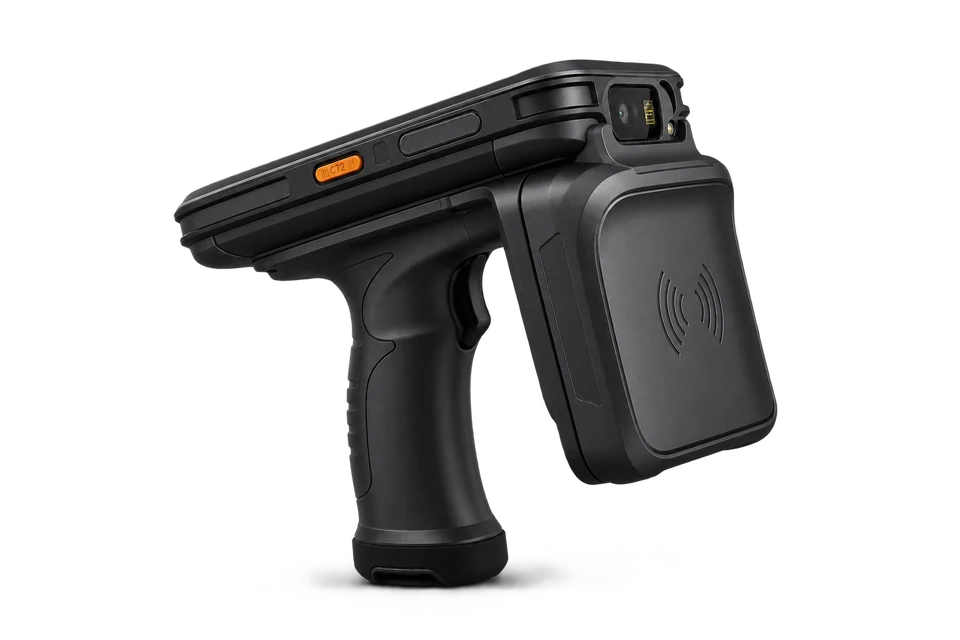
One item is counted once. UHF RFID and additional QR code may lead to the same card. Reading the same item again does not increase the counter. We select tags and readers according to the type of equipment and working conditions.
You don't just see the number of things read. You also know what goes with the list and what needs clarification.
The system shows which items from the register were read at the location being checked. You don't have to manually check off every item on the list.
The item is on the list but has not been read. It may be at the service center, at the employee's or requires re-inspection. No reading does not mean it is missing.
The read equipment is assigned to another room or department. The system indicates the difference. Changing the location in the register requires a separate operation and permissions.
You can read an item outside the scope of the list or a code unrelated to the records. Such a reading goes to explanation - does not automatically create a new asset item.
You can check in one place assortment assigned to location, quantity and rental. Such a list helps prepare the scope of the inventory.
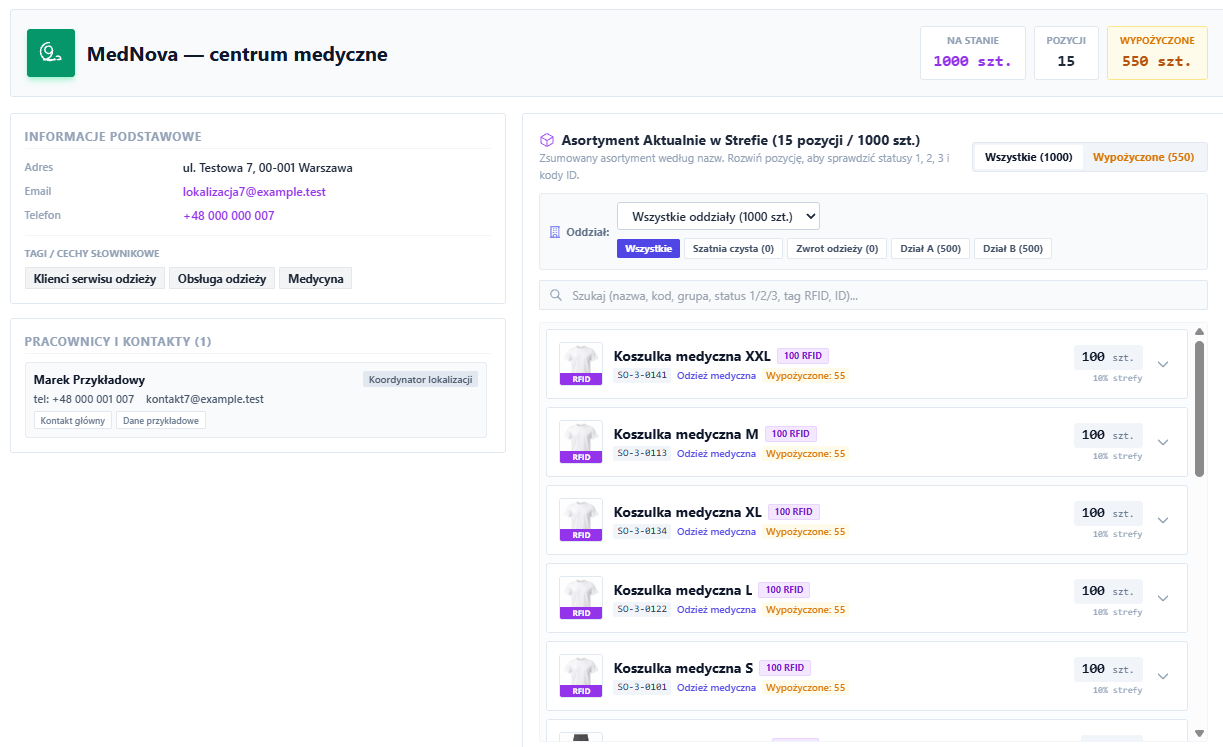
In Service-King you assign depreciation data to of a specific fixed asset, which may be marked UHF or QR.
Service-King has a built-in KŚT dictionary. You choose and complete the initial value, KŚT code, start date, method and annual depreciation rate will be shown to you by the system!.
You can continue recording depreciated assets before entering the system.
For straight-line depreciation calculates the annual and monthly amount. Also supports one-off deduction.
You see deductions in individual months, the annual total, current amortization and remaining book value.
You are using documents OT, MT and LT and export statements for accounting.
The system performs calculations based on the entered parameters. The mere calculation of the write-off does not mean its posting in an external program without prior integration.
From preparing the records, through counting, to explaining the differences and reporting. You adjust the scope to what you want to check.
You choose one place, read the markings and check compliance with the list. Useful after a meeting, moving house or finishing work.
You establish the scope, appoint a team and divide tasks. After counting, you explain the differences, approve the settlement and prepare data for accounting.
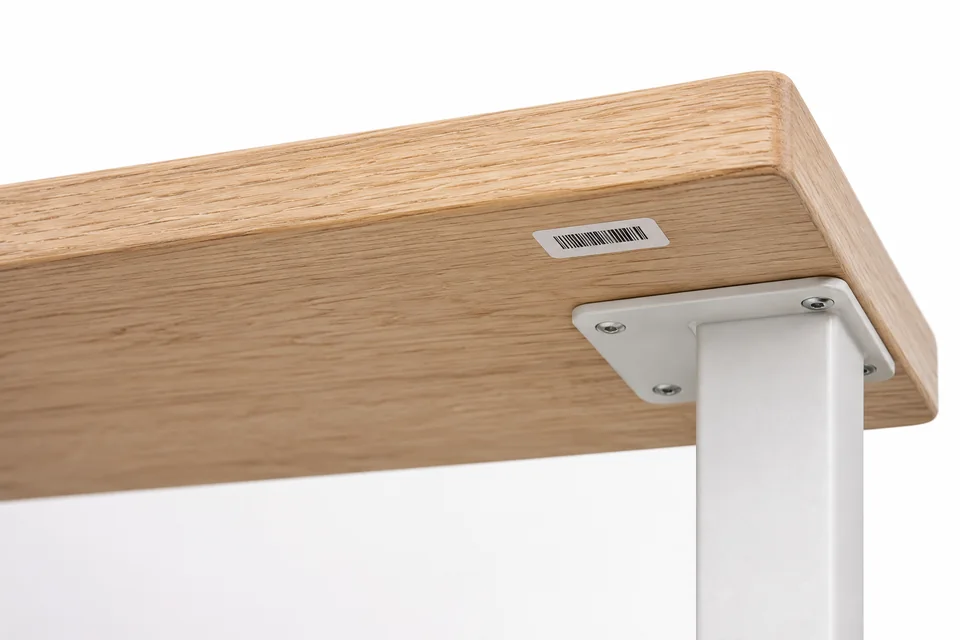
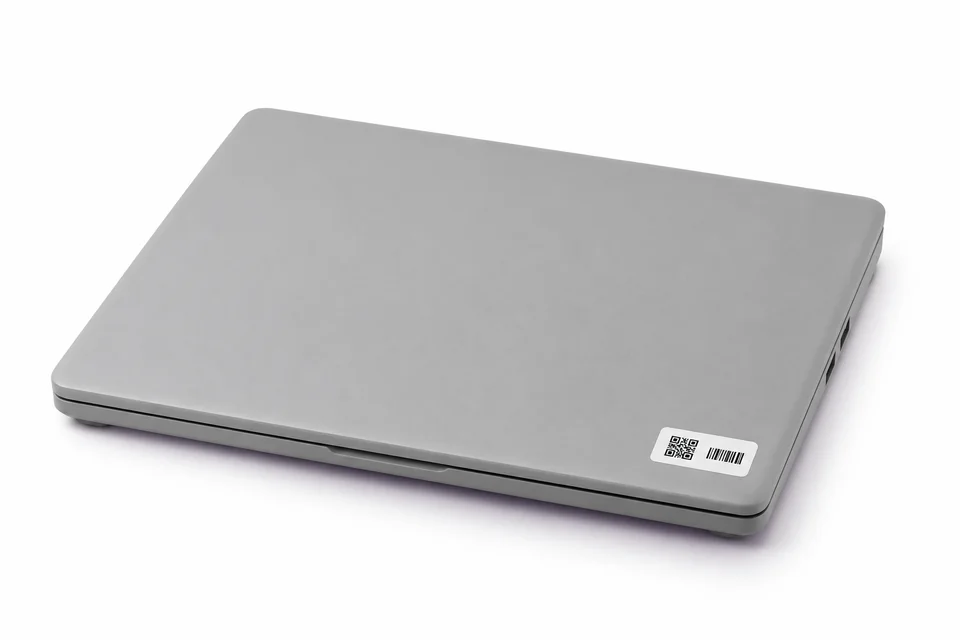
A small RFID tag can be found under the countertop or in another discreet place. In the photo we show a marking with label proportions of 45 × 20 mm. We choose the type of tag depending on the surface and how the item is used.
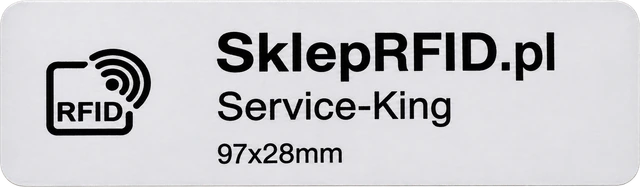 Another example: RFID tag 97 × 28 mm. We choose the size according to the item being marked.
We introduce or import assets: name, ID, inventory number and needed assignments. Before the stocktake, we check for repeated codes and unclear locations.
When adding multiple similar items, an authorized manager can use product pattern and add subsequent pieces by reading their markings.
We select markings depending on the surface and the way the item is used. Metal, documents and clothing require a different tag.
One thing can have UHF RFID and additional QR code. Both markings lead to the same card; re-reading does not count the second item.
We organize facilities, zones, rooms and departments. To a specific stocktake we choose only the places we need.
This allows you to compare the place saved in the register with the place read. The mere reading in another room does not change the assignment of things.
We launch a quick site inspection or a full inventory. The system prepares a reference state for comparison with the readings.
With a larger list the manager identifies the participants and assigns them rooms. Each employee sees the tasks available under their authorizations.
An employee reads UHF RFID tags at a selected location. You can also point to a single item using a code scanner, QR camera or NFC on a supported device and in an appropriate browser.
Reads pending confirmation are retained on the device. After a connection problem, you can go back to the directory and save again.
The system shows items read, unread and requiring clarification. No reading is a signal to check, not an automatic missing person confirmation.
Employee marks assigned seat as verified. The manager may accept the result or refer the room for re-inspection with justification.
We add findings, notes and responsible persons to the discrepancies. Damage, missing label or unknown code can be reported with photos.
Completing the count and approving the settlement are separate activities. Manager checks arrangements; may also leave legitimate cases for further processing. Moving or withdrawing things requires proper operation.
Before the stocktake closes confirm saving pending readings. We prepare a report with the results, differences and written explanations.
Data can be forwarded in available export formats. The list of unresolved shortages remains available even after the inventory is closed. See information about reports and exports.
Closing the list does not end the search. You can still deal with missing items, add arrangements and indicate responsible persons. You document your subsequent discovery, retaining the original result.
You can also use the counting results, differences and explanations outside Service-King. Prepare file in the appropriate profile and forward it for further work.
Ready-made profiles help prepare data for import in an external system. We check the file format in terms of the program version used and the required data range.
Universal CSVFor further analysis and data import.
XML export JPK_STAdditional format for exporting fixed assets.
You pass the data in a file. We adjust the scope of import to the target system; this is not an automatic round-trip sync.
Discuss your accounting system with usPrepared export profiles





Less searching for labels and manual typing. More time to check the differences.
Handheld terminal recognizes multiple marked items within range. You don't scan each code individually.
Radio reading does not require tag visibility. We select the markings according to the area and conditions in which the property will be counted.
Saved readings are compared with the records in Service-King. The result is used to clarify differences and prepare a report.
You can check a place or a specific thing again. Re-reading the unique identifier will not increase the number of pieces counted.

Prepares inventory, assigns seats, and monitors progress. It can accept the result, refer the room for re-inspection and approve settlement of differences.
Simplified view of the manifold: Assigned inventory, readings, and items to check. The employee focuses on his seat and marks the task as completed.

Damage, missing label, unknown code or wrong location can be reported immediately during operation. Description and photos help the person who will investigate the matter.
Reads pending confirmation are retained on the device. Once the connection is restored, you can return to the directory and retry the save.
This is job security, not full support for all functions without the Internet. Before closing the inventory, you must confirm the recording of pending readings.
We choose the reading method for work. The same thing can have more than one designation, all of which link to her card in the system.
UHF RFID and additional QR may point to the same thing. You choose the reading method depending on the task, a the same piece is still counted once.
Useful when there is a lot of property, censuses are regular, and labels are in hard-to-reach places. The handheld terminal collects multiple readings during transition.
Good for single reads and opening the hardware tab. You can use your phone's camera or barcode scanner and check a specific item.
Allows you to zoom in on a single item. Read availability depends on NFC support on device and browser.
Different places, one record. Office, school, warehouse, hall or service equipment - we adapt the marking method to the type of property and conditions of use.
The most important information about equipment, markings and working methods.
Yes, you can search for the selected tag on a reader with the appropriate function. A signal strength indicator and an audible signal aid in the search method "hot-cold". We confirm the availability of this function for a specific handheld terminal.
Range depends on reader, tag and surroundings. It is influenced by, among others: object surface, marker placement, equipment settings and obstacles. We check the reading range in the conditions in which the stocktake is to be performed.
Radio reading does not require label visibility, but cabinet material and equipment arrangement are important. A closed metal housing may make reading difficult or impossible. Tags for mounting on metal are selected according to the surface; this is not a substitute for checking reading conditions.
Not always. You can use ready-made, programmed markings and assign them to items in the system. We choose our own printer when the number of labels and the method of operation justify it.
The tag is selected according to the surface and conditions of use. On furniture, this may be a small label, on metal equipment, a marking intended for mounting on metal, and on textiles, a corresponding clothing or laundry tag.
Yes. You can exercise quick single site inspections, e.g. after moving or completion of work, and full inventories covering a larger scope and team work.
No - this is an item to check. The item may be in another place, at the service center, with an employee, or it may require re-reading. You record your findings as you explain the differences.
Let's start with this, what do you want to count and how is the team working today. On this basis, we select markings, equipment and the stocktake process.
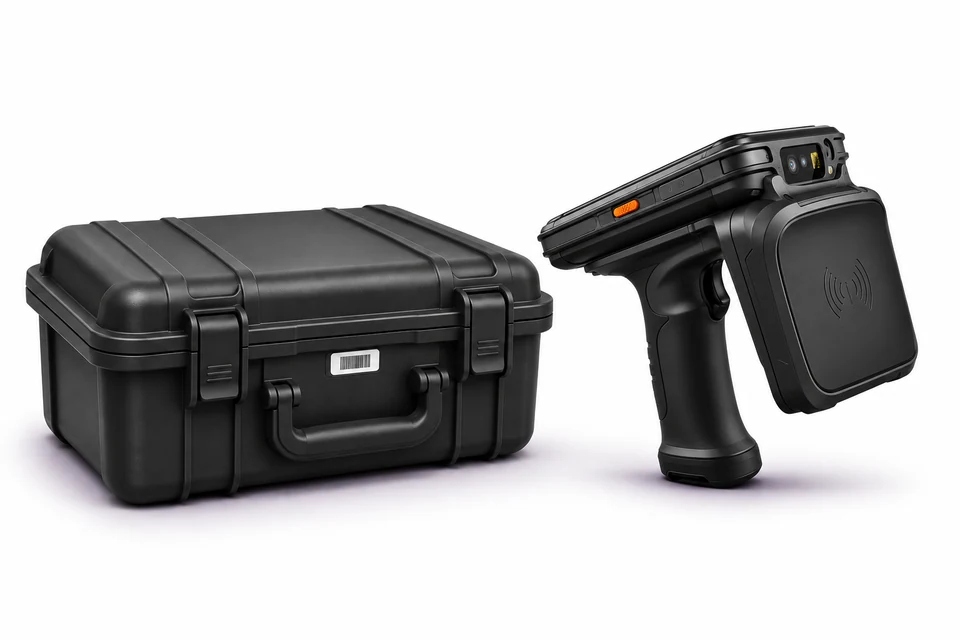
A suitcase, monitor or office equipment may require different markings. We select tags and equipment and then check them reading at the target workplace.
We check the list of assets, place of use and method of keeping records. We agree what result the stocktake should give.
We select tags and a handheld terminal according to the surface and conditions. We verify the reading on the selected equipmentbefore we determine the target way of working.
We organize data, markings and locations. We define roles and tasks and show how to conduct an inventory and settle differences.
Free RFID Consultation
Tell us what you want to count and how you keep records today. During free consultation we will discuss how to use RFID in your circumstances.
One room, ward or full inventory of assets.
Selection of equipment to the type of items and workplace.
Settlement of differences and data for managers and accounting.
To start, all you need is a short description of the property, the number of locations and information about the system you use.
Briefly describe the planned stocktake. We will contact you to arrange the details of the conversation.
Practical knowledge