

Similar items
An individual record separates the history of things that look the same.
Industries • Quality control
Photos in the messenger, comments on the card and the question: which item is affected by the problem? Service-King connects checked item, list of activities and inspection result.
You know, who did the work, what was determined and what needs to be done next. The information stays with the right item and task.
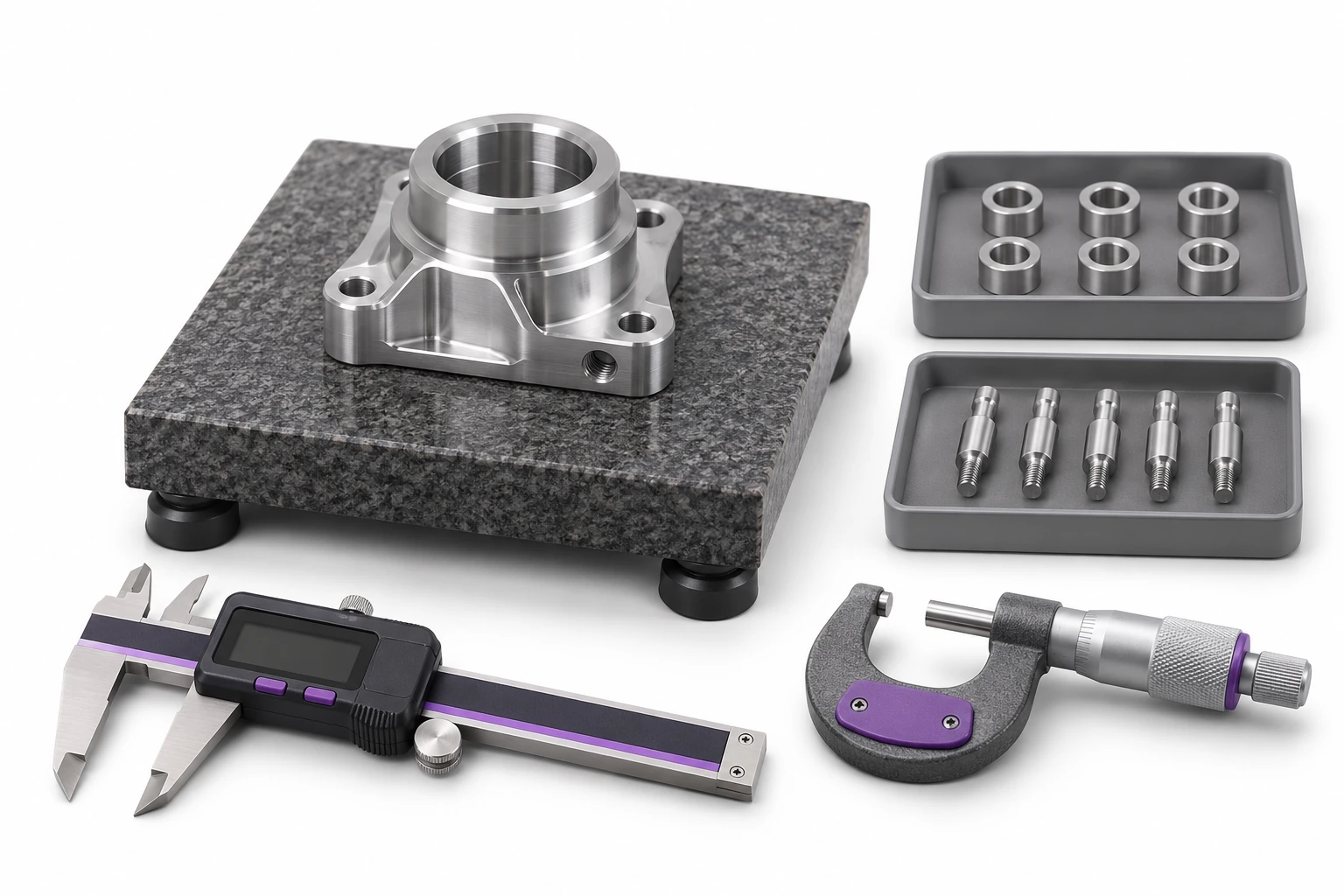
A shared record helps recreate the workflow and go back to previous arrangements.
An individual record separates the history of things that look the same.
You link the result, comment and attachments to the correct task.
You can see the actions performed and the issues left for further processing.
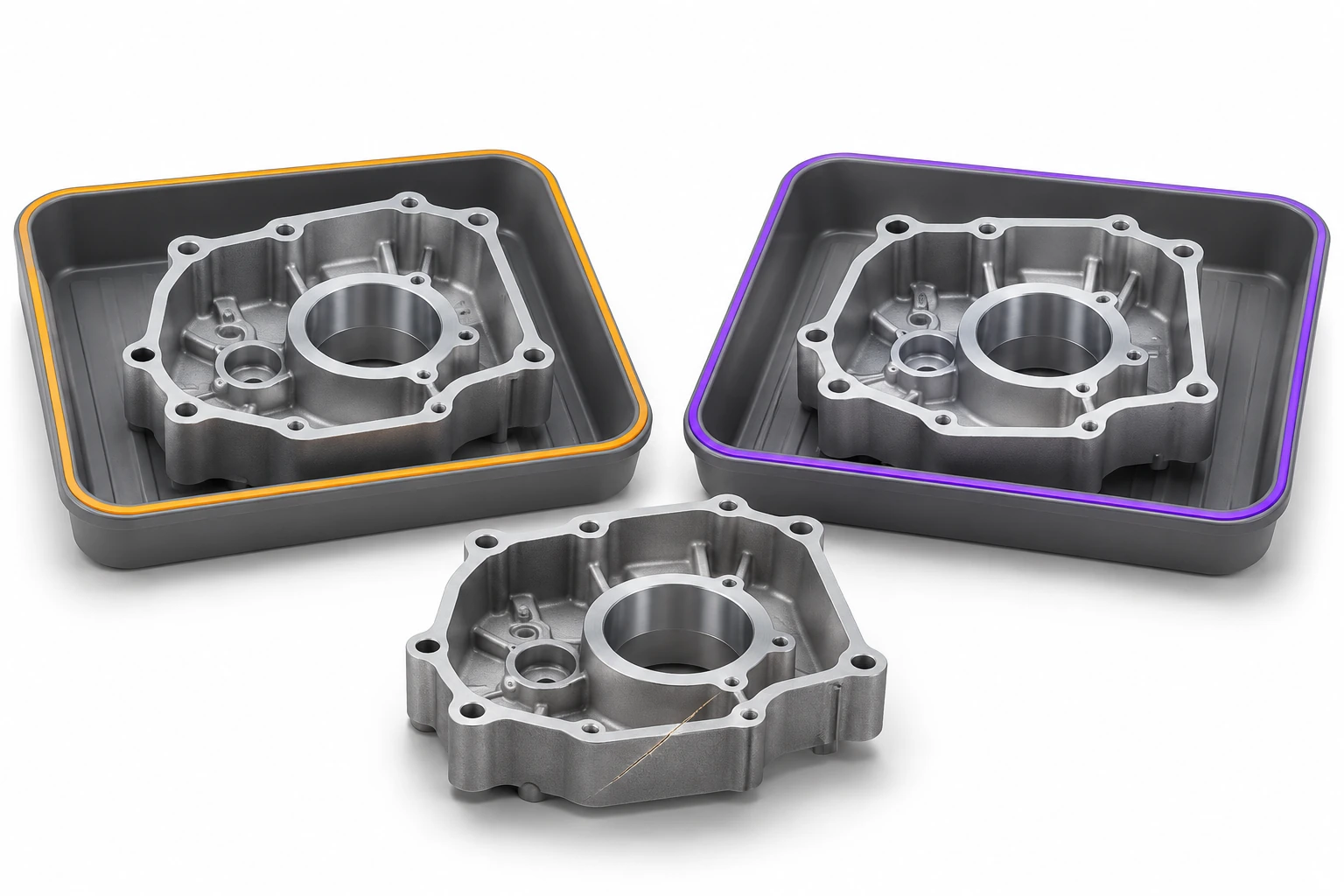
Sort out check on delivery, after return, before issue and after service. The result applies to the recognized item.
In production, zone indicates the saved location of an item. You save the result of the check in the appropriate task. Merely reaching the "Quality Control" zone does not confirm that the work has been completed.
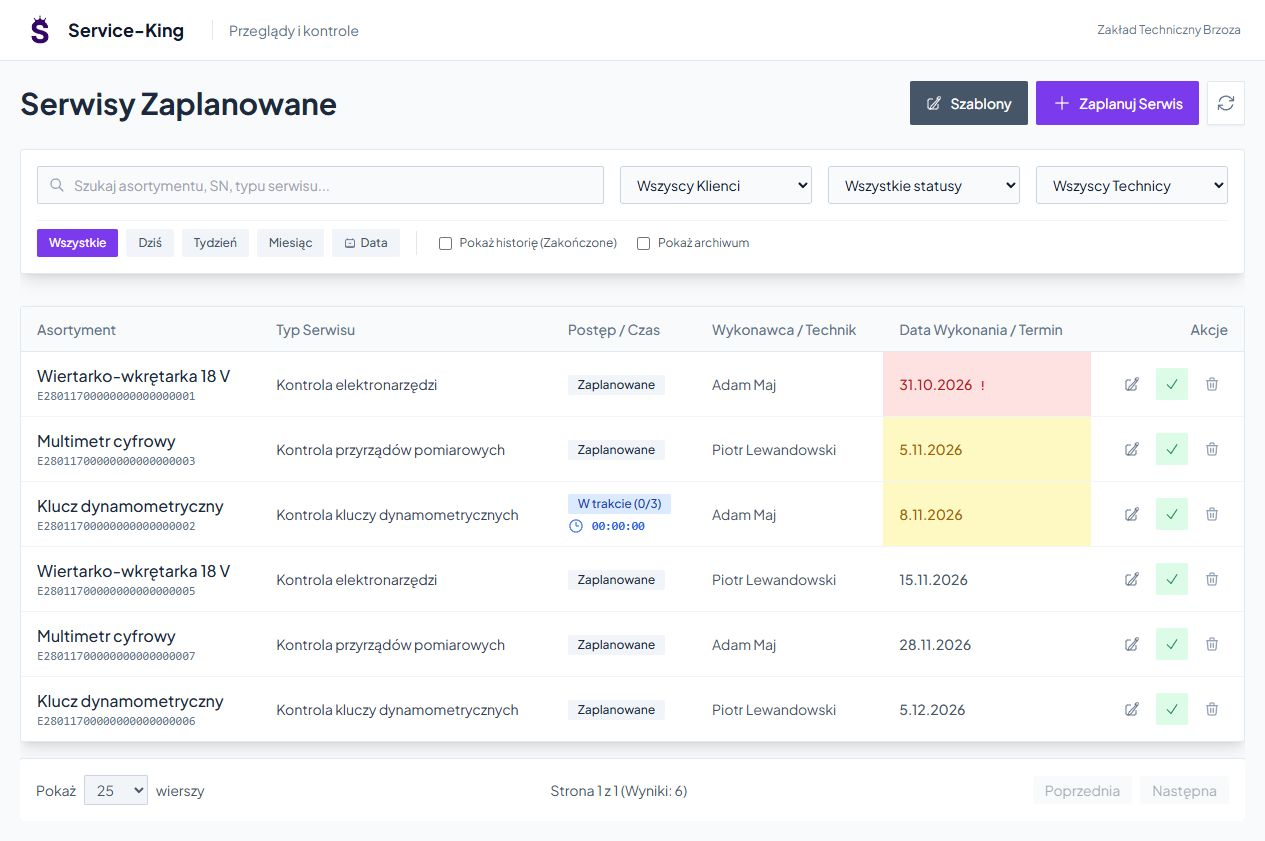
Assign item, type of inspection, date and responsible person. The list helps you find planned, ongoing and completed activities.
The manager sees what is waiting to be implemented. The contractor receives the context and the agreed scope of the check.
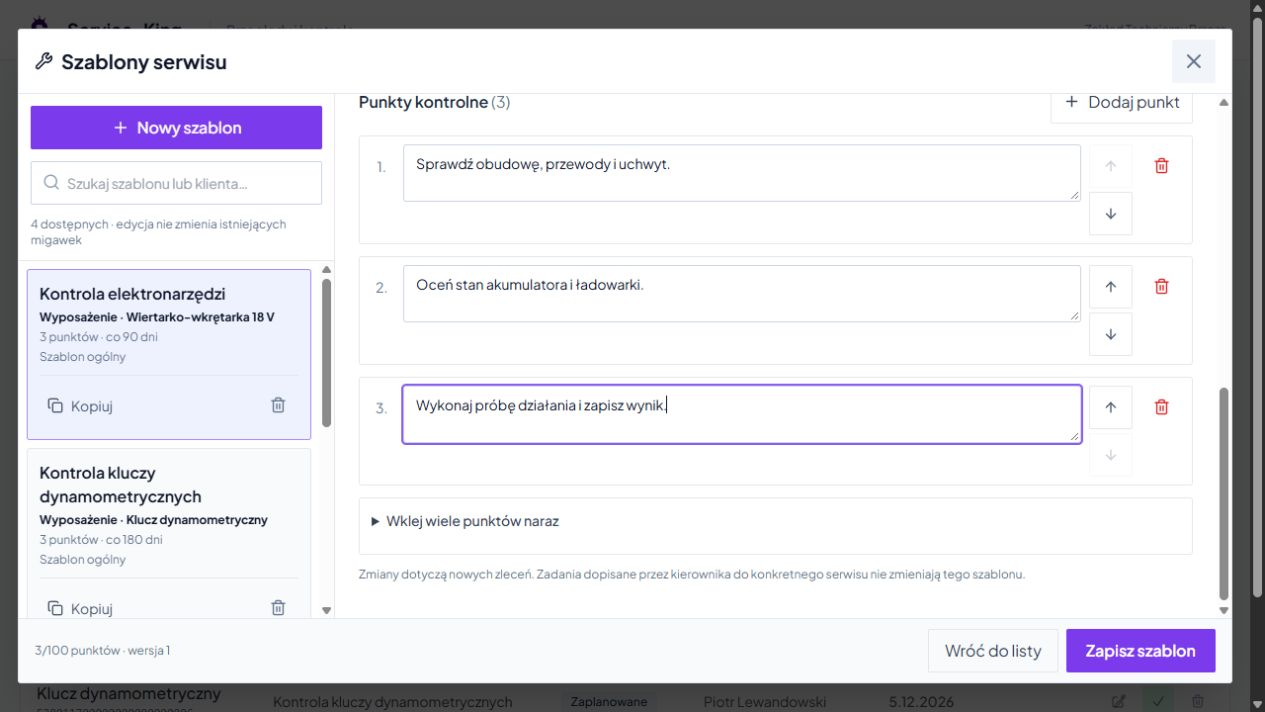
Template describes what the employee should check. Match the points to the device group and type of work.
The scope and method of assessment are determined by the organization. The same list can be used in subsequent tasks.
The contractor saves points results, comments and necessary photos. It may indicate a further service date.
When a case involves multiple devices, you keep the result of the correct item. One piece may be ready, the other waiting for the part.
UHF and QR help you recognize the record. The measurement and evaluation are performed by the person carrying out the inspection.
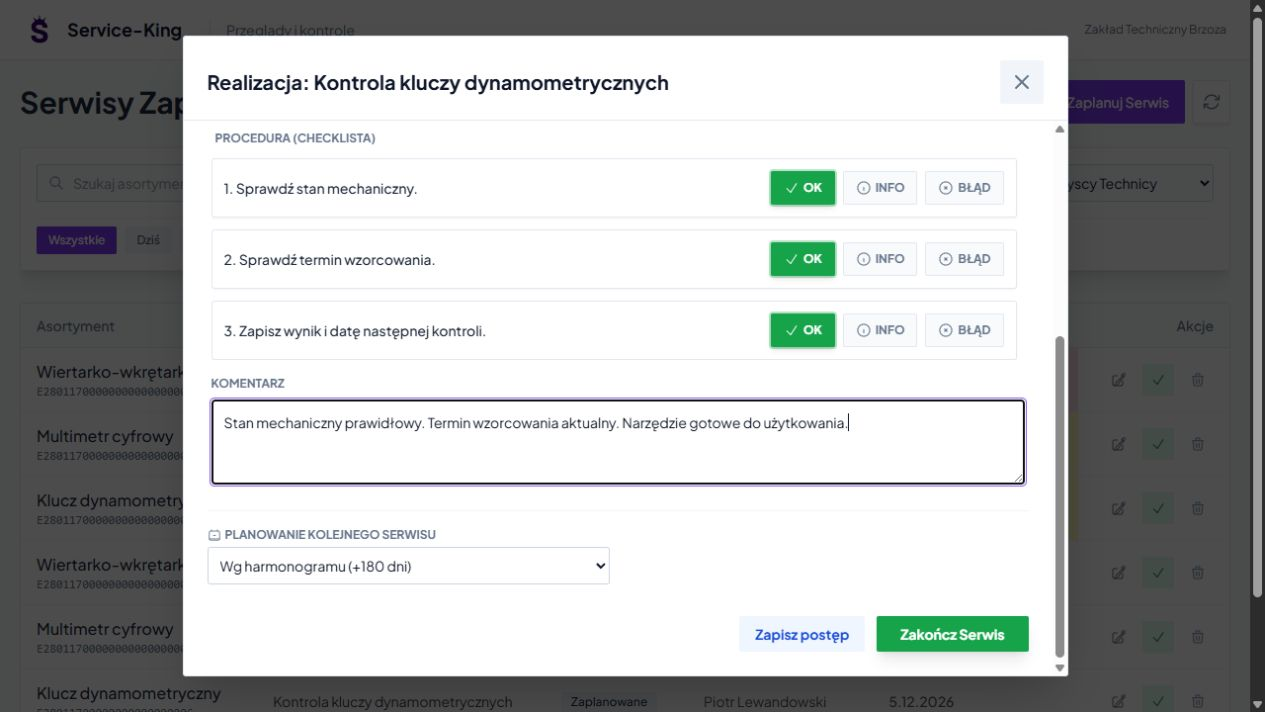
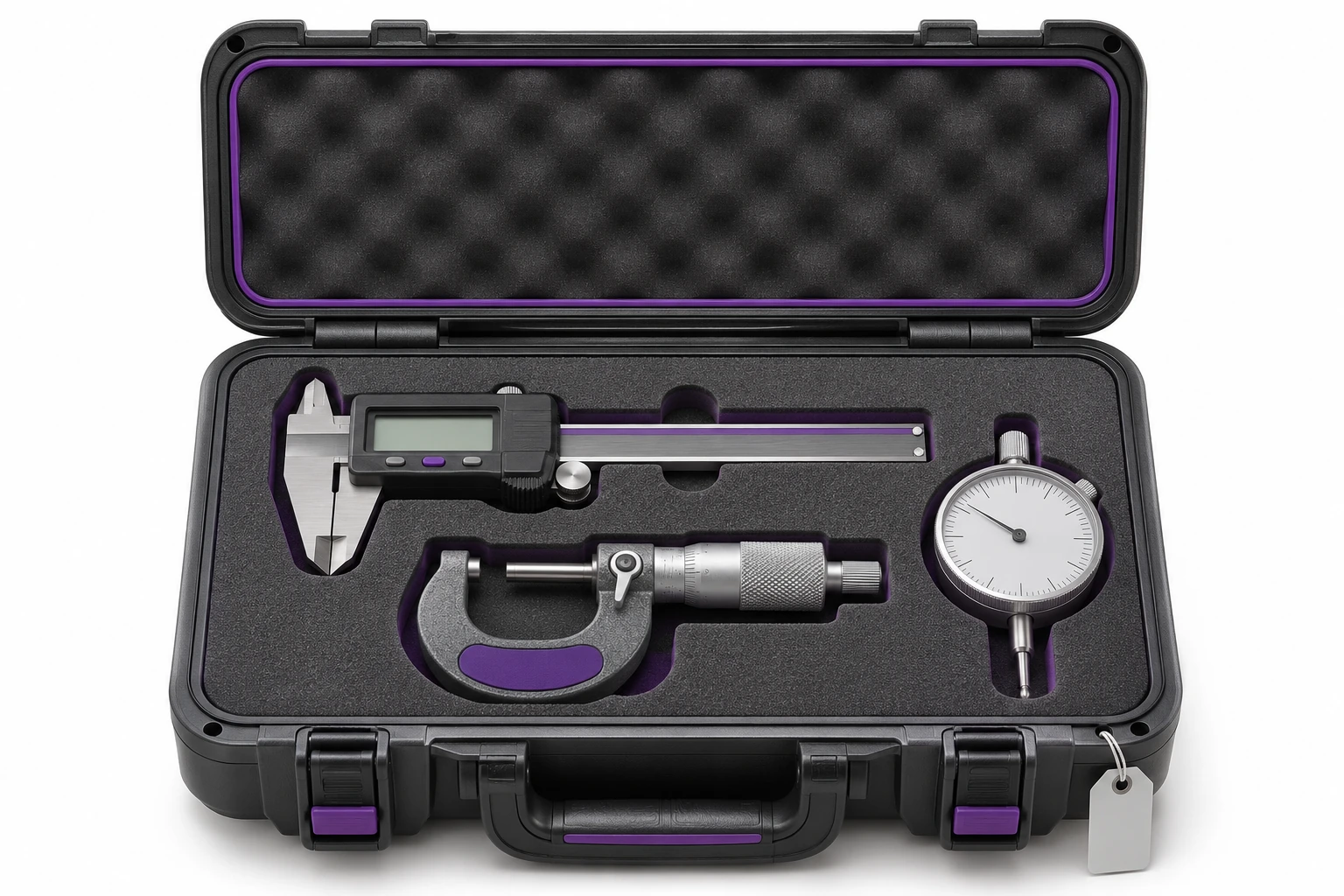
You run a caliper, gauge or torque wrench with place, documentation and service dates.
You check which item is with the employee and which one was sent for checking. The history makes it easier to prepare for the next inspection.
Device readings, tolerance calculation and connection to QMS are set in scope of integration for a specific process.
An example of a daily workflow. Confirmation rules are tailored to the way your team works.
Warehouse, service and manager use the context of the same case.
Please send the description and photo to the appropriate staff. Meet Report-King →
The task has a contractor, deadline and documented progress. See website organization →
You return to recorded data and previous events. Get to know the reports →
Free consultation
Show current action list and sample case. We'll arrange it the flow from recognizing something to the result and further action.
During a free consultation, we will determine the first scope and possible connections with other systems.
Describe one control you want to clean up.
Practical knowledge