

01
Automatic identification gate
Automatic reading of tagged products on a conveyor.
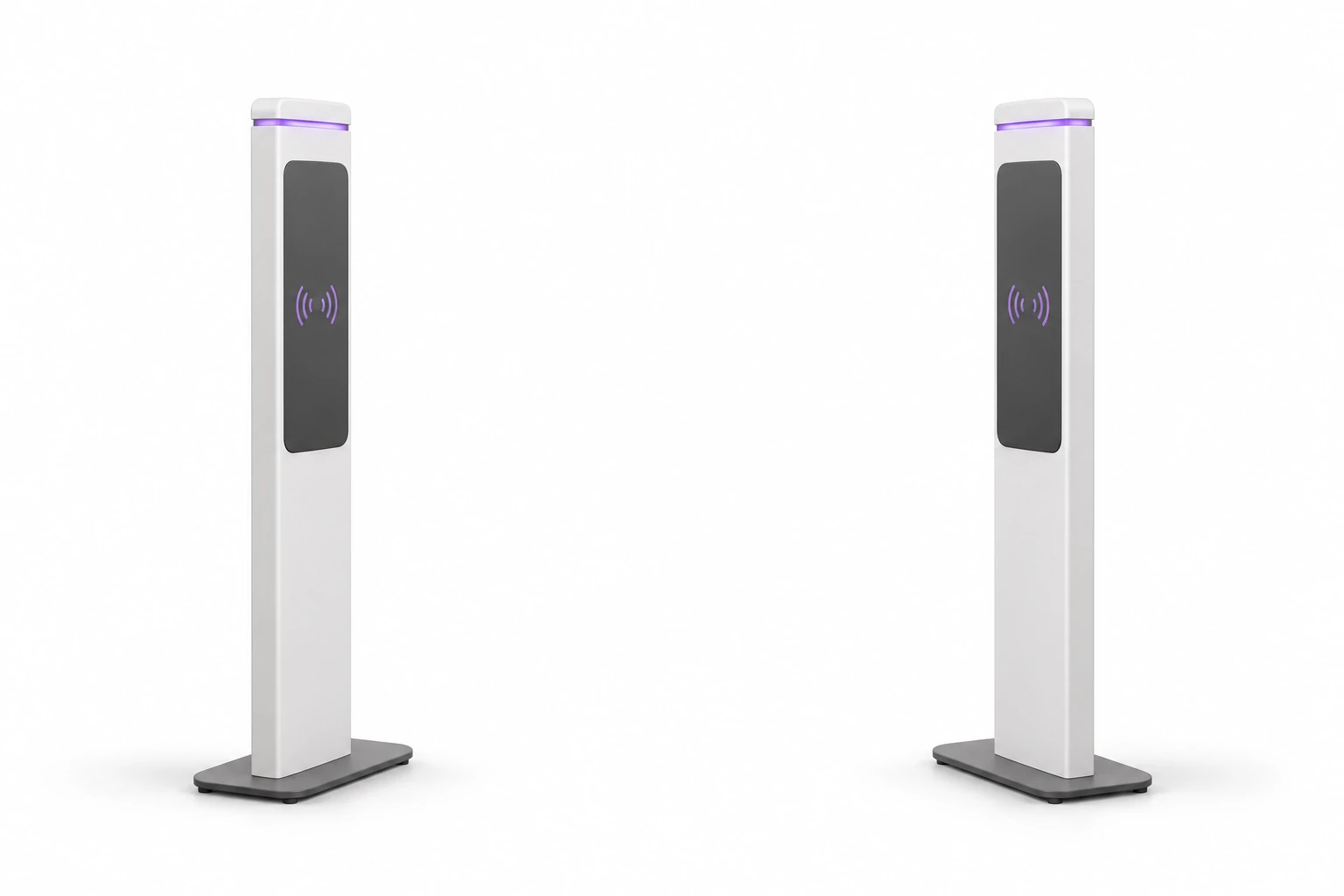
RFID gates - readers on posts
Slim RFID readers on posts create a control point at the passage. They help recognize equipment and check it in the context of the established circuit.
With Service-King you go from the "tag detected" signal to information: what it is, what its status is and what the operator should do.
Nine stations, one technology. See how RFID reading works in each application.
01
Automatic reading of tagged products on a conveyor.
04
Close the chamber, press START and see an example count of 550 laundry items.
The tool leaves the warehouse, the bathrobe appears at the exit from the SPA, the laptop is moved from the studio. In every case, the context matters.
You recognize an example, not just an anonymous signal. The data shows the name, status and saved workflow.
You can include information about check-out, assignment and technical status - according to the prepared integration.
The staff sees what needs explaining. Instead of searching through the entire list, it checks a specific thing.
Reader provides matching tag ID. The system matches it to the record and checks the conditions for a given place. The reason for the reaction is based on the data and rules of the point.
The information may help to handle a correct read or an exception. We select and test external light or sound as part of a specific integration.
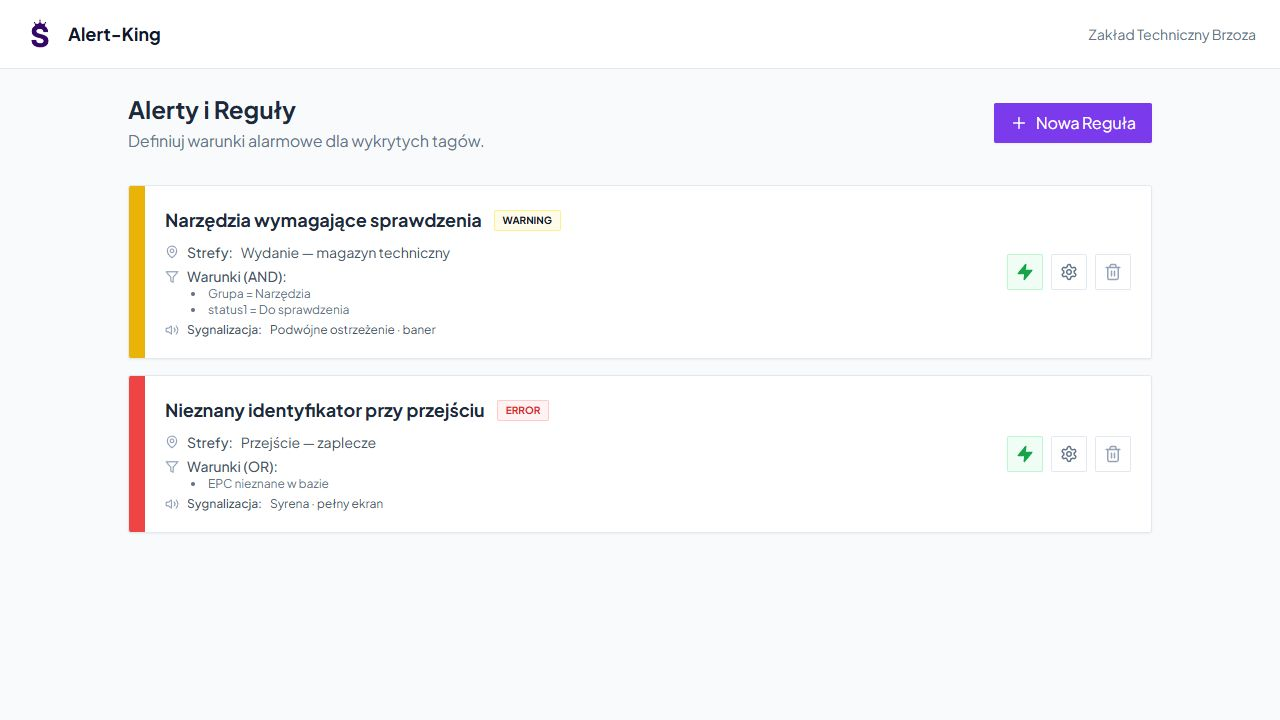
We determine the source of information about allowed traffic and how to explain the exception.

Document, active issue, loan, status, or connection to another system. What matters is the right item.
Tag detection is information about the presence of an item at a point. The staff explains the incident according to the adopted rules.
Passage control may be separated from check-out or return approval. The bill specifies what becomes an entry in the records.
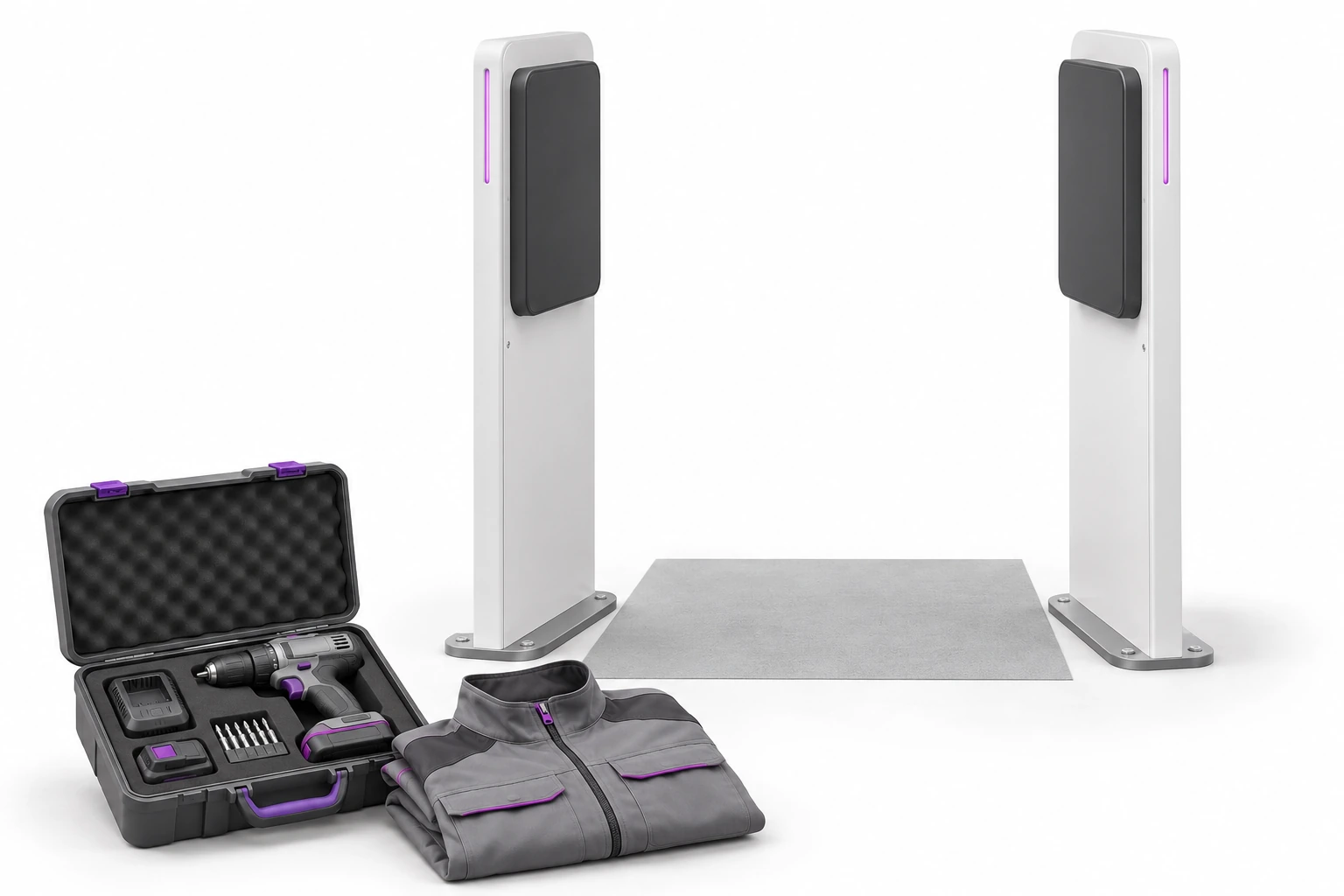
When leaving the technical warehouse, you can compare the marked item with the check-out information and its technical status.
The staff sees more quickly what needs to be checked. He doesn't have to recognize the contents of the suitcase only from memory or look through all the tools.
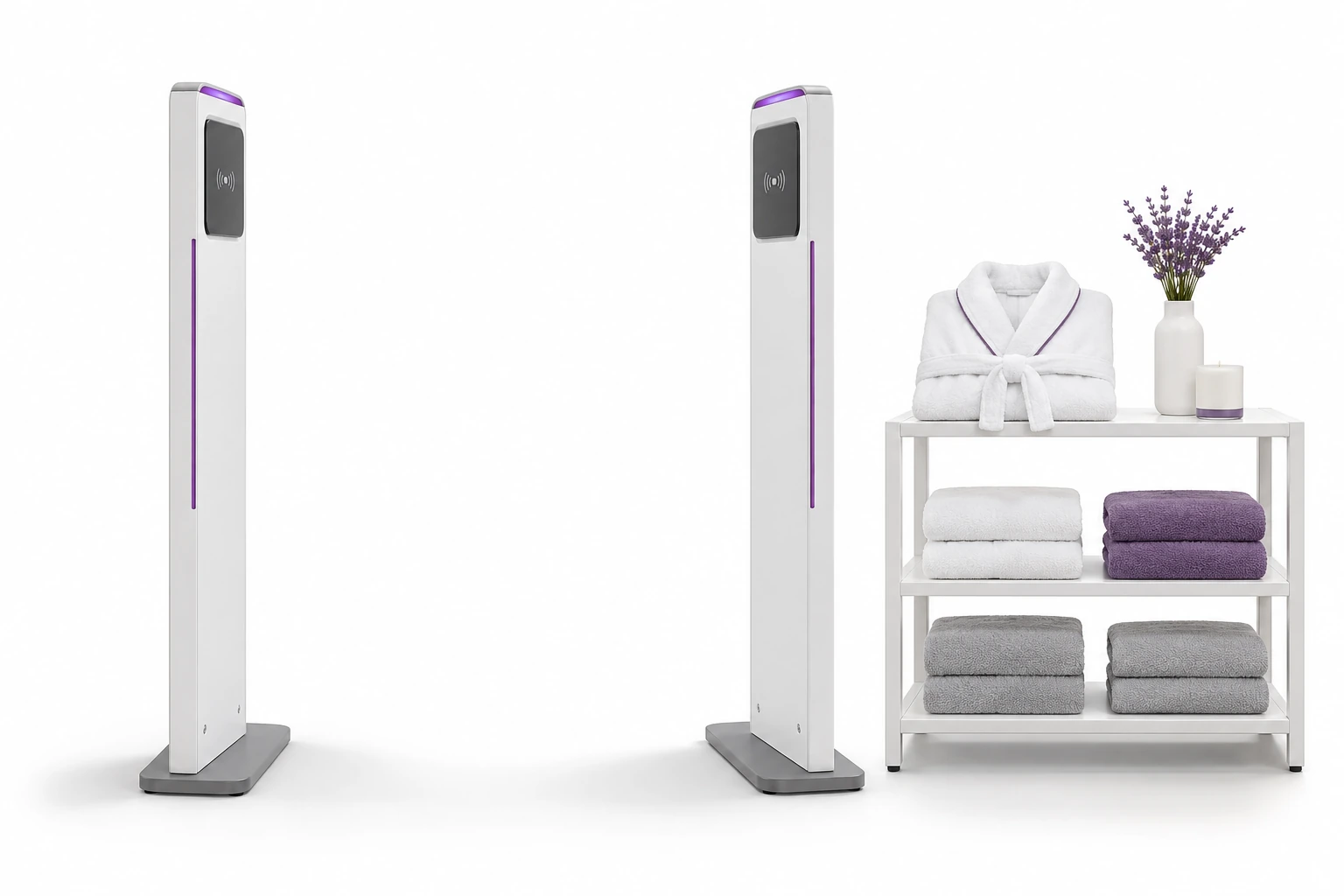
You can recognize similar towels and bathrobes by their tags. However, guest, employee and laundry pickup require different service rules.
A well-prepared point provides information about a specific item. We define the linking of consent with the guest, billing or hotel system as a separate scope of integration.
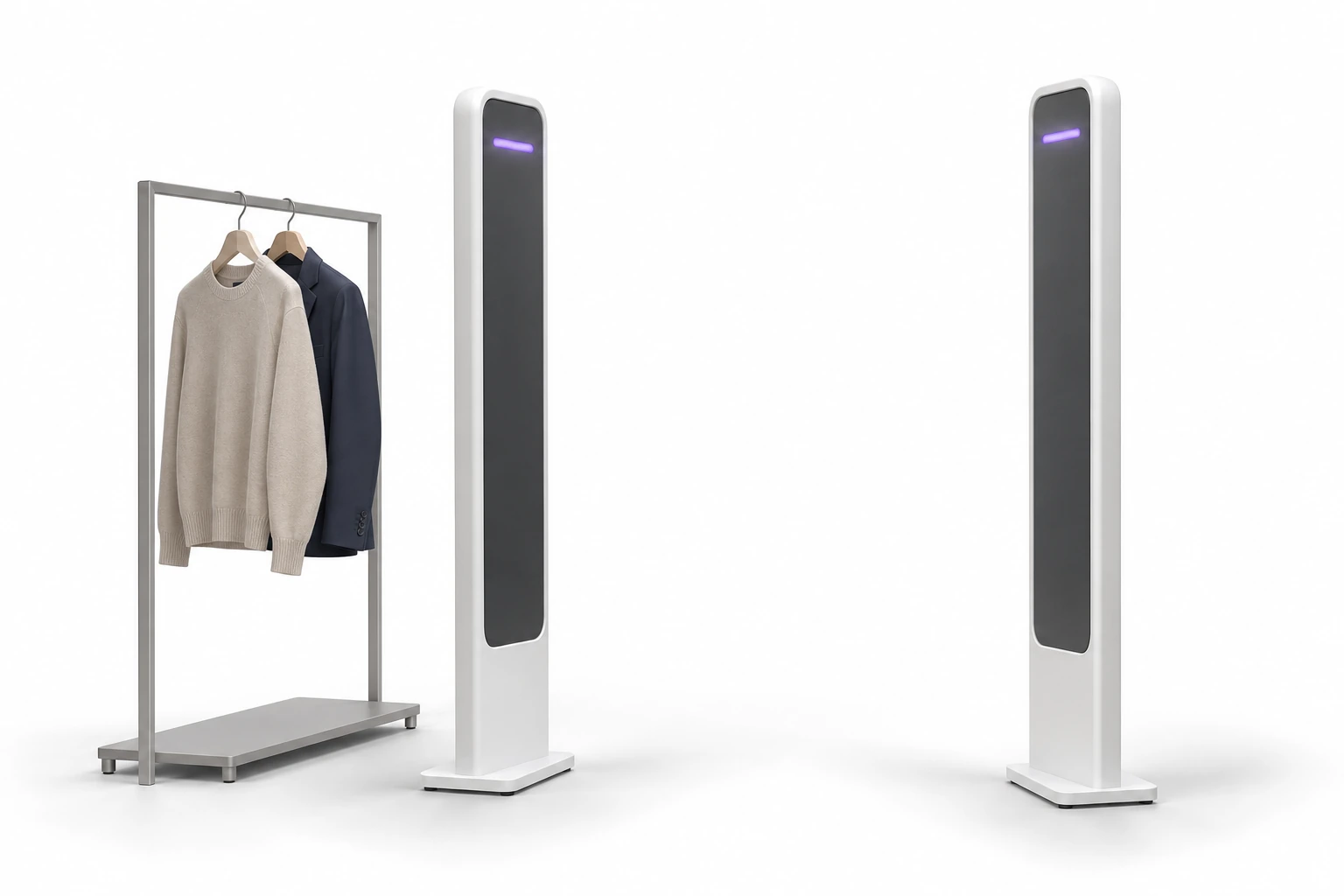
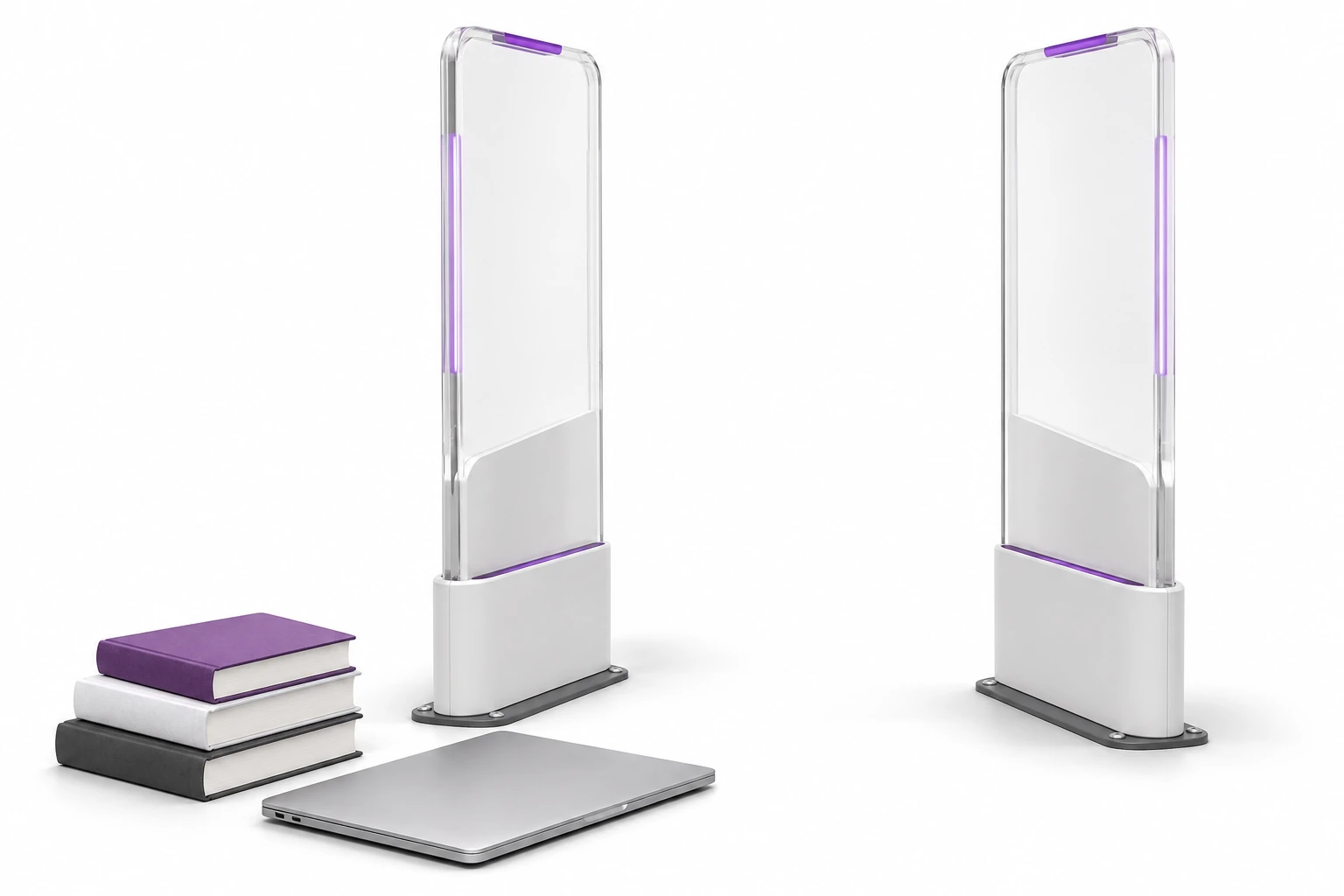
The point may include laptops, equipment, studio equipment or marked collections. The check-out log helps explain why an item appeared on the aisle.
In the library, we start by checking the technology of the current tags and the connection with the library system. The similar appearance of the bar does not mean HF and UHF compatibility.
See education → · Get to know an example of an institution →
An item with the wrong status or belonging to a different group may need to be checked before moving forward.
Aisle point supports the handling of items between places with different rules.
Accurately counting an entire load of laundry requires a counting station selected for the task.
The data, ID, and history help determine why the operator received the message.
The selection starts with the target and the actual transition and ends with a point performance test.
The material, how you wear things and where you attach the tag all affect the reading.
Tag on tool, textile and plastic container may require different design.
We also check things standing next to the passage. More power may widen the read area rather than improve its usability.
We evaluate valid events, omissions and unnecessary alarms. The pilot result indicates what needs to be refined.
Attendance reading does not confirm direction by itself. If the direction is to trigger an operation, we select antennas, possible sensors and logic and check them on site.
It is needed tag compatible with reader technology. QR can be an additional way to identify the same thing in the application. HF, UHF and classic anti-theft systems are selected according to the markings and the process.
Free consultation
A photo of the place and a few sample items are enough to start a conversation about the purpose of the inspection.
We will determine the scope of the project and the cases to be tested during the pilot.
Describe the transition, things and expected response from the staff.
Practical knowledge