

A request with a description
Report-King connects the need to the employee and the information shared.
Industries • Health and safety
Sizes in a spreadsheet, check-outs on paper, and missing shoes only discovered at handover? Bring together job-role equipment allowances, employee sizes and actual stock.
Service-King shows what needs preparing, what has been reserved, what has actually been issued and what is still missing.
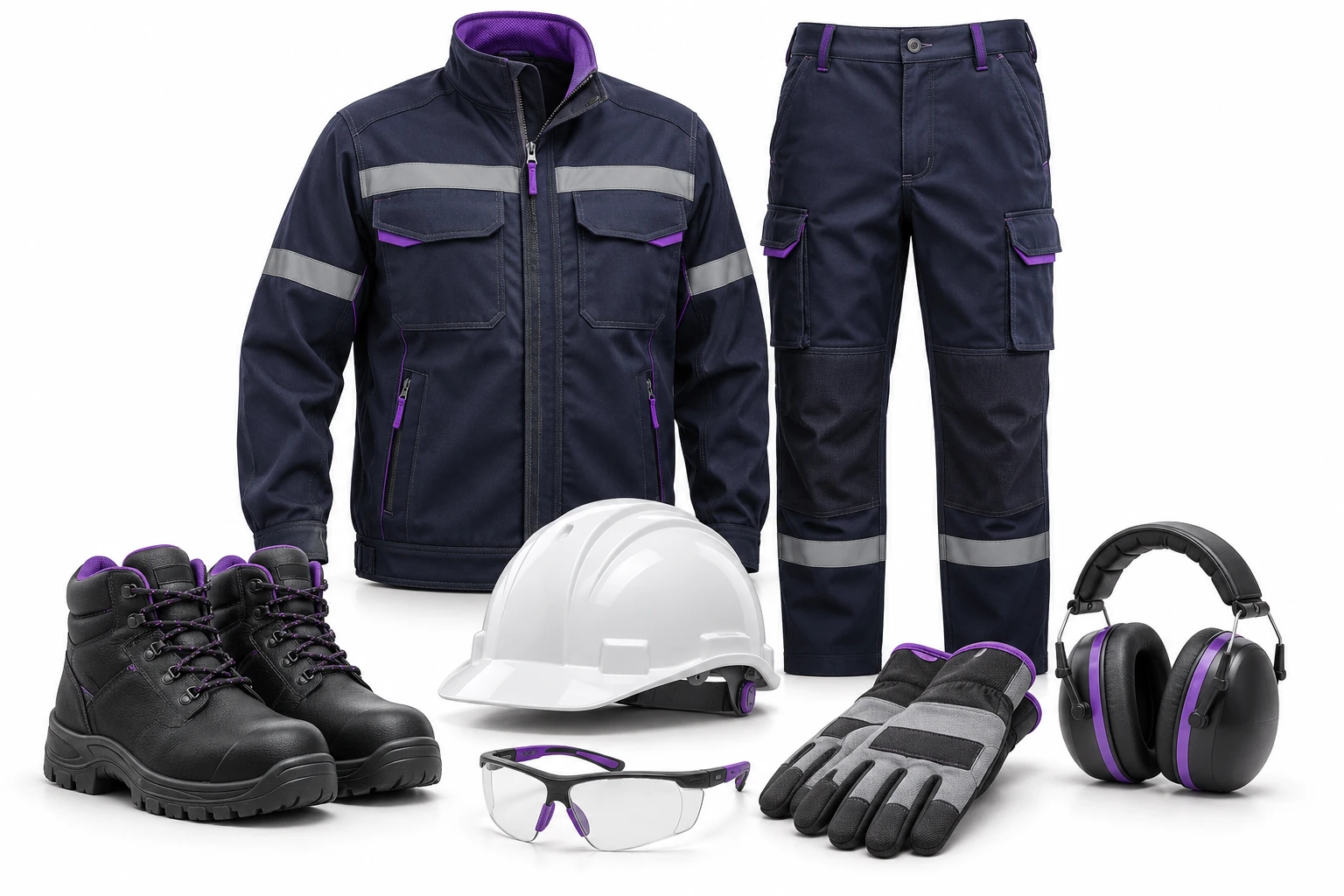
A new employee is waiting for equipment. You need to know the status of their allocation.
Reservation and check-out are separate operations. Missing equipment remains visible.
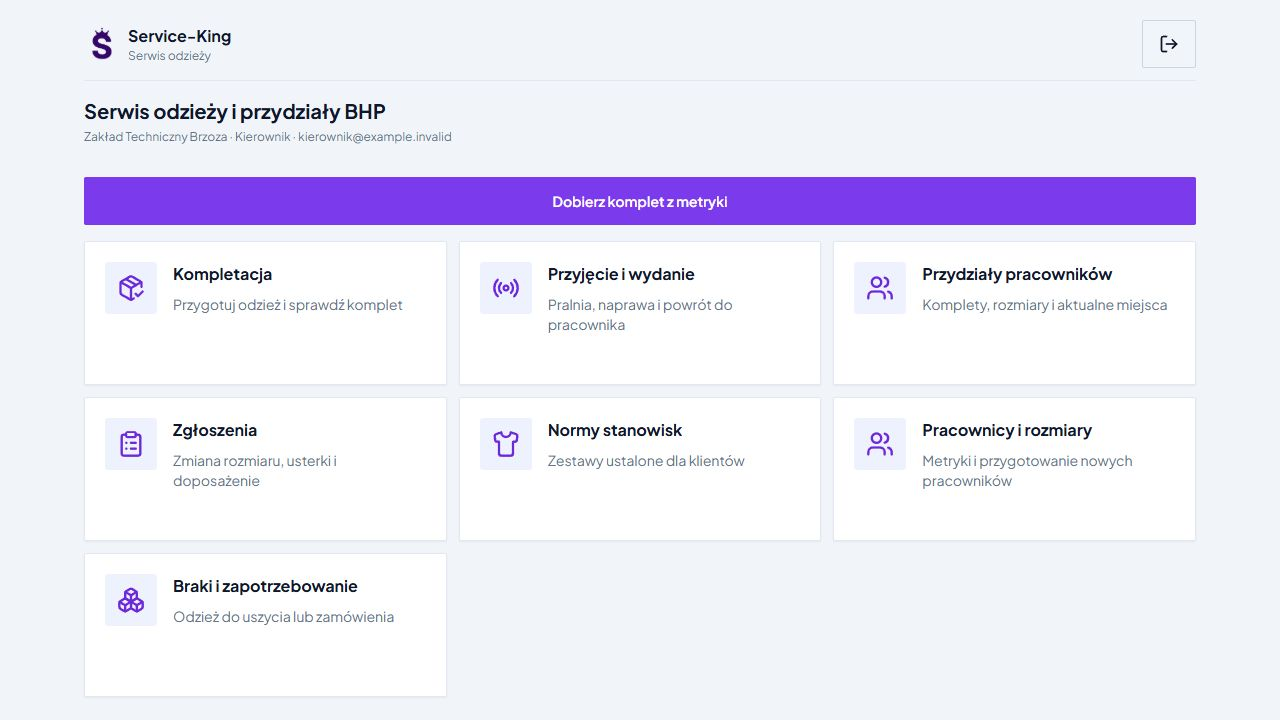
The employer providing equipment organises allowances, sizes, allocations, due dates and shortages.
Workwear services receives company requirements, prepares kits and handles laundry, repairs and returns.
The panel combines these activities. The administrator determines which information customers and employees can see. Explore workwear services →
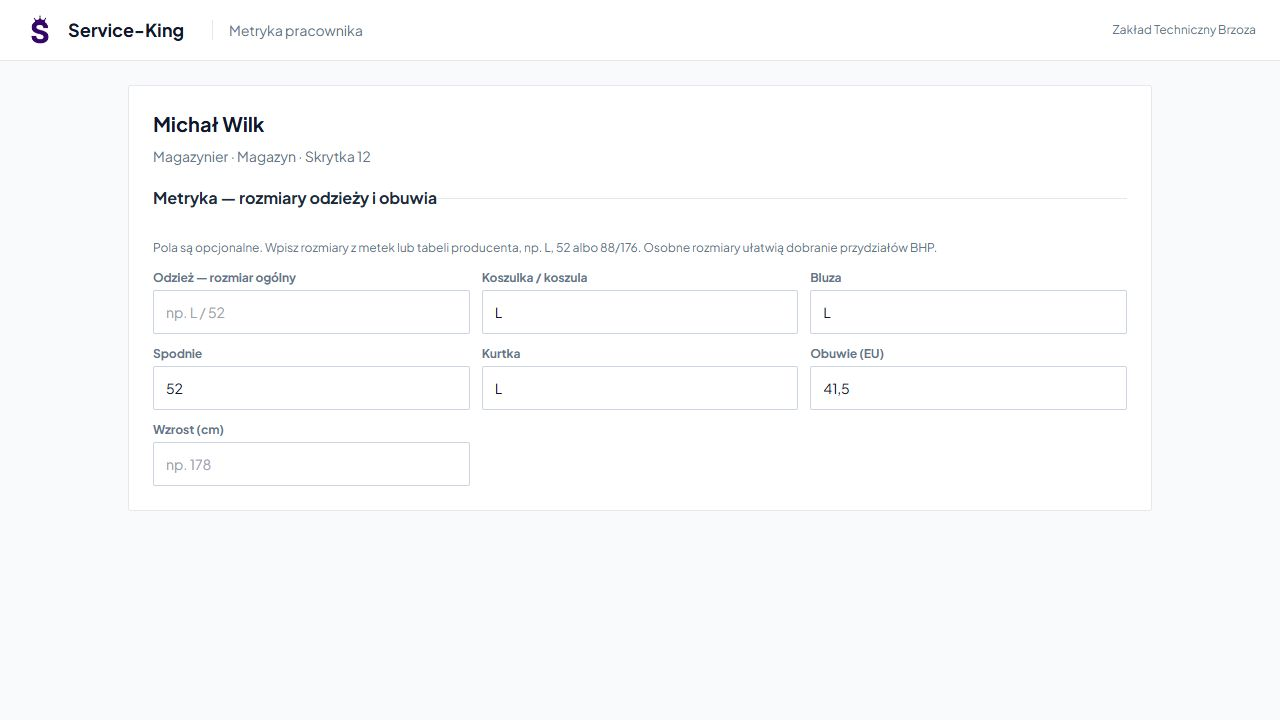
The profile covers T-shirts, sweatshirts, trousers, jackets and footwear. Link the employee to their job role and workplace.
You do not re-enter data for every replacement. Check it when taking measurements, trying items on and changing models.
Selection uses the recorded sizes and the manufacturer's size mapping. Height alone is not enough, and an L can mean different things for different models.
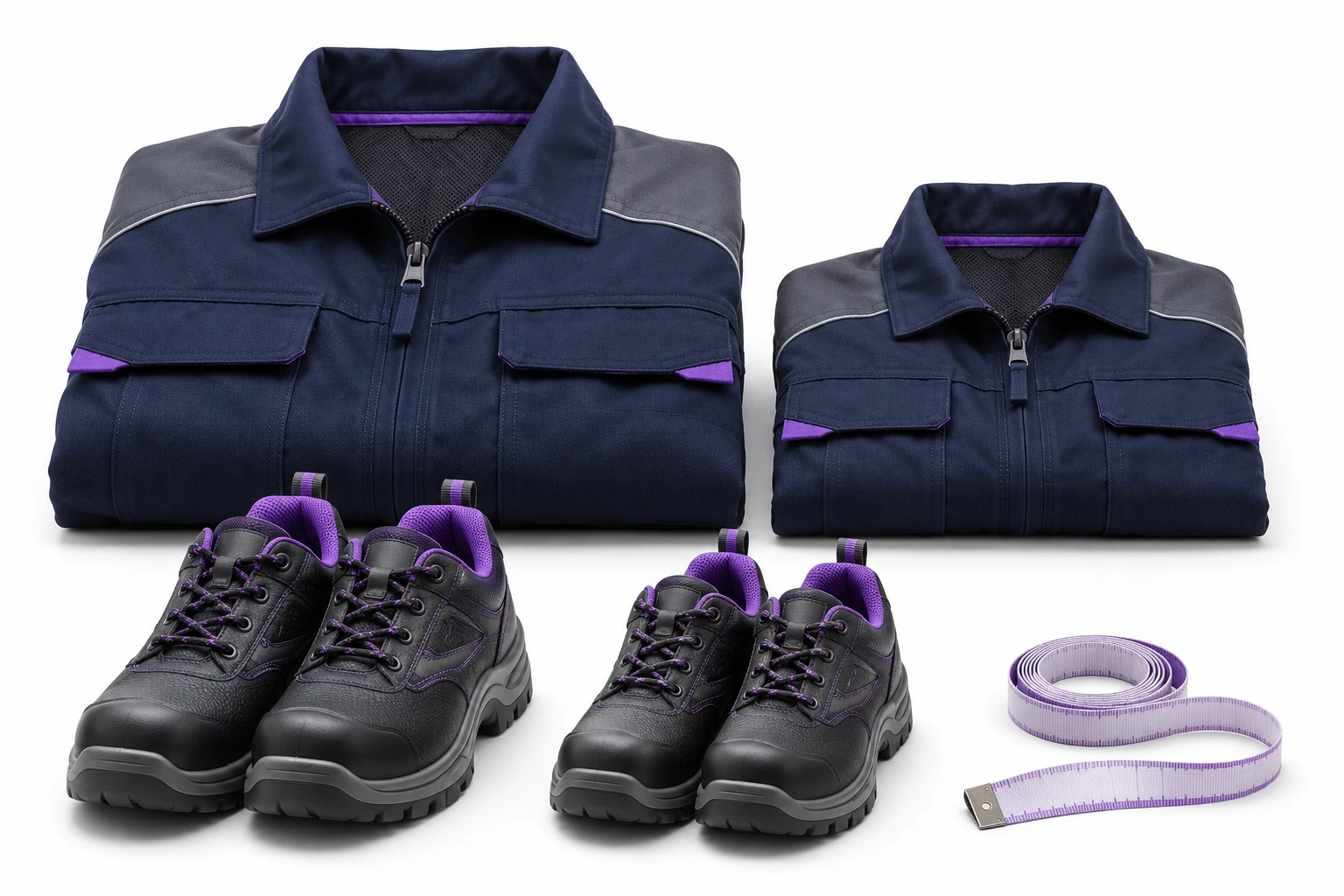
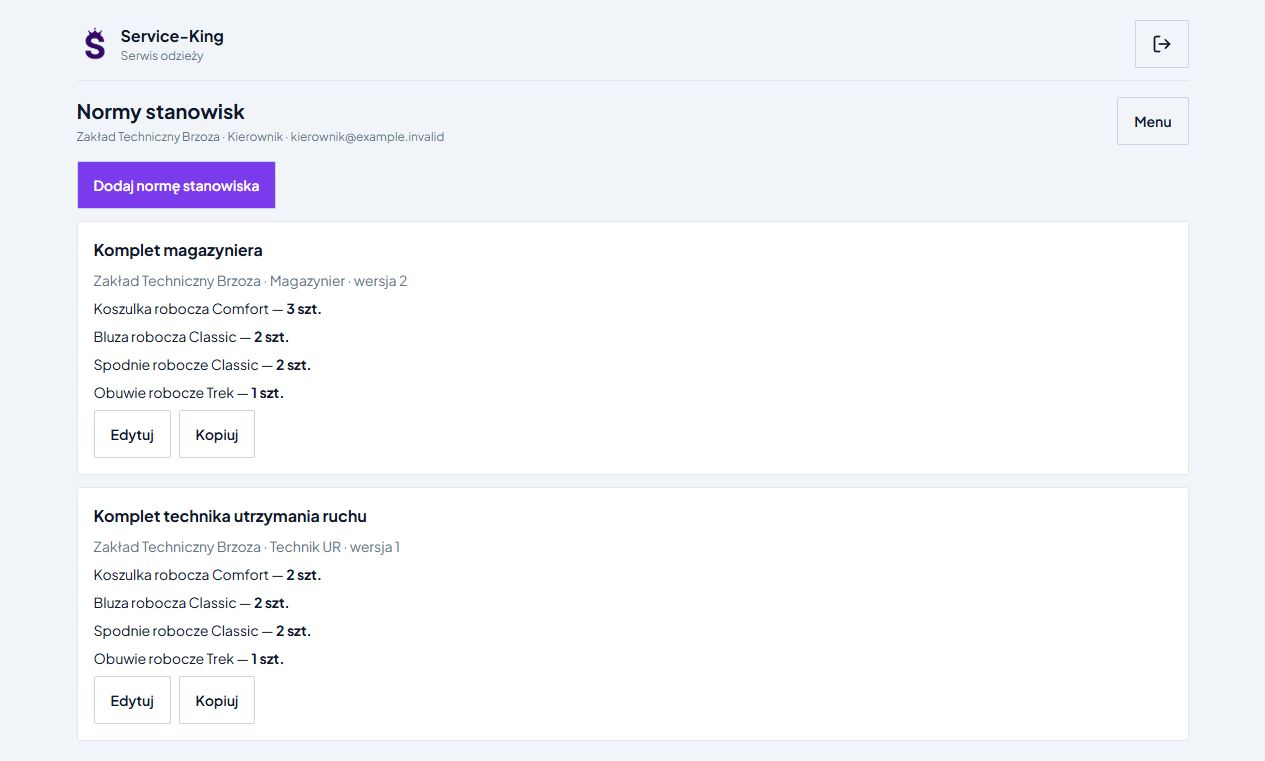
The allowance specifies models, quantities, size categories and notes. Define it for the job role and the customer or zone concerned.
For example, a warehouse operative: three T-shirts, two sweatshirts, two pairs of trousers and one pair of shoes. Sizes come from the corresponding employee profile fields.
This is the company's allocation plan. Protection levels and equipment suitability depend on assessment by the responsible personnel and the product documentation.
The system brings together employee measurements, the allowance and available items. It accounts for items already assigned and existing reservations.
In this example, the allowance requires 8 pieces, the employee already has 2. The preview shows 5 to reserve and 1 item requiring a size decision.
The shortage is not hidden in an overall total. You can see the item, availability and the decision needed.
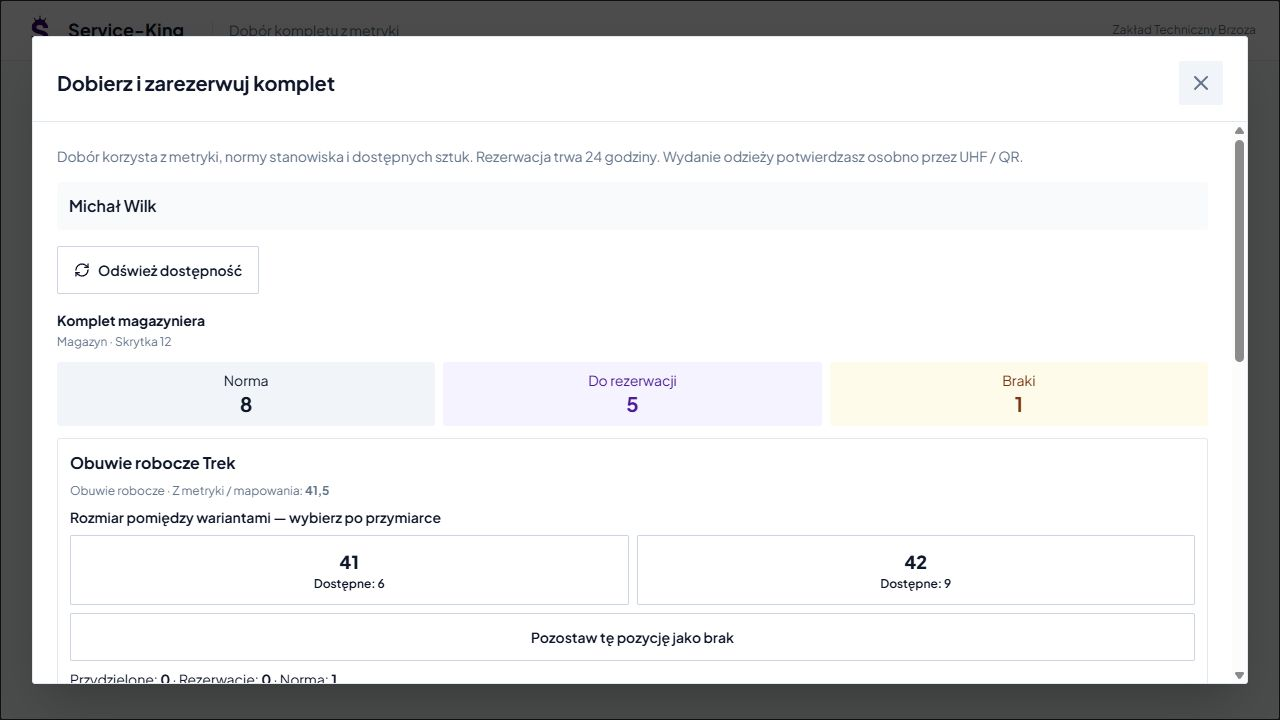
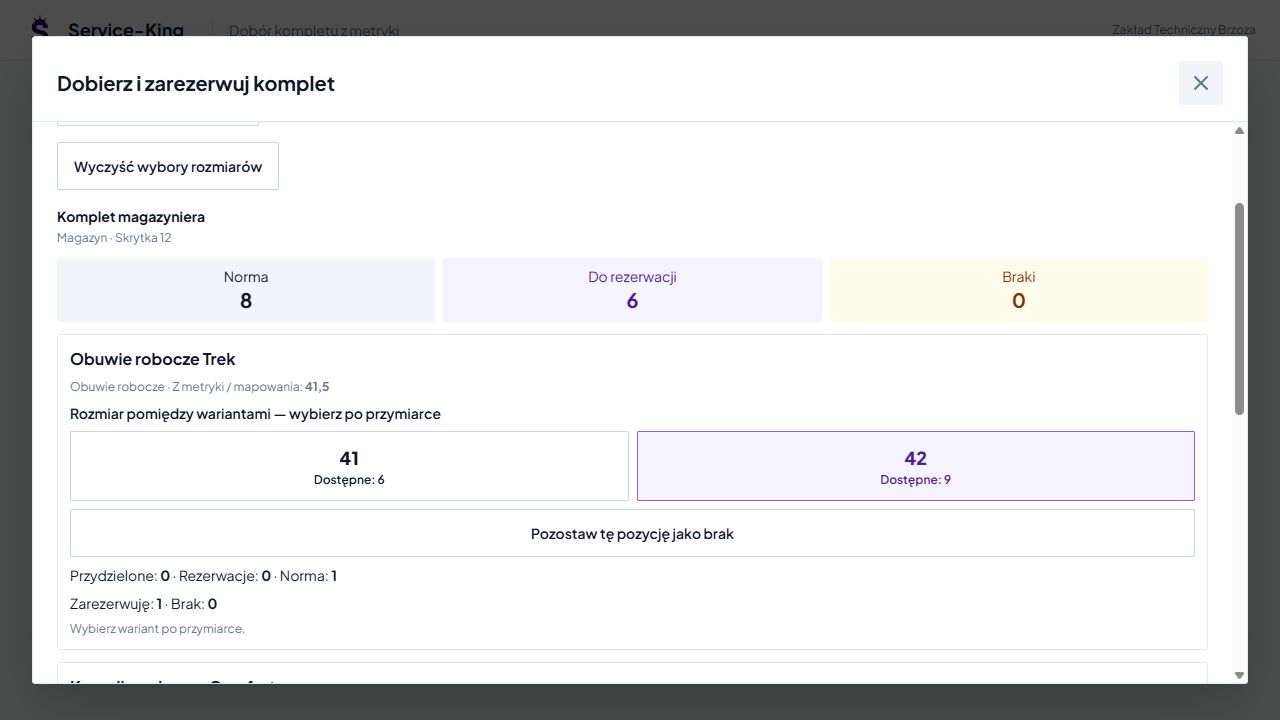
For an intermediate size, the system can show the two neighbouring sizes and their availability. Confirm size 41 or 42 after checking and trying the item on.
Size 42 is selected in this example. The preview now shows 6 items to reserve and 0 missing. This is a proposal before saving.
You can also leave the item marked as missing until it is resolved. Current availability should not determine the correct fit.
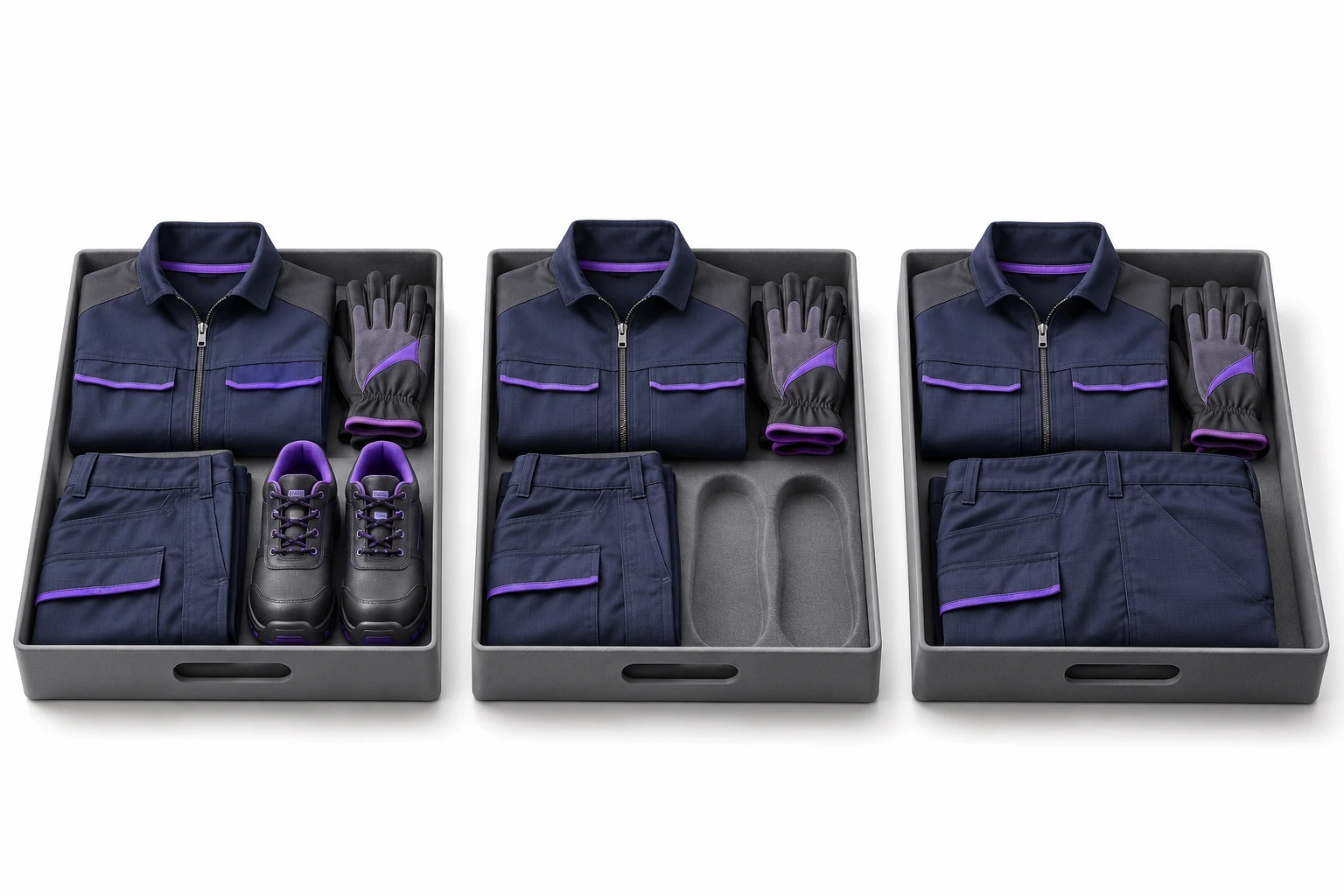
Approving the selection reserves available items for 24 hours. Availability is checked again when saving.
The warehouse prepares the items and resolves shortages. A separate check-out operation records the individual items against the employee; UHF or QR helps identify them.
Documents and handover confirmations are tailored to the workflow. You do not need to mark the entire plan complete while part of the kit is still pending.
If you track usage individually, each item has its own identifier, assignment and history.
UHF helps read multiple tagged items. An additional QR code can lead to of the same record when using a phone.
Consumables tracked by quantity can be managed separately. Compare identification with asset records →
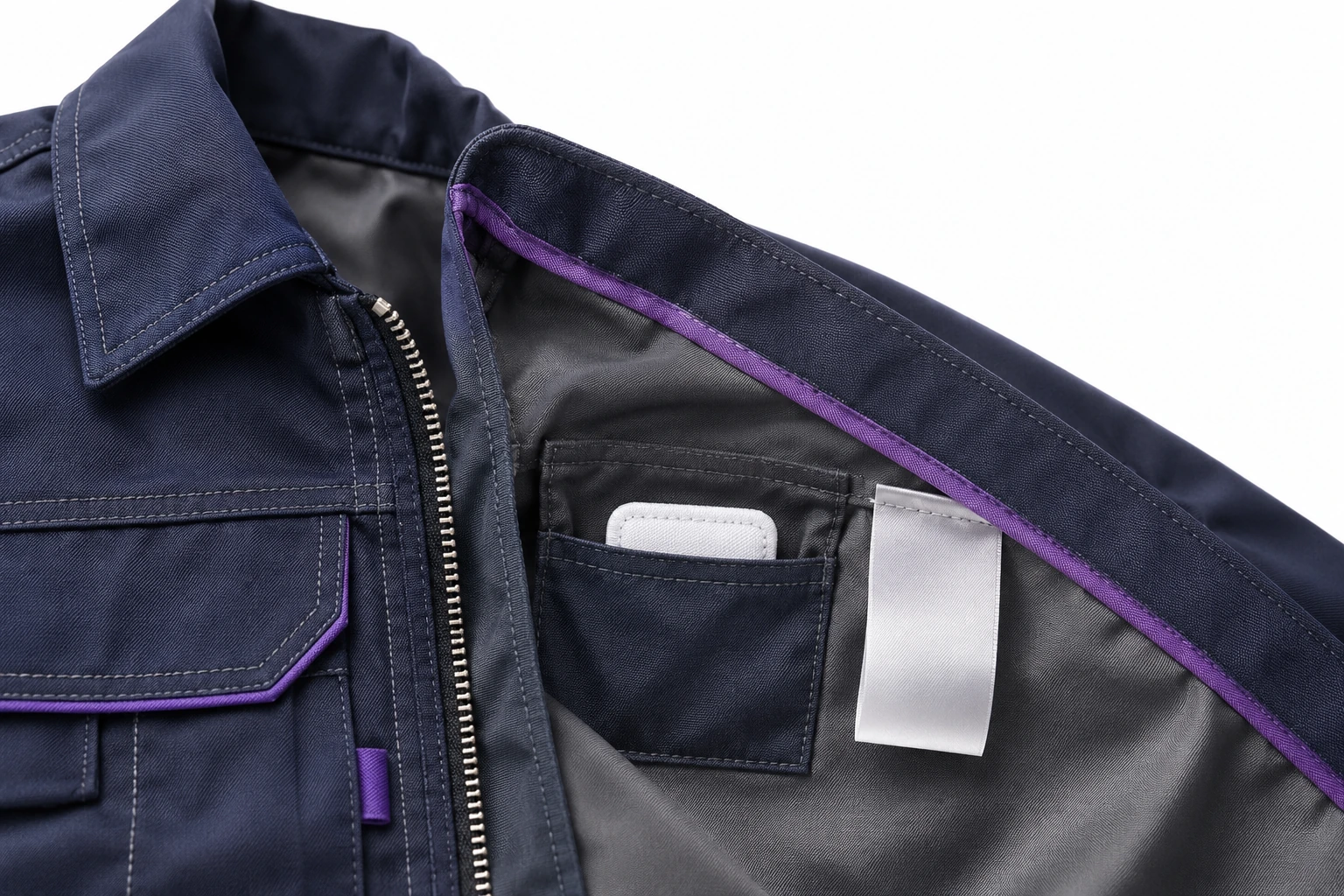
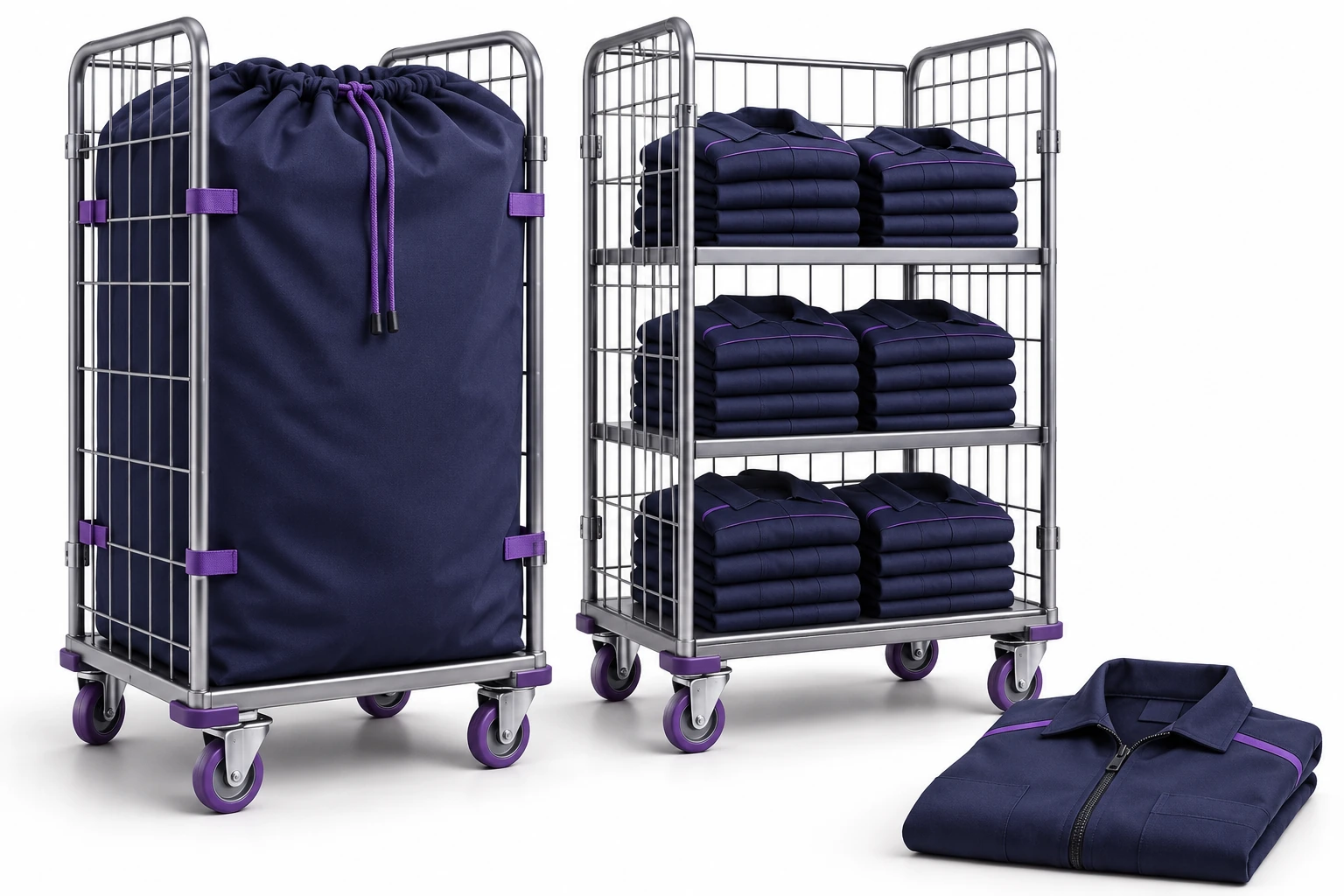
You are registering laundry, repair, completion of service and reissue. The history helps determine whether the missing sweatshirt is with the employee, at the service center or requires explanation.
For replacements, keep the reason and the link to the previous item. When employment ends, reconcile equipment and active reservations: return, deposit, retirement or further investigation.
You assign the employee to a facility, branch and locker. This makes kit preparation, dispatch and subsequent clothing collection easier.
When onboarding a new group, you can see requirements and shortages for each person. A manager can move from the summary to the employee whose case needs a decision.
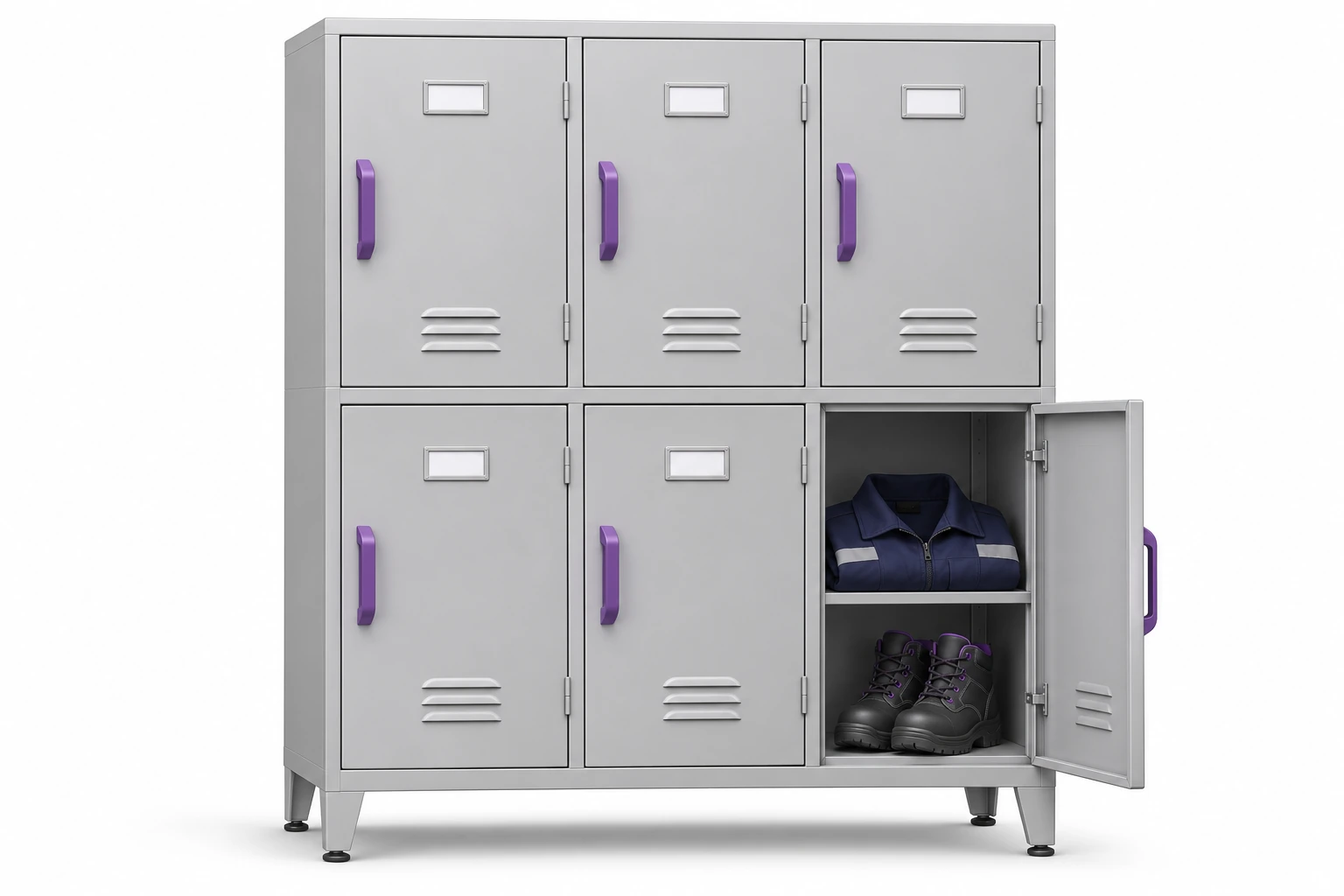
New employees, size changes, missing items and damage are directed to the appropriate team.
Report-King connects the need to the employee and the information shared.
The team verifies data, selects equipment or arranges further service.
Preparation, check-out and replacement are recorded separately. A request alone does not change stock records.
See ticket handling → · Explore the customer and employee views →
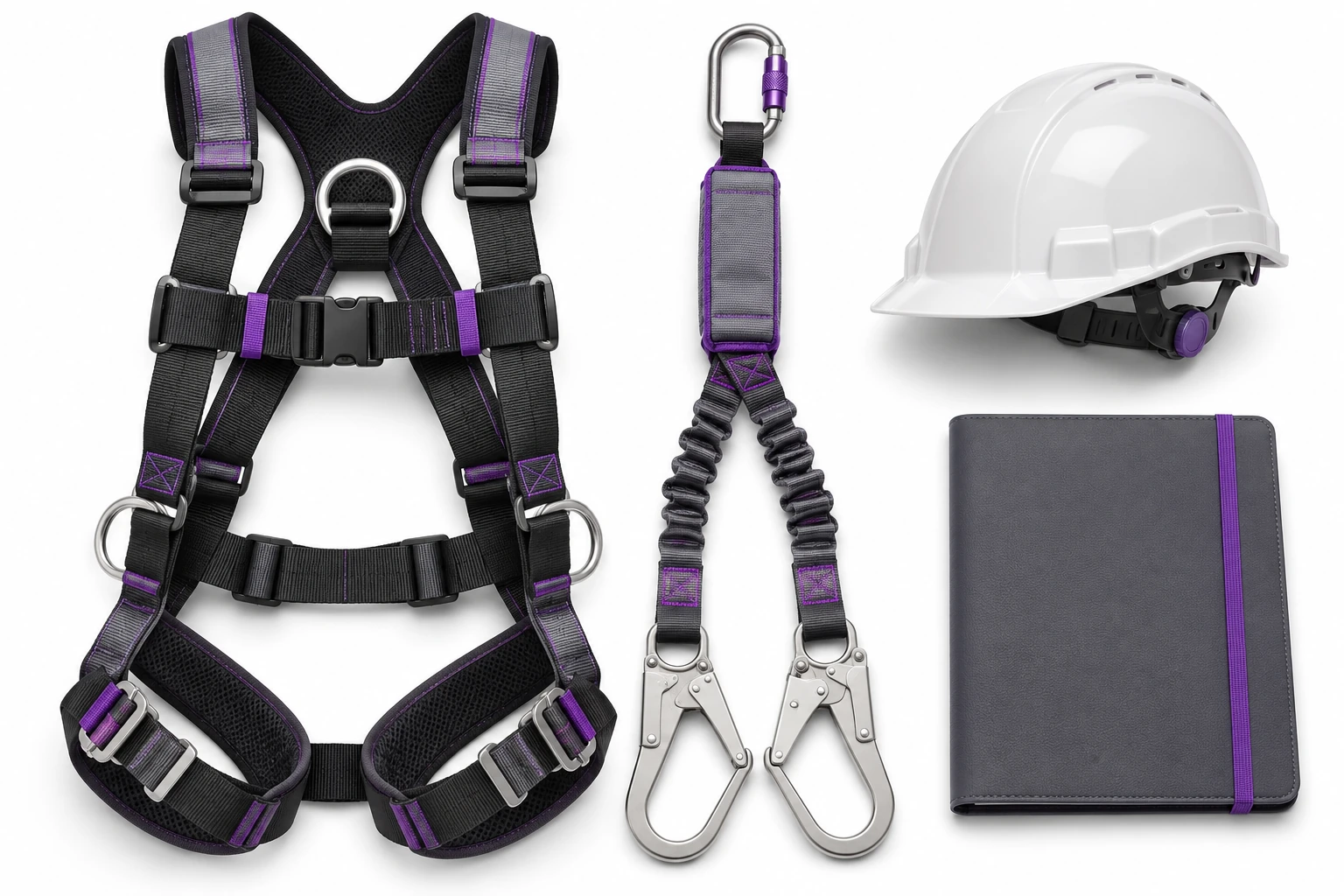
Helmets, safety glasses, hearing protection, harnesses, first aid kits and ladders can have an asset record and scheduled tasks.
An inspection template structures the work: inspector, result, notes and photos. Items awaiting service remain visible.
The entry documents the work performed. Suitability and approval for use are assessed by the responsible person. Explore inspections and checks →
Calendar and filters help you find training, medical examination, qualification and equipment maintenance dates.
The team sees an upcoming deadline or missing data and can plan further action. You share employee information with the appropriate people.
This relies on recorded dates. A date in the table alone does not establish authorisation to perform the work.
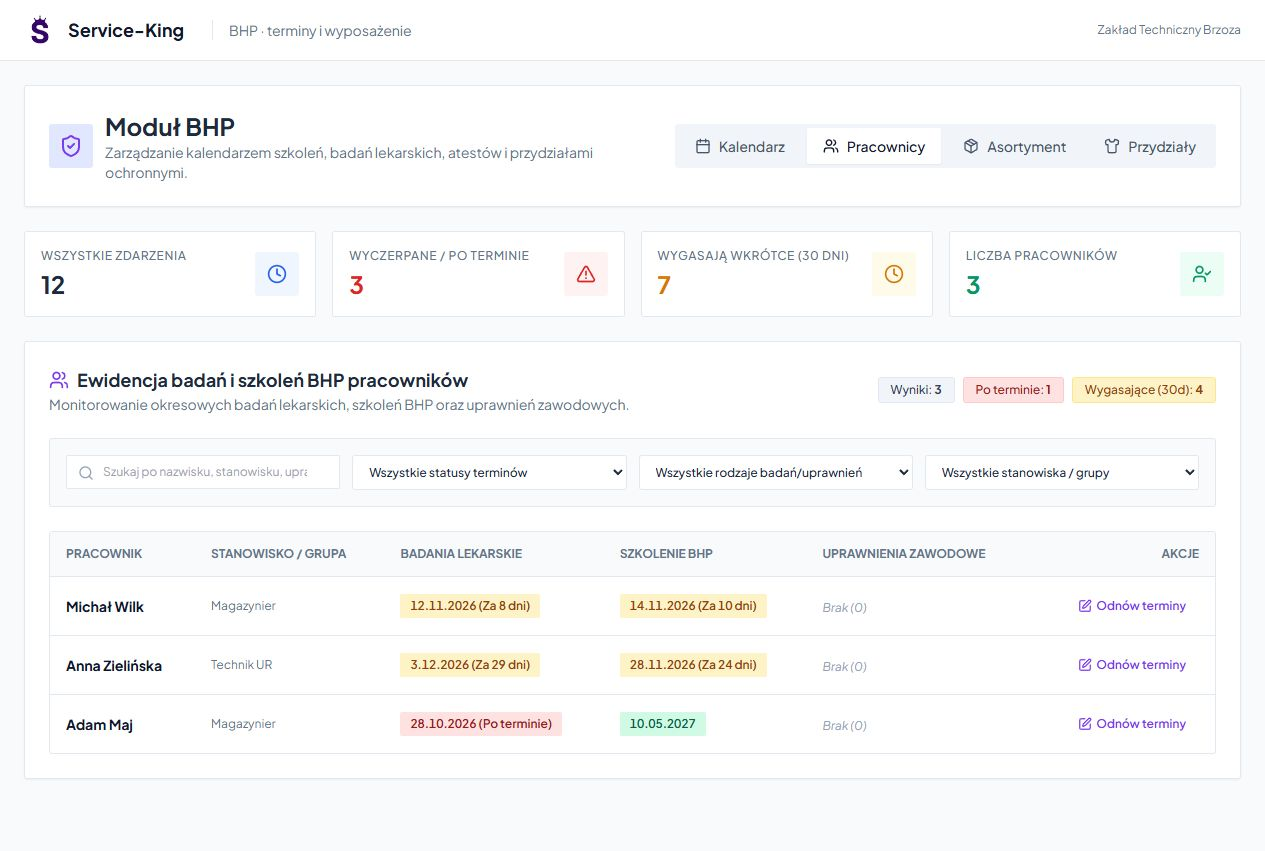
An example of a daily workflow. Confirmation rules are tailored to the way your team works.
Related reports help plan purchases and close open cases.
Who is missing equipment and which allocations are still pending.
Which models and sizes are needed to complete the kits.
What is in service and where a decision is needed.
View reports and circulation history →. HR/ERP imports and custom automation are agreed as part of the implementation scope.
Free consultation
During your free consultation, we will check how match employee requirements with actual stock.
We can start with one job role and expand after checking the workflow.
Describe the equipment allowance and how you currently prepare kits.
Practical knowledge