

Product moved
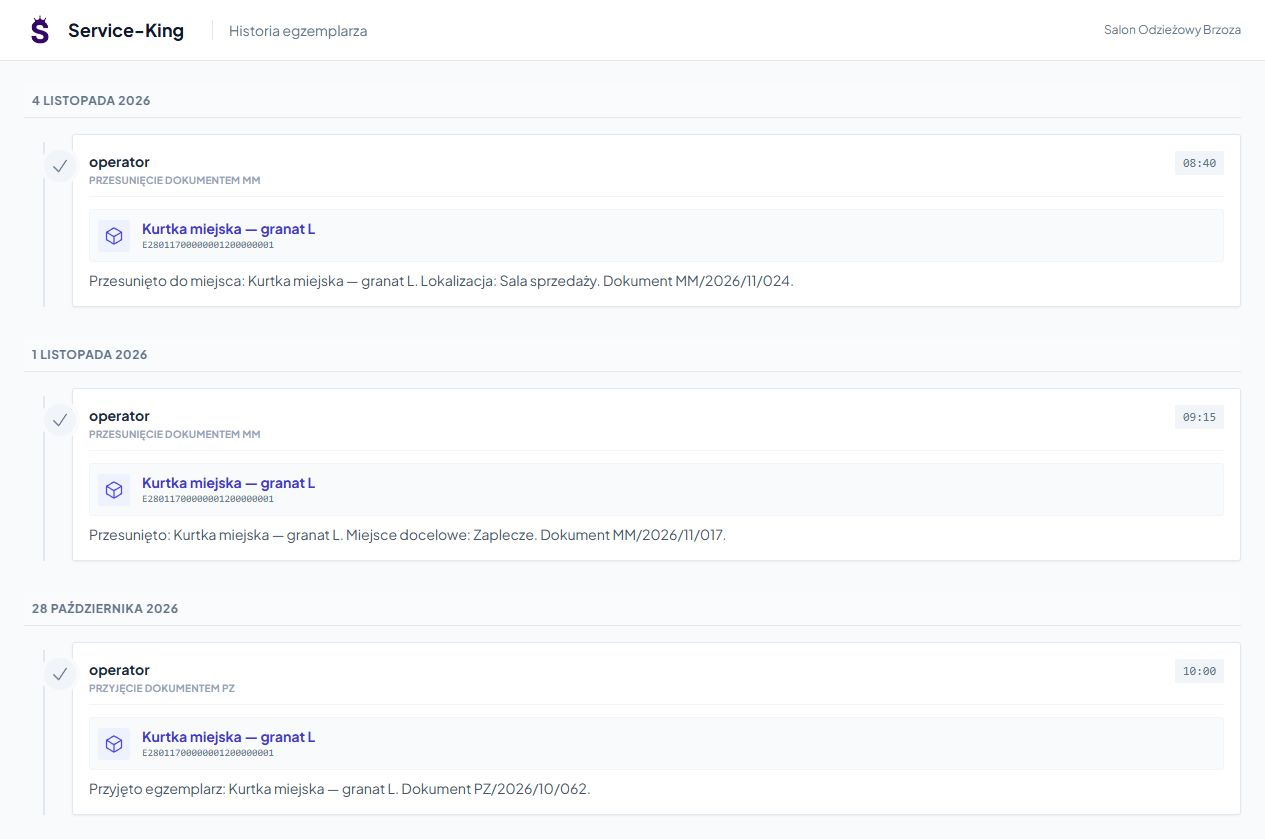
Record the change of place between the hall and the back room.
Industries • Trade and shops
The customer is waiting for the size, some of the goods are in the back, and the return needs to be checked. Service-King puts things in order items, recorded places and circulation history.
UHF RFID helps recognize marked products. The team can check the condition and explain the differences between the hall and the warehouse.
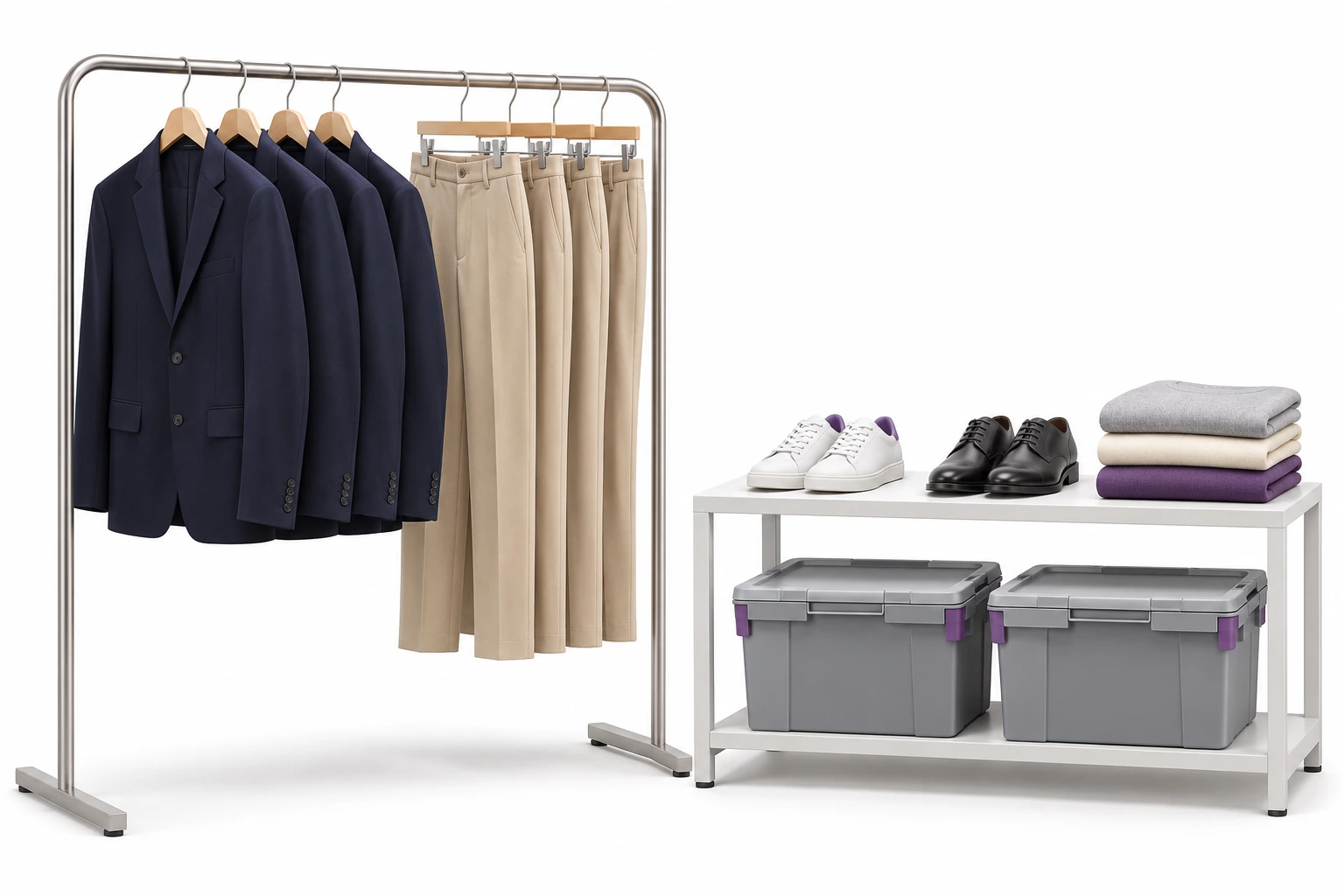
The number written down does not always correspond to what the employee finds on the shelf.
Record the change of place between the hall and the back room.
Separate the model, size and pieces you are looking for.
Indicate things that need to be checked before further check-out.
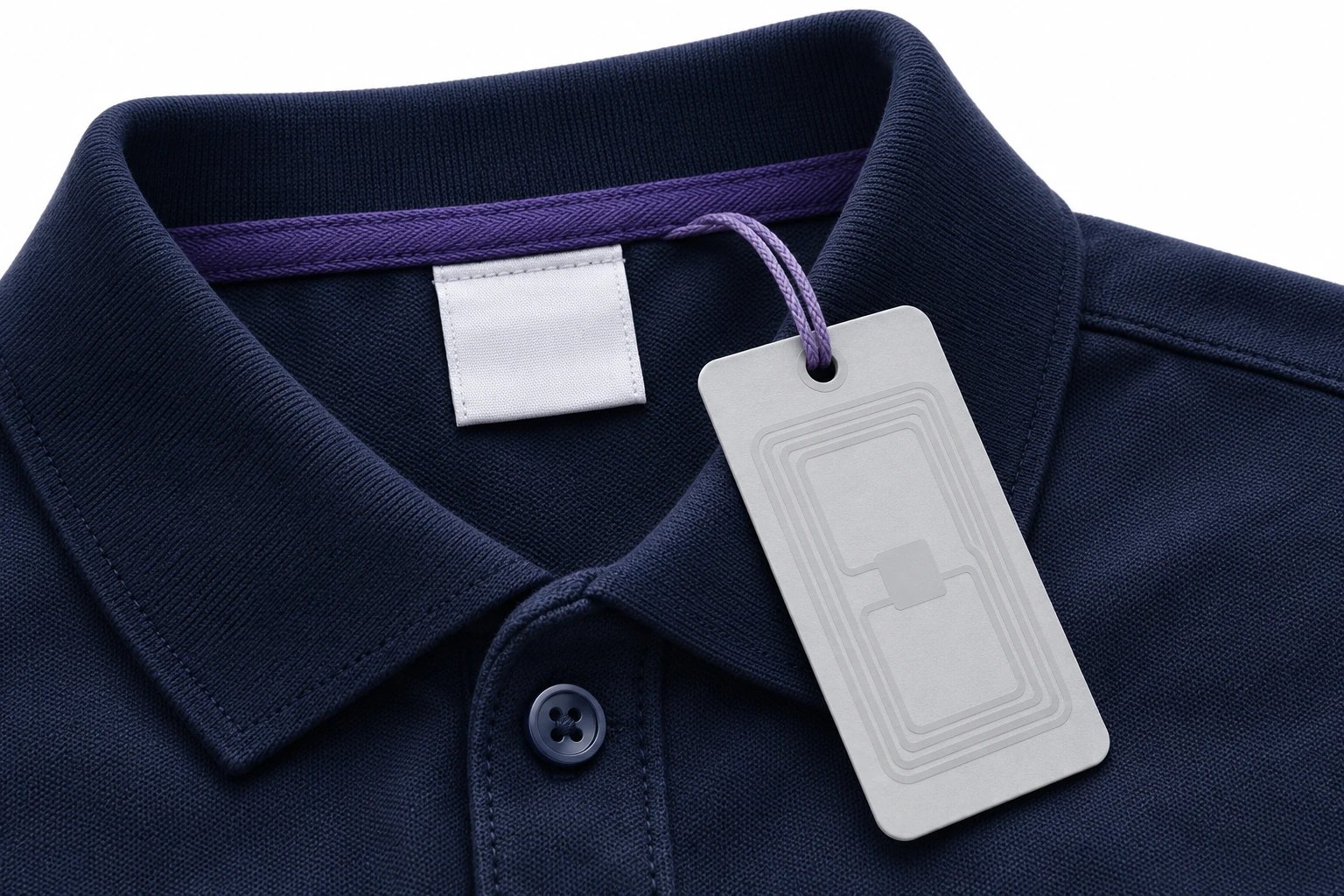
Name, size and features help you choose the goods. Individual code associates the receipt, movement or return with the relevant item.
UHF supports working with multiple tagged items. An additional QR can open the same record with a phone.
We link the model code, or SKU, to the items in accordance with the records and rules of cooperation with the sales system. See selection of markings →
Link List names, IDs, status and saved places. The user sees the scope needed for work.
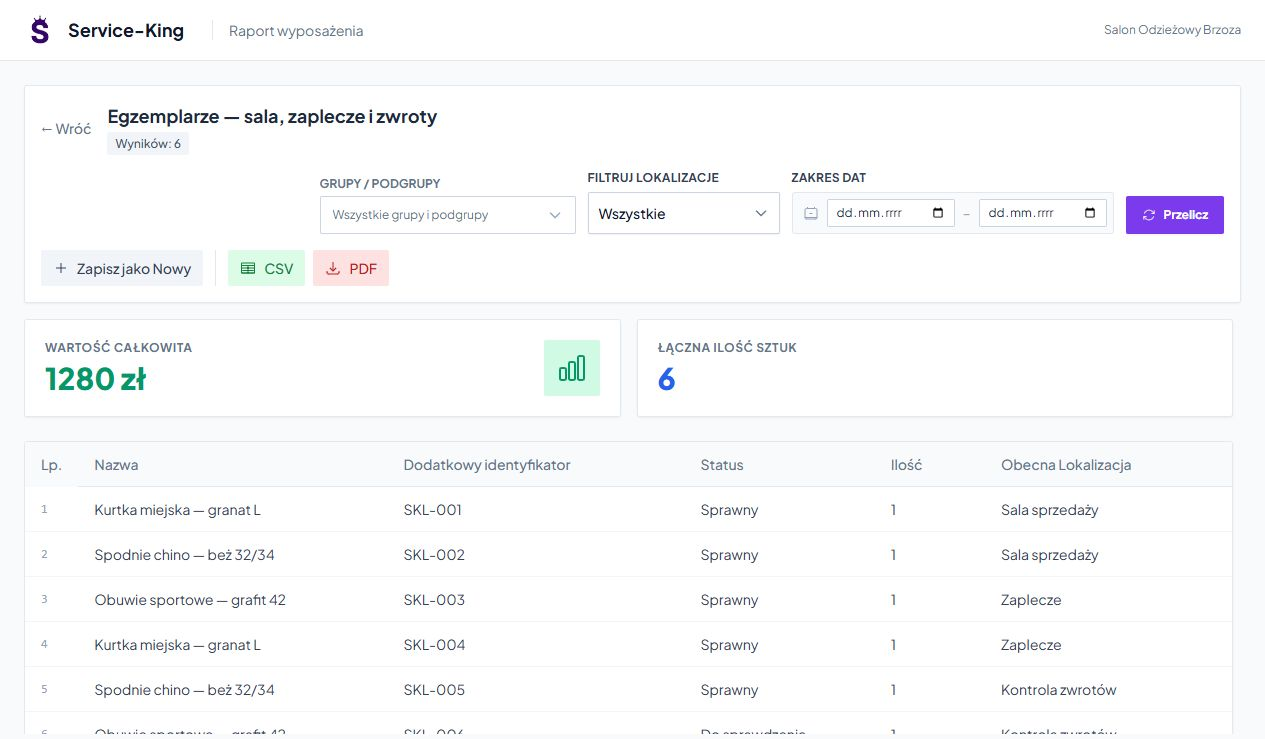
The example includes six pieces of clothing and footwear in different zones. Similar records can cover accessories, textiles, premium products and store equipment.
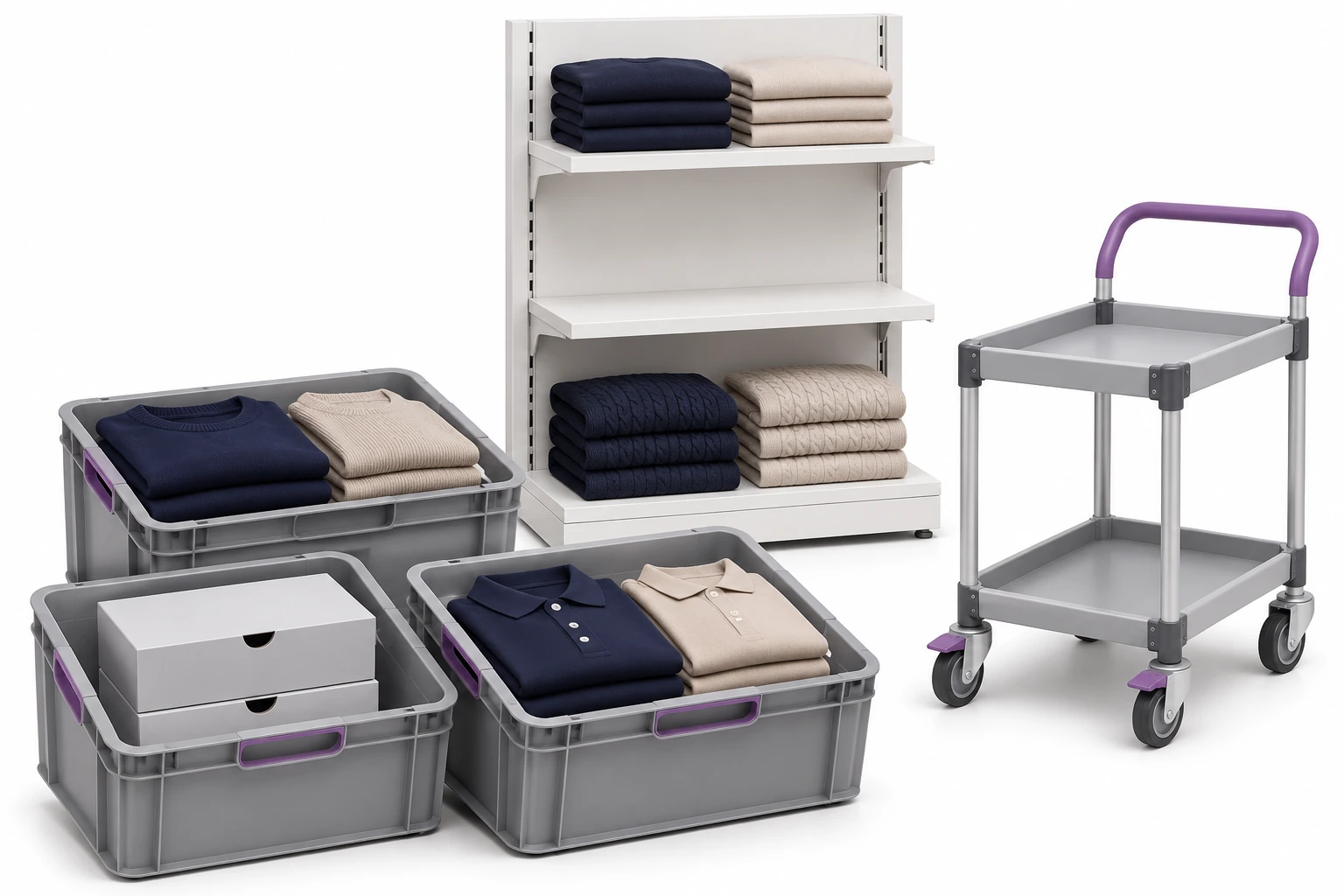
Upon delivery, you compare the recognized items with the expected range. Then you write down where they go.
The shift from the backroom to the room updates the warehouse flow. Sales information comes from the actual operation or integration.
Based on the recorded quantities, you check where to refill the shelf. We agree on automatic orders and data exchange with another system separately.
Check the zone, compare the reading with the records and deal with the differences.
Verify marked items on the indicated shelf or zone.
Cover the room and warehouse with a common scope. Explore the RFID inventory →
Select item and corresponding handheld terminal with search app. See search engine →
The read setting helps limit detection of items from adjacent locations. We check tags and conditions on real goods.
You're coming back to receipts and saved transfers. The comments apply to the correct item.
An employee checks the product and determines its further purpose: preparation, repacking or problem handling. Recognizing the code helps link these activities to the record.
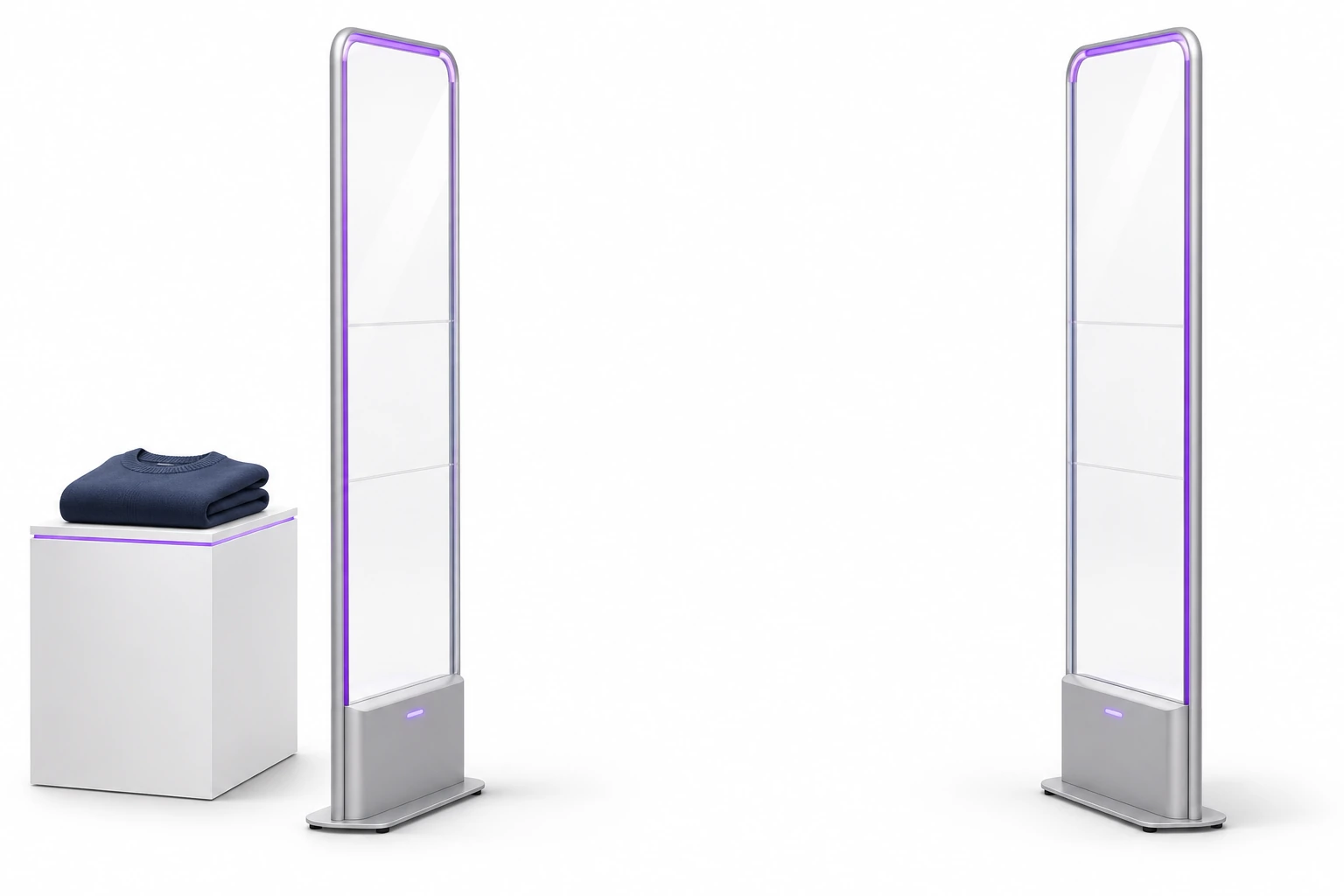
Range to be prepared in store
RFID can recognize a marked item in a designated aisle. Assessment of permitted exit requires sales, check-out or other approved transfer information.
We are preparing the connection of the reading point with the appropriate data and the response of the staff. An unclear event may be subject to review.
We verify technology and tag compatibility with existing gateways. Learn about RFID point design →
An example of a daily workflow. Confirmation rules are tailored to the way your team works.
We adapt the connection to POS, ERP or e-commerce to the available interfaces and company policies.
Free consultation
Select a product group and show the route from delivery to check-out. We'll check where RFID and clear records will help the store team.
During a free consultation, we will select the first circulation to be sorted.
Describe the assortment and situations in which employees look for goods.
Practical knowledge