

Skip to content
Service-King

Industries • Construction

Equipment across construction sites. Know who checked it out.

Several investments, various teams and equipment in constant motion. Service-King helps you save what left, who picked up the equipment and what should return.

The manager checks the location and history of a specific item, and the warehouseman prepares the next trip based on shared data.
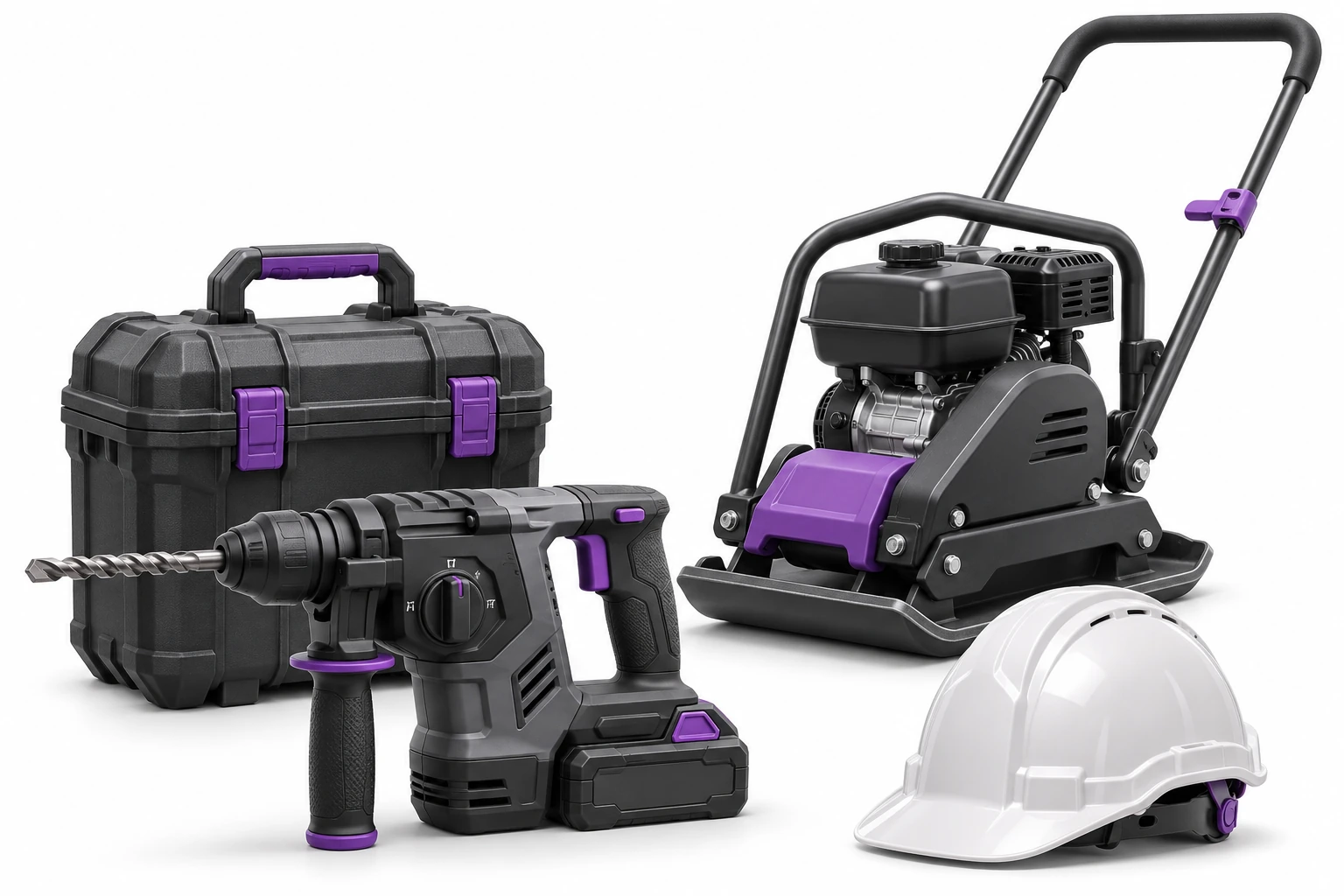
Hammer drill, compactor, suitcase and helmet on white background
Example of construction crew equipment. Illustrative image. Enlarge ↗

Hardware moves faster than information.

Before your next trip, you need to determine what is really available and what is still missing.
  • Compactor on the previous investmentNeed to check the saved location and recipient.
  • Laser in another teamThe handover history helps establish who checked it out.
  • Drill without chargerWhen returning, the completeness of the equipment is important.
  • Similar equipment from subcontractorRecognizing specific pieces makes it easier to determine what has returned and what remains to be given.
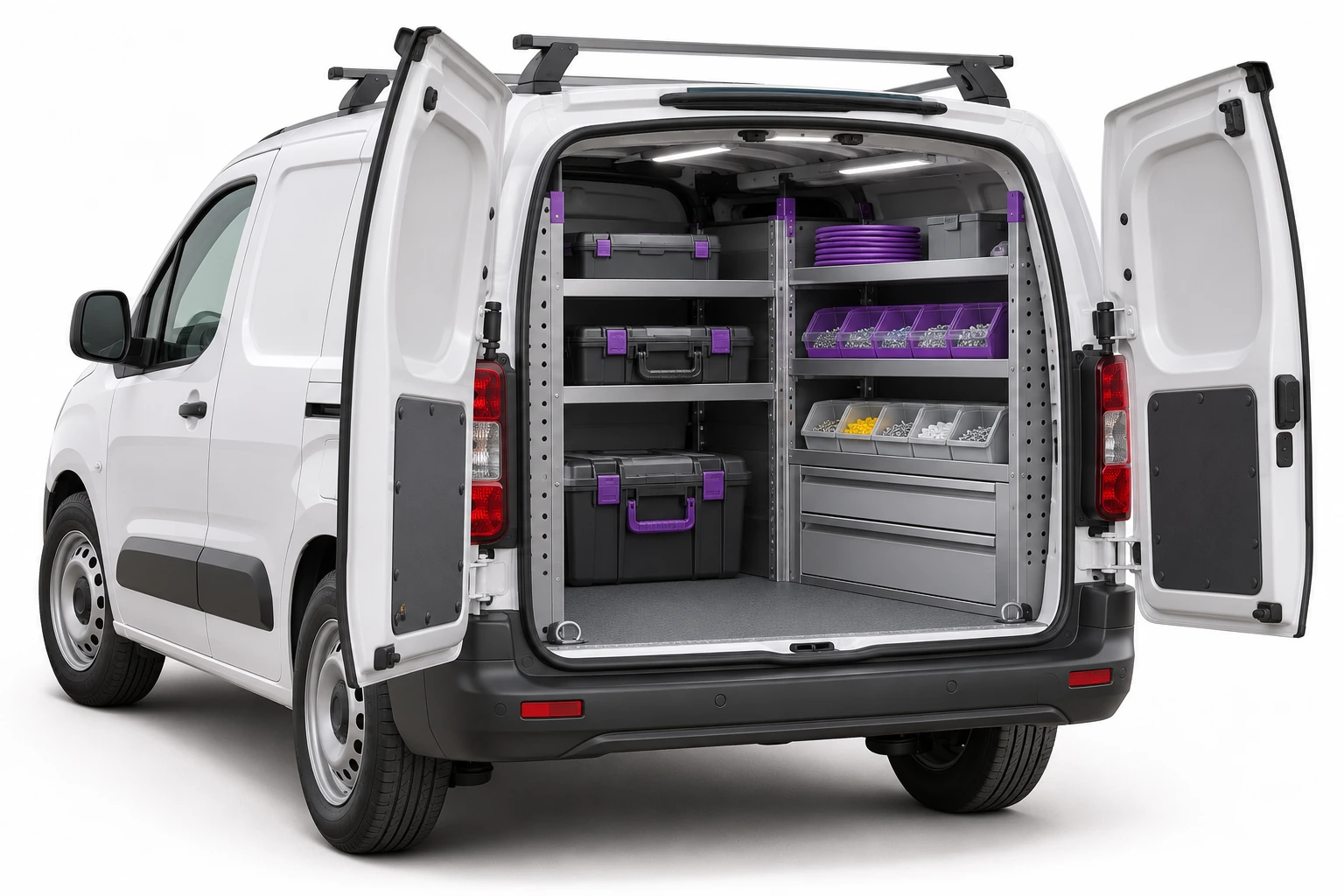
A car with an open tool and parts warehouse
The car as an organized place of equipment. Illustrative image. Enlarge ↗

Warehouse, construction site and car have their place in the register.

Name the locations as the company works: main warehouse, investment, facilities, container or service vehicle.

For the item, you also write down the person to whom it was entrusted. It is easier to separate storage space and responsibility for equipment.

Location results from recorded operations. GPS positioning and trip tracking require a separate connection to the locator.

See what's written on a given investment.

Report links IDs, status and saved places. The example includes nine examples on site, in a car and in a warehouse.

  • Power tools, lasers and meters.
  • Compactors, aggregates and small machines.
  • Suitcases, batteries, chargers and extension cords.
  • Container, car and employee equipment.

Track valuable equipment item by item; manage materials by quantity. Clothing and protective equipment have their own circulation. Get to know the occupational health and safety records →
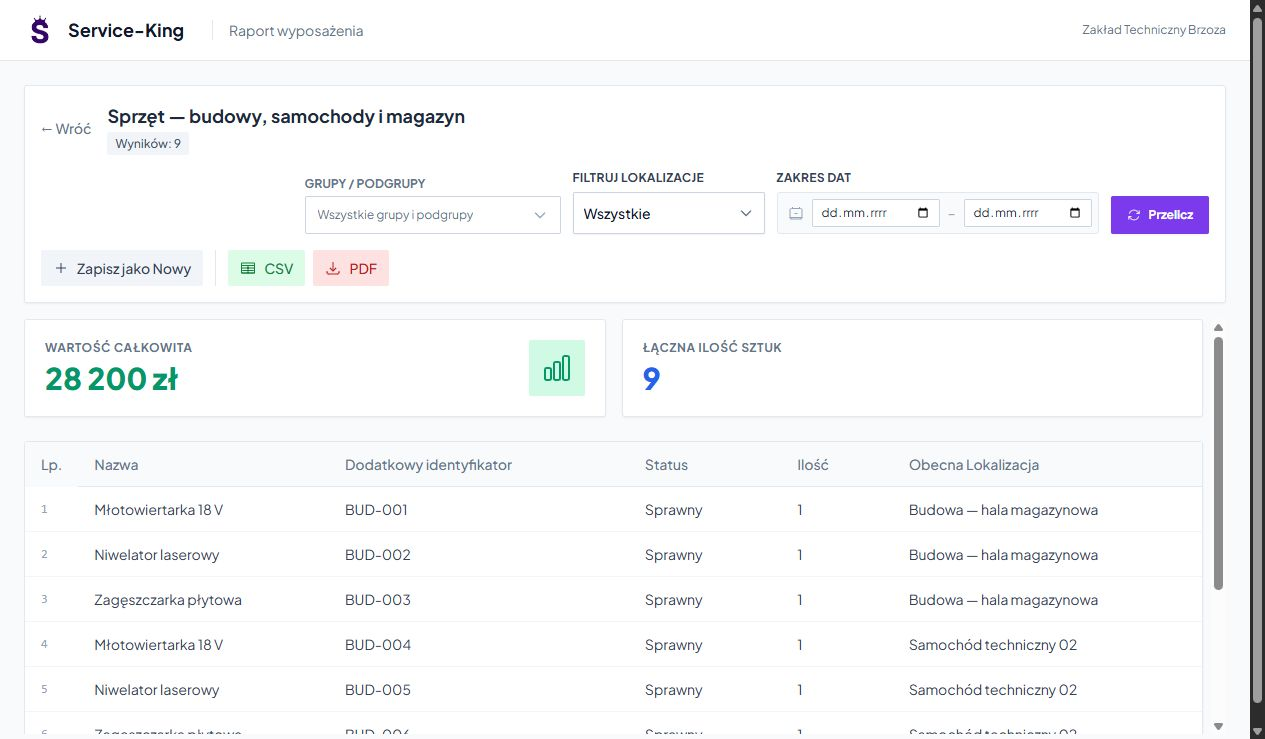
Sample data in the applicationEnlarge preview
Tools and machines report with codes, status and saved locations
Nine examples: construction, car and warehouse.
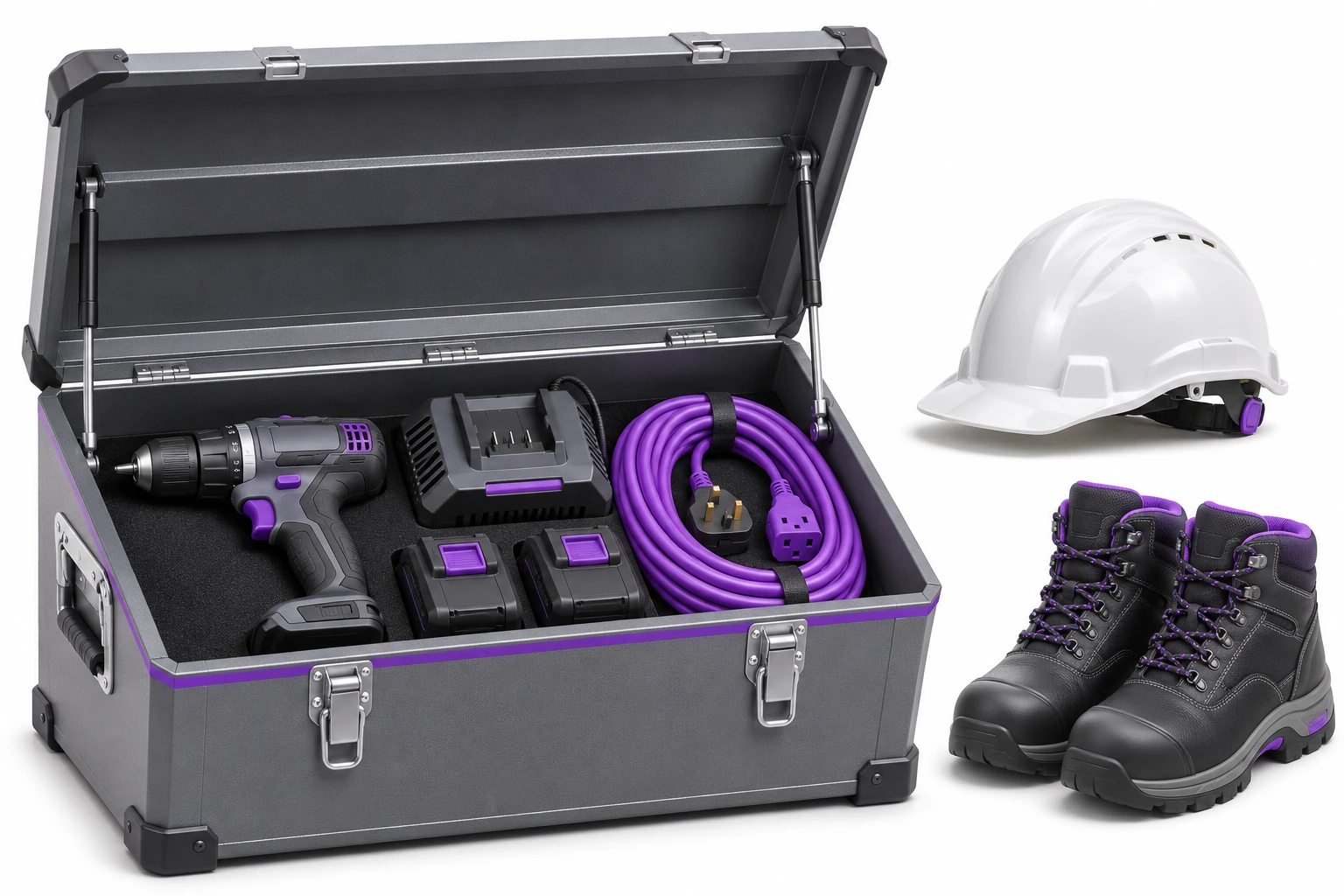
Tool box, batteries, cable, helmet and shoes
The set of accessories also counts when returning. Illustrative image. Enlarge ↗

Check-out that can be settled later.

You choose specific items, team or business partner and date. Document and history record the handover.

You check upon delivery pieces, quantities, accessories and condition. You write down a missing battery or damage for further explanation.

Tag helps you recognize your hardware. Completeness and condition assessment is performed by a human. Explore due dates and returns →

History stays with the right tool.

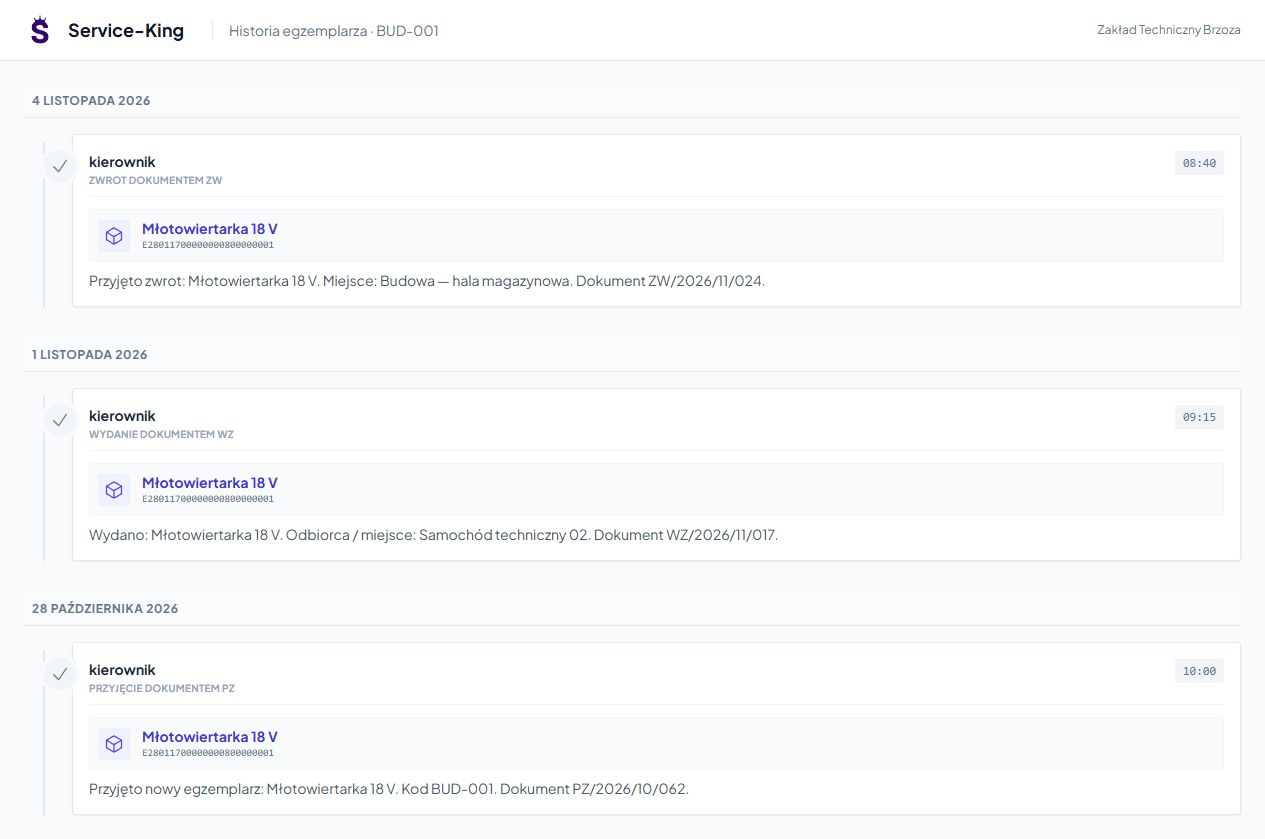
Receipt, issue and return constitute the history of a specific item. Documents and dates help you go back to previous operations.

This is useful for similar devices and transferring items between teams. In the example you see the history of the BUD-001 hammer drill.
Learn about assignments and tool flow →

Sample data in the applicationEnlarge preview
History of the BUD-001 hammer drill in Service-King
Receipt, issue and return recorded in one item.

The problem goes from construction to handling with context.

You associate inspections and reports with the right thing and place.

01

Report

The employee provides a description of the problem with a specific device.

02

Work plan

The manager determines the contractor, date and scope of service.

03

Result and further decision

The technician records findings, comments, and photos. Equipment may be waiting for inspection or repair before the next check-out.

See organization and implementation of the service →

The workflow in eight steps.

An example of a daily workflow. Confirmation rules are tailored to the way your team works.

  1. Add equipment. Prepare equipment and model photos.
  2. Name the places. Separate construction sites, warehouses and cars.
  3. Mark examples. Select UHF or QR.
  4. Give to the right person. Select a team or business partner.
  5. Record handoffs. Update places in the appropriate circulation.
  6. Report a problem. Associate the need for service with a specific tool.
  7. Collect and check. Rate the completeness and status of the return.
  8. View availability. Check your history and outstanding returns.

Check equipment where it is used.

QR helps you recognize a single device. The UHF handheld terminal speeds up the reading of properly marked items.

The inventory compares the reading with the records, and the report helps to settle the investment equipment. We take tags, metal, positioning and construction conditions into account during testing.

Get to know the physical inventory with RFID →

Questions before implementation

Can several construction sites be carried out at the same time?
Yes, by separating places, recipients and accesses. The employee receives the necessary scope and the manager receives the appropriate summaries.
Is the equipment immediately ready for check-out after being returned?
You can save the correct status and send the item for inspection or service. Merely returning to the warehouse does not confirm fitness.

Free consultation

Let's start with one team.

Show us how you issue and receive equipment. We will prepare clear workflow for the warehouseman, foreman and manager.

  • Places: construction sites, warehouses and cars.
  • Equipment: pieces and accessories to be settled.
  • Transfers: employees and subcontractors.

We will check the first scope before extending it to further investments.

Let's talk about equipment on construction sites

Describe the current method of issuance and return.

Website language

Choose a language.