

Application and access
There is no need to install the full program on each computer. We prepare accounts, roles and access to the right data.
Implementation of Service-King
You don't have to start with a reader list or a perfect sheet. First we determine what you want to organize and how your team works.
Then we select data, modules, markings and devices. We start with a range whose result can be checked in everyday work.
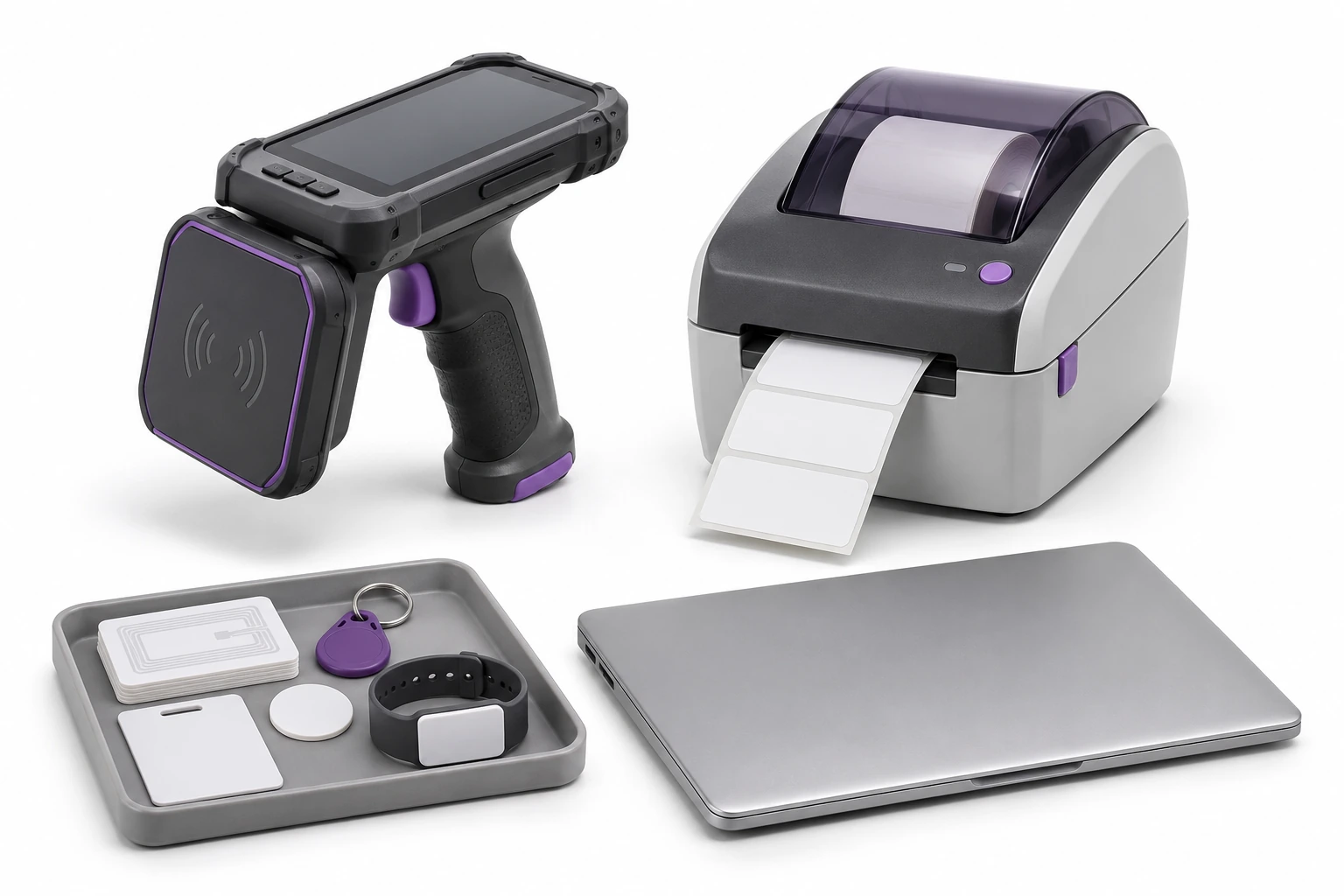
How many things do you have? In how many places? Who collects and returns them? Describe one common operation and what makes it difficult today.
A sample list, photos of representative equipment and an approximate number of users will be useful.
If the data is incomplete, we will determine the information needed to start. The rest can be planned for a later stage.

Each stage has a specific result. We set the scope and schedule to suit your process.

The main web application simplifies sharing the system with other users.
There is no need to install the full program on each computer. We prepare accounts, roles and access to the right data.
We check the compatibility of readers, scanners and printers as well as connection requirements in the workplace.
Where device connections and response rules are needed, the scope may include Alert-King Desktop.
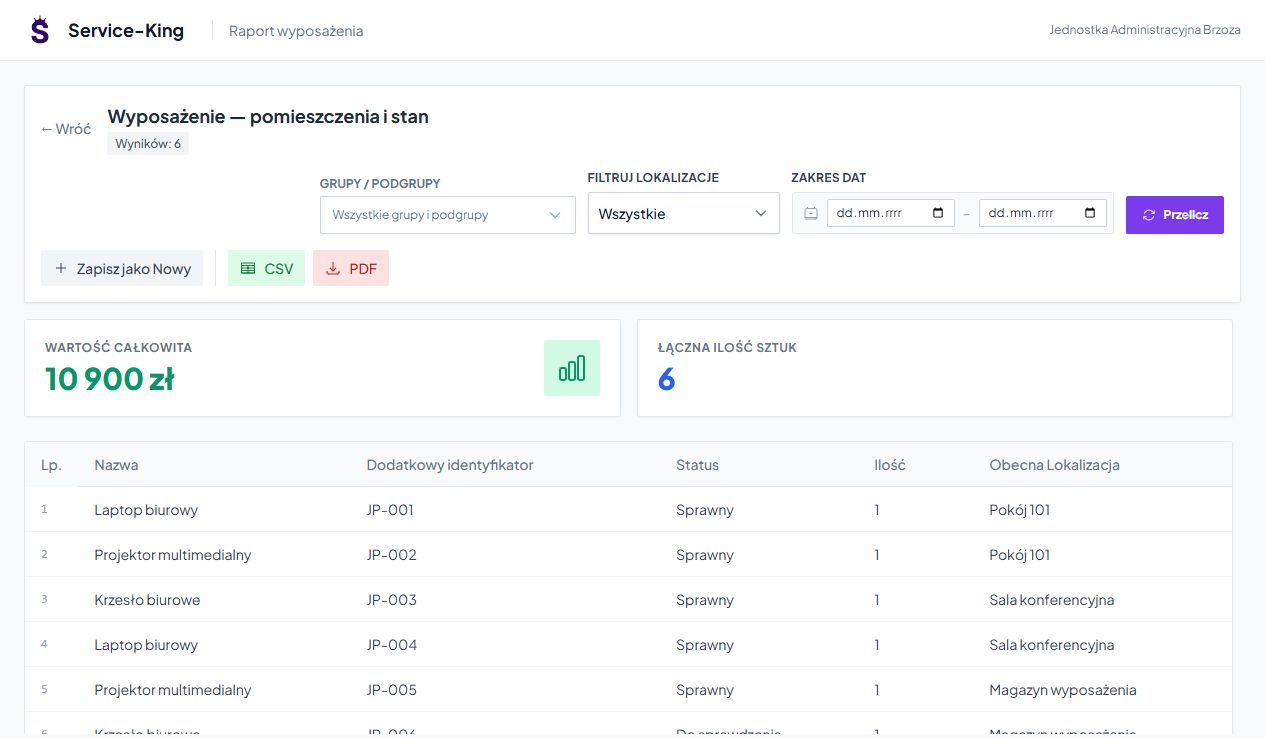
We can prepare the import of assortments from current files and systems. First, we decide on the format and what one line means: a model, a quantity item or a specific piece.
We check for duplicates, units, numbers, locations and connections. A trial import allows you to evaluate the result before transferring a larger scope.
We agree on the number of items, checksums and how to explain the differences. In cooperation with ERP, we determine which system is responsible for given information.
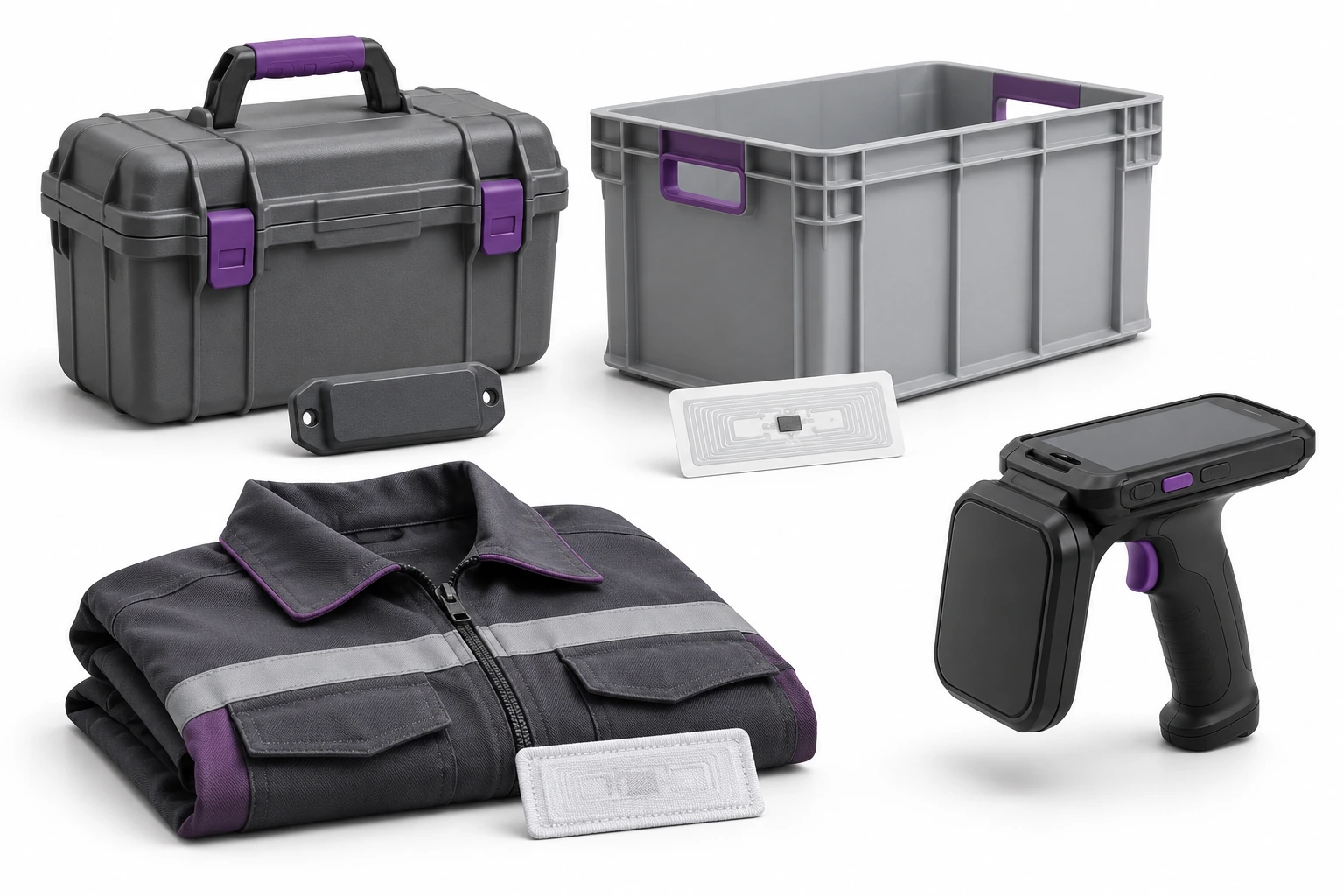
Metal, liquid, packaging and positioning affect reading. That's why we test representative items and their target markings.
We check correct reading, repetitions, unknown numbers and tags from the neighboring zone. Operator comfort is also important.
We treat the printout, saving the EPC and assigning a number to the record as separate elements of the sample. We agree on the scope and cost of tests or PoC before starting.
We select one warehouse, equipment group or control point. We jointly establish acceptance criteria for this range.
Trials also include errors and exceptions. We agree on the criteria before the start so that the result is clear for both parties.
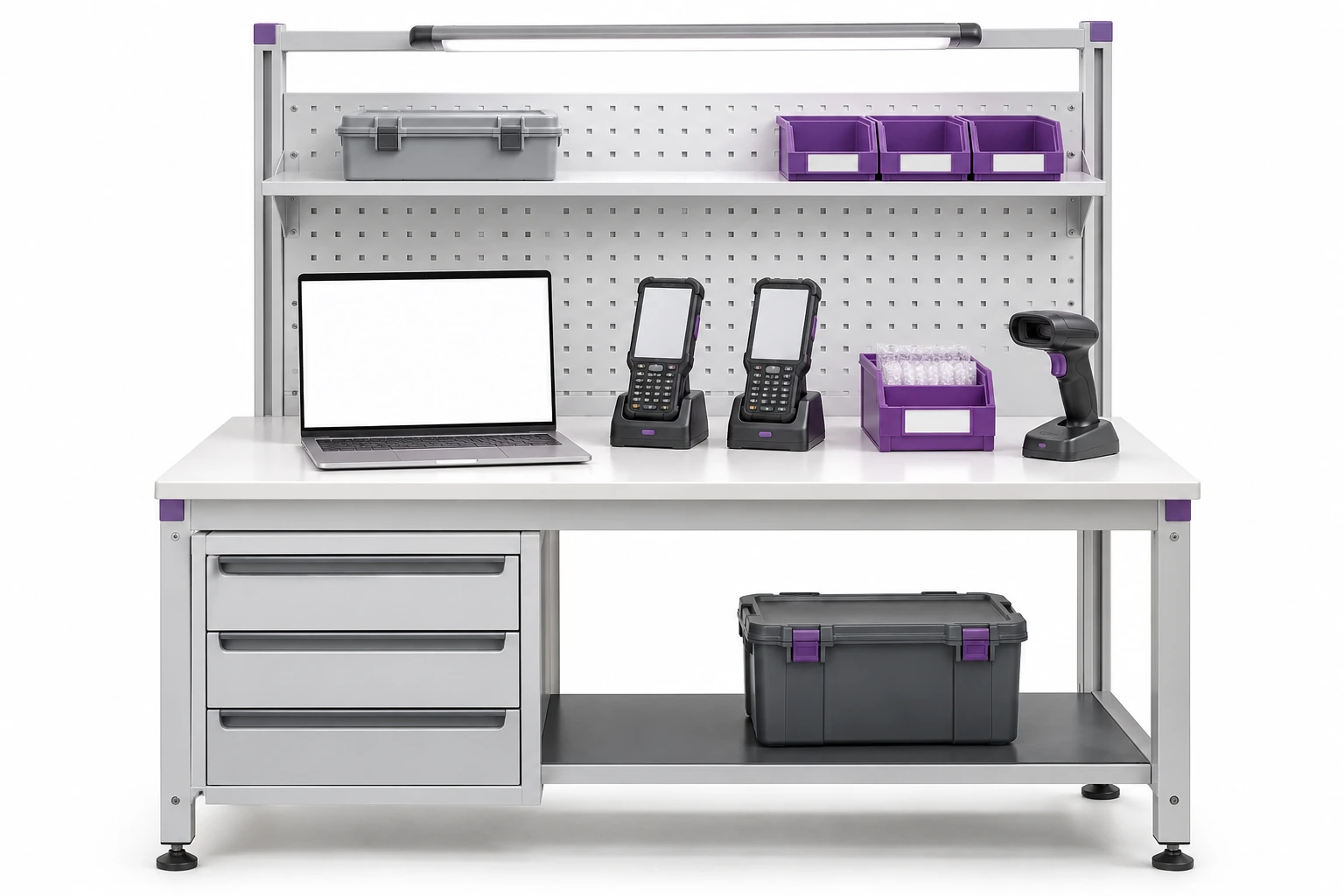
Manager plans and checks. The warehouseman issues and receives. The service technician works on orders, and the stocktake taker works on inventory.
Training is based on duties and the device used. The user practices a common action and an exception, such as an unknown code.
We prepare roles, short instructions and support rules. The support team helps with startup; We specify the further scope of service in the offer.
We can divide the larger scope by location or equipment groups.
We establish a numbering scheme, assign tags to items and control the markings made.
We agree on how to handle check-outs, returns and new items that will appear before launch.
We check the results, explain the discrepancies and determine the further scope of development.
Not every company needs all the elements. The quote separates the starting scope from possible extensions.
Selected modules, configuration, preparation of records, import and agreed integrations.
Readers, scanners, printers, tags, tests and possible marking work.
Training, transition plan, start-up support and agreed follow-up service.
Yes. We prepare from the beginning consistent records and identifiers. Additional code of the same piece allows you to combine different ways of reading without duplicating things.
We adapt the transition plan to the process. A limited starting range and stages can make it easier to get started. The schedule must take into account daily work and data changes.
Free consultation
Get started with a free consultation. We will establish a reasonable first step with a result that can be checked.
The scope of work, tests and further support will be presented in an individual proposal.
You don't need a ready-made specification. Describe how you work today.
Practical knowledge