

Items and quantity items
Names, groups, statuses, photos, serial numbers and dates. Explore Hardware Inventory →
Service-King functions
From record and issue after inventory, service and report. Find features that match your team's daily work.
You adjust the scope to the organization. Modules, data and user activities result from the selected version and user permissions.
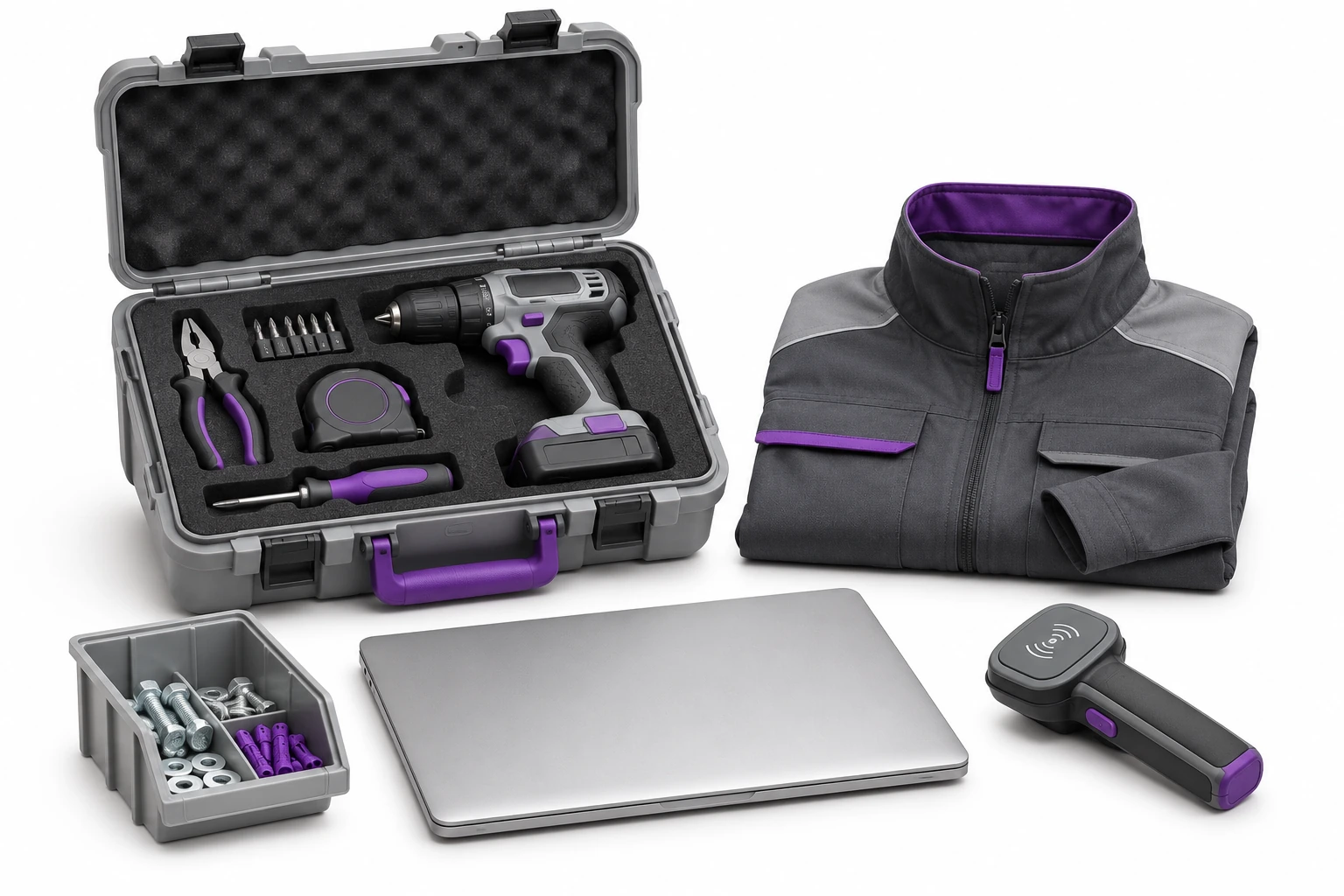
Records and identification organize the beginning of each operation.
Names, groups, statuses, photos, serial numbers and dates. Explore Hardware Inventory →
UHF and QR or other code may indicate the same item. See markings →
QR and 1D with preview, dimensions and PDF. Learn about print preparation →
Stocks, receipts, issues, returns and transfers link equipment to the location and document specific to the operation.
Summaries by name and location allow you to assess the situation without looking at each item. From the aggregate result you go to the examples.
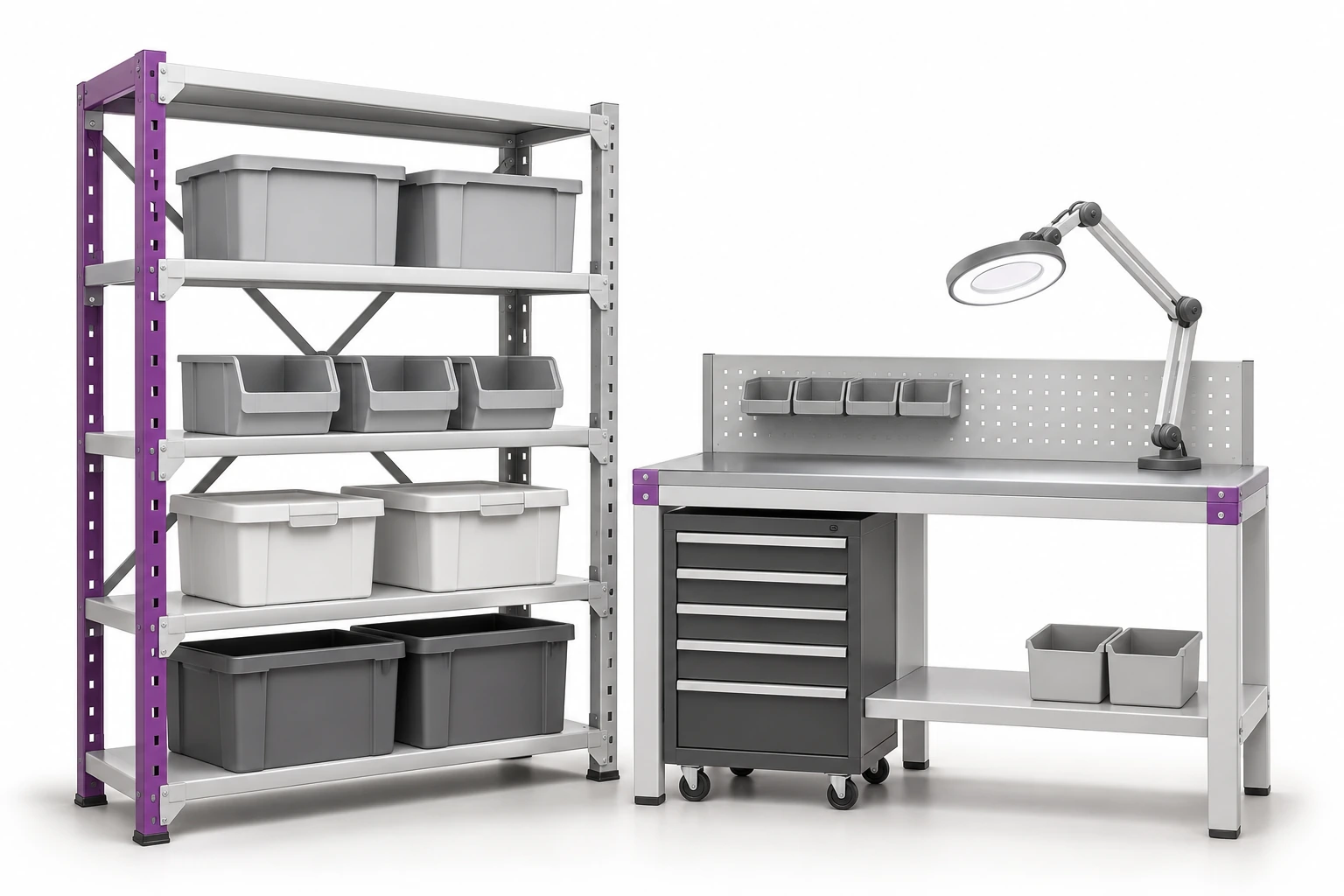
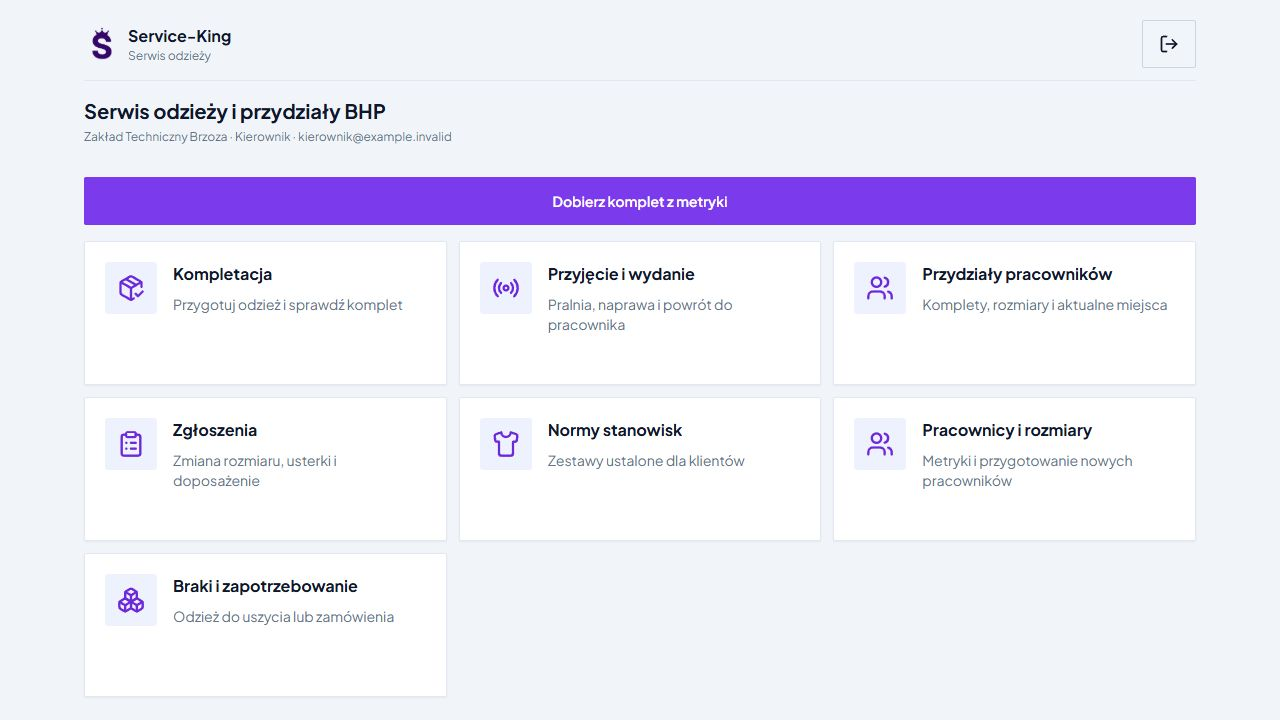
An employee record can link the workplace, branch or locker, clothing sizes and measurements with current equipment allocations. Role-based allocation rules help define the required set.
Selection uses product data, size and available pieces. The uncertain variant is confirmed by the user and the shortages remain visible. Reservation prepares the kit; issuance confirms the transfer.
See health and safety allocations → · Meet T&A and employees →
Full inventory and quick room check help you respond to various needs.
Preparation of places, positions and work of people performing the stocktake.
Identification of equipment and comparison with expected records. Re-reading the same item should not increase your score.
Missing items, missing items, and items elsewhere require further checking in the context of the stocktake.
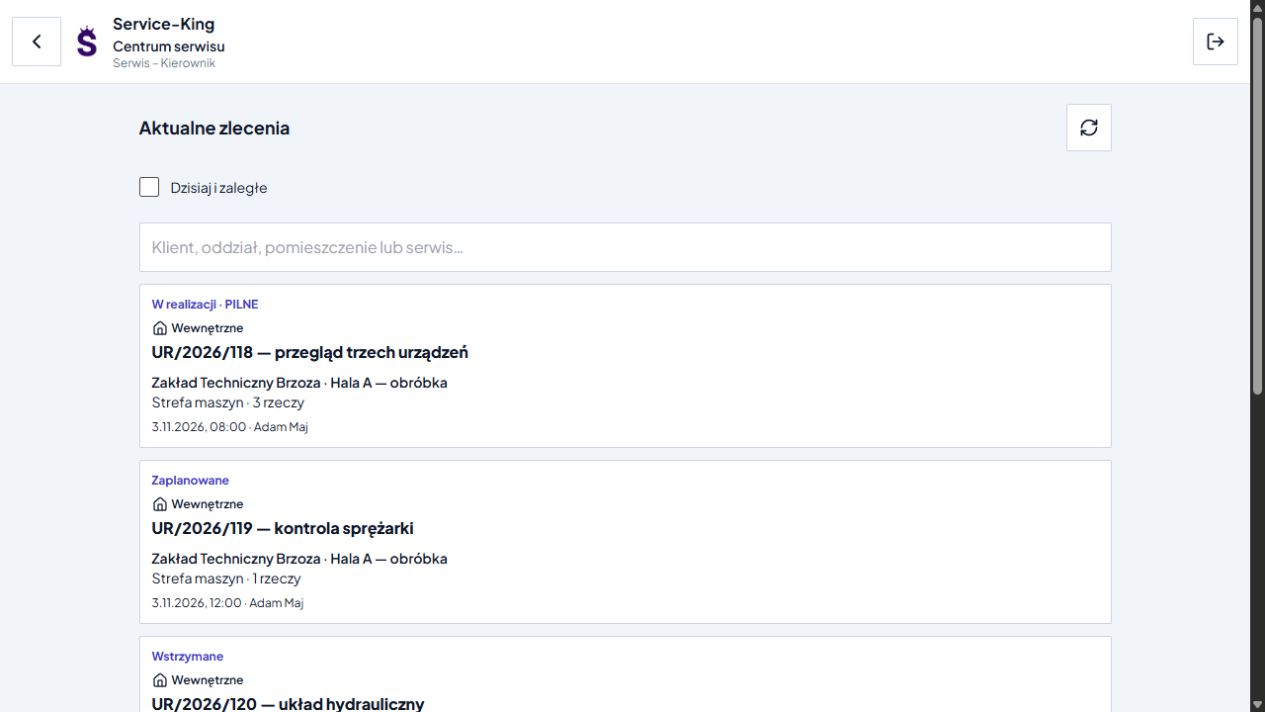
Work templates, deadlines and contractors organize the service of equipment or zones. In a multi-item job, you know what has been done and what remains to be done.
Flow may include partial completion, pending items, documentation, photos, and signatures. The manager and service technician use views corresponding to the tasks.
Availability, reservations, check-outs and returns apply to specific items.
Check who received equipment and what should be returned.
Settlement of returned items while maintaining information about the remaining items.
Preparation of the next check-out taking into account the saved transfers.
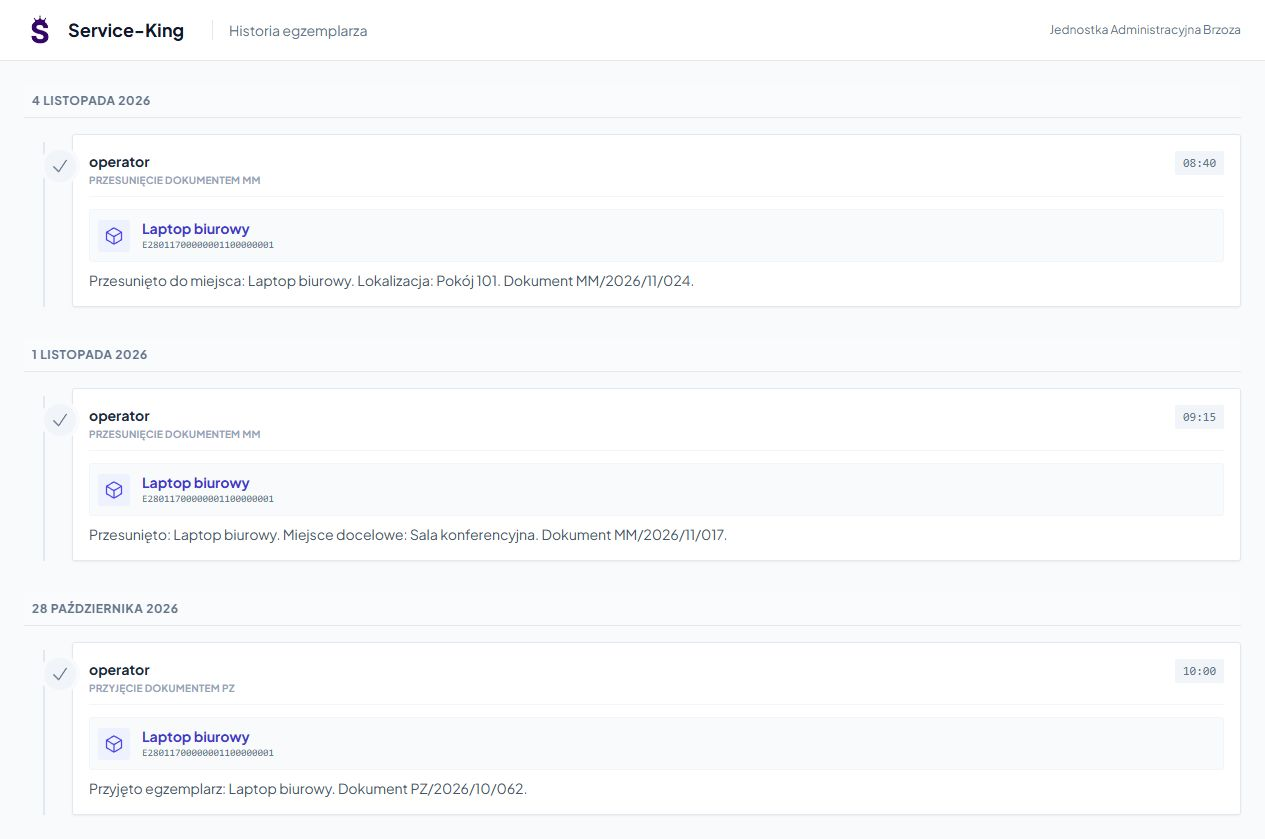
Listings help you compare stocks, check-outs, and other available data. The history of a specific item shows recorded activities and transfers.
Cycle and residence time counters support repeatable process analysis. Their meaning comes from configuration, for example entry into a designated zone - it is not a direct measurement of physical wear and tear.
The warehouseman, manager, service technician, and inventory taker need other activities. You tailor access to your responsibilities.
In customer service, you can prepare separate sub-organizations and service access to the indicated data. Own states and customer data remain separate.
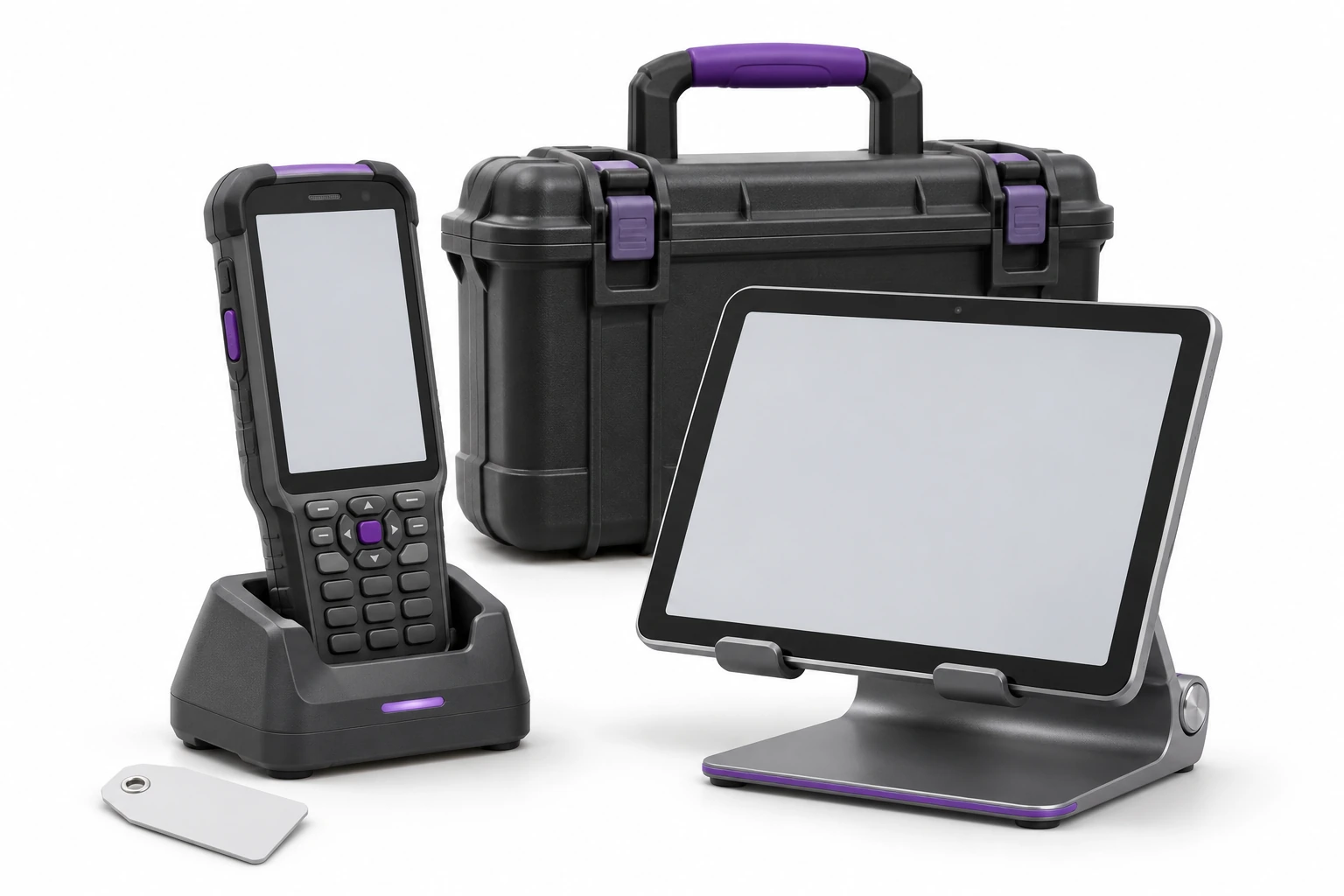
You select a computer, tablet or handheld terminal for your workplace. Explore the customer and employee portal →
We tailor automation to activities, data and devices.
Selected larger tasks can run in chunks with progress information. The user sees the result, pending items and matters to be checked.
Alert-King complements the work at the readers and the response of the staff. See devices and rules →
We determine the scope of integration with other programs according to the necessary fields and operations. Schedule data preparation →
You don't have to run the entire function directory at once.
Start with records, places, check-outs and returns.
Prepare inventory locations, identifiers, and scope.
Organize reports, orders, contractors and work results.
Eight steps to a scope tailored to your organization.
No. We match the roles and scope of data to the responsibilities. The availability of modules and activities depends on the version and configuration.
Yes. First, we check the consistent flow on the selected equipment, and then we expand it to other places and activities.
Free consultation
We will show you activities that create a coherent workflow for your team.
The starting point is the way of working, not the length of the list of modules.
Describe the most important issue and the people affected.
Practical knowledge