Skip to content
Service-King

Industries • Containers and waste containers

From depot to recipient. Every container has its own history.

Which container is at the customer's disposal, what has already been returned and what cannot be released yet? Service-King puts things in order records of containers, recipients and recorded activities.

The employee recognizes a specific piece. Manager checks location, condition and service history.
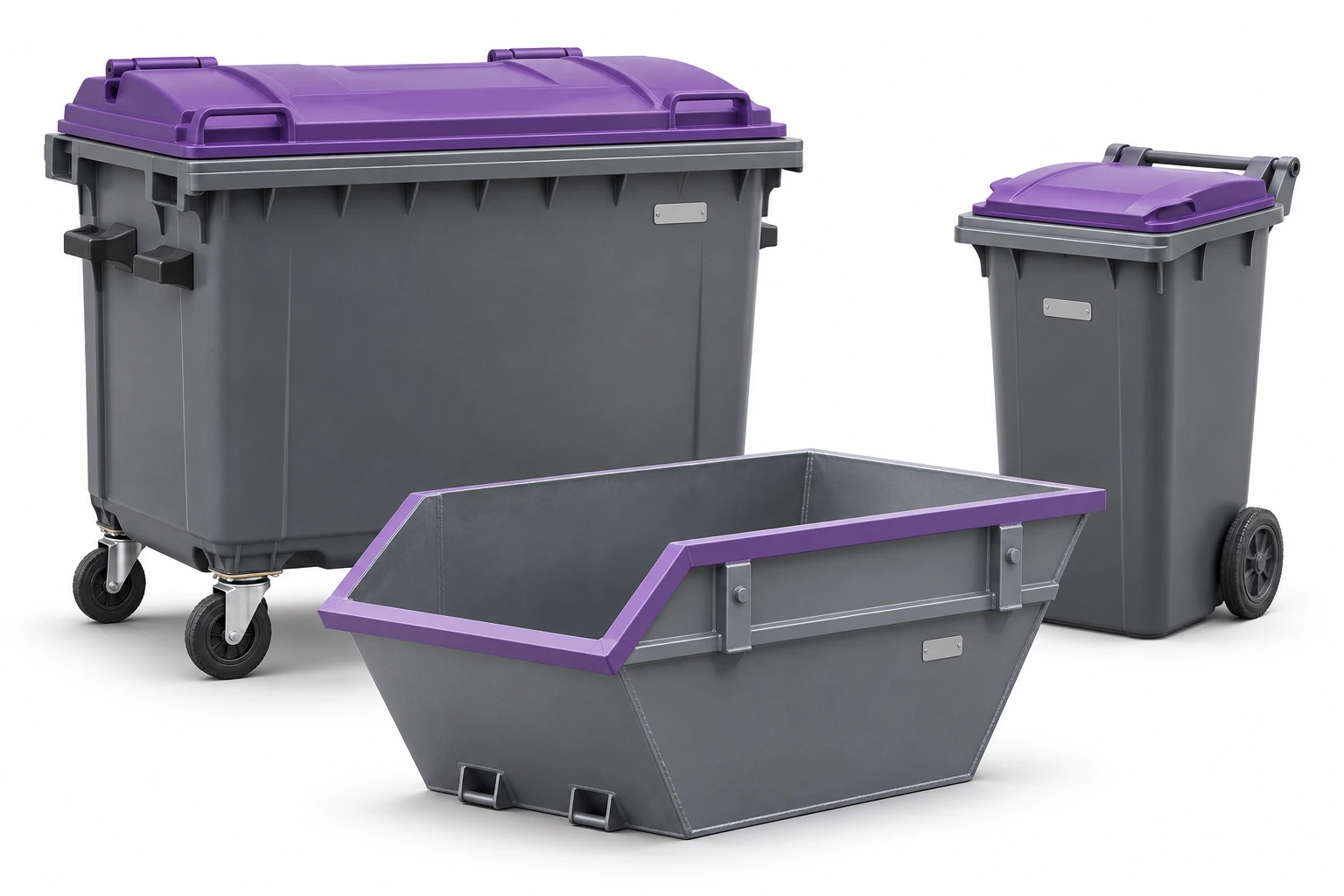
Wheeled containers and steel container on a white background
Bins and containers as company assets. Illustrative image. Enlarge ↗

You need the answer for a specific container.

A total asset count in the yard does not show the full history.

01

Which recipient?

Associate a check-out with a client and saved location.

02

When did he come back?

Go back to documents and transfer and receipt dates.

03

Is he prepared?

Separate items after inspection from those awaiting washing or repair.

A record connects an item, a place and a recipient.

Lead the way wheeled containers, containers, cases, racks and transport carriers. You can also include team equipment in the records.

You save next to the asset name, code, photo, condition, location and recipient relationship. Documents help recreate handovers.

The overview shows sample assets ready, on-site and under repair. Applies to company assets.
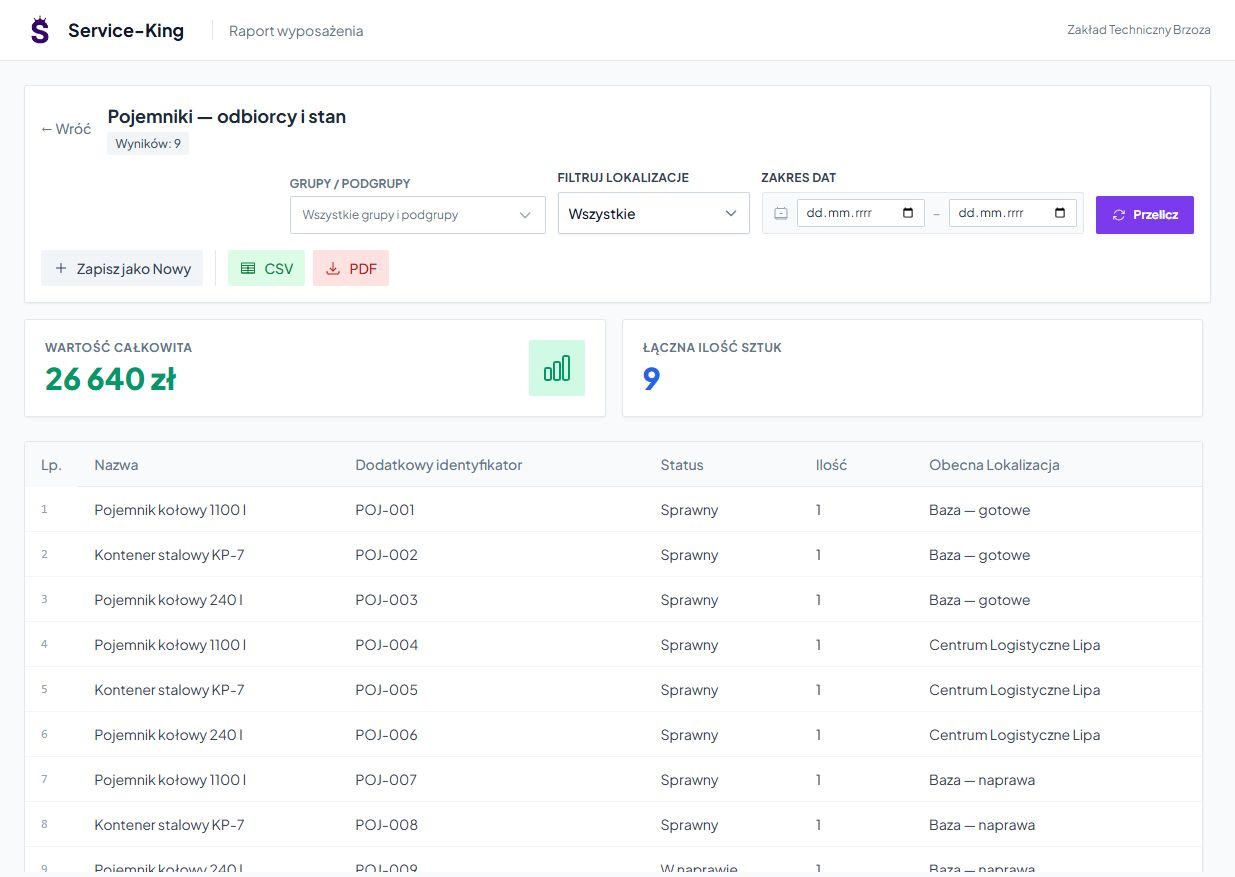
Sample data in the applicationEnlarge preview
Bins and containers report with codes and saved locations
Example of property records: nine items, their condition and recorded locations.
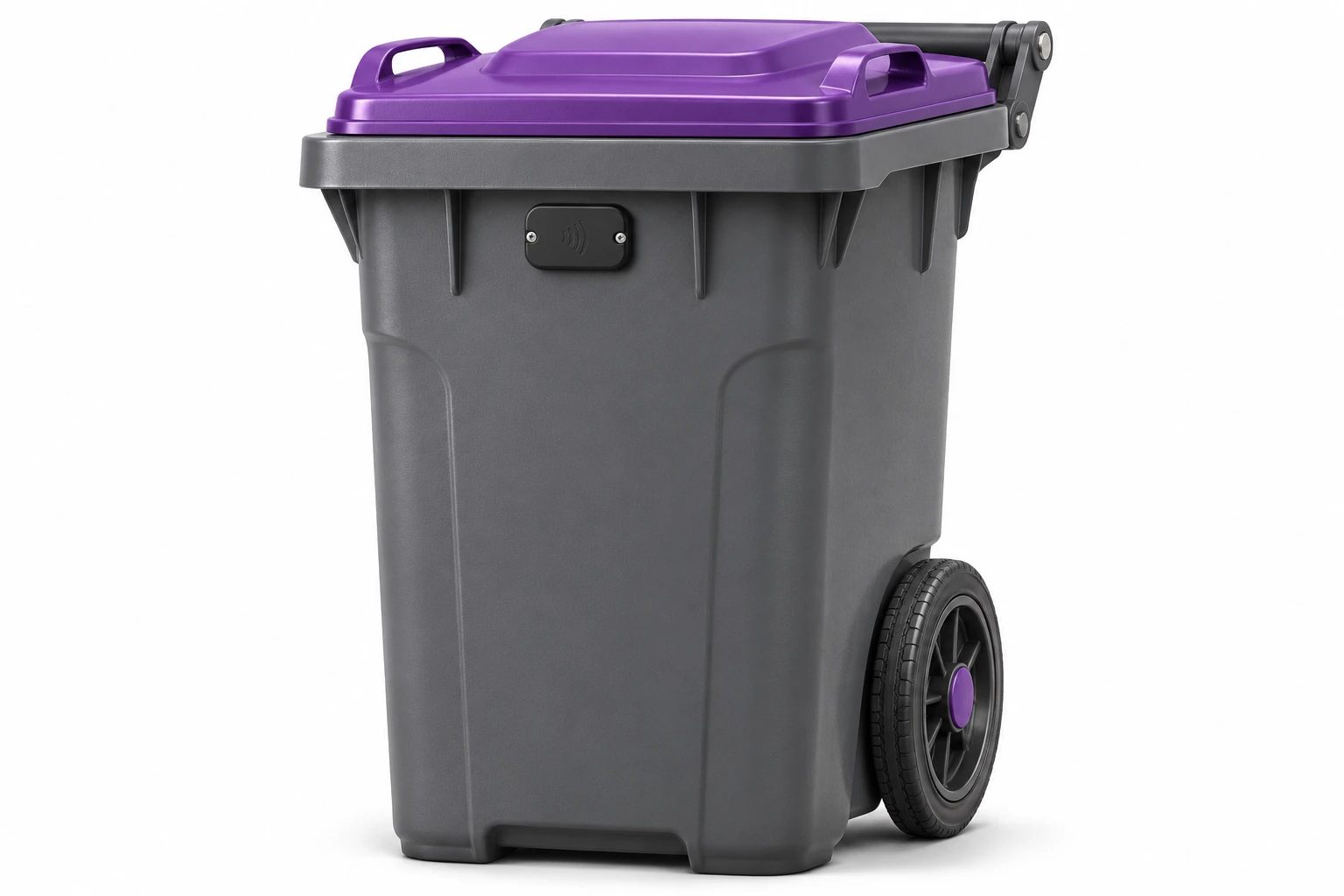
RFID tag mounted on a wheeled container
We check the marking and devices for real circulation. Illustrative image. Enlarge ↗

Read goes to the correct container.

UHF or QR recognizes a specific item. Two designations can lead to one record.

For existing containers, we check the type of tags, material, installation and compatibility of readers. This is the basis for choosing the first stage.

Learn about RFID readers and reading points →

You record issue, handling and return separately.

History connects transfer to the recipient and return of a specific item. Every action performed requires proper confirmation.

A travel order may include the recipient, address, place, date and contractor. Comments, photos and result pass the context to the next person.
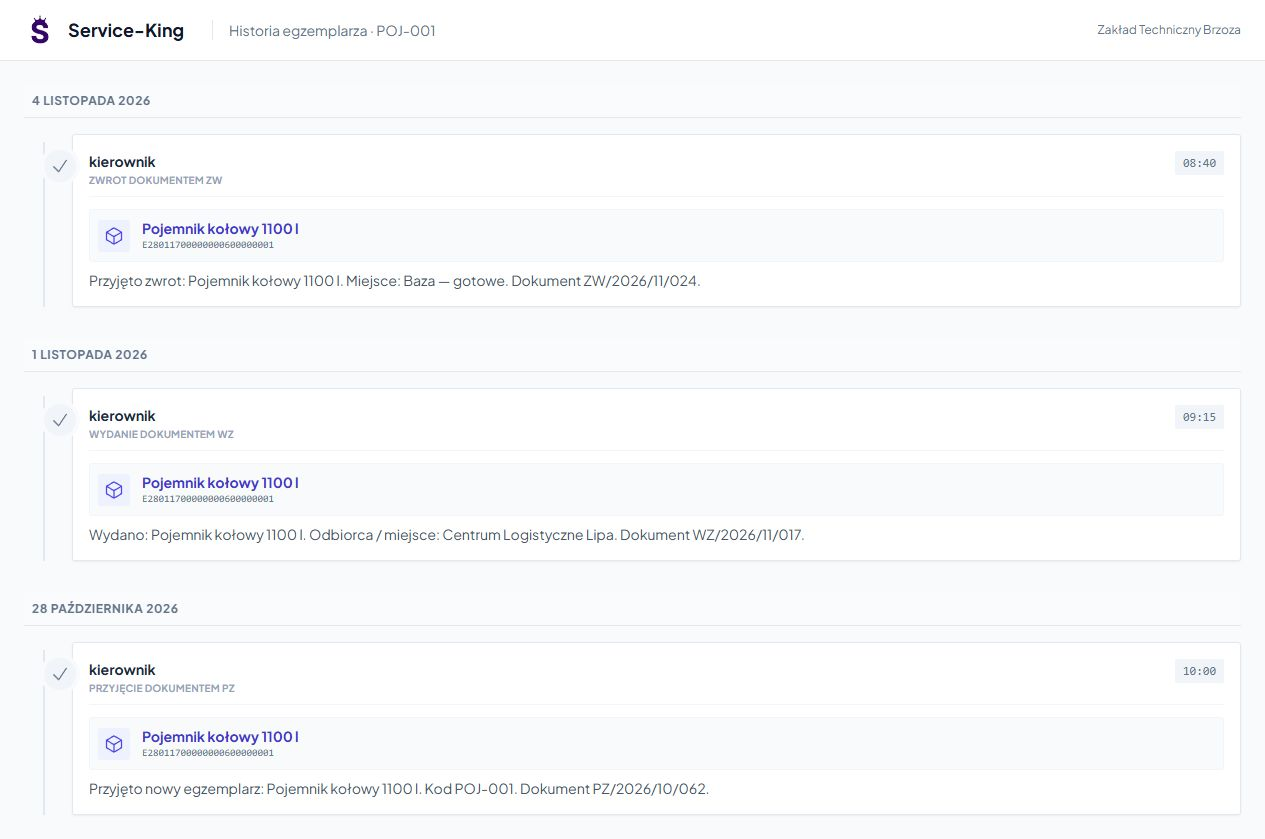
View documents and operation history →

Sample data in the applicationEnlarge preview
History of the POJ-001 container with receipt, issue and return
Transfer and return record. Emptying is confirmed by a separate activity.
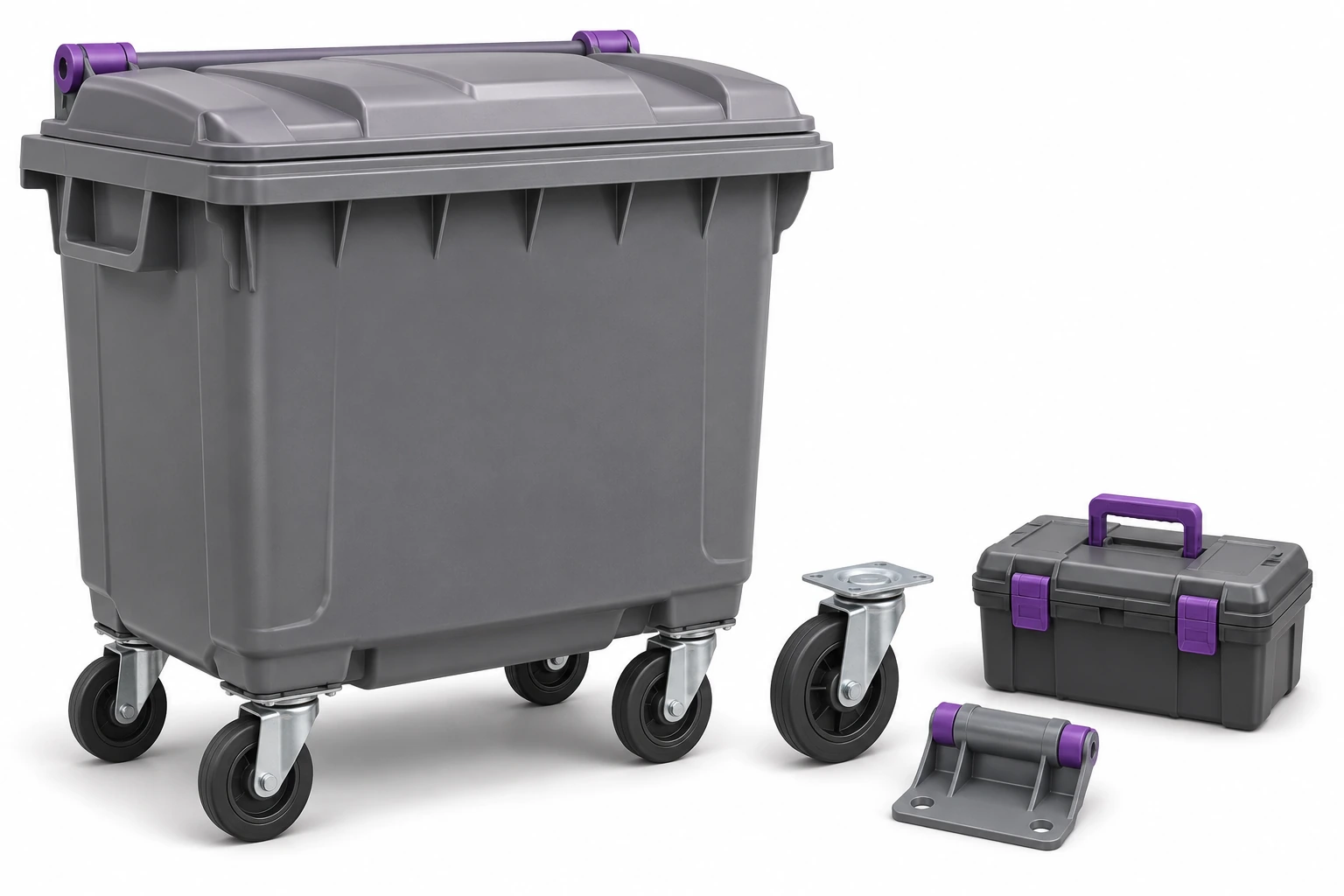
Container, wheel, hinge and service tools
Condition and repair remain part of the container's history. Illustrative image. Enlarge ↗

The damaged wheel is sent to the service center with a description.

Bind the problem to specific container, note and photo. The manager indicates further work, contractor and deadline.

Status helps distinguish between an item waiting for review and one ready for check-out. The person doing the work records the result.

See bug report → · Learn about service planning and execution →

The workflow in eight steps.

An example of a daily workflow. Confirmation rules are tailored to the way your team works.

  1. Organize your estate. Prepare records and asset groups.
  2. Check markings. Verify existing tags or select new ones.
  3. Determine locations and access. Add recipients and team scope of work.
  4. Save transfer. Confirm the check-out of a specific item.
  5. Confirm service. Record agreed activities.
  6. Schedule a repair. Associate the problem with further work.
  7. Accept return. Check the status of the returning asset.
  8. View listings. Explain the history and things outside the base.

Data that helps you plan your next service.

A consistent record of events makes it easier to clarify differences and prepare agreed settlements.

  • Containers at recipientsCheck saved items, places and transfer dates.
  • Returning to baseFind items waiting for return or clarification.
  • Open issuesReview tickets and service work needed.
  • Duration of stayAnalyze data resulting from operations and established policies.

See also returnable container accounting →

Reader, scale and GPS: let's figure out what data we connect.

We prepare integration for your devices and specific way of working.

01

Bin ID

The reader recognizes the correct asset designation. We check the model and protocol.

02

Measurement and location

Weight, occupancy and GPS require appropriate devices and data sources.

03

Connection rule

We determine how to link the measurement to the container, time and activity performed.

Questions before implementation

Does container records replace waste documentation?
This workflow applies to assets, locations, and asset handling. We agree on cooperation with the waste documentation system used as a separate scope.
Does reading the tag itself confirm emptying?
Confirms that the tag has been recognized. Performing emptying, measuring mass and recording positions require appropriate data and confirmation rules.

Free consultation

Show us the way of one container.

We'll get through check-out, handling and return. We will determine the data needed by employees and the manager.

  • Fortune: container types and current markings.
  • Operation: transfer, operations and repairs.
  • Extension: readers and other devices you have.

A free consultation will help you choose the first stage before wider automation.

Let's talk about container circulation

Describe how service is issued and confirmed.

Website language

Choose a language.