

Service-King Web
Records, statuses, groups and locations describe the read item.
Alert-King - RFID devices and rules
The reader recognizes the tag. Alert-King helps check item data, compare it with the zone rule and show the operator what needs attention.
This is a desktop application compatible with Service-King and selected RFID devices. Combines a physical reading point with equipment information.
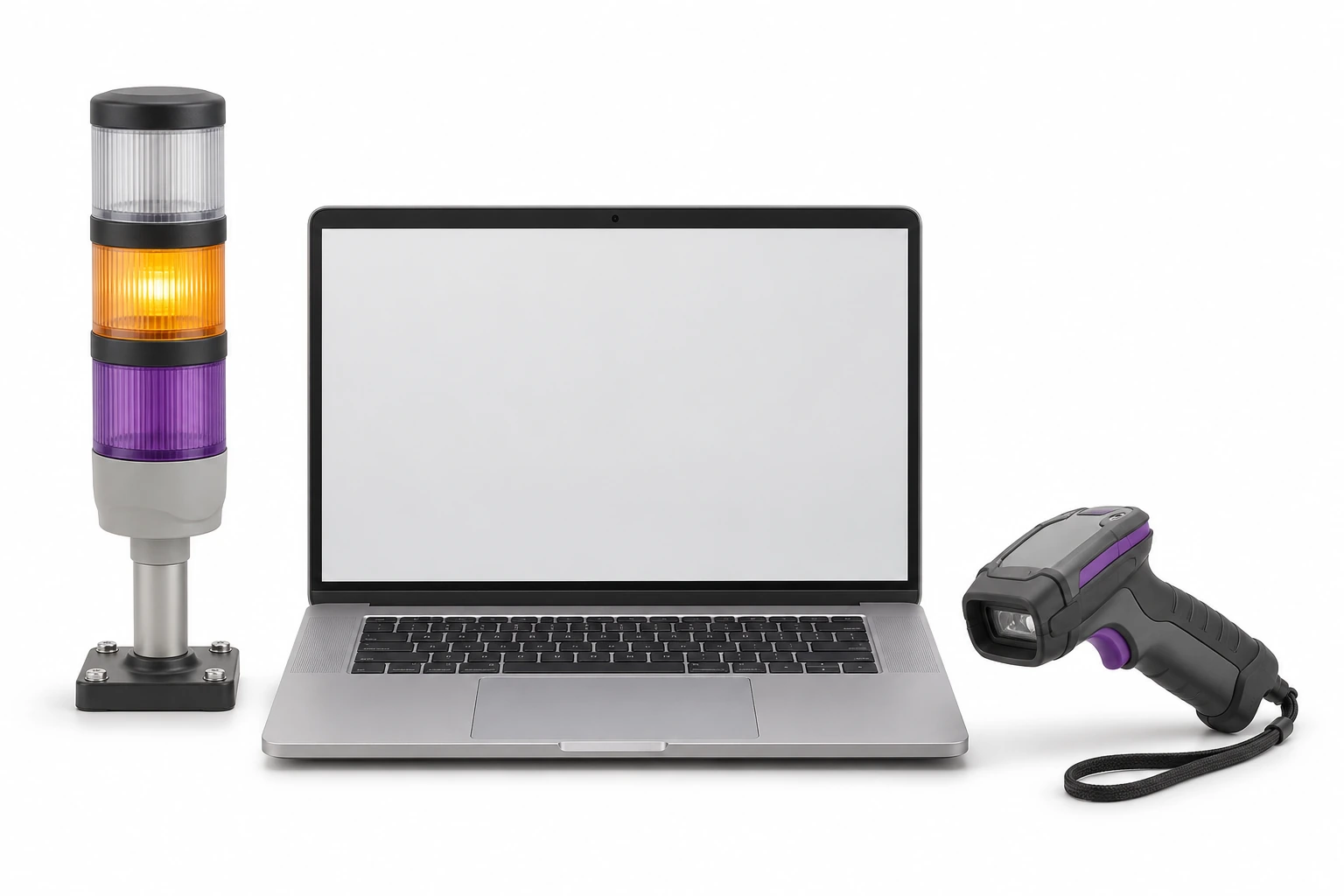
The operator focuses on exceptions. The device, data, and rule provide it with context for decisions.

Records, statuses, groups and locations describe the read item.
Provides the tag ID and context of the prepared read point.
It compares the information with the set rule and presents the appropriate response.
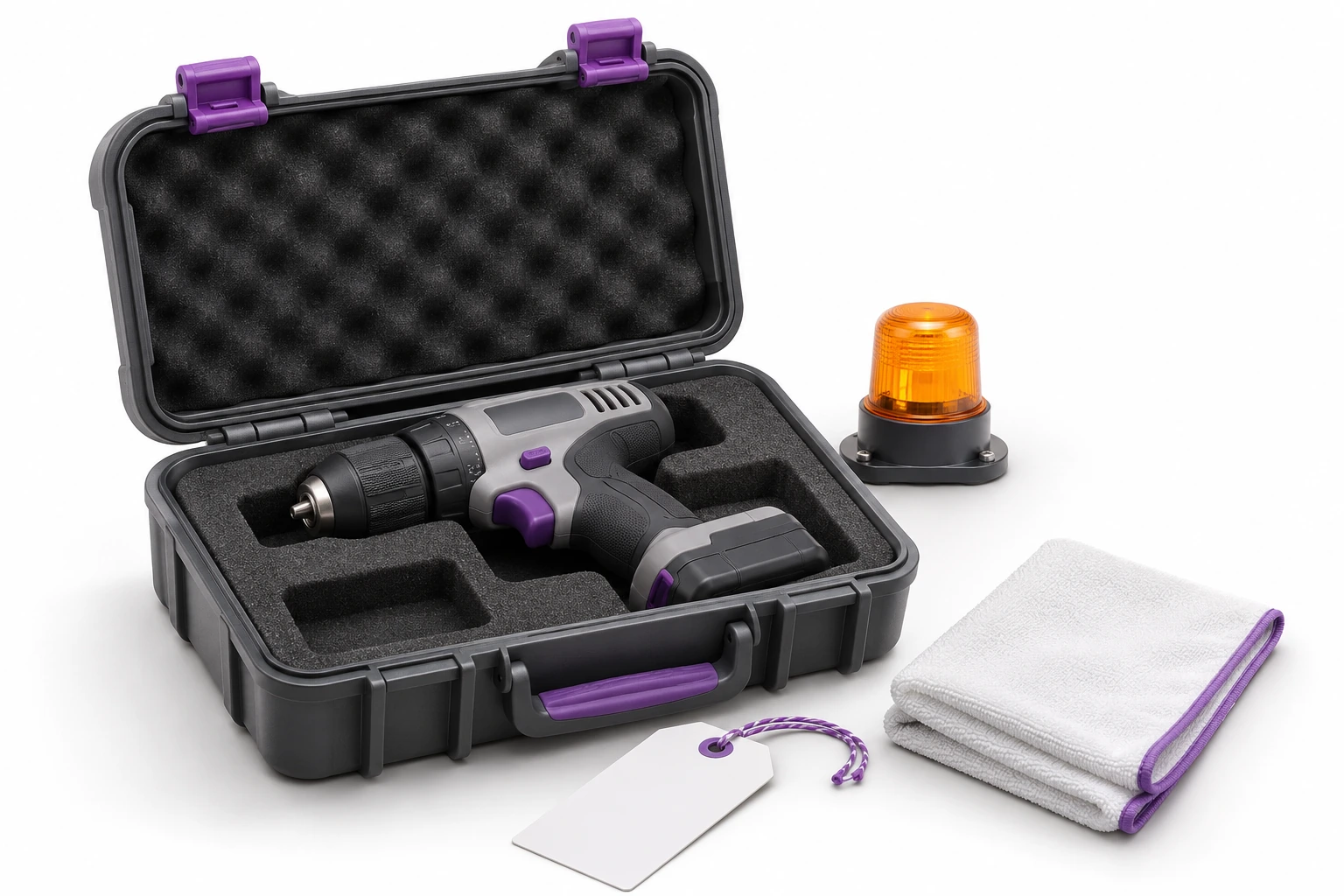
What is to be detected and where? Example: Tools with status "To be checked" appear when issued from stock.
Conditions can apply to statuses, group, subgroup, specified FTE, or unknown tag. You assign the rule to selected zones so that the messages concern situations that are important at that point in the process.
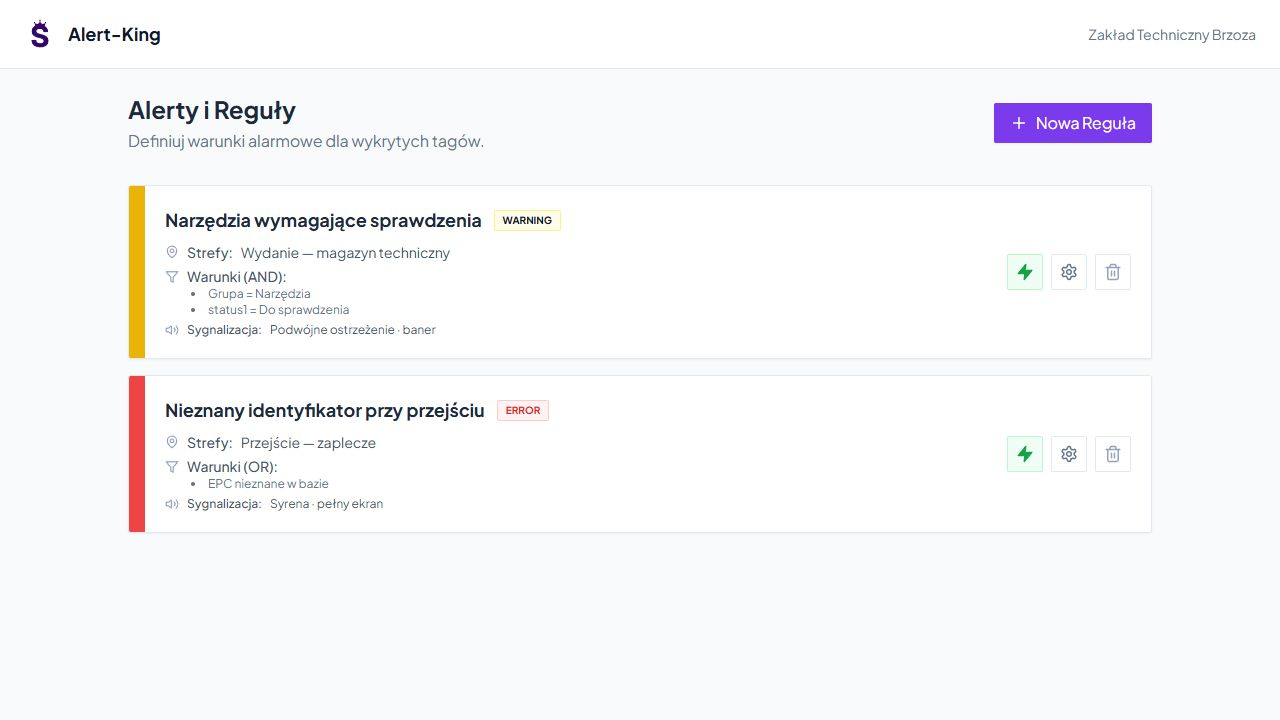
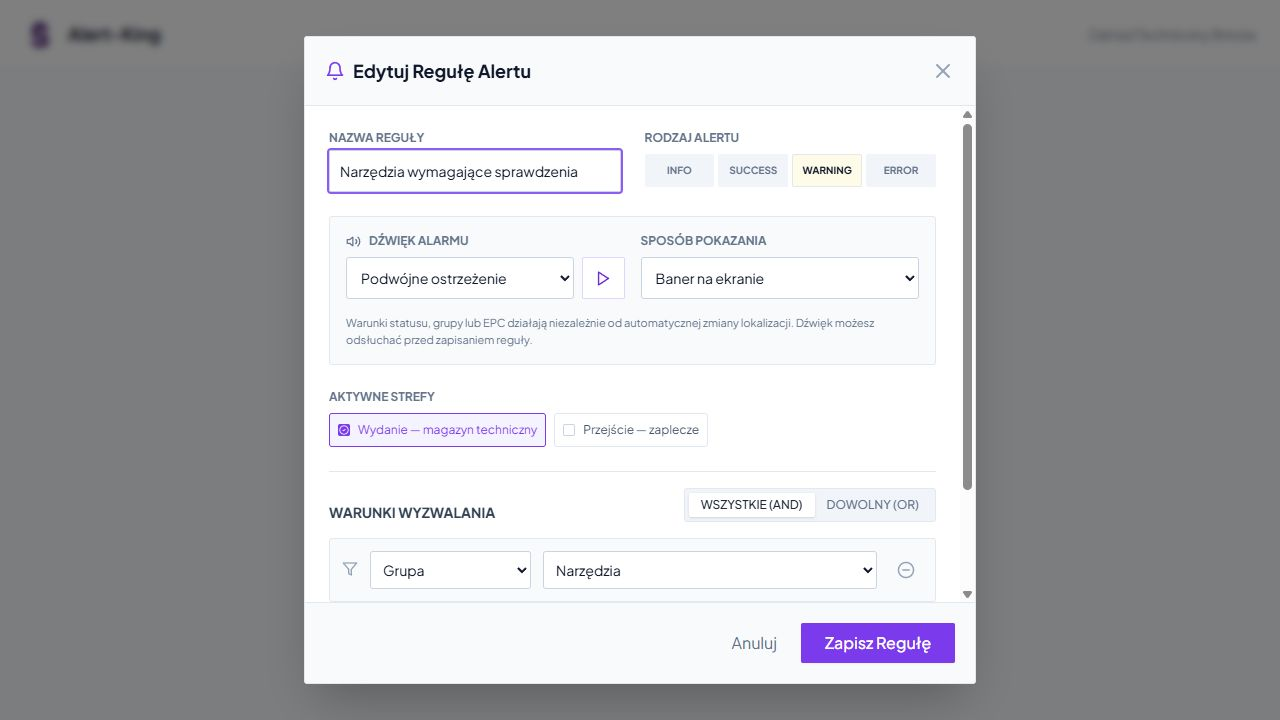
Define how the conditions are combined. The rule logic follows the intended operation of the control point.
A signal is useful when the operator knows what triggered it and what he should check.
The message may indicate the subject and reason for the response: status, unknown tag, or violation of a zone rule.
The announcement and sound of the station attract attention. We select and test an external light, siren or other device as part of integration.
The warning, local summary and approved warehouse document are separate steps. We determine who confirms the operation and when.
Readers on bollards can create a checkpoint at the crossing. The reaction should take into account what move is correct at that point.
We determine whether the permission results from a document, active rental, status or additional integration.
Tag detection provides information about the item at the point. The operator checks it in the context of the agreed rules.
We determine when a message is sufficient, when signaling is needed, and who records the result of the check.
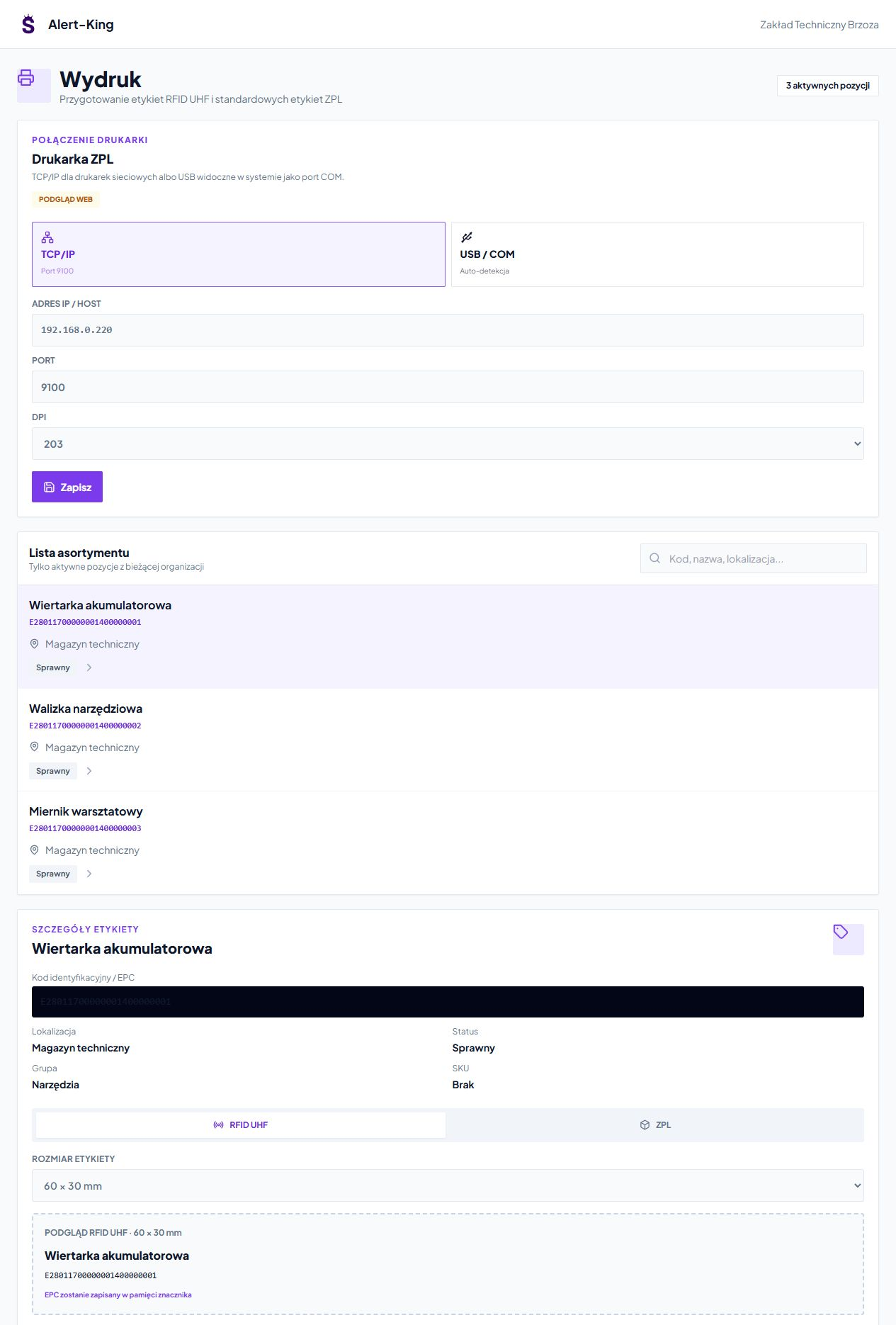
Alert-King has print preparation tools for compatible printers. Depending on the set, you can prepare a print and EPC data in the RFID label.
We check the print language, resolution and load carriers suitable for the device.
We associate the print and ID with the appropriate equipment flow.
After sending the command, we check the printout and reading of the encoded tag.
From an idea to a rule that can be tested on real things and transitions.
You need a compatible desktop environment, connection to Service-King, power and connections to the selected hardware. We adjust the configuration to the devices and the intensity of readings.
Before acceptance, we check the restart of the station and its behavior after a network break. This helps you know how to return to work and which results need to be checked.
The browser's Alert Center complements this workflow with notifications about working with data. Get to know the web part →

Not every reaction is intended to change a state, place or status. The warning itself may require an operator decision. The bill specifies when a result becomes a record.
We define and test how the read point behaves for the specific configuration. Tests cover a network outage, restart and safe resumption of reading operations. The extent of local operation depends on the devices and workflow.
Free consultation
Describe what passes through the point and what situation the operator should react to.
We will select devices and a rule to test in practice.
Give an example of a place and event. We will start with the way of working, and then we will choose the equipment.
Practical knowledge