Skip to content
Service-King

Equipment service for companies

Hardware repair.
Let's get it working again.

We service terminals, handheld terminals, label printers, scanners and RFID equipment. From a dead battery to a printing or reading problem.

You can take the device to the service center or make an appointment transport and repair on site at the customer's place. First, we determine the scope of work, then we repair and check the equipment.
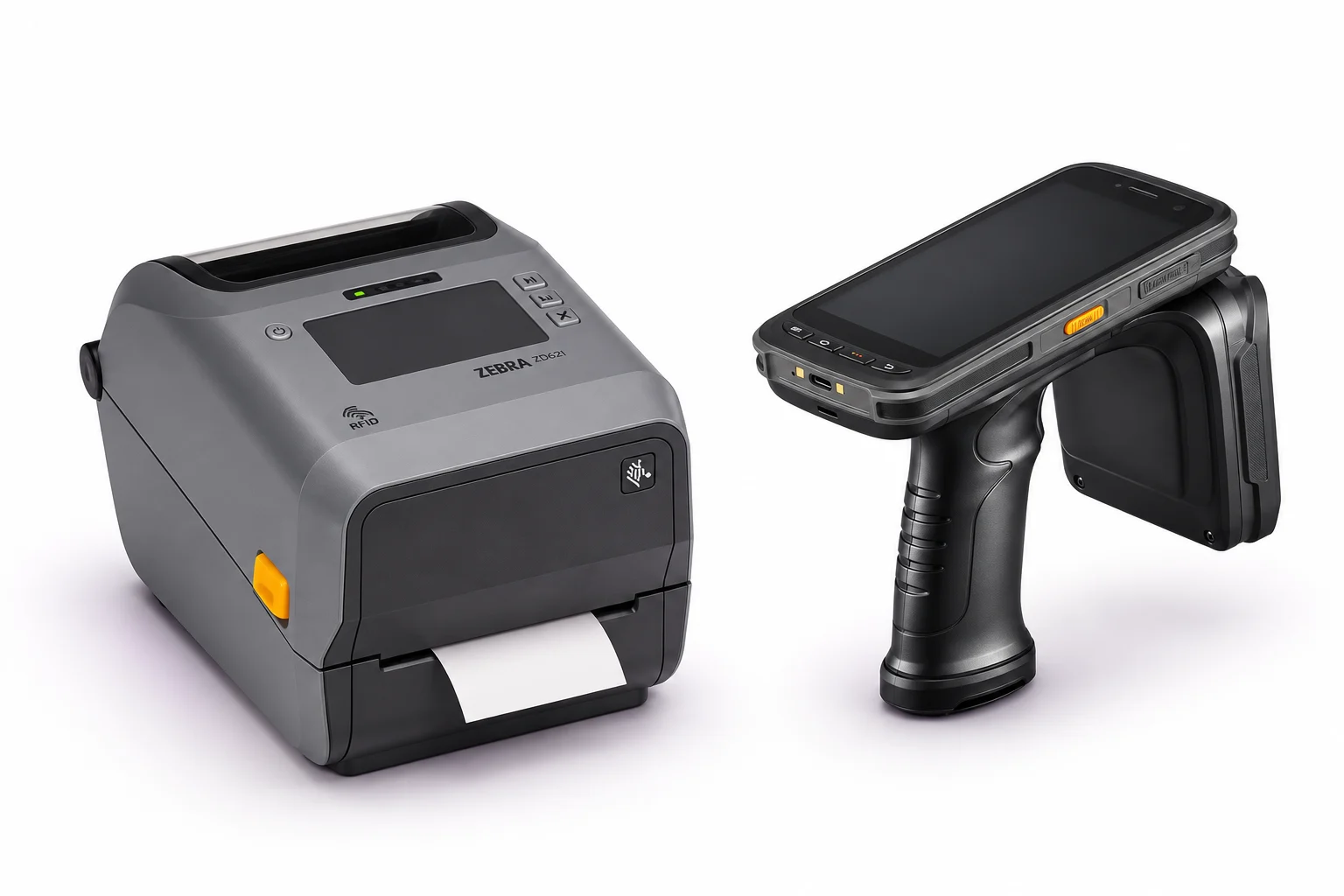
Zebra label printer and mobile RFID handheld terminal on white background
Printing and identification equipment. Illustrative image. Enlarge ↗

Service of equipment used by your company.

We support devices from these manufacturers. We confirm the scope of the repair after checking the model.

Zebra
Chainway
Honeywell
Newland
Datalogic

One report. Various devices.

Report a single printer or multiple models used by a warehouse, store or field crew.

01

Mobile terminals and handheld terminals

Battery, charging, screen, buttons and communication issues. Zebra, Chainway, Honeywell, Newland, Datalogic - we select a repair for a specific model.

02

Label printers

Desktop and industrial printers: blurry print, white stripes, label shifting, sensor errors and connectivity issues. Also RFID printers.

03

Code scanners and mobile scanners

Handheld, wired and wireless scanners. We check the reading of 1D/2D codes, the scanning button, the reading window, the cable, the base and pairing.

04

RFID readers and equipment

UHF handheld terminals, readers and cooperating elements of the station. We diagnose no reading, loss of efficiency, power supply and connection to the application.

RFID printing and coding

The printer is working.
And the label is still illegible.

The cause may be the head, roller, sensor or print settings. We check the source of the problem before we recommend replacing the part.
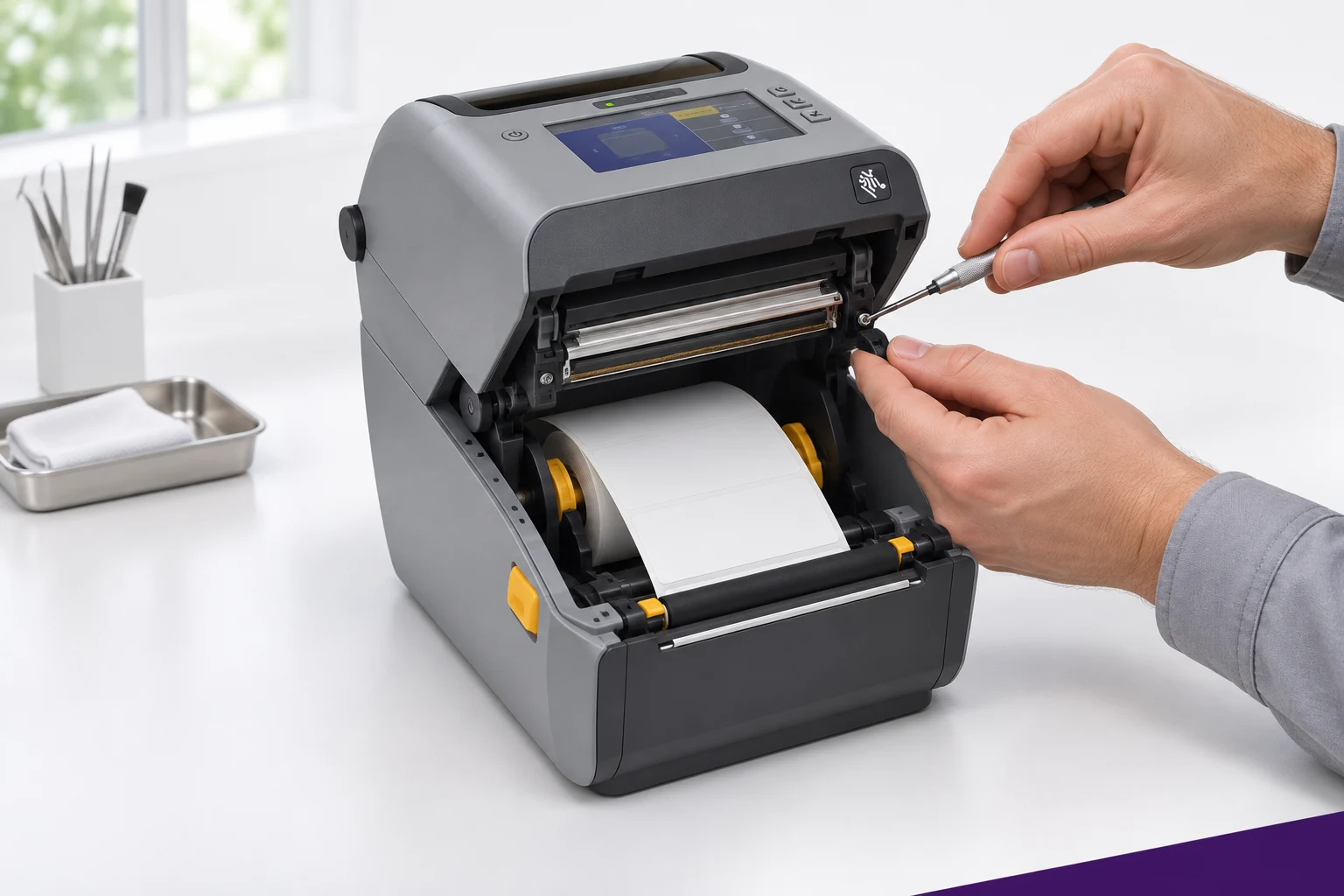
  • Zebra ZD621R - head replacementWhite bars, missing code fragments or poor printing. We check the head and parts compatibility; After the repair, we make a test print.
  • The printer skips or advances labelsPaper path, sensors and roller control. Cleaning and calibration according to label and tape.
  • The RFID printer does not encode tagsCheck settings, load carriers and error messages. We determine whether the problem is configuration, label compatibility or device related.
  • No connection to the computerDiagnostics of USB connections, network and print configuration - depending on model equipment.

Report a printer problem

Zebra label printer service - mechanism and head inspection
Example of printer service. Illustrative image. Enlarge ↗
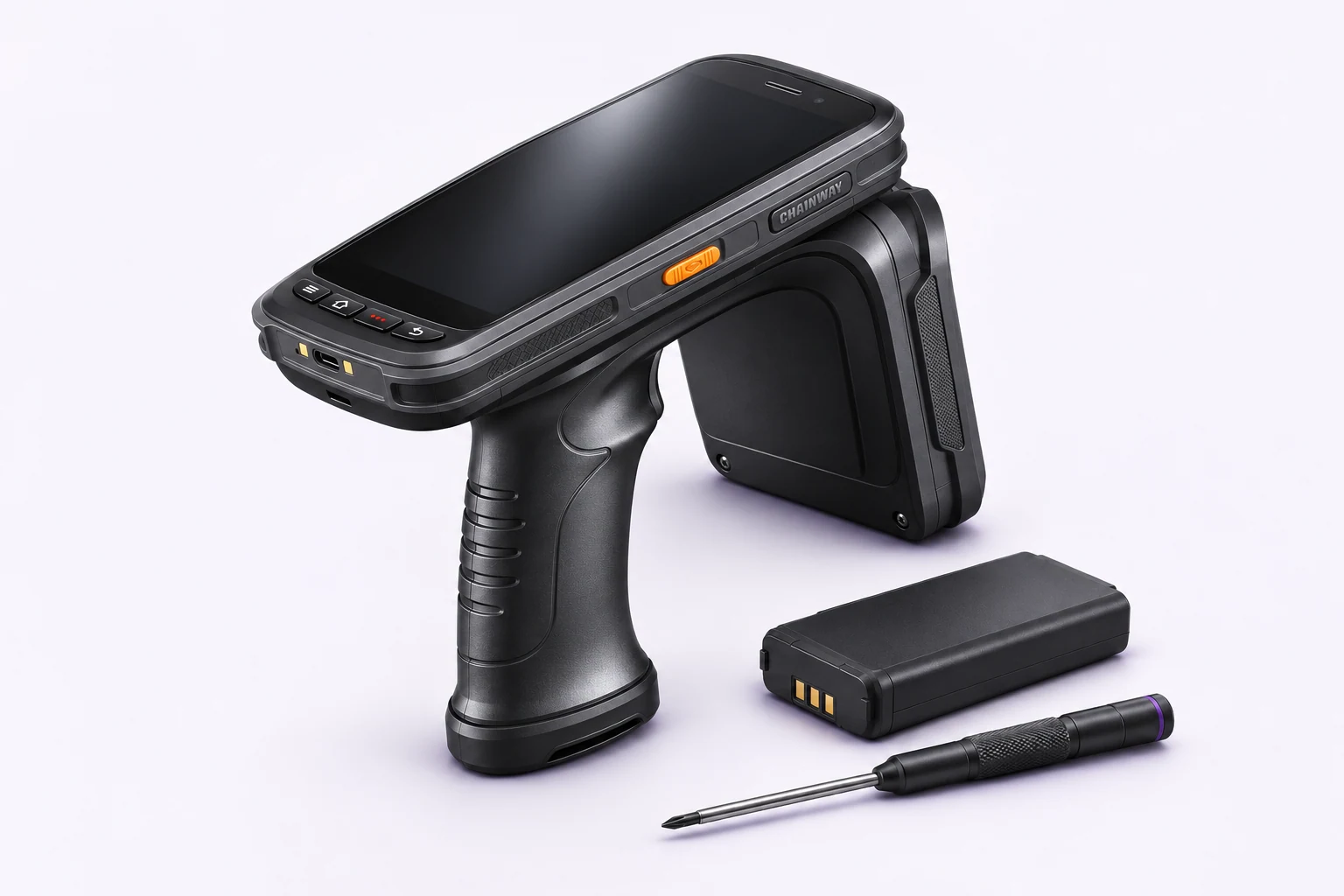
Chainway C72 UHF handheld terminal and spare battery prepared for service
Handheld terminal, battery and service accessories. Illustrative image. Enlarge ↗

Terminals, handheld terminals and scanners

Battery can't handle a change?
The handheld terminal doesn't read the codes?

The employee should not constantly return to the charger or attempt to read several times. We check the device and its accessories as one set.

  • Chainway C72 - Battery ReplacementShort operating time, sudden shutdowns or charging problems. We check the battery, contacts and power supply, and then select the appropriate repair.
  • Zebra Terminal and other handheld terminals - screen and housingCracked display, faulty touch, damaged buttons or housing. We determine the scope of replacement after checking the model and damage.
  • The scanner does not read codes or does not connect to the databaseWe check the window and reading module, cable, button and connection configuration. Also applies to mobile and wireless scanners.
  • RFID handheld terminal does not see tagsControl of the reader, antenna, reading settings and connection to the application. We separate a hardware fault from a configuration or tag problem.

Report handheld terminal or scanner

On-site arrival and repair

We can repair your equipment
where he works.

We offer travel to the customer and the possibility of on-site repair. This is convenient when the problem affects the packaging station, printers in several departments or an entire set of devices.

Please provide the city, models and number of pieces in your application. We will determine the date, availability of parts and work that can be performed during the visit.
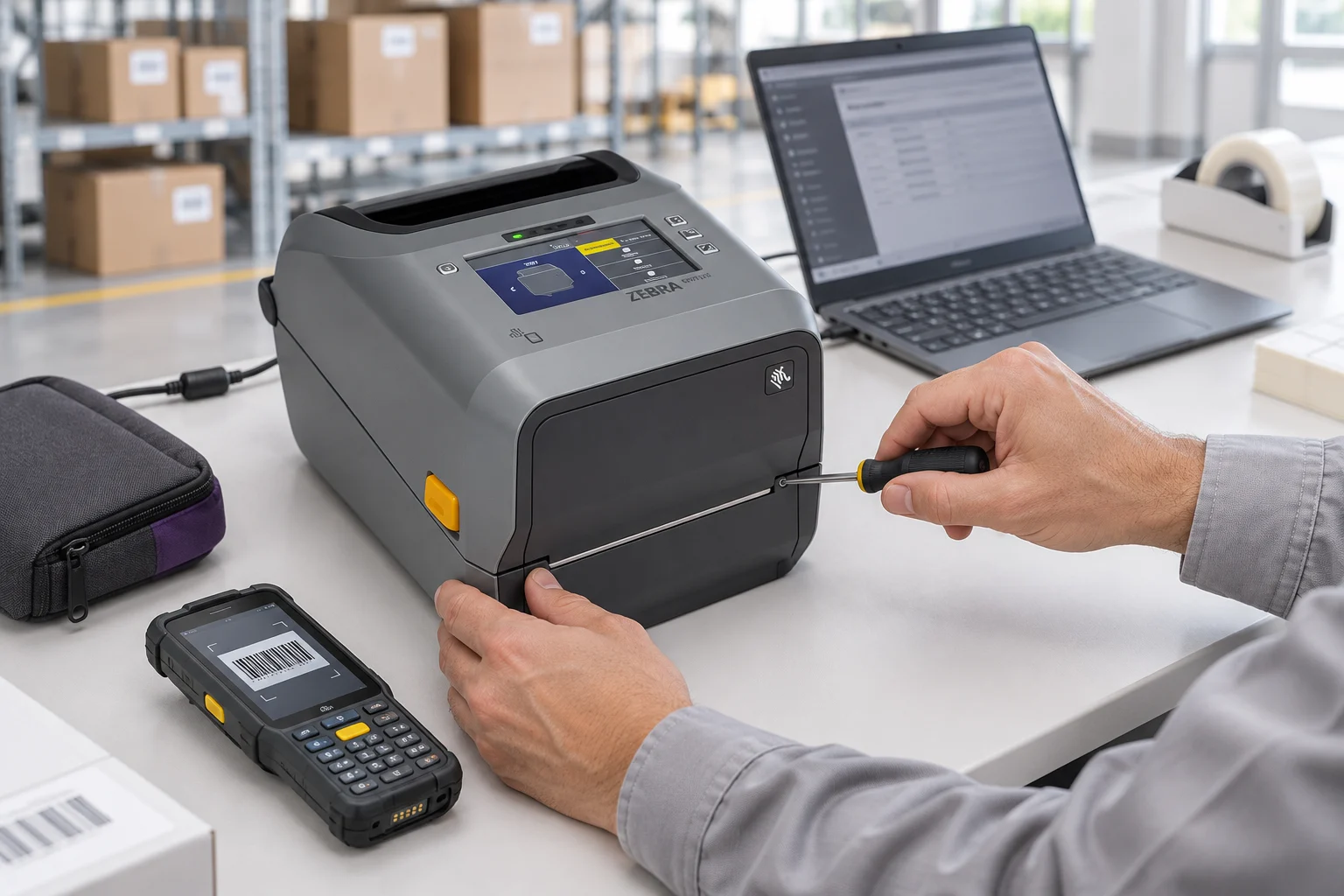
  • Checking the entire stationWe can verify the equipment including power, network, computer and materials used.
  • Together we choose the method of serviceIf a workshop repair is needed, we arrange to take the device to a service center. Not every fault requires the same mode.
Service technician checking label printer and terminal at customer station
Operating devices at the client's workstation. Illustrative image. Enlarge ↗

You know what happens next.

Before carrying out the repair, we confirm the scope of work and cost with you.

  1. You describe the problem. You choose the equipment, provide the model, number of pieces and symptoms. You can add several items in one form.
  2. We arrange diagnostics and pricing. We contact you, agree on handing over the device or transport, and present the proposed scope of repair.
  3. You accept the repair. We perform the work after agreeing the conditions. In case of additional arrangements, we will contact you with information.
  4. You receive proven equipment. After repair, we perform tests appropriate to the device: printing, scanning, RFID reading, charging or communication.
The equipment returns after testing and with a repair warranty.

We provide a warranty for the work performed and parts installed. We confirm its period and scope in the conditions of a specific repair.

Questions before reporting a repair

Do you repair non-Zebra equipment?

Yes. We accept applications regarding devices Zebra, Chainway, Honeywell, Newland and Datalogic. You can also ask about other equipment - we will confirm the ability to support a specific model.

How much does it cost to replace a ZD621R head or C72 battery?

The cost depends on the model, device version, parts used and diagnostic result. Provide symptoms and equipment marking. We agree the scope and cost of the repair before it is carried out.

Can a service technician come to your company?

Yes, we offer transport and on-site repairs. Select in the form "Driving to the customer" and enter the city. We will confirm the date and work that can be performed during the visit.

Can I register several models and more devices?

Yes. Use the button "Add another model". For each item, enter the number of pieces and symptoms. You can provide serial numbers immediately or complete them during further contact.

Service request

Describe the equipment.
Let's decide on next steps.

Please provide models, quantity and what doesn't work. You can report different devices in one form.

Don't know the reason? A description of the symptoms is enough. If you choose directions, please also enter the city.

Fields with an asterisk are required. Sending a report does not mean automatic acceptance of the repair cost.

Equipment 1

Contact details
We confirm the scope and cost of the repair before it is carried out.

Practical knowledge

Learn more about this workflow.

All knowledge-base articles

Website language

Choose a language.