

Recognize the right thing
The student creates a record, assigns an ID and checks the item.
Industries • Education and RFID workshop
Students recognize the delivery, move the containers, complete the issue and check the result. Service-King allows you to prepare workflow of a production and warehousing company on working modules.
We combine exercise data, roles and selected equipment RFID UHF and HF. The participant sees the result of his work and the task of the next person.
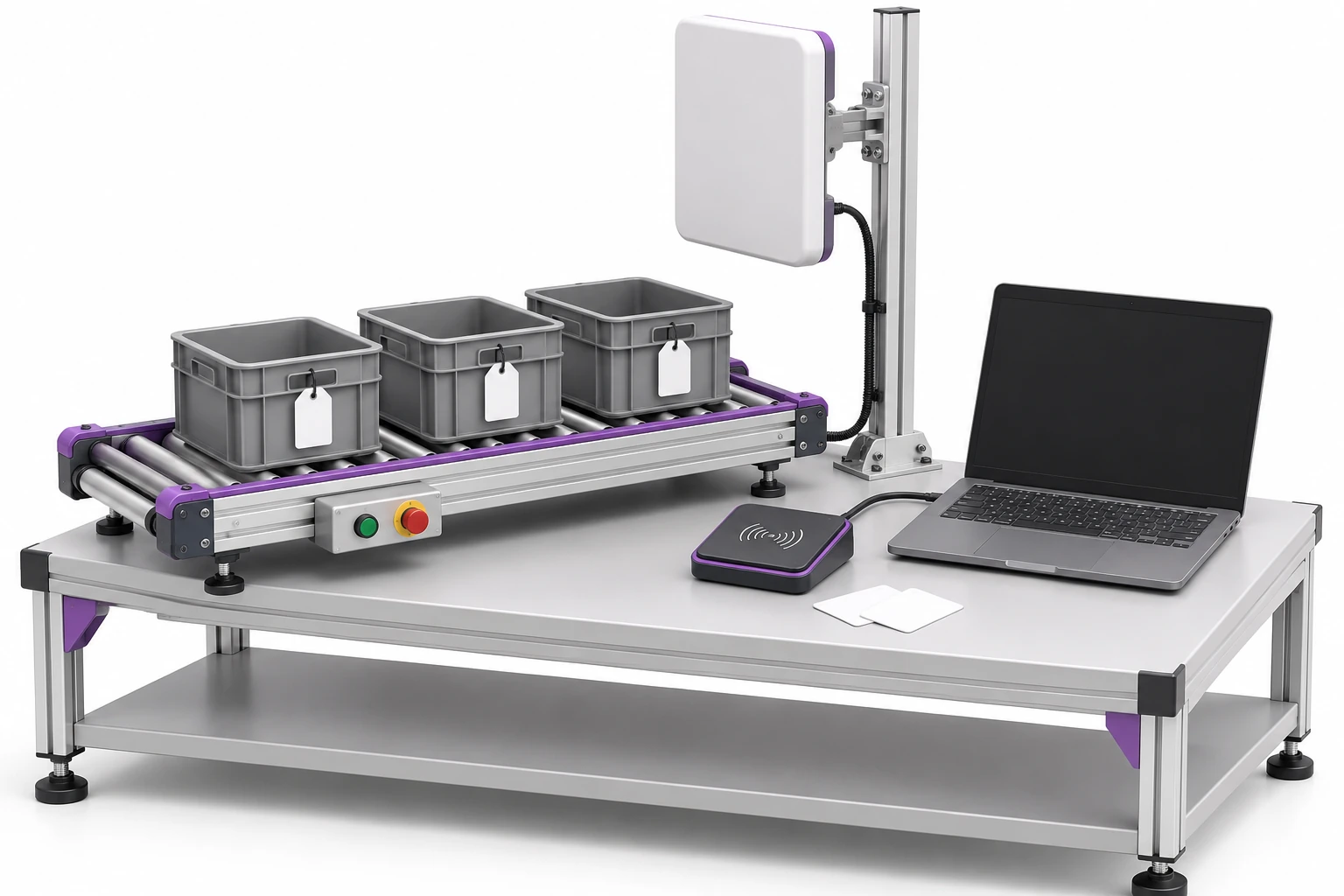
It is worth combining the recognition of things with the operation and checking its effect.
The student creates a record, assigns an ID and checks the item.
Selects a location, confirms the move and works with the document.
Compares the state, goes back to the history and indicates the reason for the difference.
The facilitator prepares containers with elements and the expected scope. Participants serve subsequent places and documents.

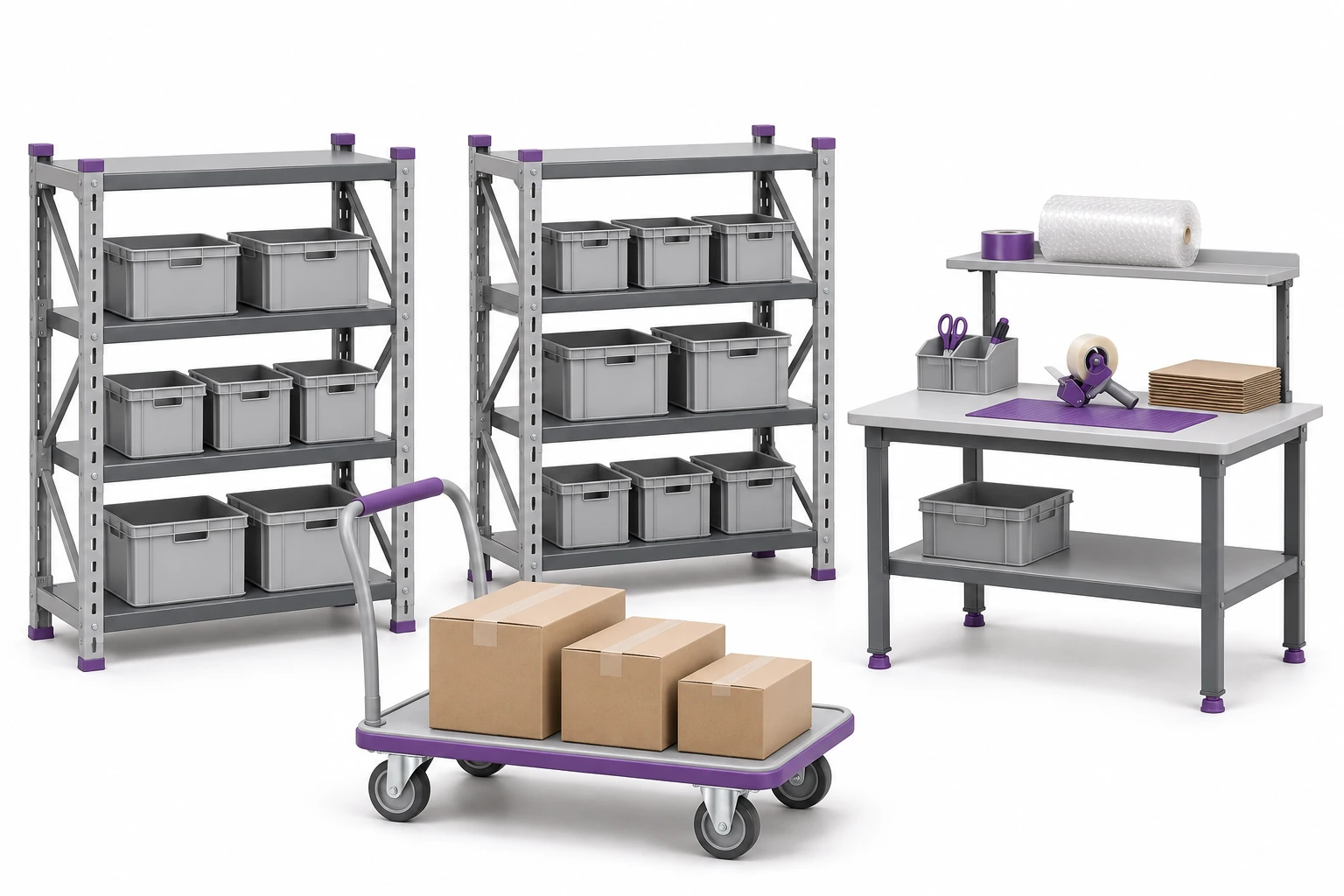
Shelving, simple containers and a table are enough to replicate receipt, warehouse, work stage, inspection and check-out.
We select computers or tablets, tags, a UHF handheld terminal and a compatible HF reader. The conveyor, sensors and controllers can expand the selected scenario.
The scope depends on the purpose of the classes. You don't have to run all devices and modules from scratch.
UHF helps recognize many marked items. The student observes the influence of the orientation, material and setting of the reader on the reading.
HF, including compatible NFC solutions, is used to consciously bring the selected tag closer to the correct reader.
These are different tags, devices and applications. Before choosing a set, we check compatibility and the method of transferring the code to the application.
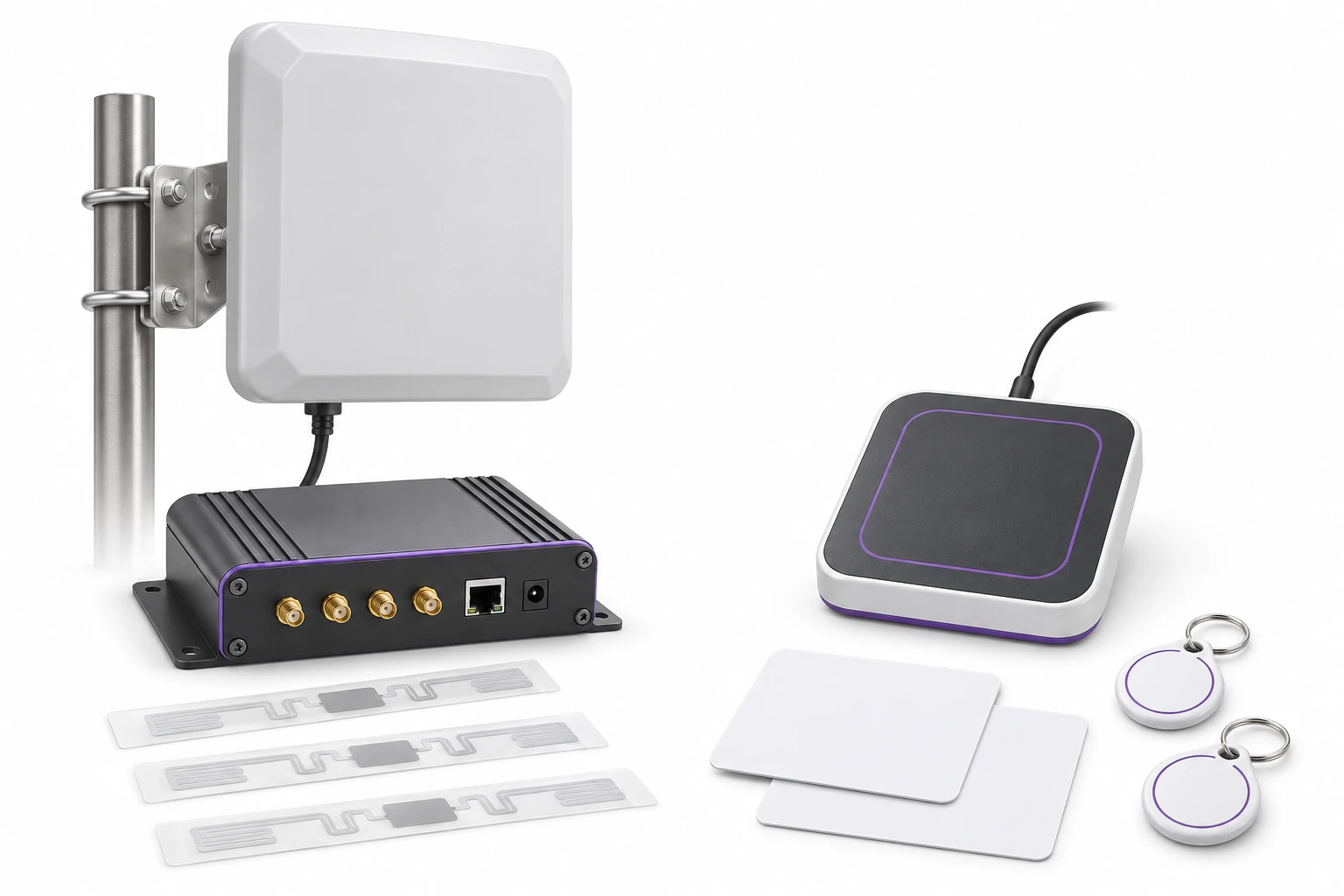
Primary and secondary ID help support the same item in different ways, e.g. UHF and QR or a suitably prepared HF code.
Participants practice discrimination model name and item ID. The next read should not create a copy of the same thing.
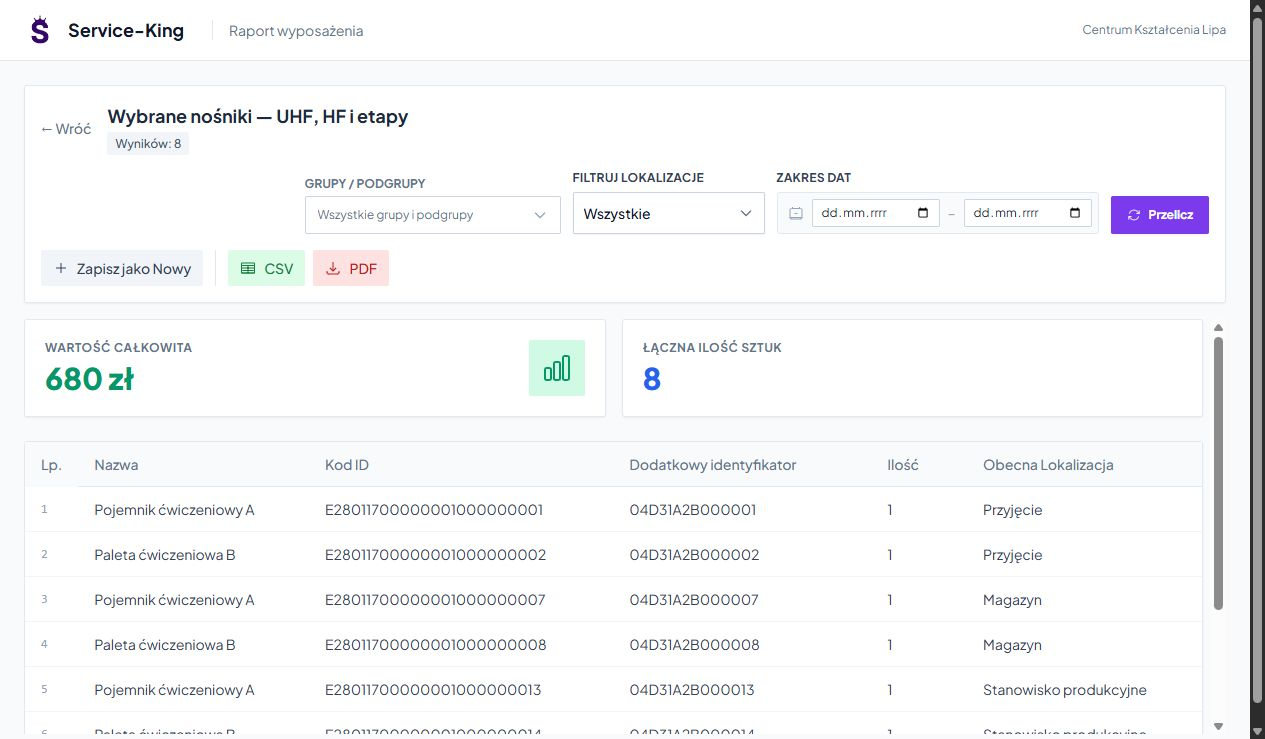
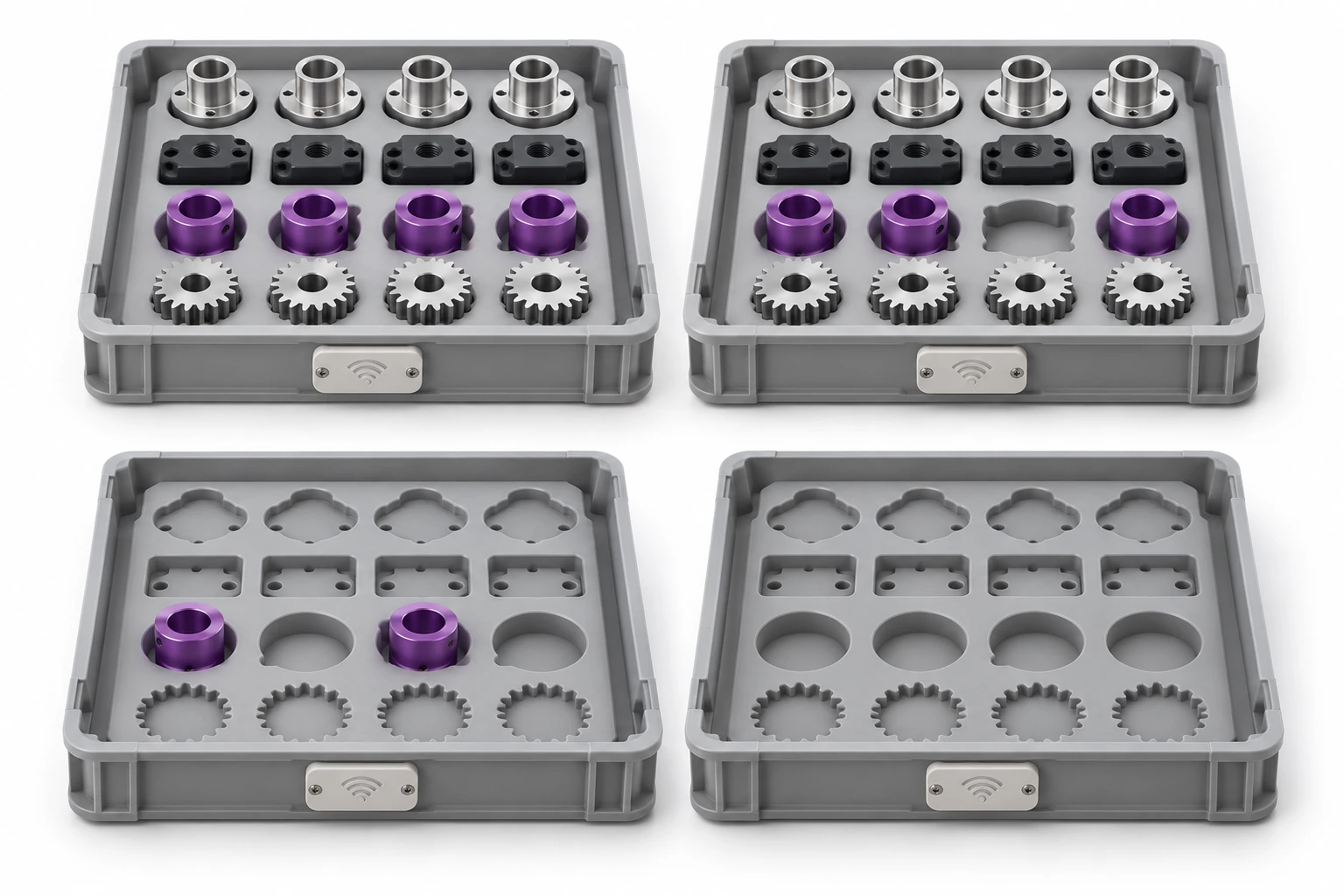
The report shows eight selected examples from a practice pool of 24.
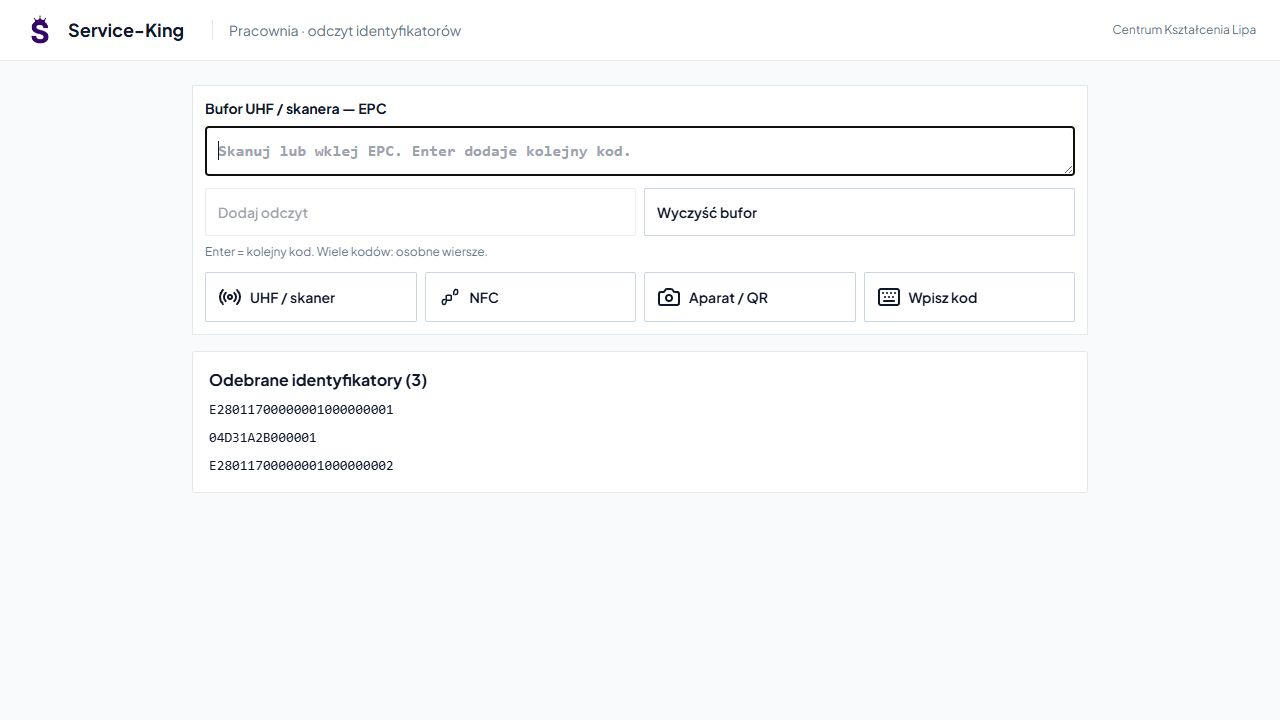
It could be compatible reader working as a keyboard, prepared integration or supported NFC reading. QR complements work with a single item.
Buffer allows you to review received IDs. The presented component contains three example codes.
We confirm the use of a specific telephone, browser and reader when preparing the workshop.
Prepare delivery compatible or variant with missing piece, unknown code and incomplete check-out.
Students compare the result with the list. The repeated tag and reading from the adjacent shelf allow you to discuss the difference between number of reads and number of unique things.
They then explain what action caused the discrepancy and how to correct it.
The division of views and permissions shows how people in the enterprise cooperate.
Receives delivery, arranges location and prepares items for further movement.
They record the agreed stage, check the scope of the order and prepare the check-out.
Prepares data, establishes access, and discusses recorded operations and results.
We separate practice data from real school assets. Participation in classes does not give access to administration records.
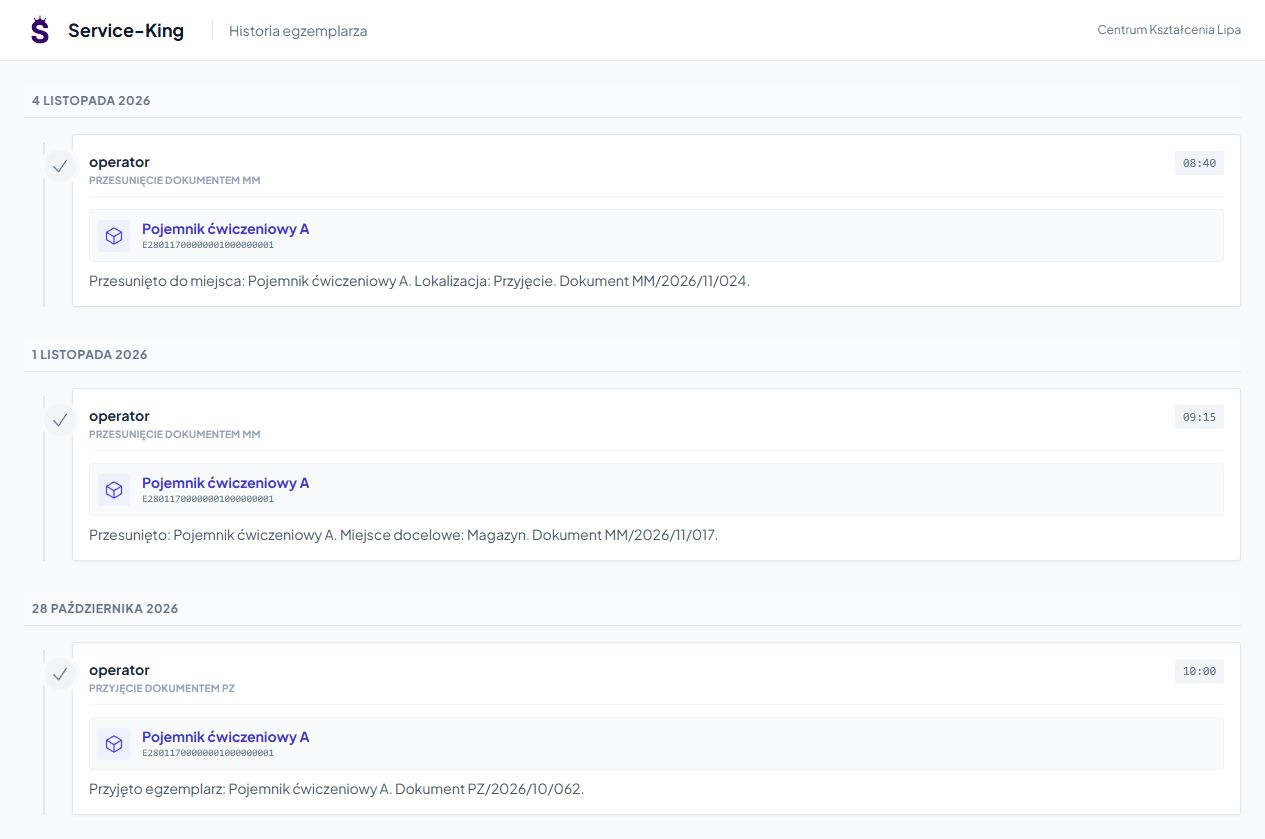
Participant returns to receipts, transfers and documents of a specific load carrier. Determines the order of events and saved places.
This is material for discussing decisions and responsibility. The teacher evaluates the work according to his or her own criteria.
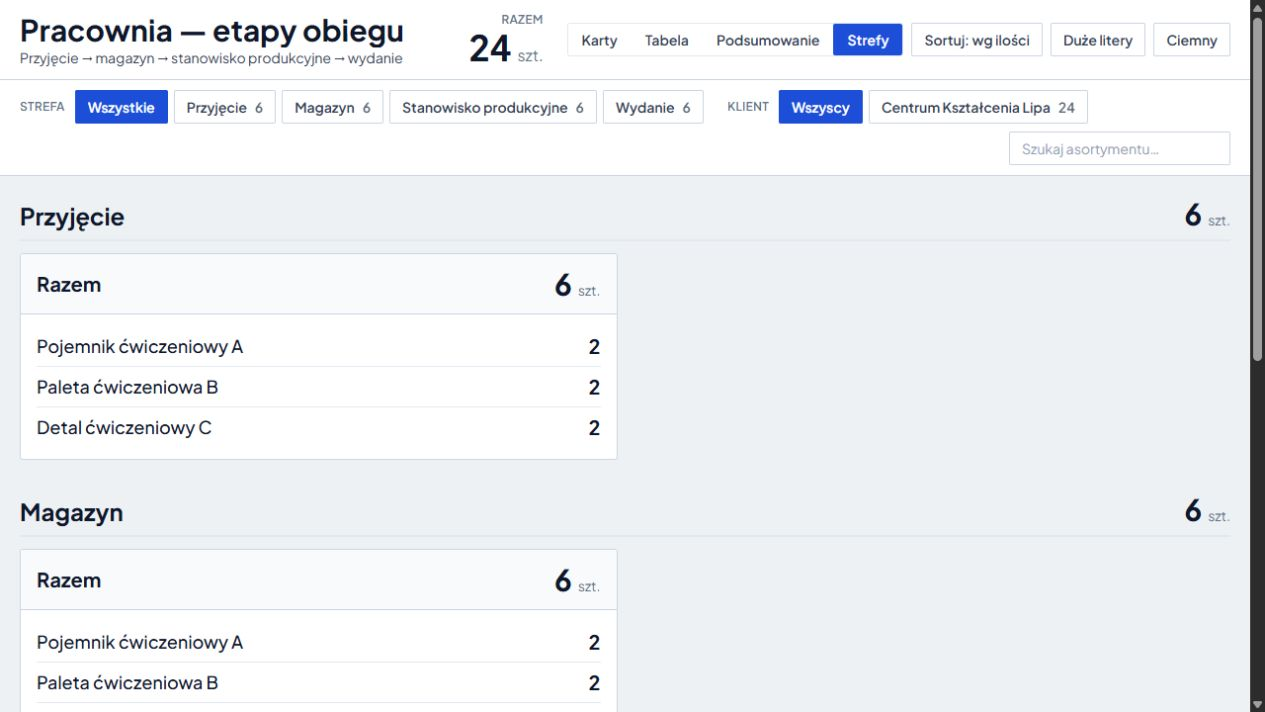
An example pool is 24 pieces: 6 in four zones. The Selected Items Report and History lets you drill down.
See location map → · Learn about the connection between things, places and operations →
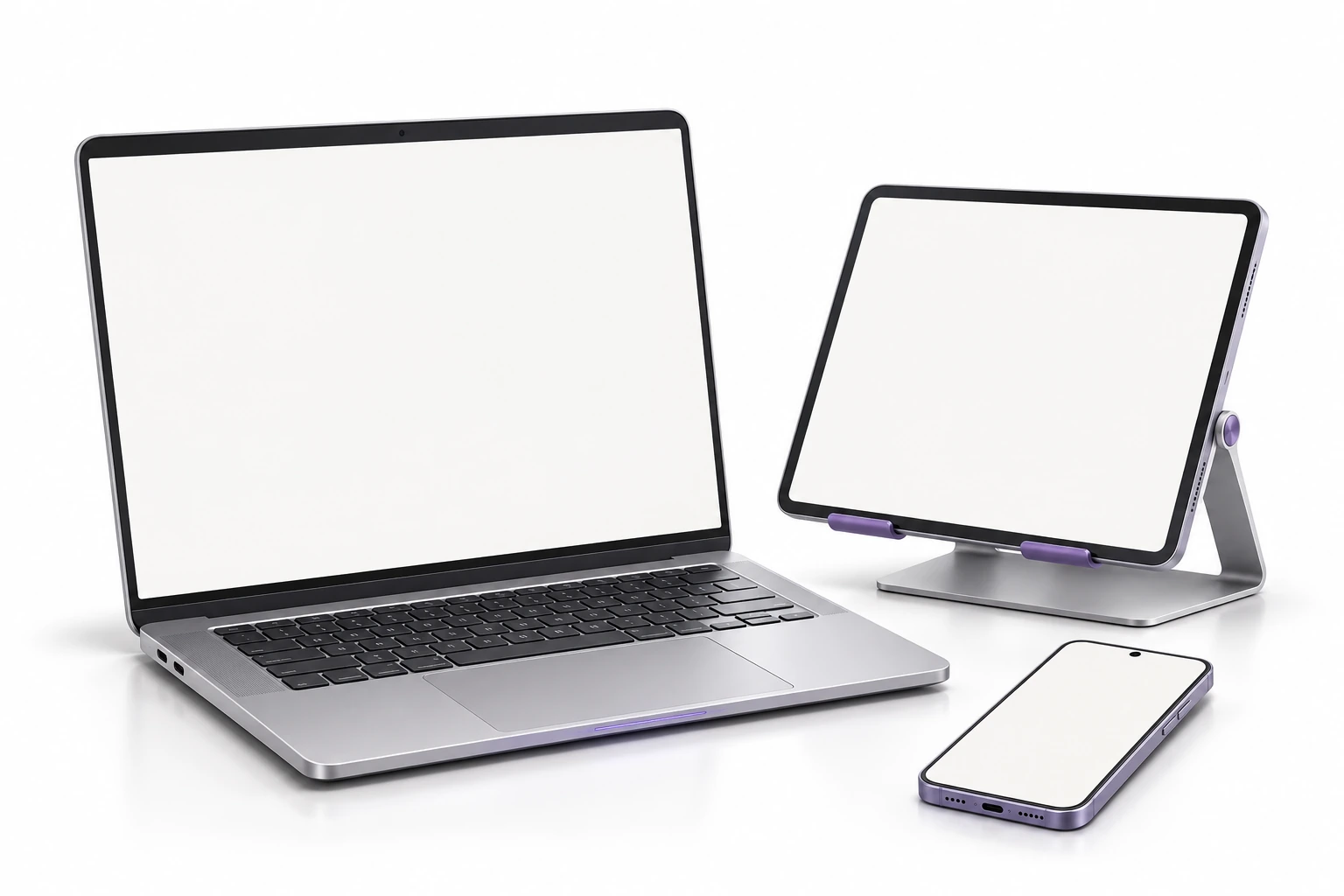
In a prepared environment you do not install the main application separately on each computer. Authorized participants log in on compatible devices.
Updates are shared centrally and the group works on shared data. This simplifies adding seats and maintaining the application.
We prepare readers, network, drivers and integrations for the selected workflow. We determine the connection with ERP or automation based on the equipment we have.
This is how we prepare the studio and the first classes. We adjust the scope to the curriculum and available equipment.
You can keep laptops, projectors, furniture, tools and teaching aids in separate administration records.
Free consultation
Show curriculum and available equipment. We will prepare exercise from receipt to report and the plan for its development.
During a free consultation, we will select the scope depending on the field of study and the conditions of the studio.
Describe the course of study and the equipment you have.
Practical knowledge