

Where is the projector?
The record indicates the saved location and previous transfers.
Industries • Public institutions
The laptop has changed users, the projector has been moved to another room, and the old data is still listed. Service-King connects records, places, transfers and equipment history.
From daily room changes to physical inventory - The team works with related information and sees differences that need to be explained.
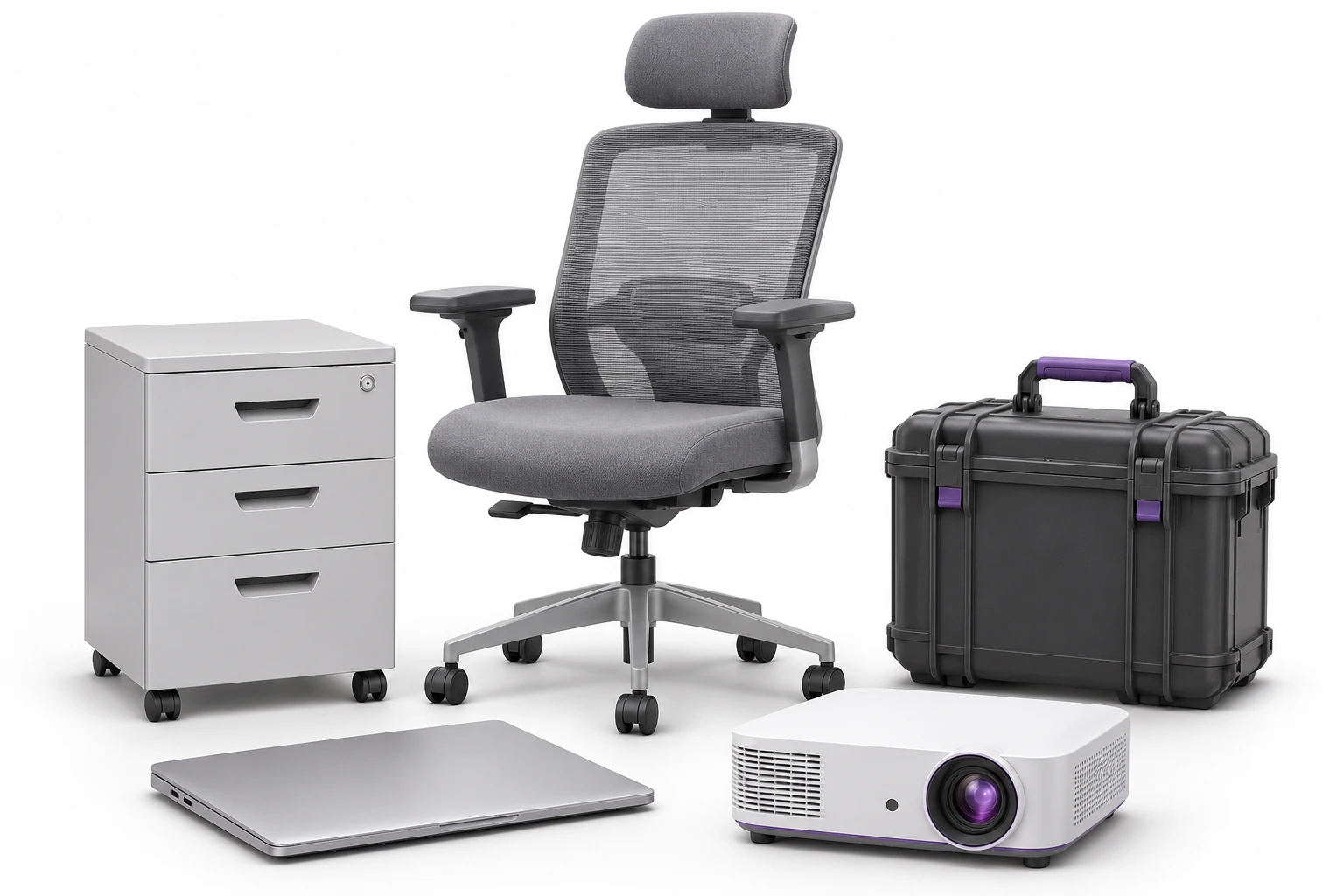
Places, people and saved operations help determine the situation of a specific item.
The record indicates the saved location and previous transfers.
Associate equipment with the person to whom it was entrusted.
Compare the check result with the records and go back to the seat change history.
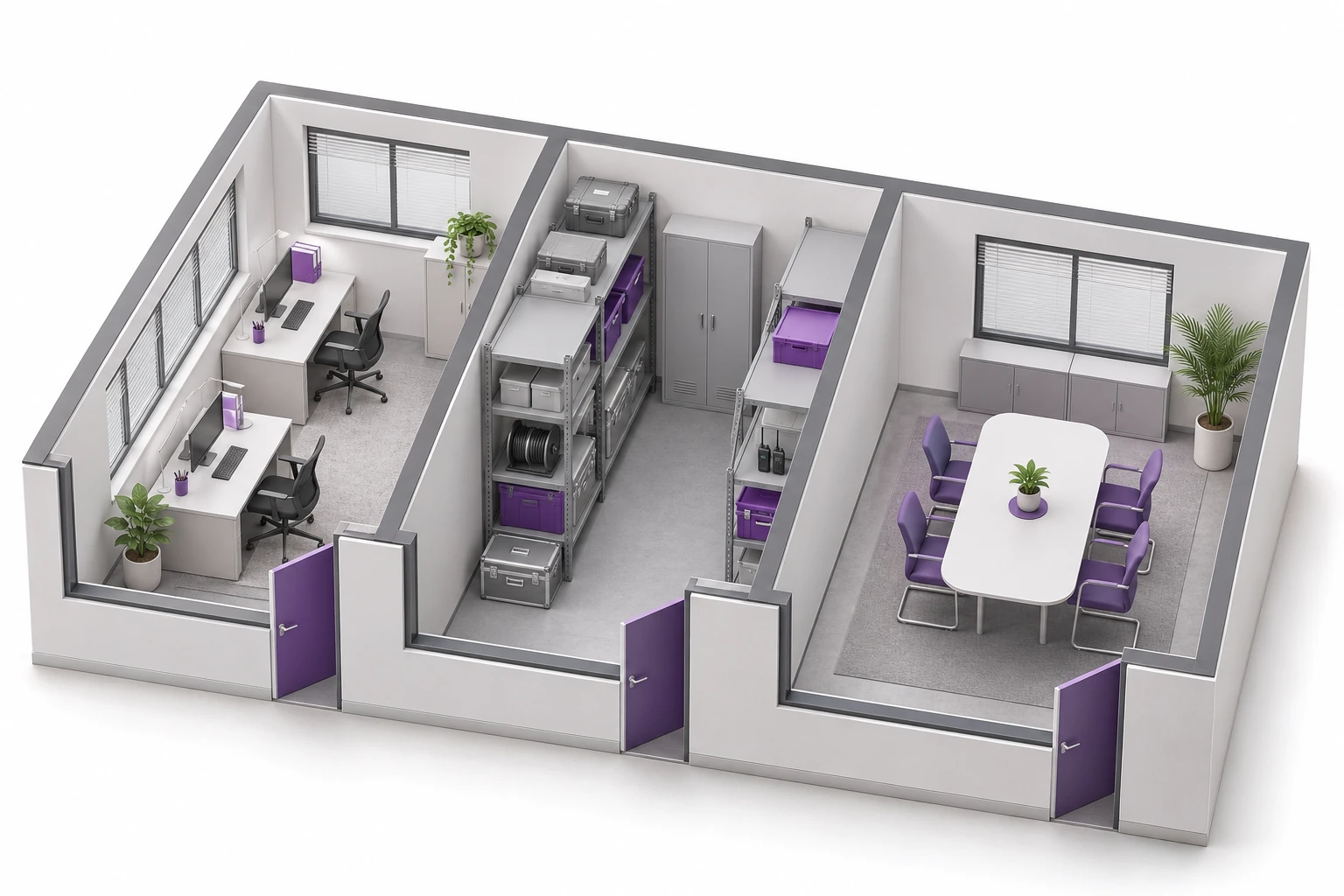
You arrange the structure according to the unit: buildings, rooms, warehouses and selected parts of the facility.
The stocktake team knows what places they are checking. The equipment maintainer can return to the assets of his/her location.
The saved place results from the records and operations performed. Get to know the map of places and zones →
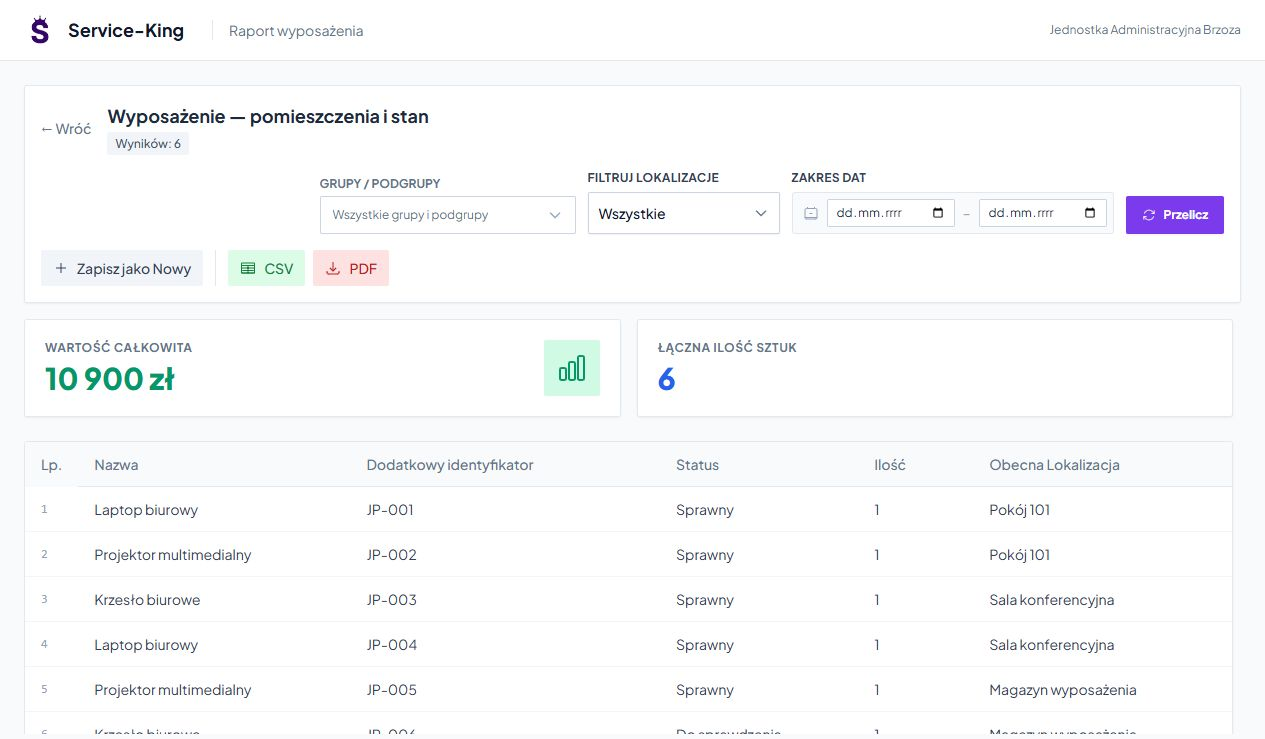
You write down next to the item ID, photo, status, location and forwarding information.
The list helps you go from the name of the equipment to the specific item. In the example you see six pieces in the rooms, conference room and warehouse.
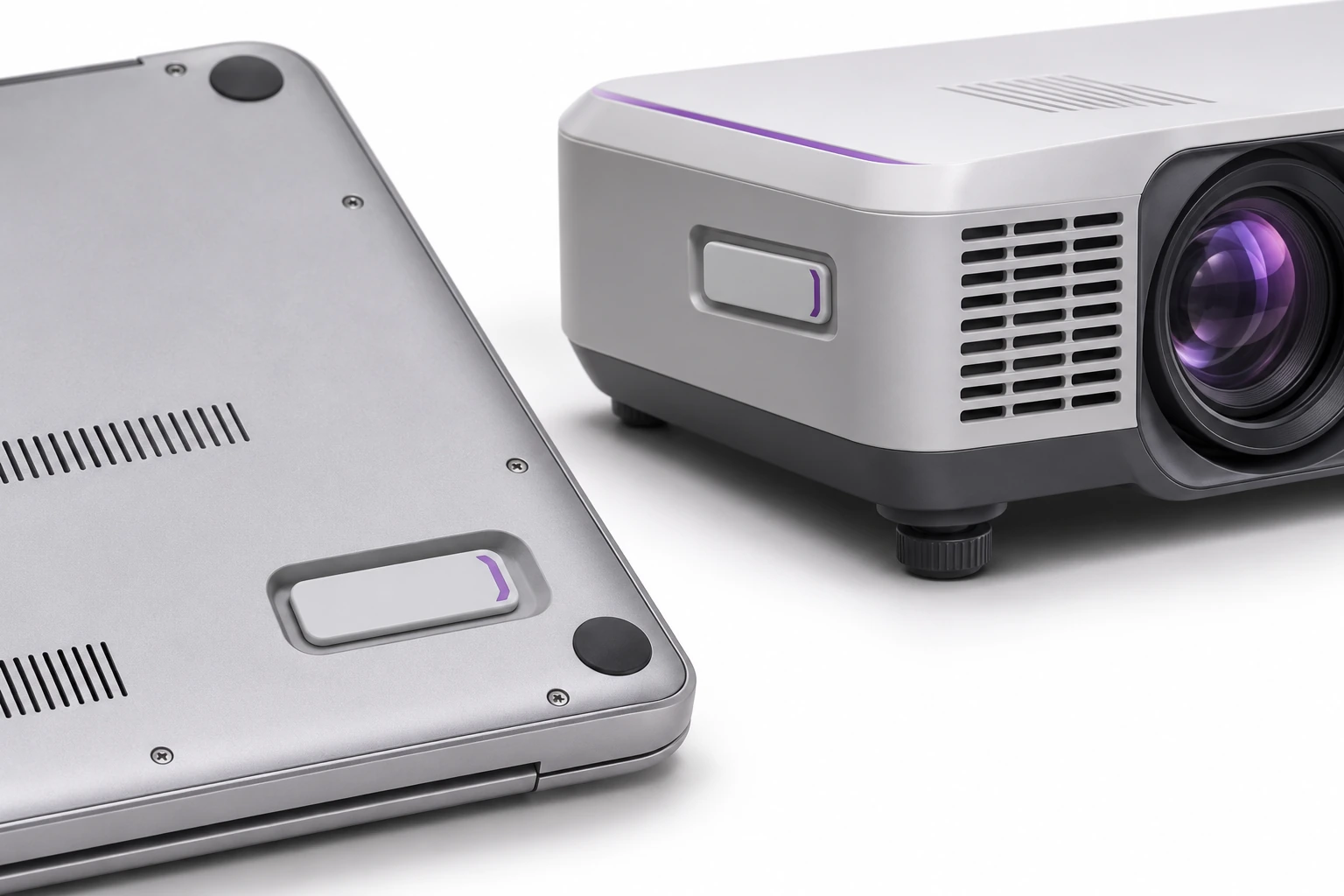
UHF makes it easier to read multiple marked items. QR helps you open a single record.
An additional code may refer to the same item. The tags and mounting location are selected depending on the material and the method of use of the equipment or furniture.
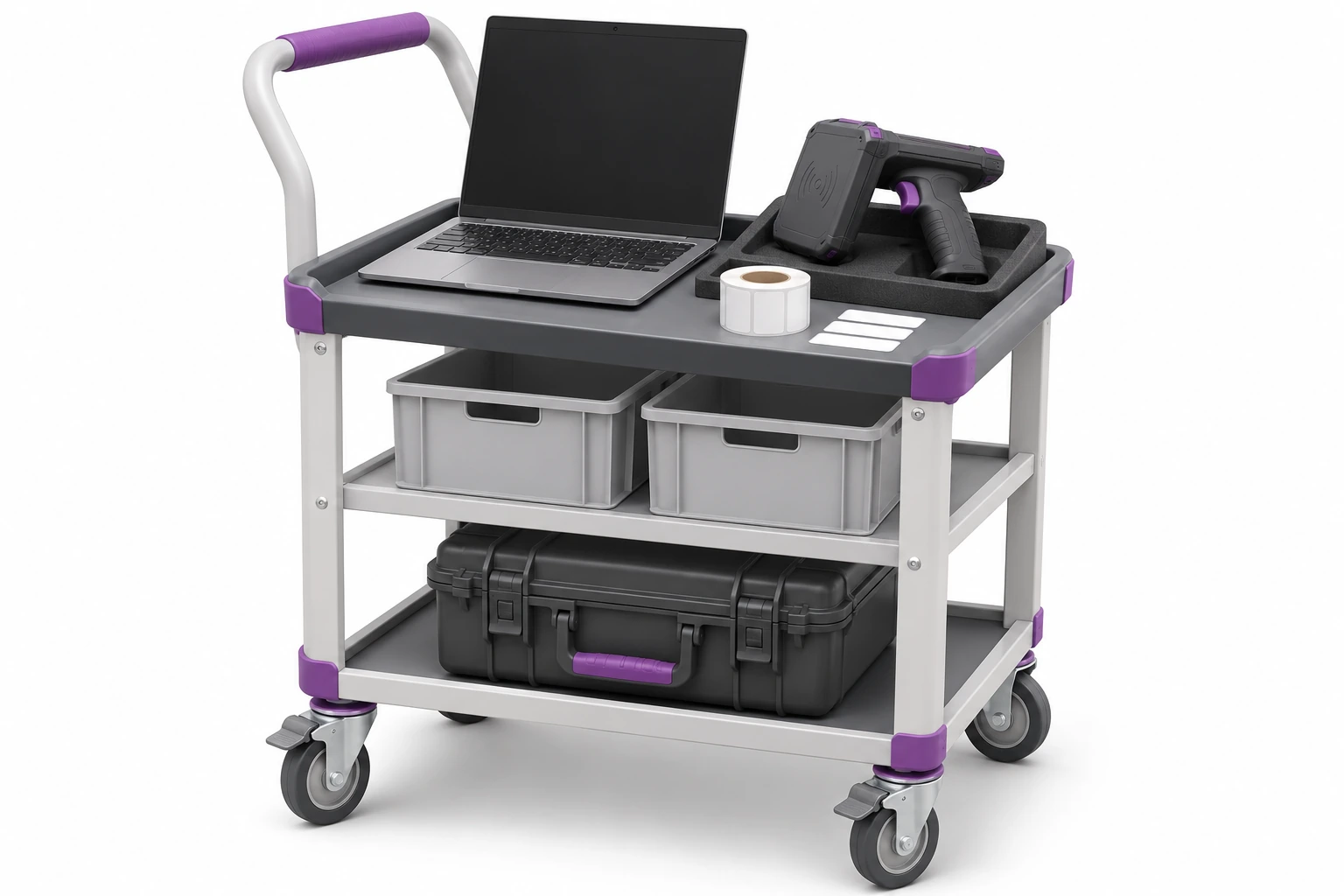
Quick check is useful after moving, transferring a room or changing the guardian. You compare the reading with the expected equipment of the place.
Adj full list the manager determines the scope and places, and the team identifies items with the appropriate handheld terminal or scanner. The results indicate item agreements and differences.
Read attempts also include tags from adjacent rooms. Learn about RFID stocktaking and physical inventory →
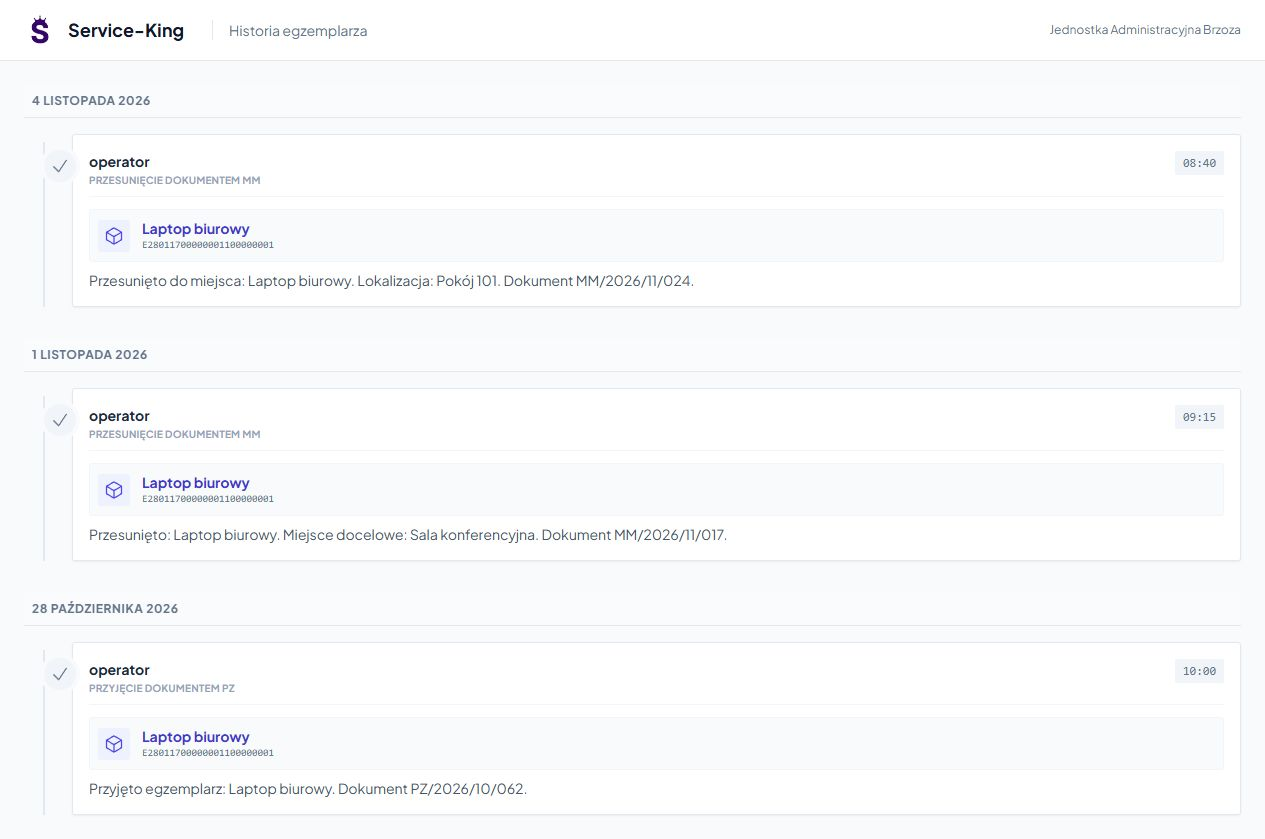
Receipt and subsequent transfers show the path of a specific item. You can go back to dates and documents.
This helps determine why the item is in a different place than expected. Finding after the stocktake preserves the previous context.
The reading result, settlement decision and change of records have separate meanings.
Verify unknown code, re-detection of the same item and item from a different location.
Add attention, responsible person and search result.
Confirm the settlement in the accepted workflow. Keep track of what has been agreed and what remains open.
An example of a daily workflow. Confirmation rules are tailored to the way your team works.
Lists combine specific items, places and history. Export makes it easier to continue working on the result.
The web application facilitates the work of authorized persons in subsequent positions.
Receives the necessary range of places and activities to perform.
Checks entrusted items and helps clarify their situation.
Prepare work, access scopes and review of results.
The main application runs through the browser. We prepare readers and connections with other systems for the selected implementation. See also educational use →
Free consultation
Show sample property list and room structure. We'll arrange it circulation from the record to the explained stocktake result.
During a free consultation, we will determine the first scope and how to prepare the team.
Describe the equipment and current method of conducting the stocktake.
Practical knowledge