

Assets and assortment
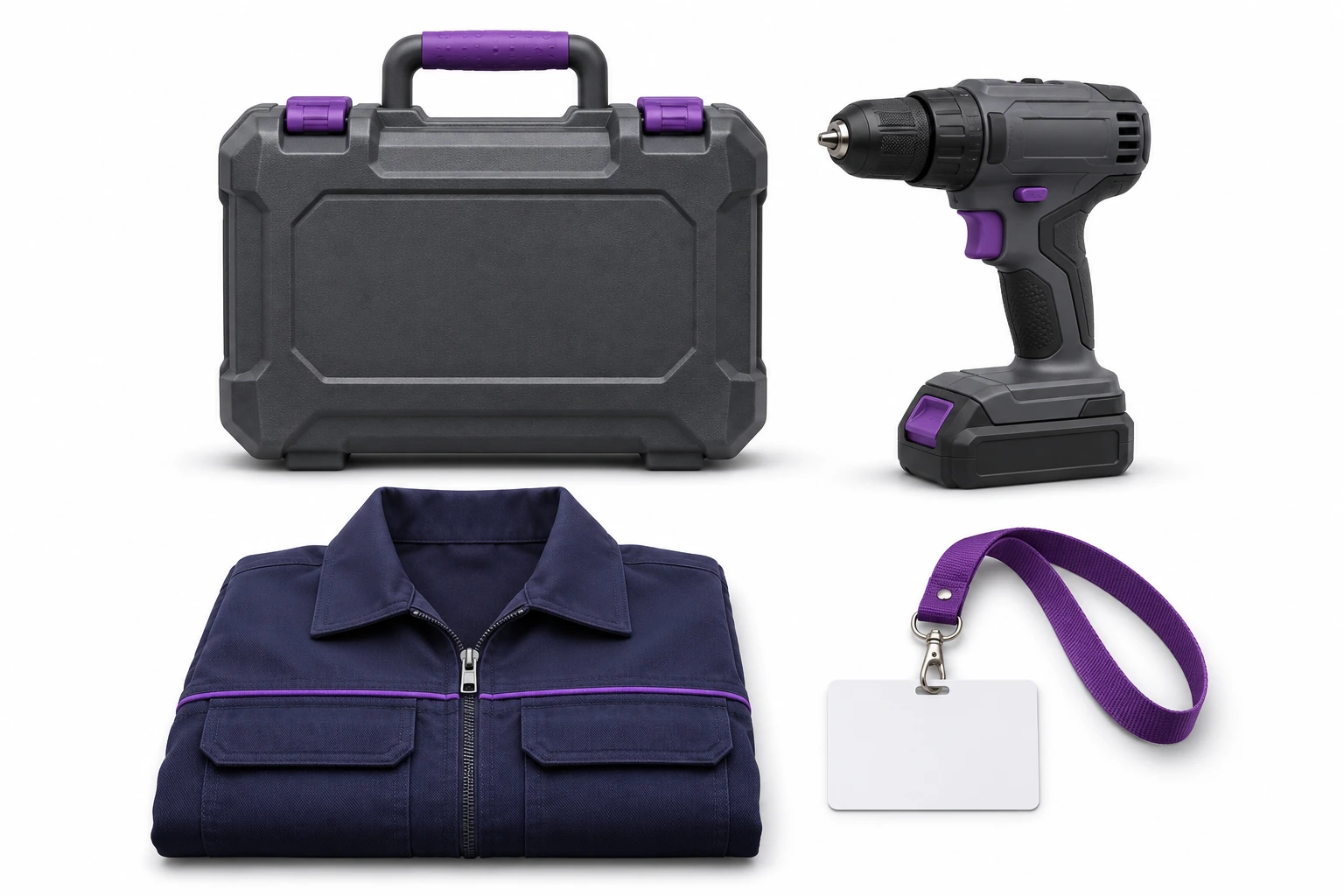
You can distinguish between the items of tools, devices, containers and clothing. You combine name, group, photo and IDs.
Digital Twin - Service-King
What do you have, where is it saved, who uses it, and what was done recently? Connect equipment, places, people and operations into a clear image of the company.
Service-King provides the basis for records and service. RFID readings and exchange of selected data with ERP We adapt to a specific process.
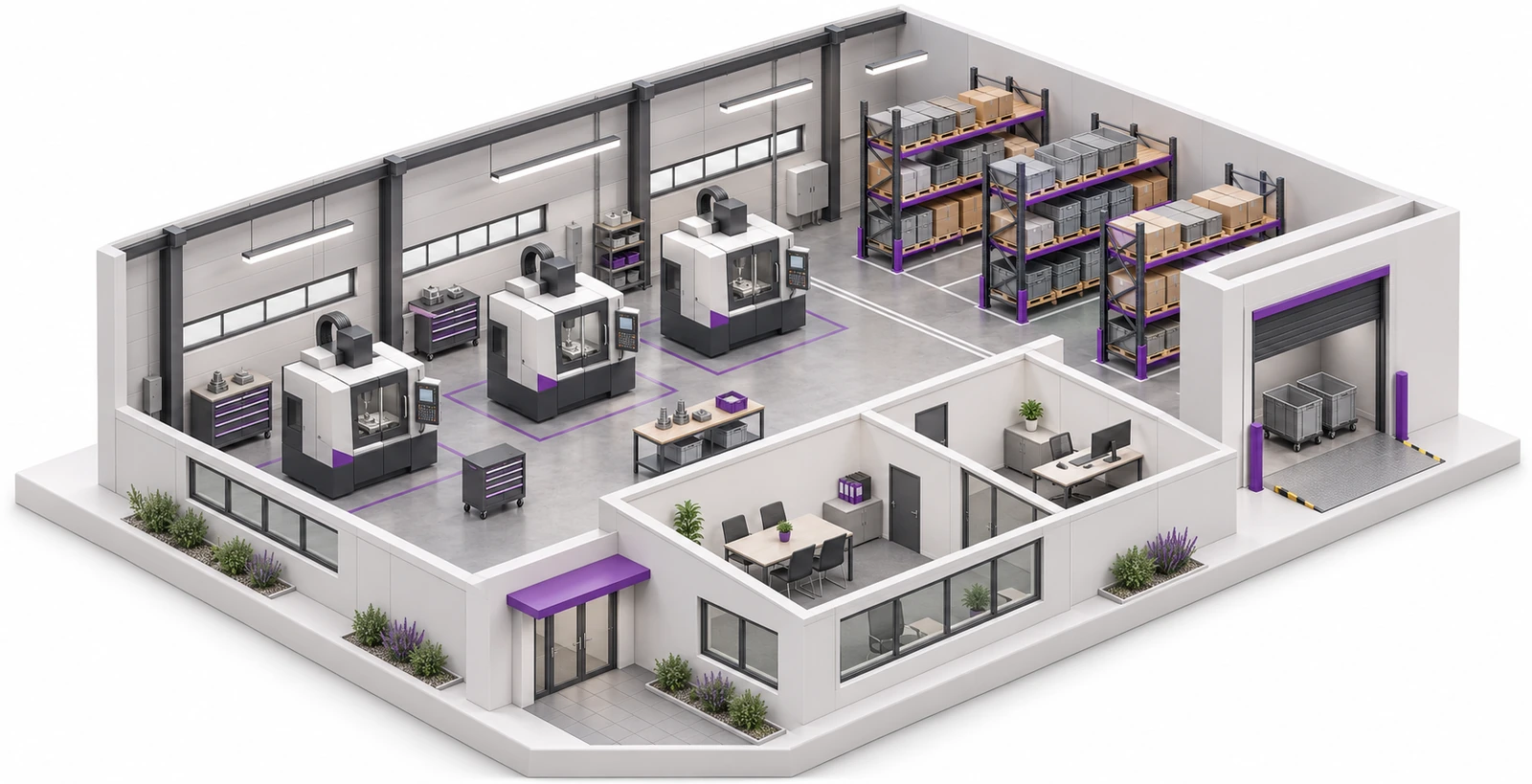
The asset list, issues and repair plan describe the different aspects of daily work. Linked records allow you to check them in a common context.
You can distinguish between the items of tools, devices, containers and clothing. You combine name, group, photo and IDs.
Warehouses, halls, rooms, racks and shelves create a division that is understandable to the team.
Person assignment helps determine who uses the equipment. Your own panel shows the data available to this person.
The device file combines parts, documentation, history and service.
The need for action meets the deadline, procedure, contractor and recorded work result.
Receipts, issues, returns, and movements explain what happened to specific items.
In inter-company transactions, the client may receive a panel of his own organization. Relationships and permissions determine the available scope. The map helps you see the structure, and the records and reports help you answer specific questions.
Seat structure
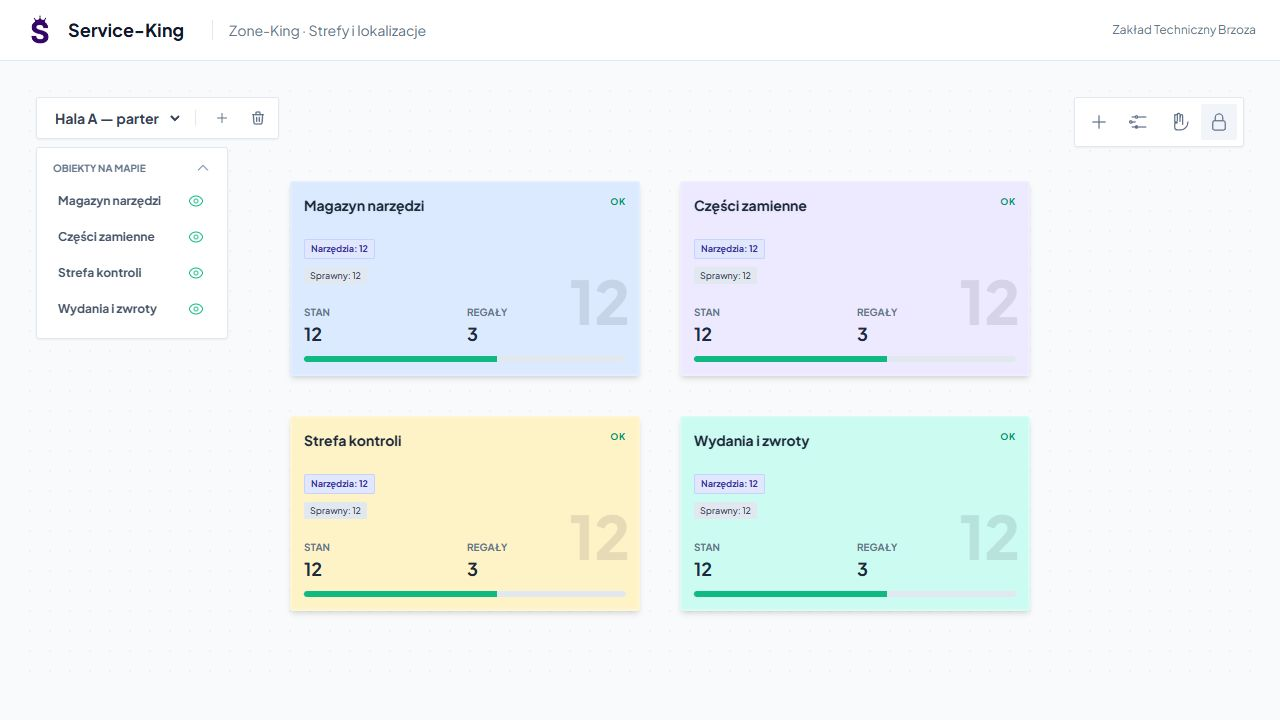
Zone-King Map presents halls, areas and storage areas. Layers help separate different parts of an object.
You go inside the zone, the shelf and its contents. The location results from the assignment of items and saved operations.
People and responsibility
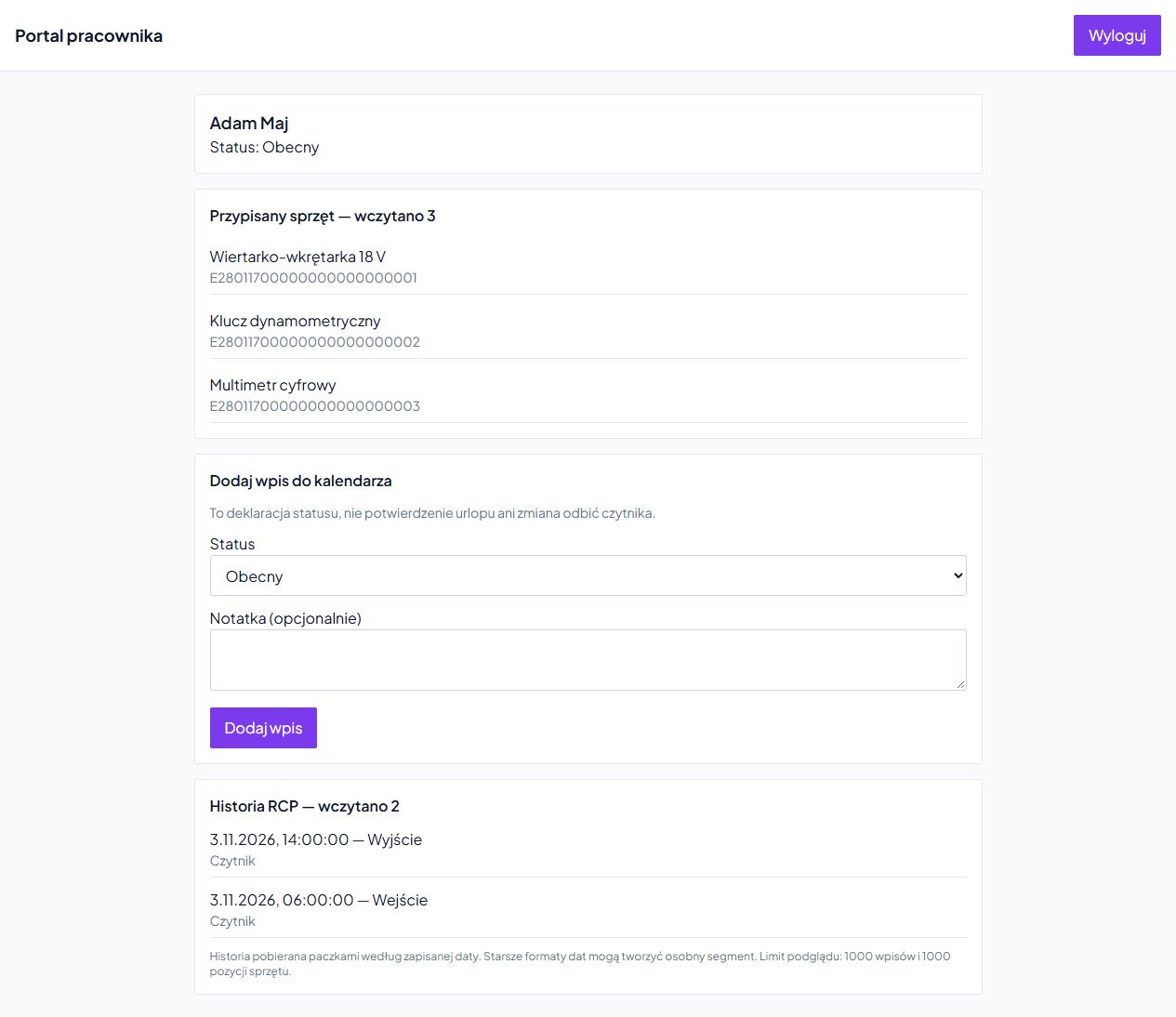
Linking items to an employee helps you prepare the check-out, check the allocation and clarify the shortage.
The employee uses his own equipment view and available T&A history. The client can work in the data panel of his organization - according to the role and the running workflow.
See separate customer and employee views →
Machinery management
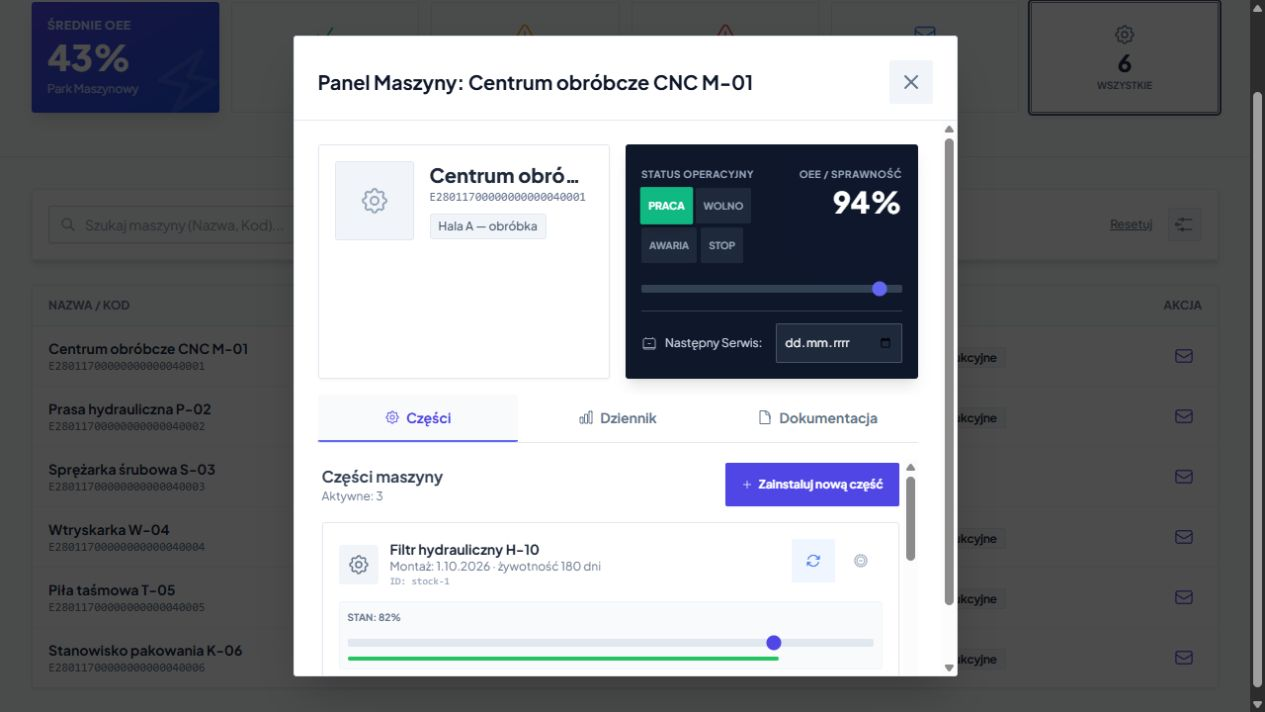
Device card collects machine data, installed parts, log and technical files.
You return to replacing a specific element and the arrangements saved on the device. This is the context needed for further service and work planning.
Submissions, plan and execution
Report indicates equipment and location. The staff verifies the need and arranges the order contractor, procedure and deadline.
The technician records activities, results, comments and necessary documentation. The history of a thing also includes its servicing.
Learn about maintenance and service →
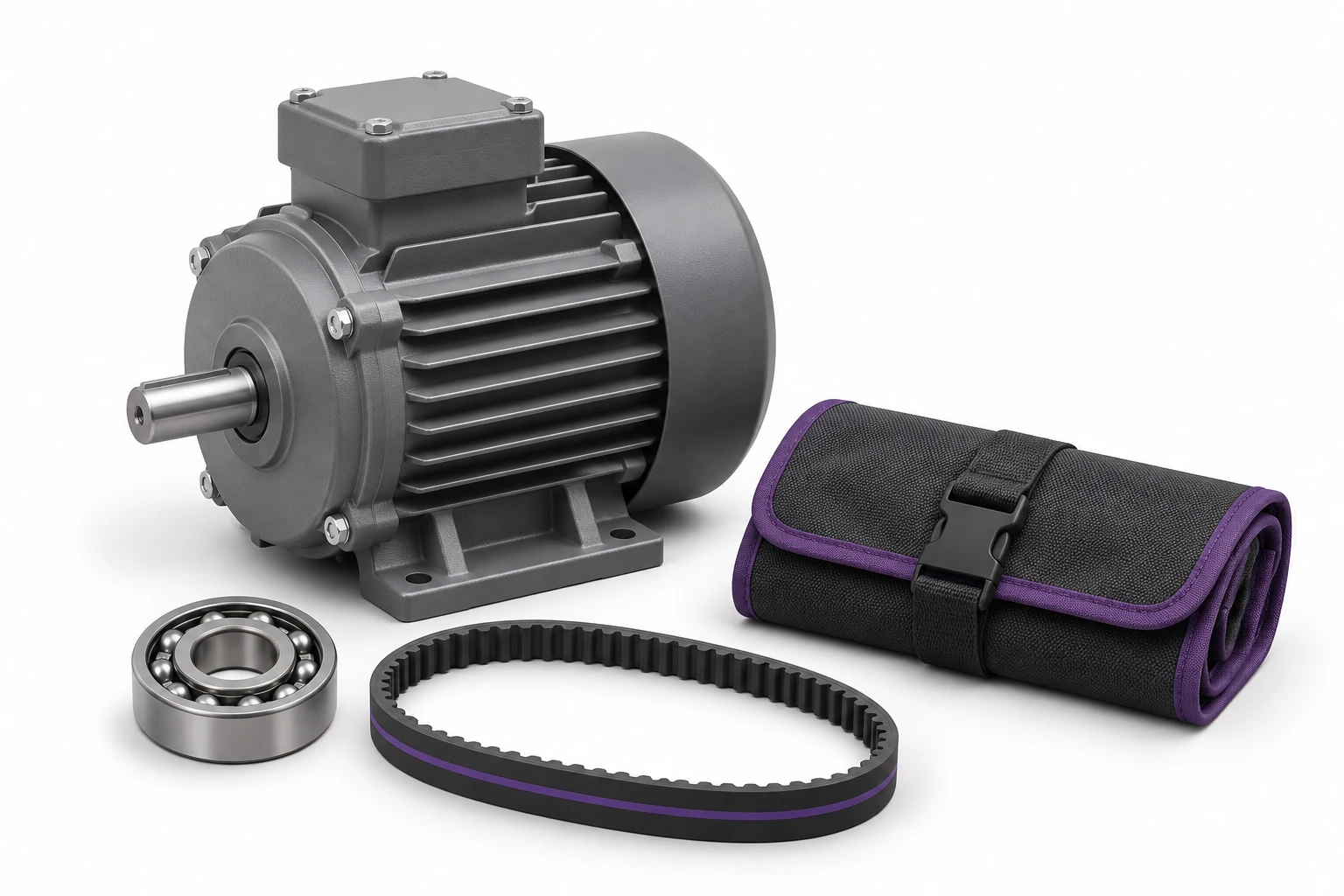
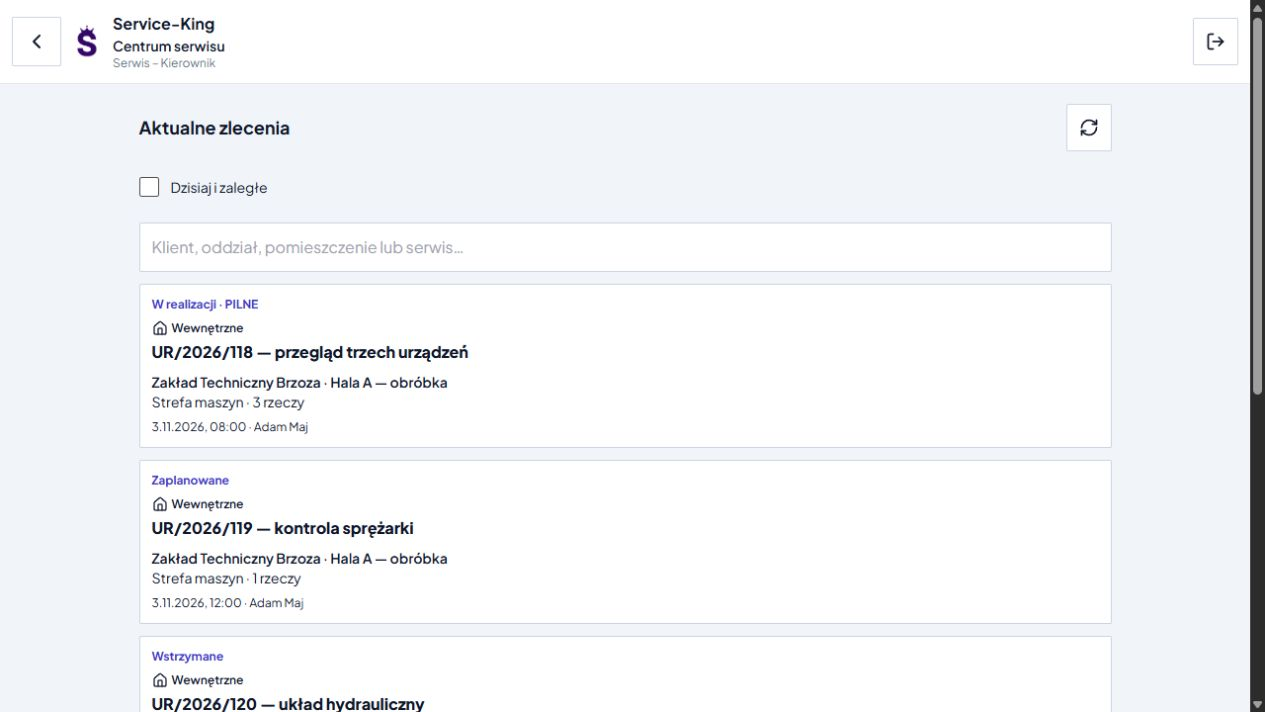
The example shows why you want to combine modules around the ID of the same thing.
When things are missing, you check the last place and history. UHF search on a compatible handheld terminal with the appropriate application can help in the field. It's still the same file and its history.
Connection to the master system
ERP often leads indexes, business partners, orders and commercial documents. Service-King can add the physical movements of individual items, load carriers and people, linked to locations.
We set the connection scope for the client's system. On the Service-King side, we use the available interfaces of records, locations and controlled operations. On the ERP side, we check API, exchange formats or the need to prepare an adapter.
First, we establish the meaning of the data and responsibility for changes. Then both systems can describe the same things to their appropriate extent.
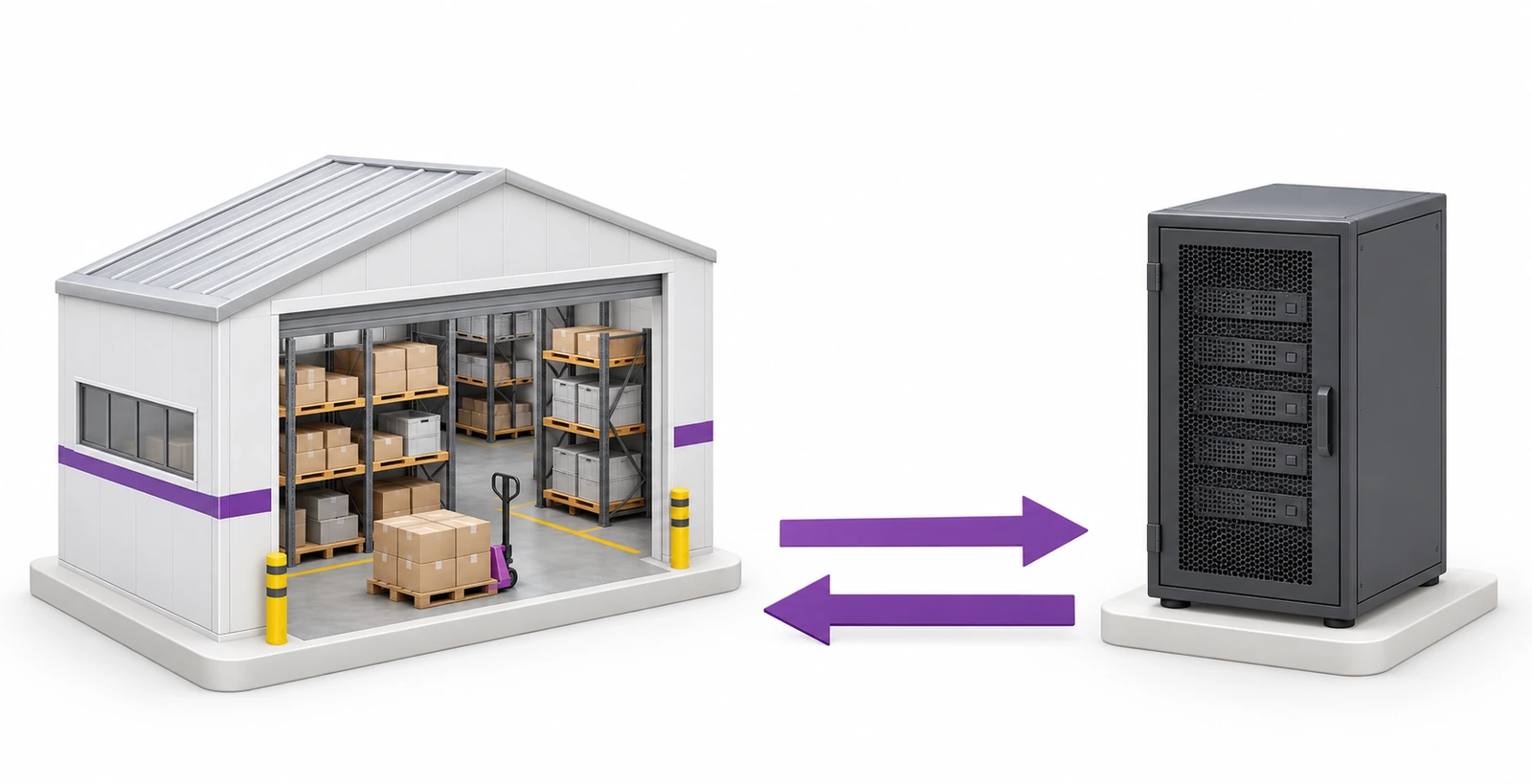
The breakdown below is the starting point for the project. For each group we set fields, common identifiers and the direction of exchange.
For each type of data, we choose the host system and the rules for updating them.

For example, ERP maintains indexes and orders, and Service-King maintains the assignment of specific pieces and operations from the shop floor. We agree on common identifiers.
We choose to exchange in one or both directions: after an event, periodically or on demand. When both sides change the same data, we define a rule to resolve the differences.
We are designing a way to confirm, control repetitions and resume after a break. We identify the person responsible for unexplained differences.
In the project we decide how to show the source of information, the time of the last save and the operation that changed it. We are also preparing exception handling: unknown tag, no reading, incorrect assignment, connection interruption and data change in ERP. We determine how to show confirmed operations and data awaiting clarification. We design the connector, synchronization and handling of pending events for a specific system.
ERP Scenario → Hall → ERP
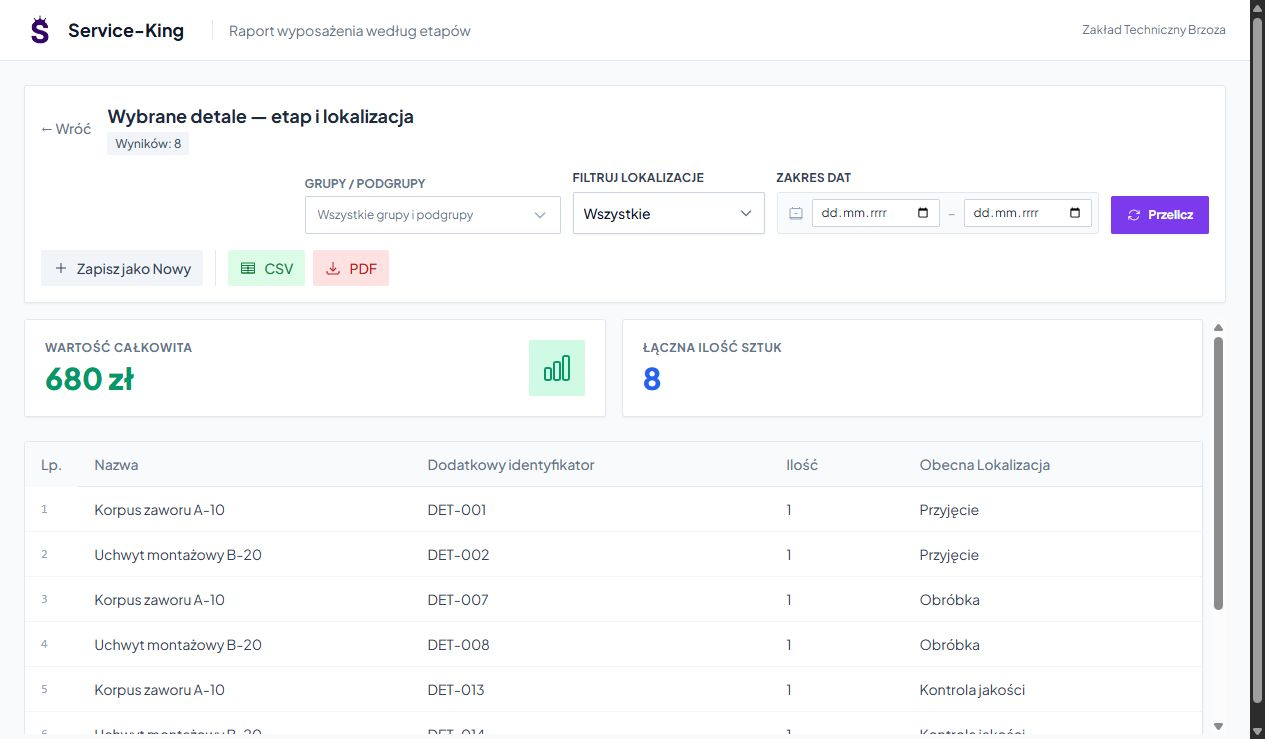
Sample integration scenario for tagged load carriers related to a production order:
This is an example of a connection to be agreed. The screen shows the actual Service-King report with sample parts and locations.
An employee's scan or a prepared stationary point helps recognize an item and use its identifier.
UHF indicates a marked item. An additional QR allows you to recognize the same record with a camera.
We associate the reading with the point and circulation rules. The worker or integration performs the actual operation.
Attendance and termination have different meanings. The inspection result requires your own confirmation.
The container tag identifies the load carriers; We determine the method of confirming its content separately. The last reading point describes the recorded event. Get to know the zone RFID points and the principles of their operation →
Industry Summaries and Context
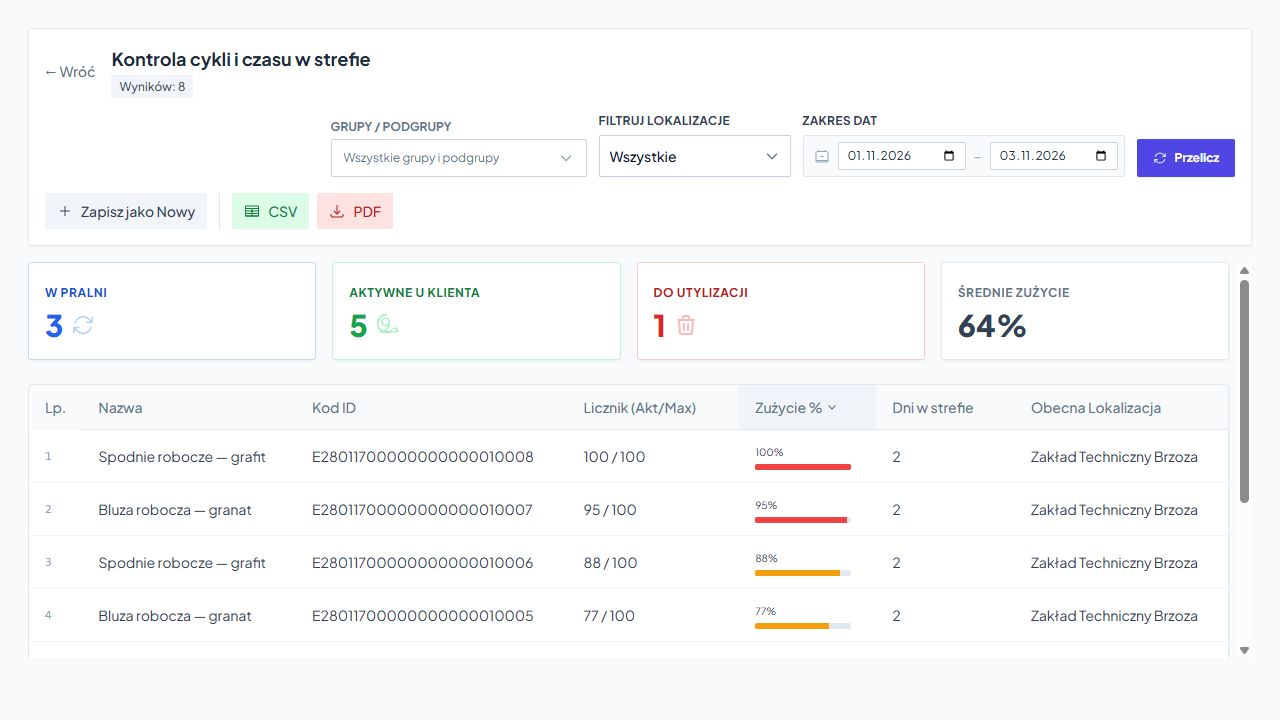
Manager checks quantities in zones, recorded operations, cycles and stay times. We select the range of indicators based on the information that the company actually records.
Example shown applies Garment circulation and cycle limits. Helps identify textiles for further inspection; does not measure the operation of the machine controller.
When analyzing time, we determine the meaning of the beginning and end of the measurement. Learn about the rankings and circulation history →
The next stages allow you to check the suitability of the model and expand it on common principles.
We determine whether the most important thing is the allocation of equipment, the location of the load carriers, control or service.
We prepare files, identifiers, locations, people and connections with ERP. We explain duplicates and names.
We launch the selected hall, warehouse or equipment group along with operations and history.
We configure the necessary scanning, RFID points and agreed data exchange. We check ordinary and unusual situations.
The employee, warehouseman, manager and customer receive the necessary information and actions.
We add additional places, types of equipment and processes after checking the first scope.
Free consultation
Let's go the way of a tool, container or device. We'll figure it out what you already have in ERP, what should come from the readings and what view will help the team.
On this basis, we will propose the scope of piloting and further expansion.
Describe one workflow and the systems you use.
Practical knowledge