

Similar load carriers
Individual codes help separate items and back issues.
Industries • RFID containers and pallets
Pallets, containers and baskets circulate between the warehouse and recipients. Service-King helps you settle accounts specific load carriers, their recipients and returns.
You check, what is missing, how long has it been out of stock and what is waiting for service.
For example: 100 containers were issued, 98 were returned. You need to determine which two are still missing.
Individual codes help separate items and back issues.
The issue date and recipient indicate where to start explaining the return.
Status and documentation help direct specific load carriers for review.
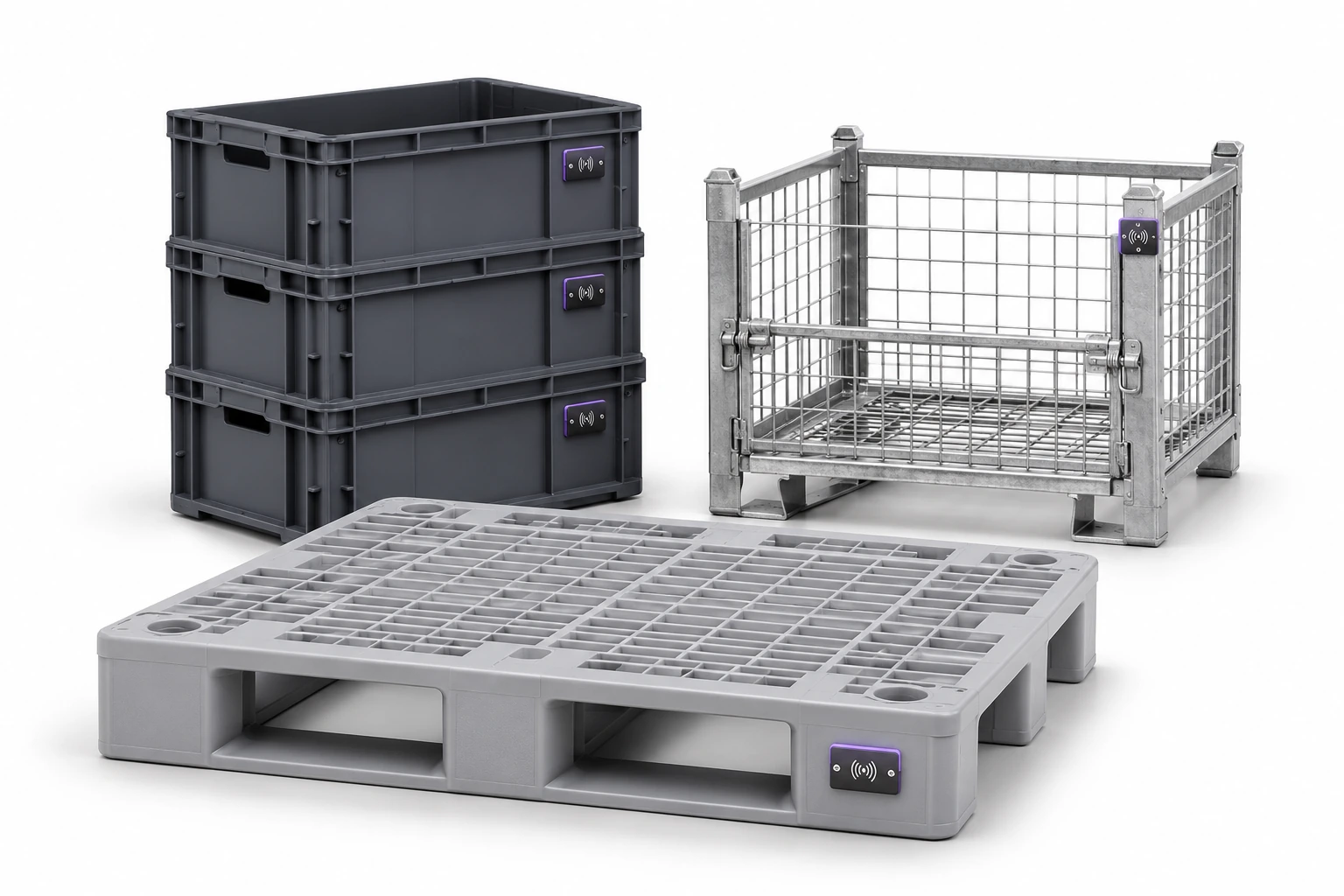
Lead the way pallets, KLT, boxes, baskets, trolleys, racks, IBC and non-standard returnable packaging.
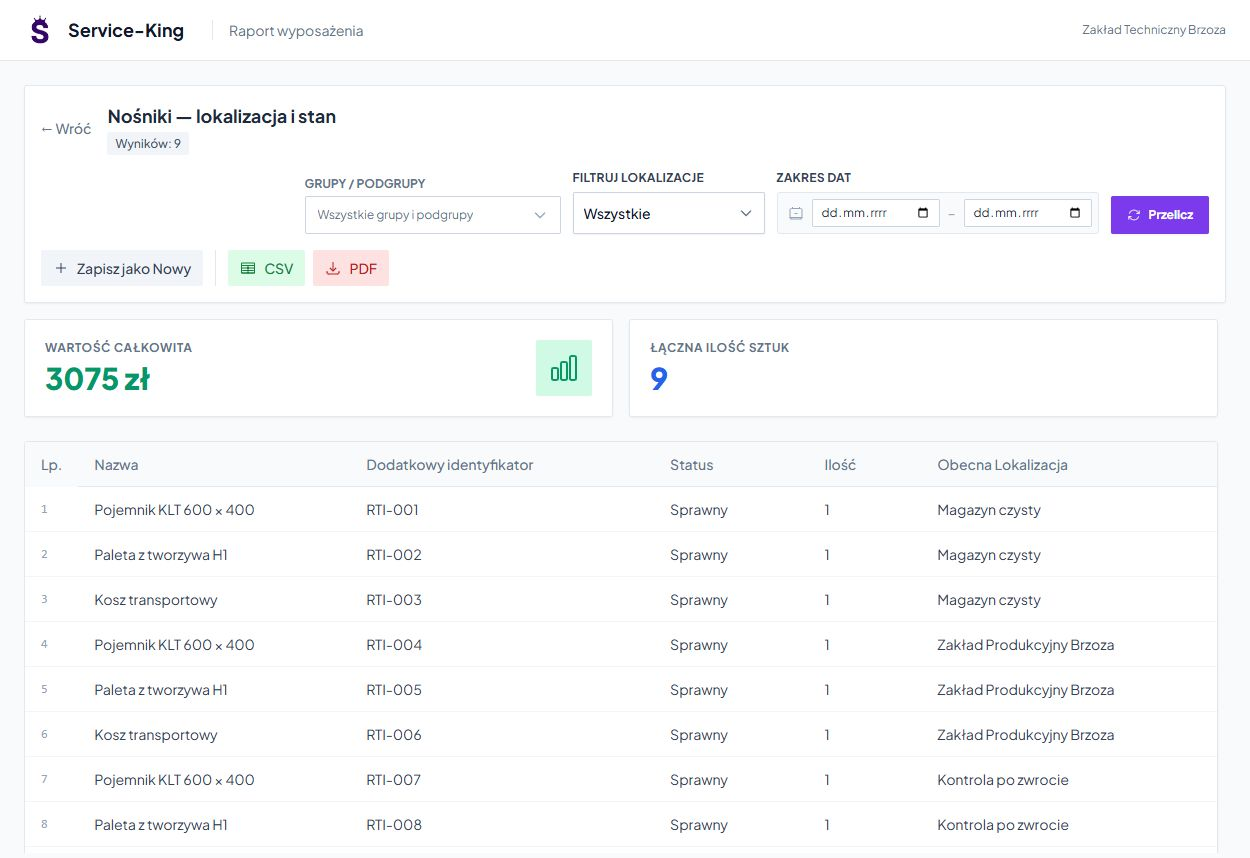
With item, you write down the model, owner, status, location and history. Totals by name make it easier to review, and identifiers let you navigate back to instances.
The example shows nine pieces in the warehouse, at the recipient and in inspection upon return. See the combination of things, places and operations →
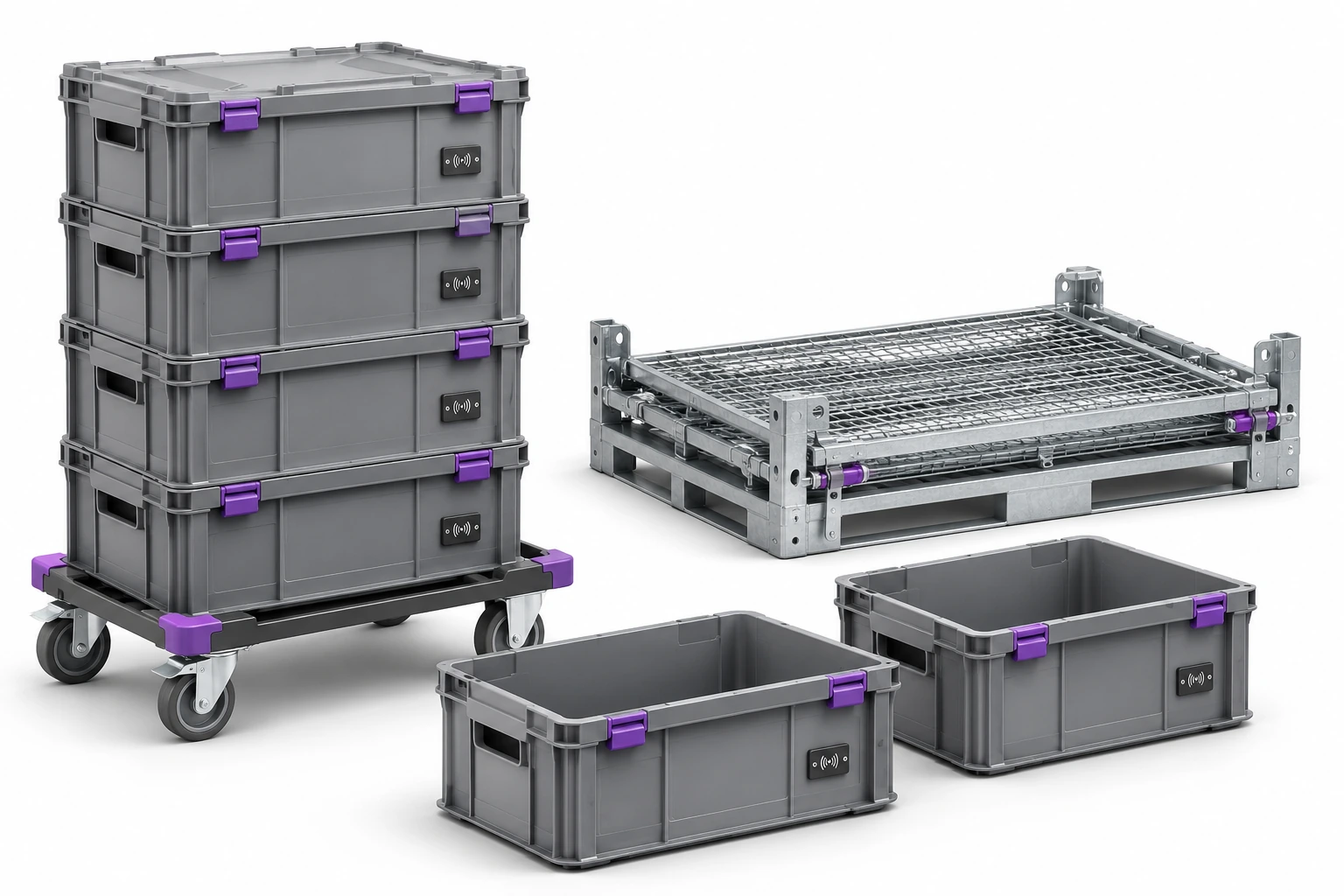
Check-out saves recipient and transferred load carriers. When returning, you recognize the returned items and check the differences.
Unknown or foreign ID requires explanation. You consider another reading of the same tag as the same item.
Read list helps check the operation; commit saves the return. We establish the conditions and required confirmations in circulation.
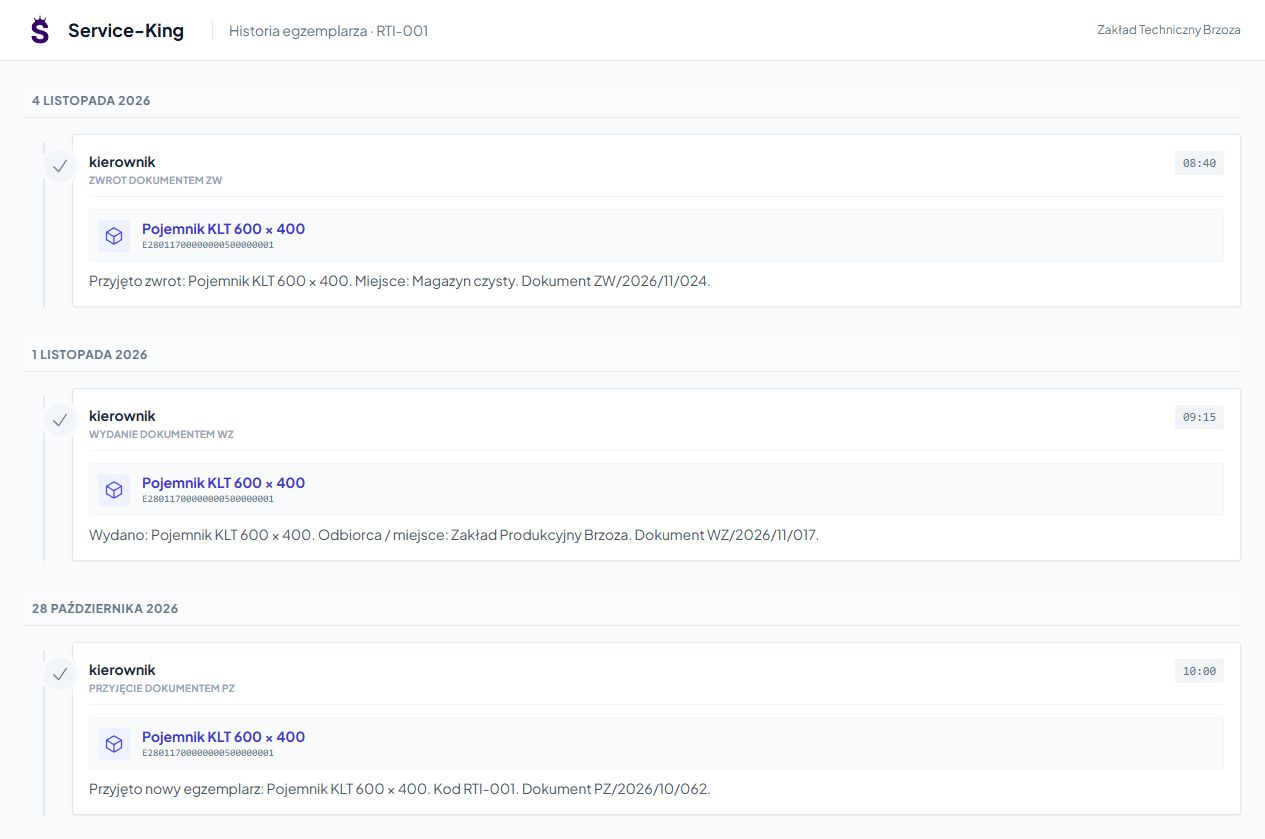
Receipt, issue and return constitute order of saved events. You go back to dates, recipients and documents.
This helps clarify whether the item is a recent check-out or from an earlier circulation.
The condition of the load carriers and the actions performed help prepare it for the next transport.
Assess the item and write down any comments or photo of the damage.
Assign further maintenance and keep a history of performed actions.
Separate prepared load carriers from items still waiting to be worked on.
Stay in the washing area describes the location. You confirm the completion of the required action with the appropriate operation.
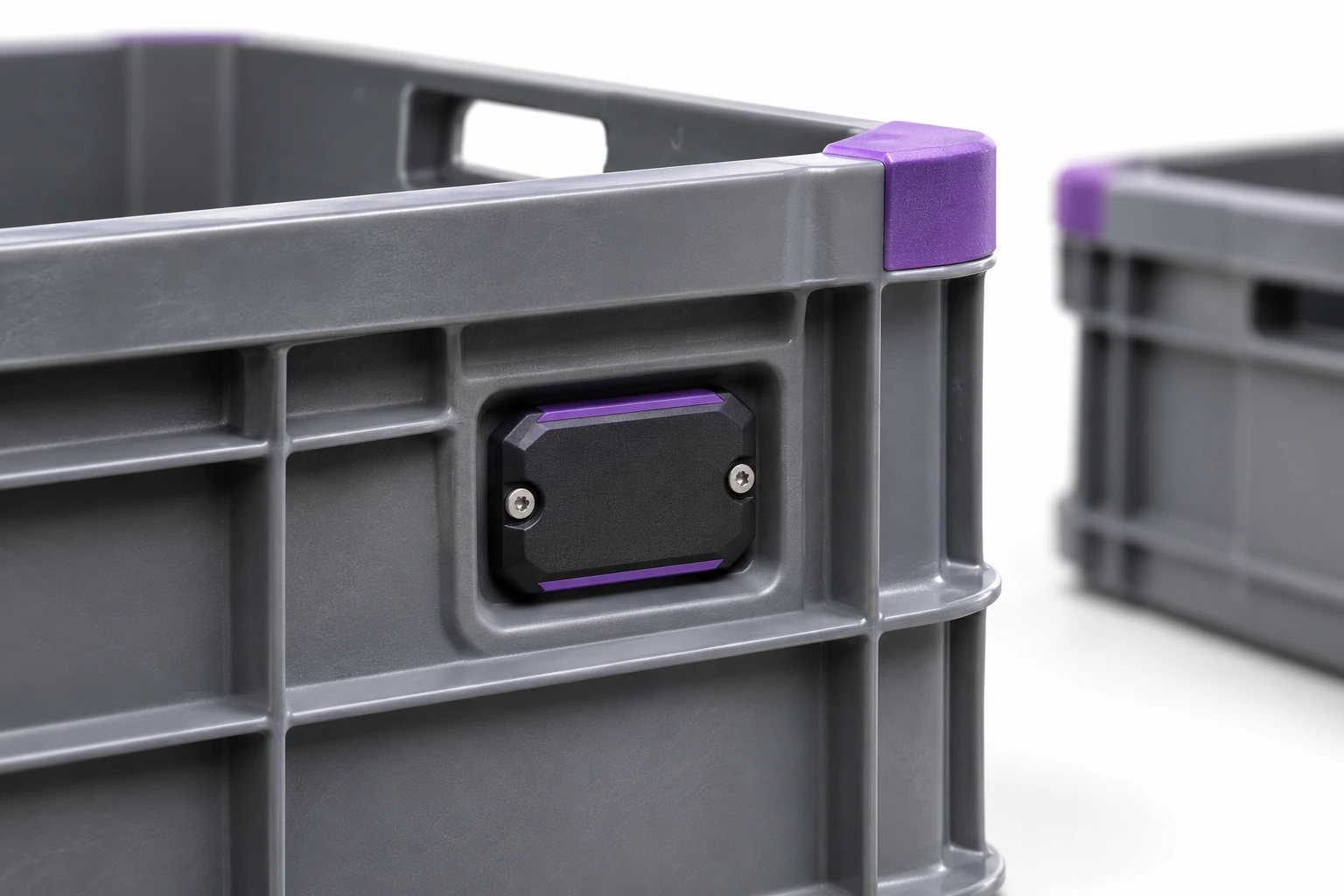
Material, washing, temperature and impacts affect tag selection and installation.
Handheld terminal supports counting and control of selected places. Fixed reading point can handle issue or return after preparing integration and operation rules.
We perform tests with an actual load. Learn about RFID reading points → · See specific item search →
An example of a daily workflow. Confirmation rules are tailored to the way your team works.
Schedules combine recorded quantities, dates, and load carriers waiting to be returned.
Free consultation
Select the load carriers type and recipient. We'll check departure, comparison of return and method of explaining shortages.
A free consultation will help you choose the first range and places to try to read.
Describe the load carriers and the typical departure and return route.
Practical knowledge