

Who has a item?
Associate the item with the correct recipient and transfer date.
Industries • Rental
Several similar devices, different customers and a missing charger upon return. Service-King connects specific item, recipient, date and history.
An employee checks issued items. The manager sees current rentals, outstanding returns and equipment requiring servicing.
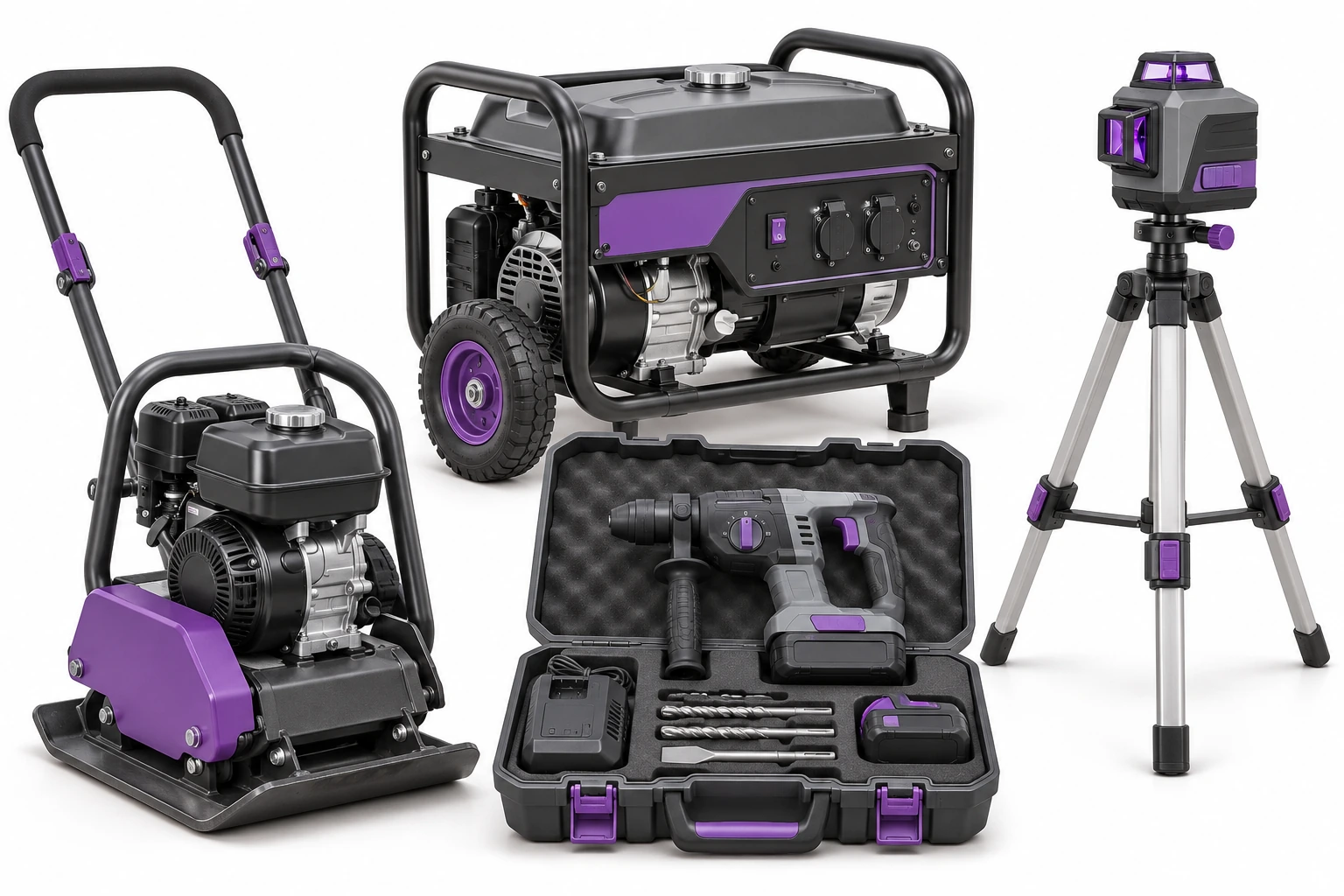
One is at the customer's, the second one came back damaged, the third one is waiting for inspection. You need to differentiate the items.
Associate the item with the correct recipient and transfer date.
A partial return does not close the settlement of the remaining items.
Saved status and service needs help you plan your next check-out.
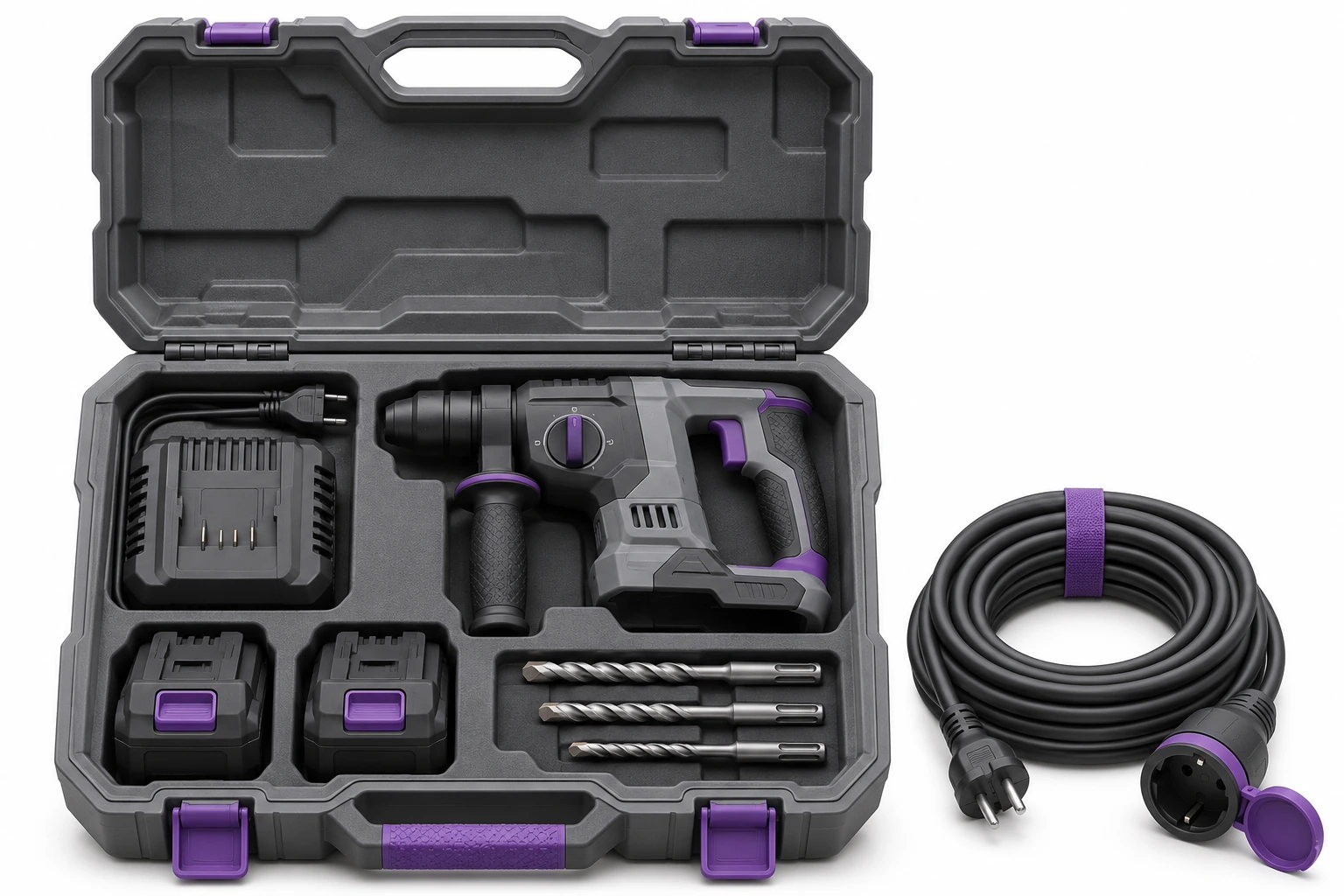
Lead the way tools, machines, units, meters and accessories. The photo helps you choose a model and the code helps you recognize the item.
Accessories billed individually are included in the records and transfer list. Selected materials can be conducted quantitatively.
The suitcase tag identifies the suitcase. We adjust the method of confirming its content to the value and number of elements. Do you rent audio and lighting? See the event flow →
At check-out, select recipient, specific items and deadline. The document and confirmation in the supported workflow record the transfer.
You associate notes about existing damage with the item. When returning, it is easier to recreate previous arrangements.
The list shows current rentals and items requiring action. Get to know how rentals are handled in the system →
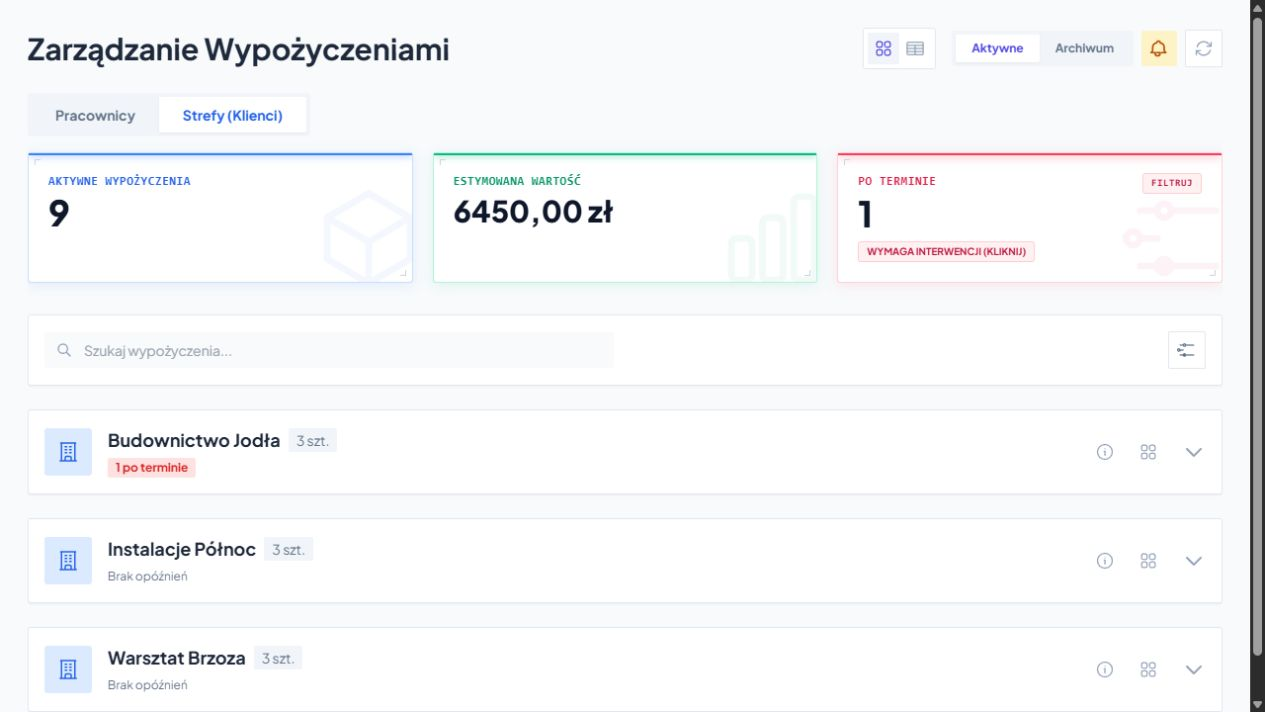
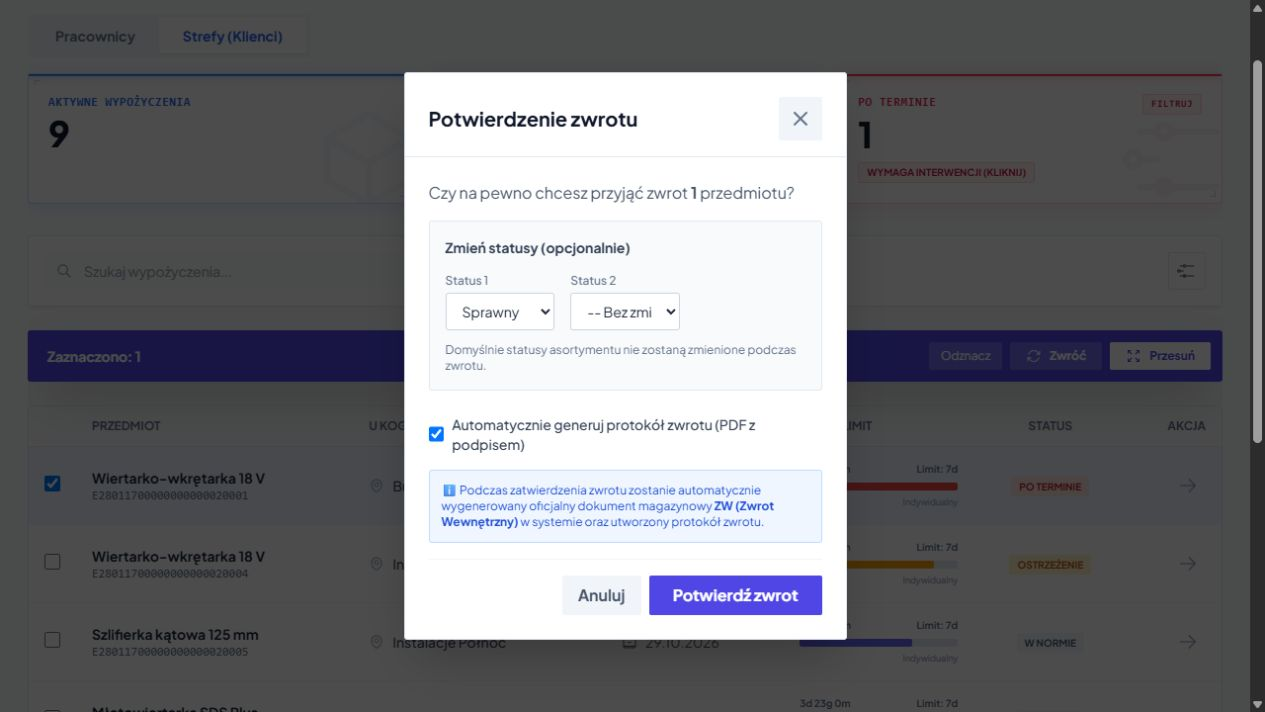
Return may include part of the item or part of the quantity. The remaining equipment still needs to be settled.
You check IDs, quantities and status. You select the appropriate status and protocol in the supported workflow.
Sample acceptance and technical evaluation are separate activities. The item may return to the warehouse and still wait for inspection.
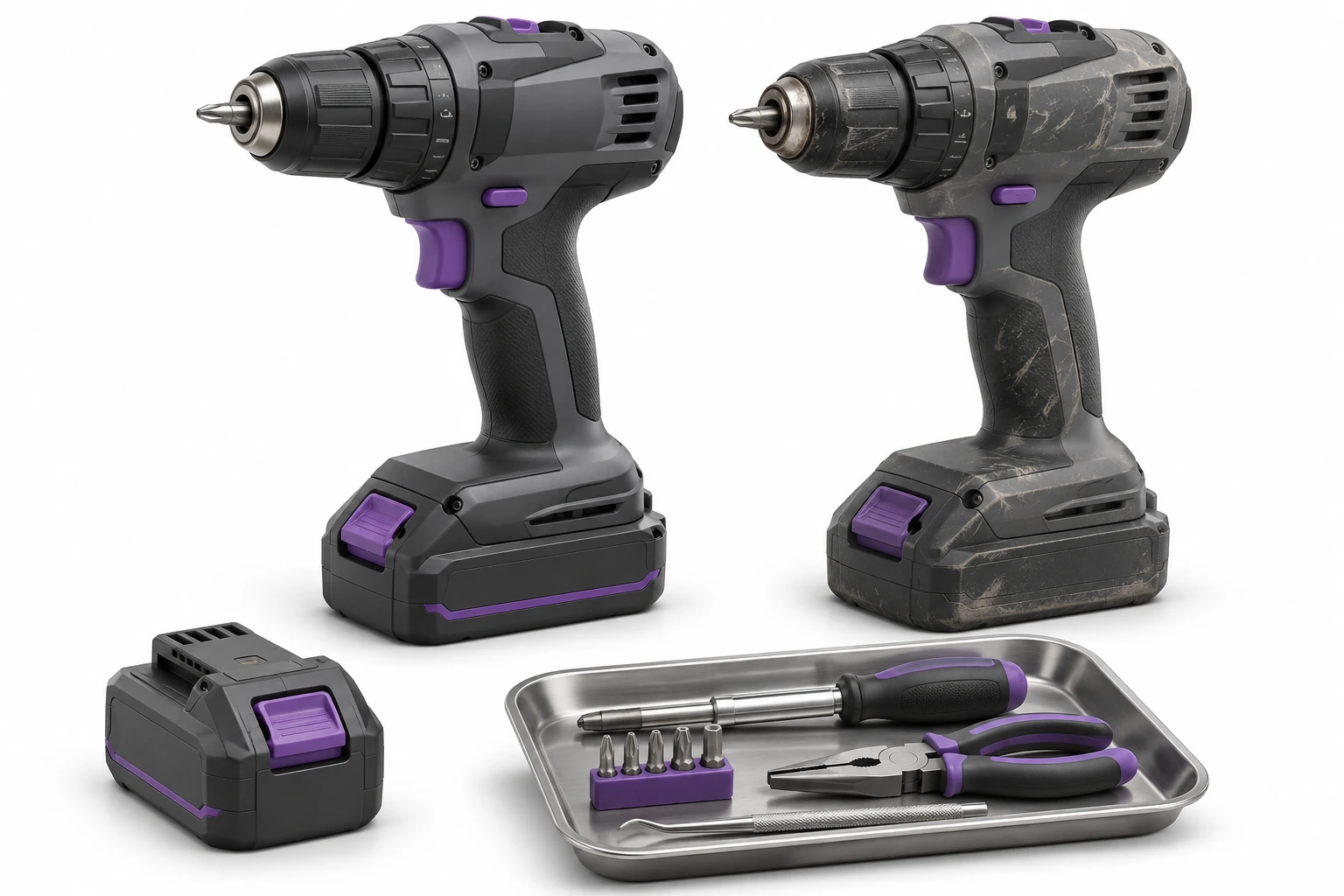
Describe the issue and associate it with the correct device. Condition, comments and work needed help prepare equipment for next use.
The website receives context instead of another loose note. The result is saved in the history of the item.
Archive allows you to check customer, equipment, quantity, time and cost of the saved operation. Filters make it easier to find the right period.
You adjust deadlines and rates to company policies. The data helps prepare your settlement and clarify your rental history.
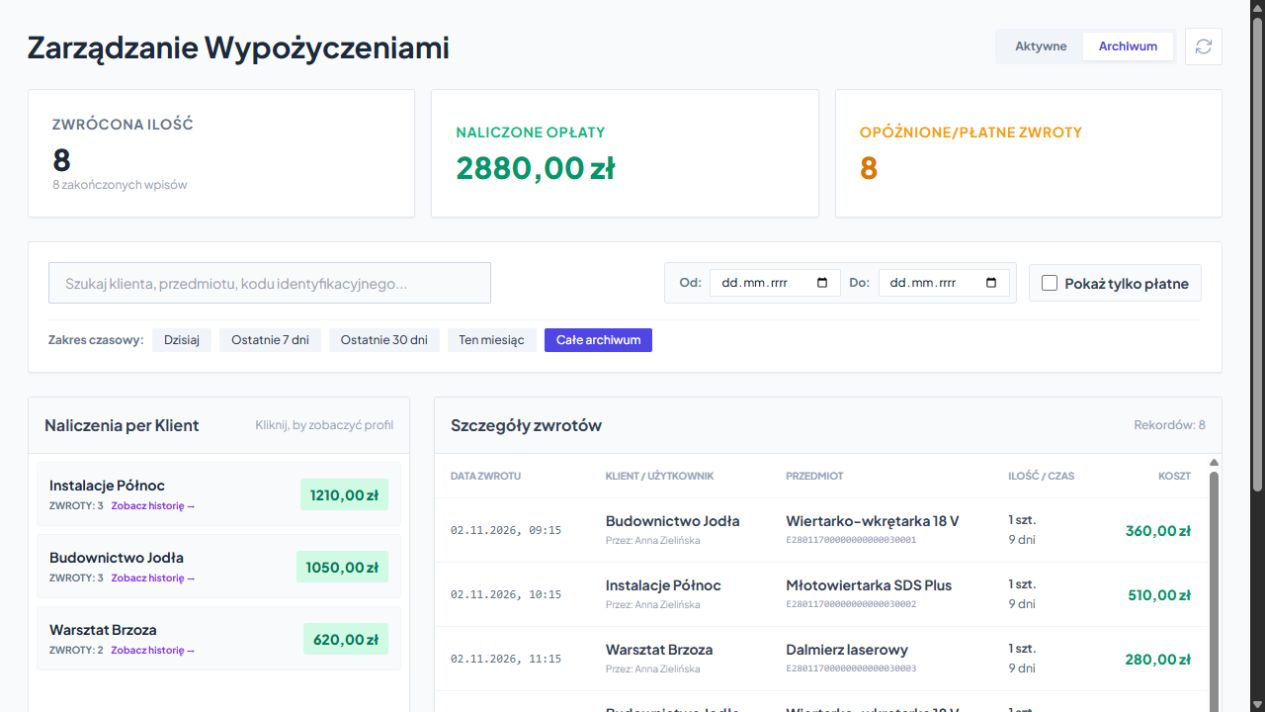
An example of a daily workflow. Confirmation rules are tailored to the way your team works.
We perform tests on real suitcases, metal devices and typical transport arrangements.
Helps you open the right record. May supplement UHF in the same registry.
UHF speeds up the recognition of properly marked equipment. Learn reading and inventory →
We select devices, integration and confirmation rules. See RFID points →
Free consultation
Choose a popular set with accessories. We'll show you issue, partial return, shortage and return to service.
A free consultation will allow you to adjust the first scope to work at the counter and in the warehouse.
Describe a typical set and how it is billed.
Practical knowledge