

Machines
Records, location, documentation, parts and service.
Industries • Industry and production
Where is the tool needed? Who took the part? Is the machine waiting for service? Service-King connects equipment, locations and history of operations.
The team quickly checks the data needed to issue, operate the device and move to the next stage of work.
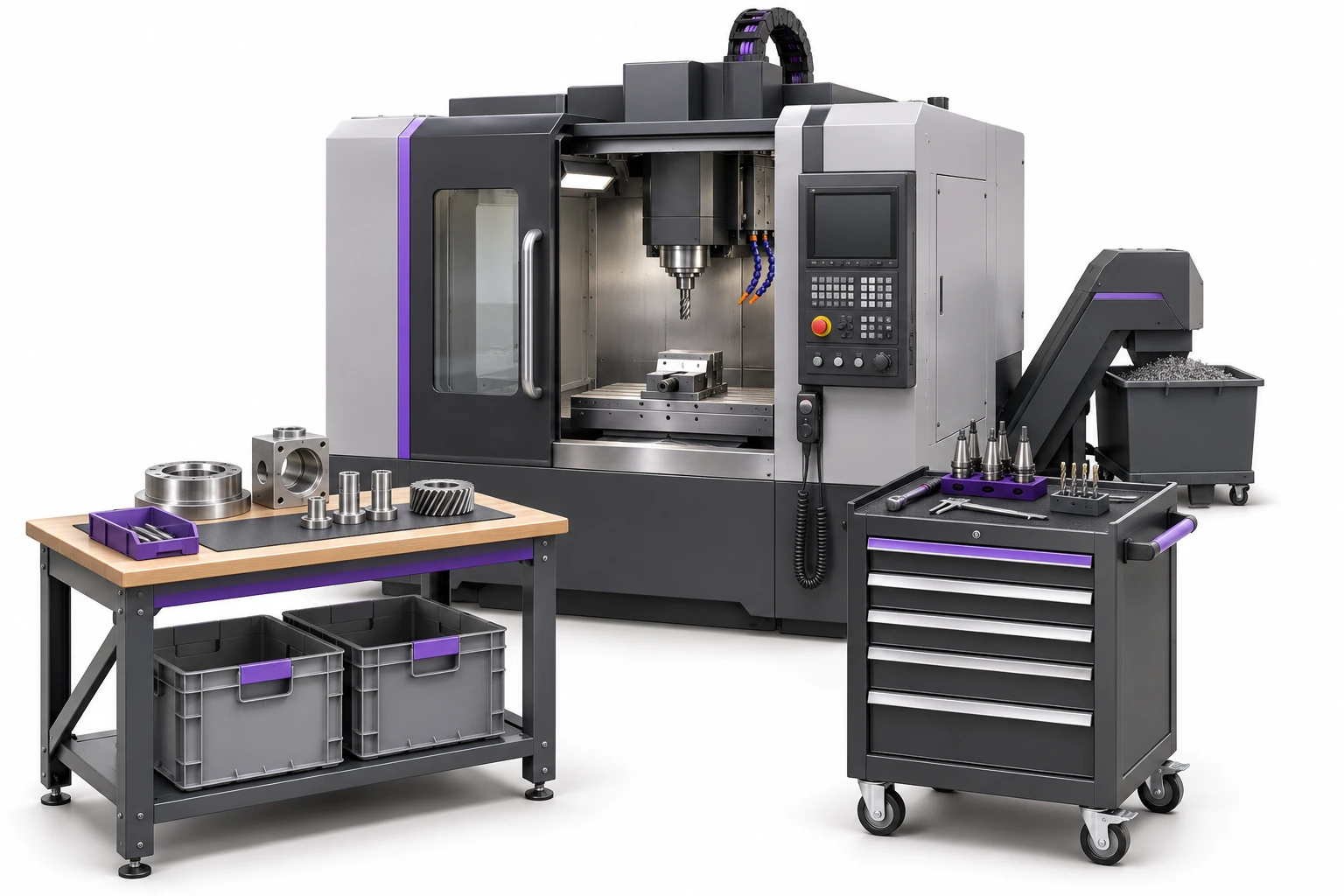
We start with situations that require searching, calling and transcribing information every day.
Each user uses the information and actions available for their role.
Records, location, documentation, parts and service.
Specific items, employee issues, phrases and history.
Inventory status and relationship to equipment and work.
ID, saved stage and previous passes.
Assigned equipment and accountability for checked-out items.
Warehouse, hall, station, control and place of issue.
You select the recording method for the asset: you keep equipment with an individual history as a unique item, and materials settled in quantity as collective items.
UHF or QR leads to proper record. The additional code may recognize the same thing as the radio tag.
Transfer and change of venue are recorded. You can go back to asset and document routes related to surgery.
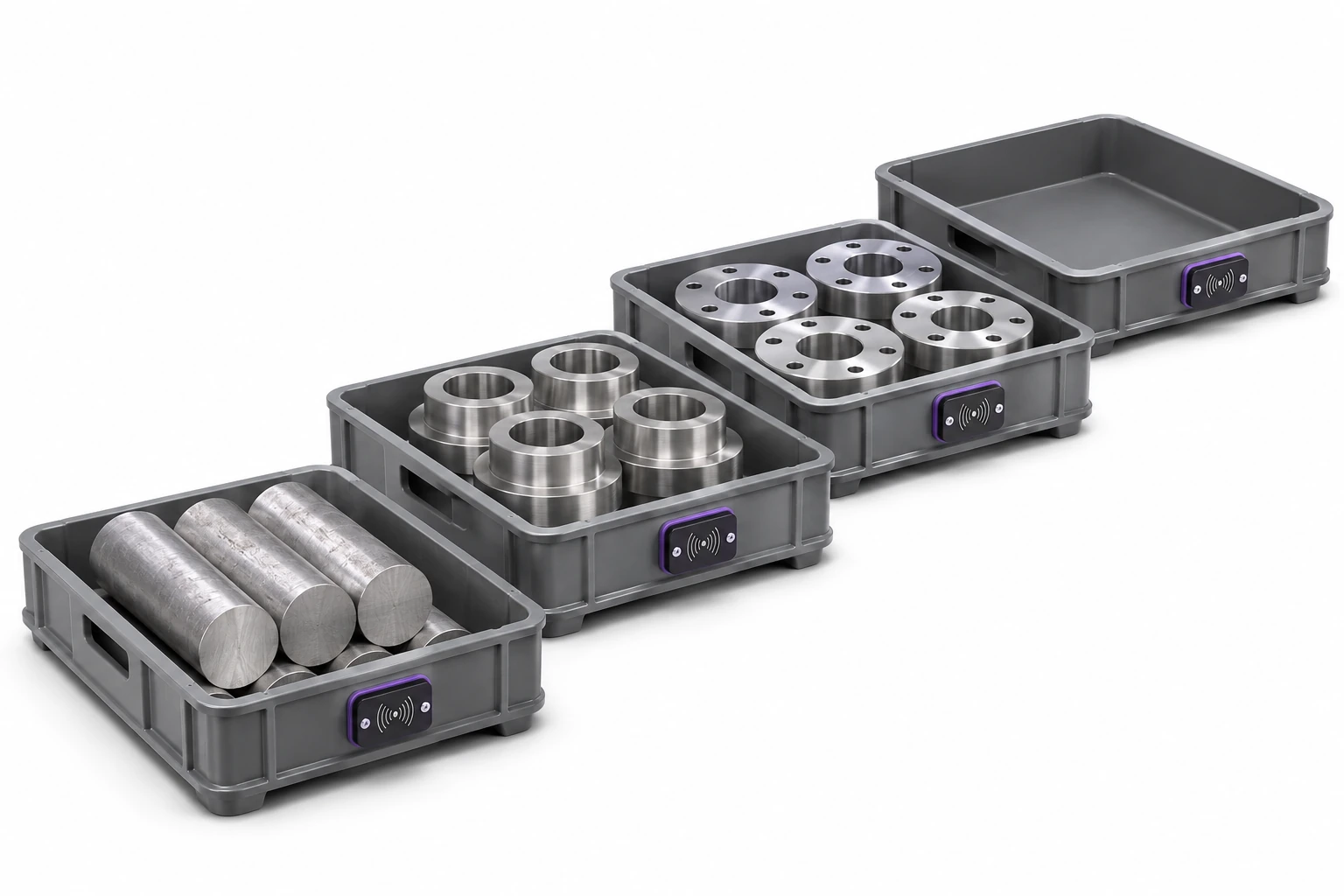
When the load carrier is marked, we determine how to link the content. The container reading identifies the load carrier; you confirm the composition of unmarked parts according to the circulation rules.
The sample monitor includes 24 pieces distributed among four stages. It helps you move from the general situation to further questions about equipment.
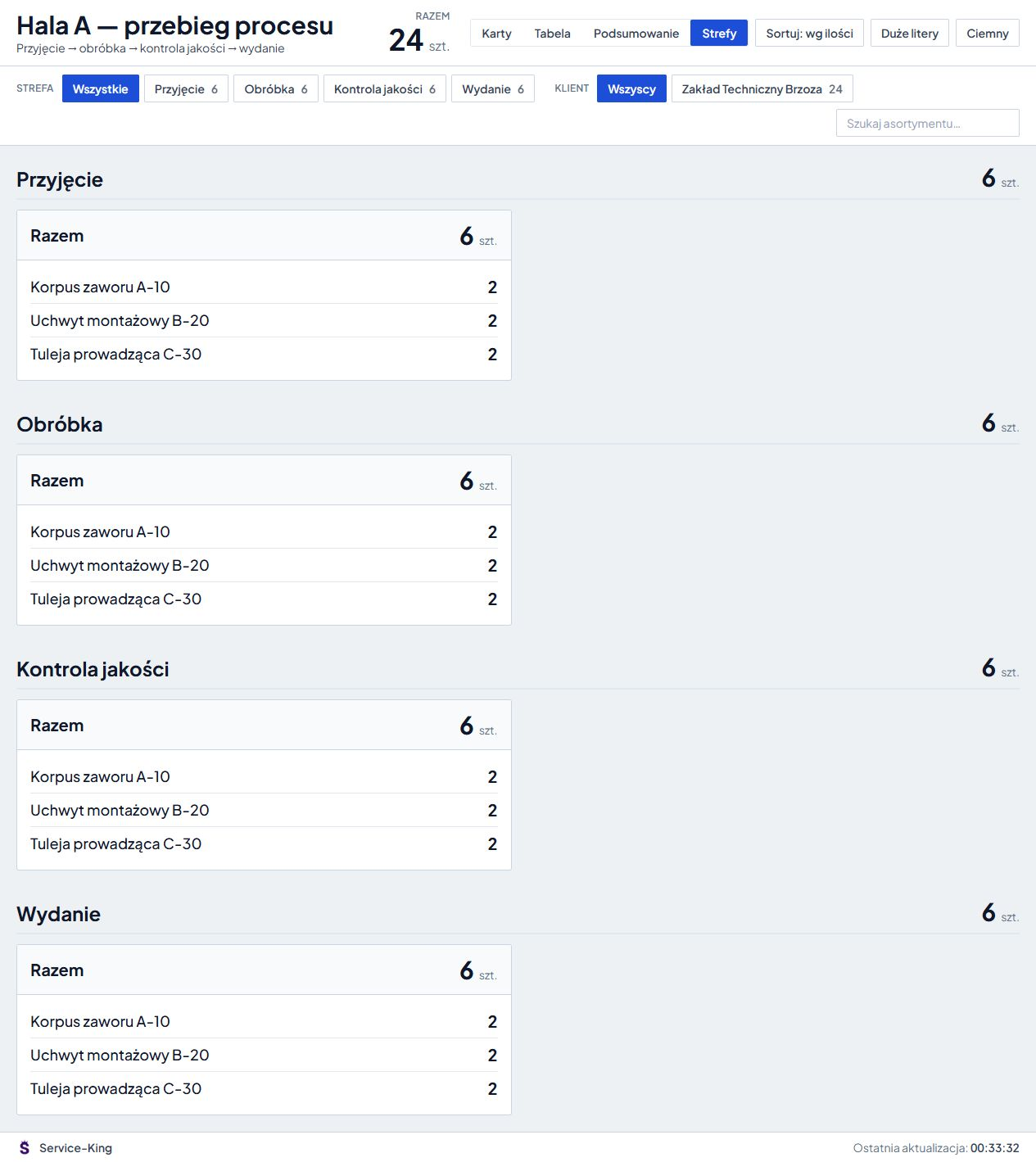
The “Quality control” location and the test result are separate facts. Time spent in a zone also needs proper interpretation. View the part workflow and stage history →
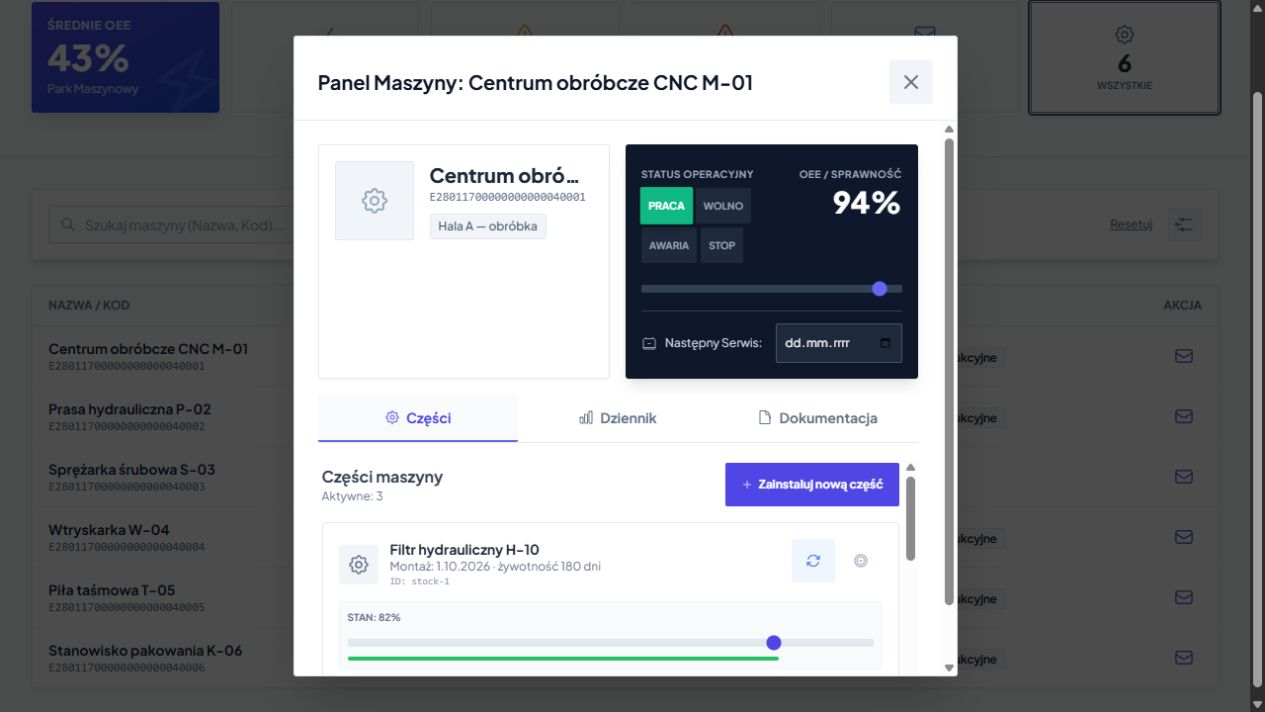
File connects device, parts, technical files and log. You go back to previous exchanges and arrangements before your next visit.
Service equipment and parts inventory become part of the same work picture.
Explore the machine card and its parts →
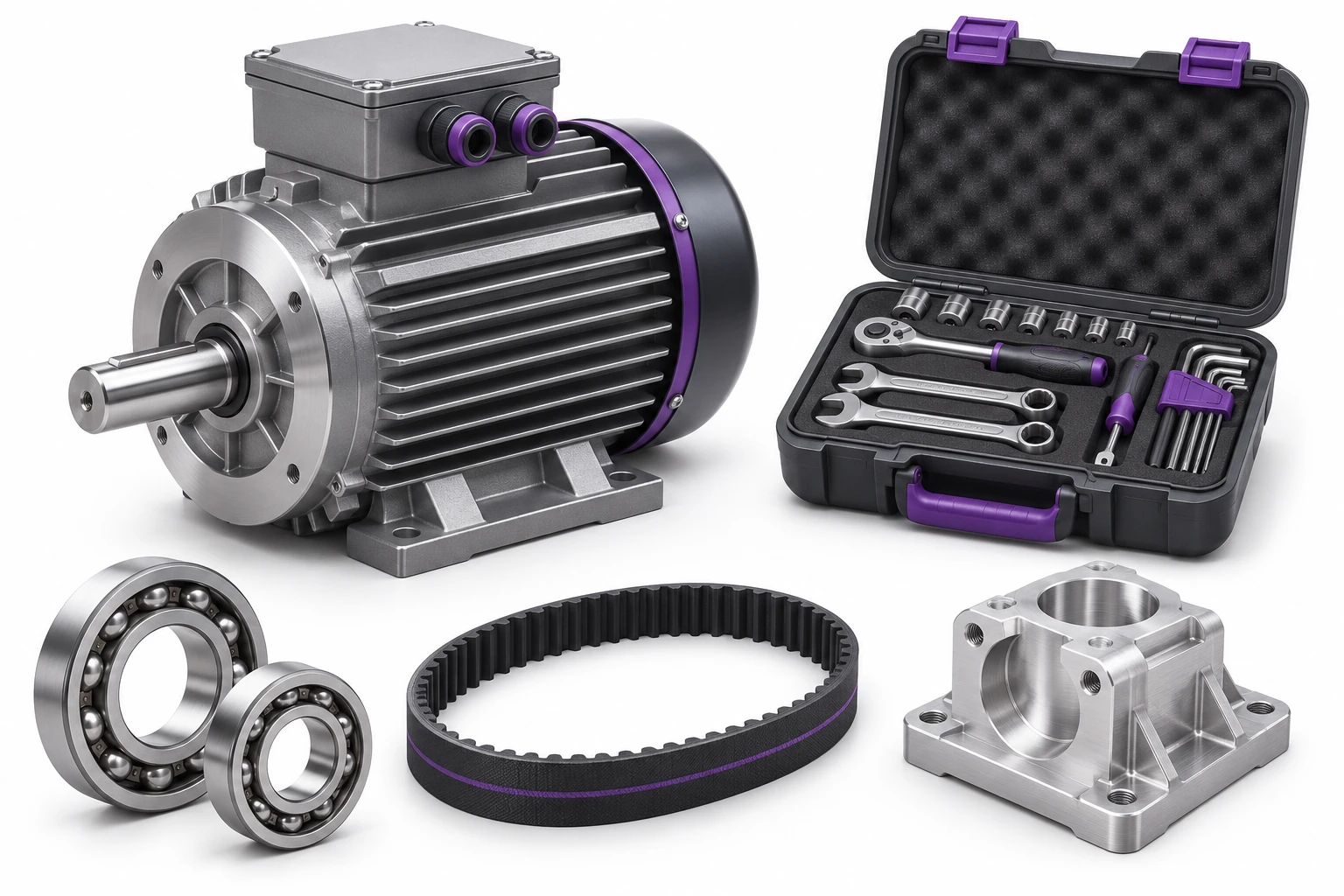
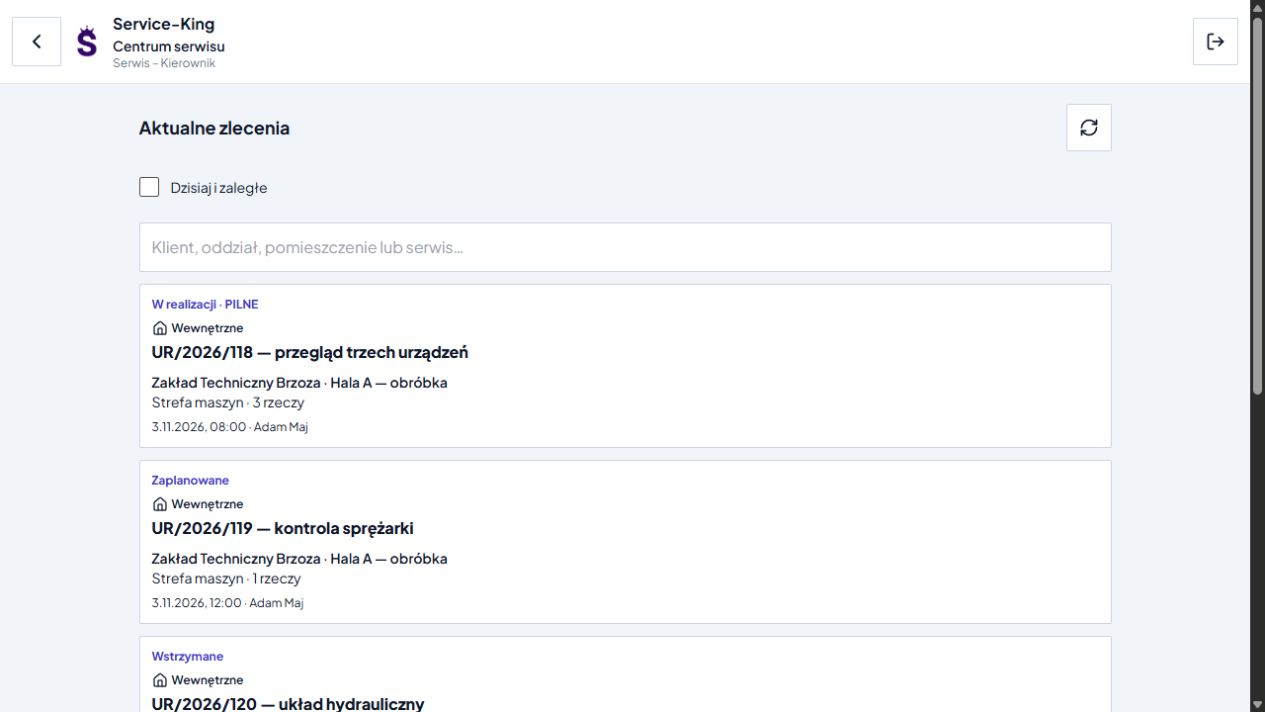
The service verifies the problem. Manager prepares contractor, deadline and procedure. The technician works with the indicated equipment.
The activity list, result, notes and photos remain in the context of the work. When a task cannot be completed, the need for further service is evident.
An example of a daily workflow. Confirmation rules are tailored to the way your team works.
We start by determining what information will support the daily operation of the plant.
Connection may include agreed records, locations, documents and information about operations. We determine the guiding system, identifiers and the method of exchange.
We prepare integration with ERP, automation or stationary readers for a specific environment. Get to know the company model and integration principles →
Free consultation
Show us the route of a tool, workpiece or component. We will propose an initial workflow and the views the team needs.
To start with, a description of one process is enough.
Write down what should be sorted first.
Practical knowledge