

Appropriate equipment or location
The control plan is associated with a specific item or location. We know what the task is about.
Inspections and deadline control
Schedule a review, name the person responsible and check what has been done. Service-King connects schedule, activity lists and equipment history.
Know which tasks are due, which are delayed and which requires further handling.
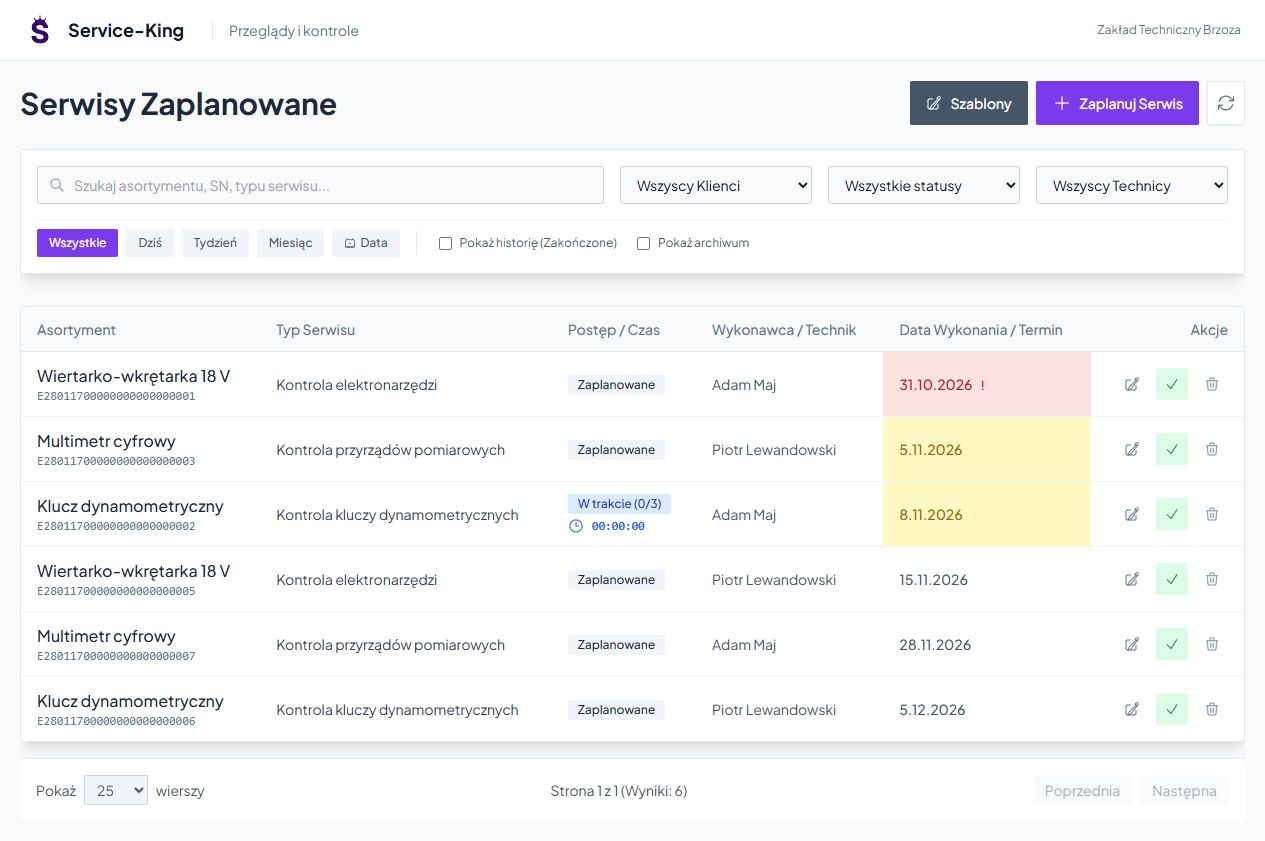
Common plan instead of scattered dates
Tools, machines and instruments have different terms. Filters help you check selected zone, contractor or period and scheduled, started, upcoming and overdue tasks.
The control plan is associated with a specific item or location. We know what the task is about.
On the list you can see the type of inspection, date and assigned contractor. It's easier to determine what needs attention.
You go back to completed tasks and check the result and the person who conducted the inspection.
Repeatable procedure
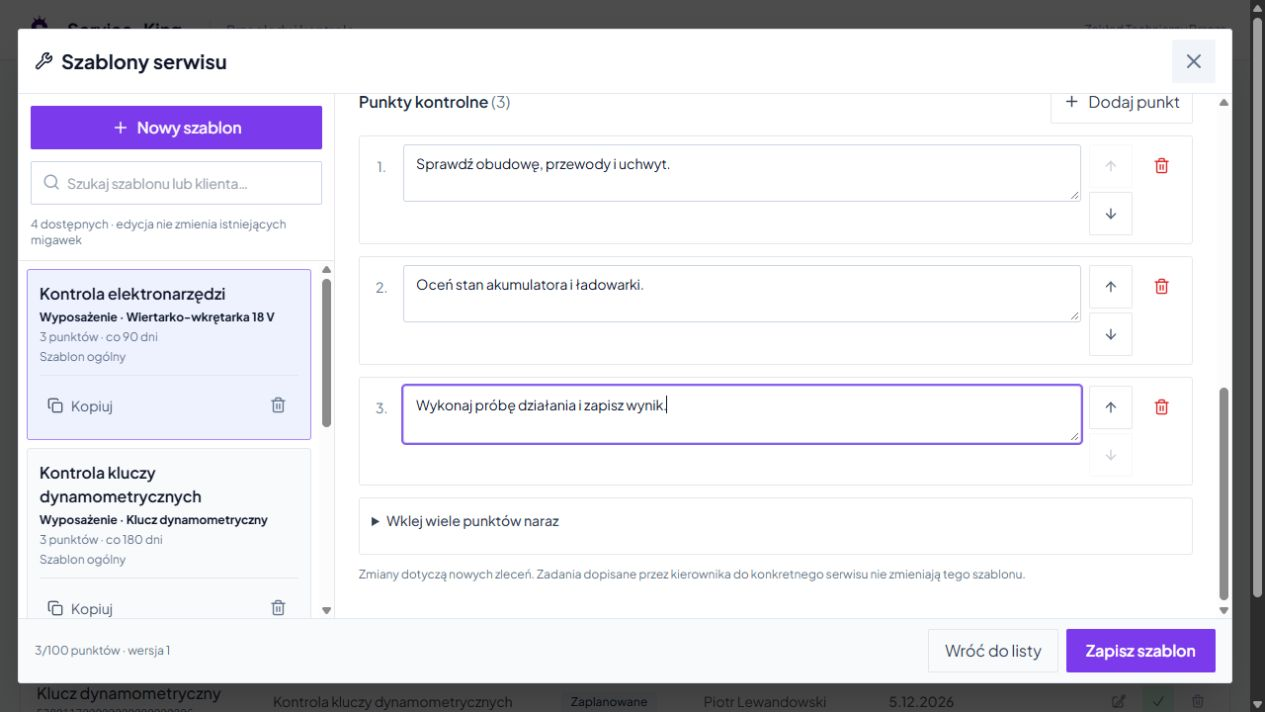
You save name, frequency and checkpoint list. The template can refer to a product name, an entire zone or a general procedure.
Multiple identical tools use the same procedure. ID and score remain with the correct item.
You copy the template and match it to another group. Previously saved orders retain their version of the procedure.
Specific thing, specific result
UHF, QR or barcode helps you associate the control with the correct record. The reading available depends on the device and view used.
Once the inspection reveals a fault, you can hand over the equipment for further service. The manager sees the completed inspection and the need for the next action.
From recognizing the equipment to recording the result and the next date.
Add a record or use an existing one. The name, identifier and location define the subject of the inspection.
Set a list of activities and frequency, or choose a one-time job.
Assign the procedure to an item or zone and indicate the person responsible.
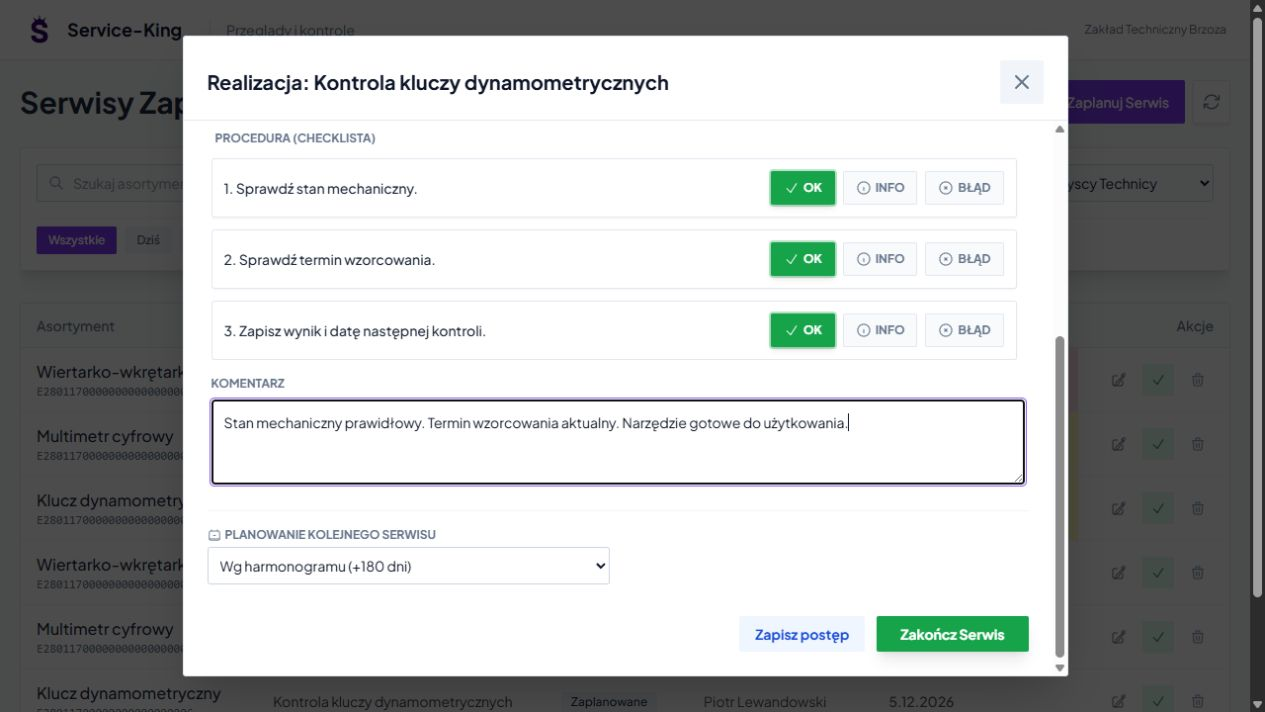
Open the task, check the equipment and complete the results of the next points.
Add comments, photos and working hours. If necessary, save your progress before finishing.
Use the set cycle, select the next date manually or stop repeating. The result remains in history.
You select procedures to suit the type of equipment and the way the plant operates.
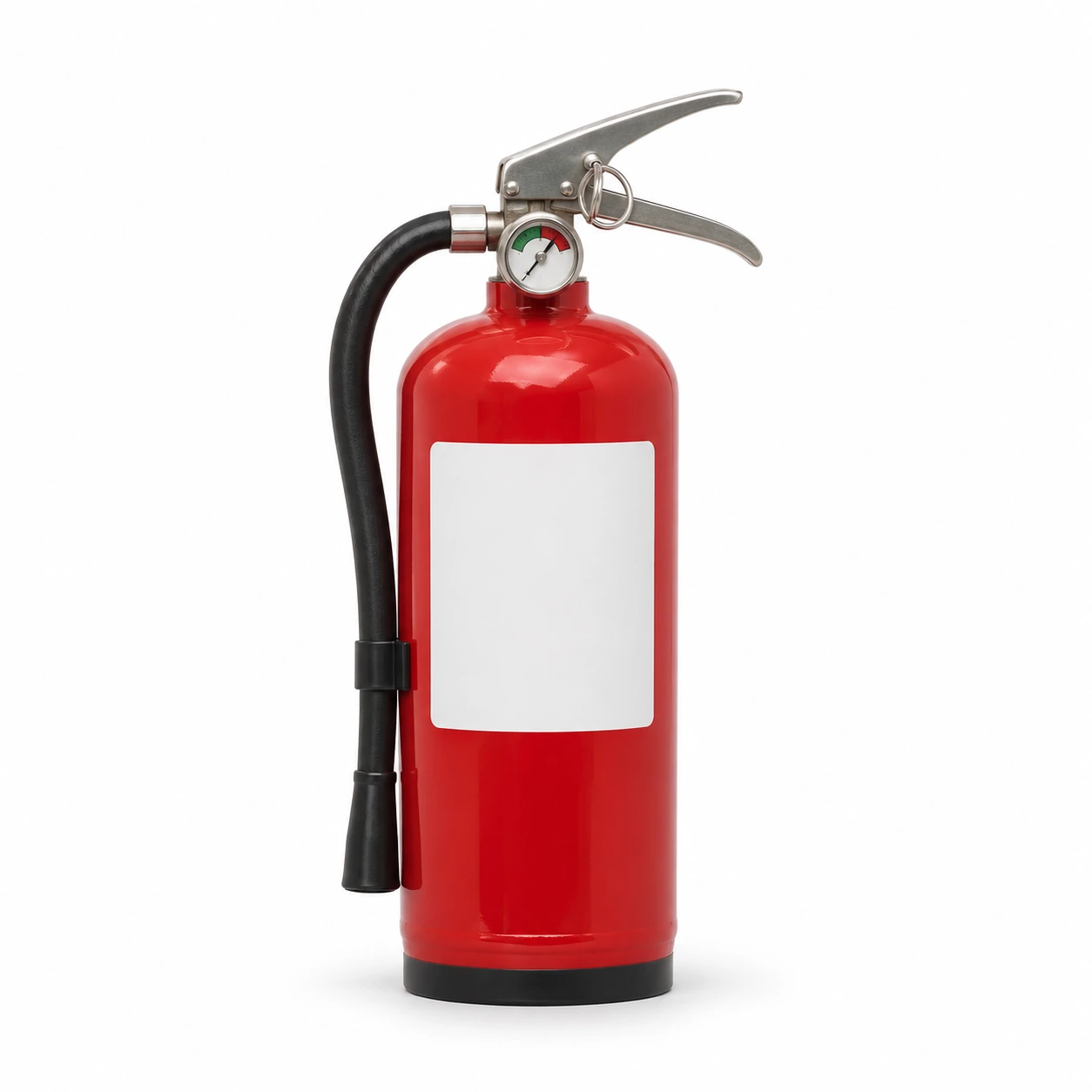
Each item can have a record, location and planned scope of control. It is easier to find information about the date and work performed.
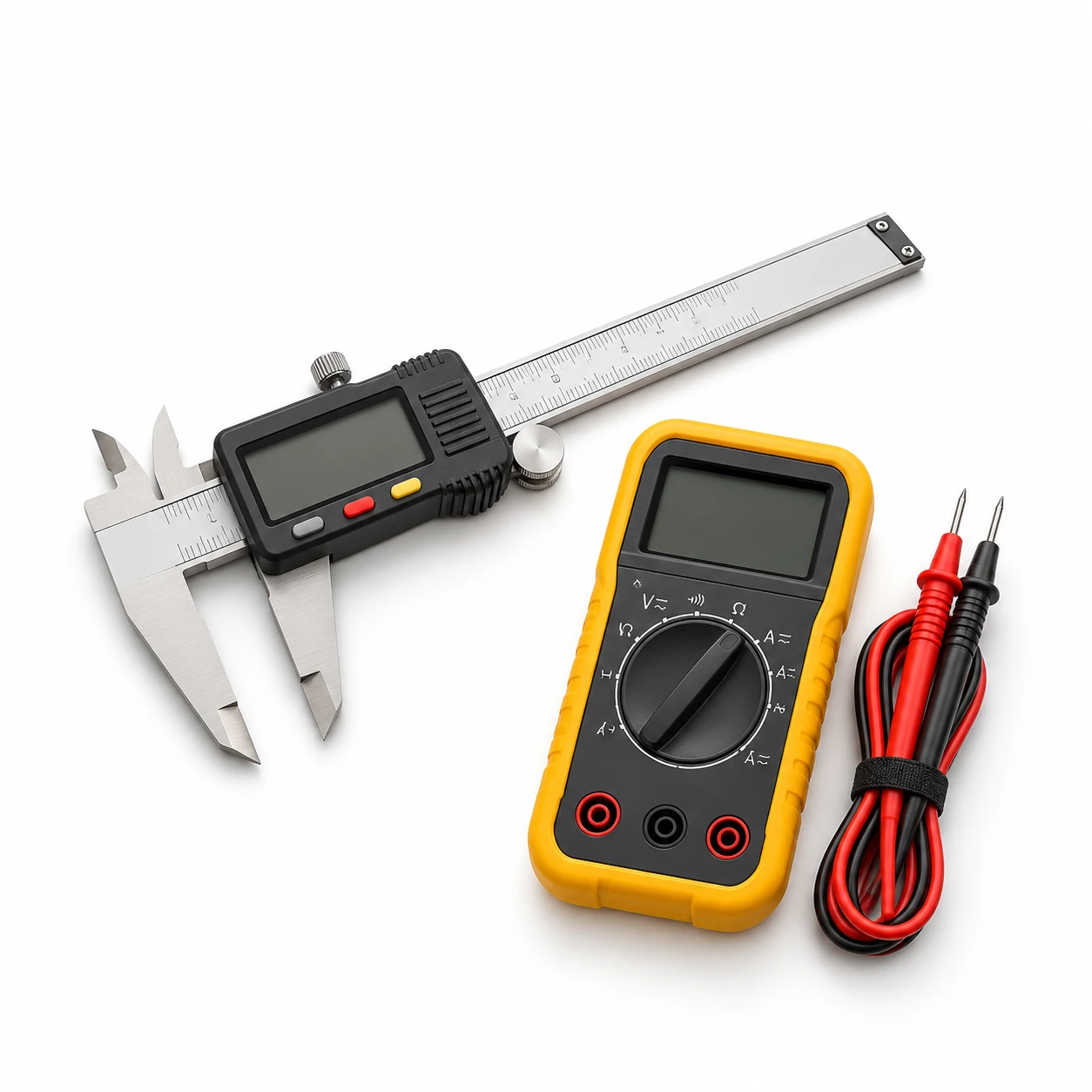
You distinguish items by their identifiers. A common template makes work easier, and the result remains assigned to a specific instrument.
The illustrations are for illustration purposes only. Scope of activities, deadlines and required qualifications You set according to your equipment. The system organizes work and documentation; the required tests are performed by authorized persons.
Free consultation
Start with one equipment group and procedure. We'll show you how schedule dates, assign contractors and collect results.
To get started, all you need is an example of your current activity list and an approximate number of items being controlled.
Write which terms you want to sort. We will determine the scope of the conversation.
Practical knowledge