

Radio reading
Helps you recognize a marked item and, with the location application, search according to signal changes.
UHF RFID Finder
Tool on another shelf, missing after inventory, equipment needed for check-out. Start with the correct item and its last saved location.
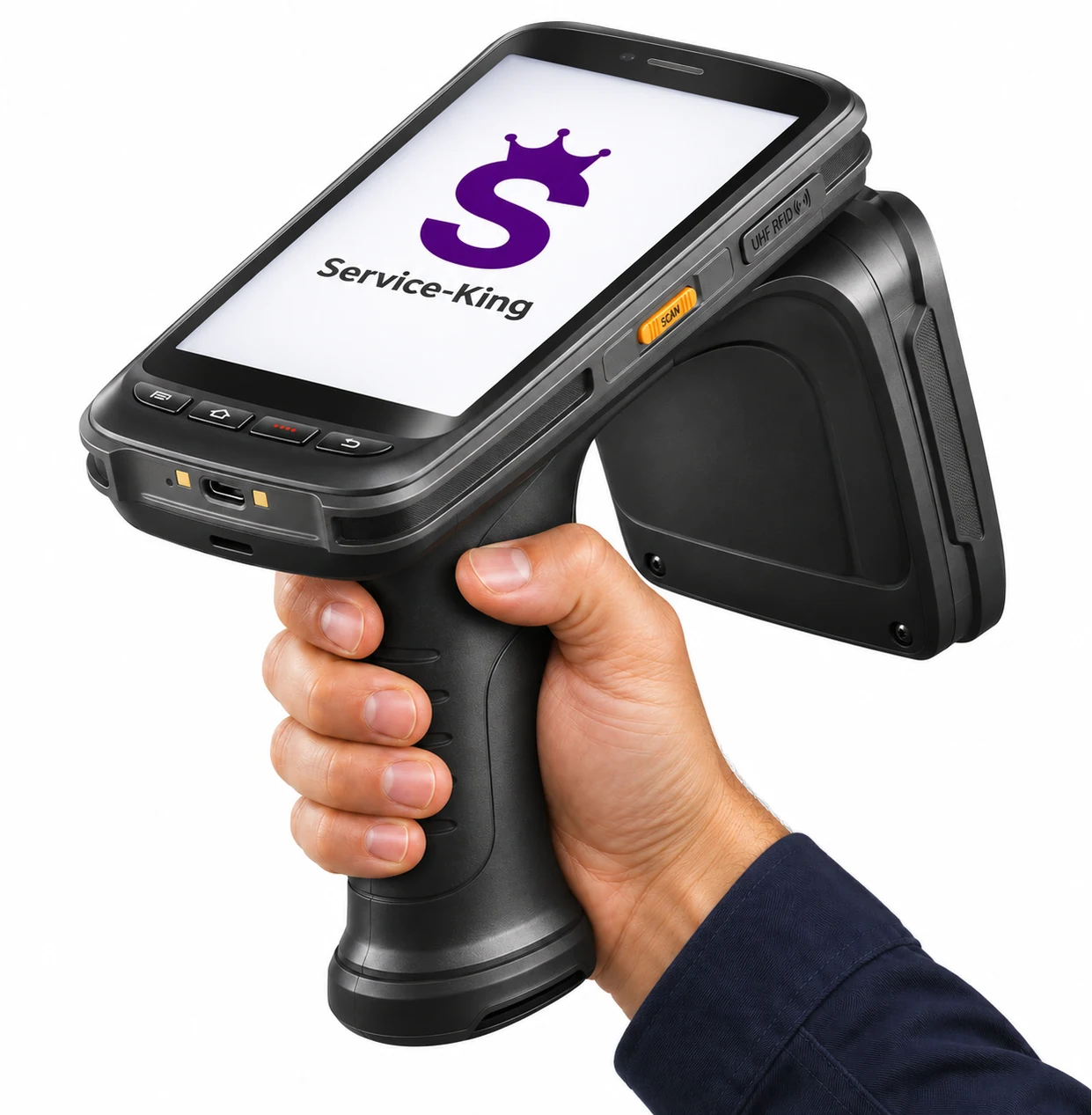
A compatible handheld terminal such as C72 with a locator app then helps you search hot-cold method among tagged items.
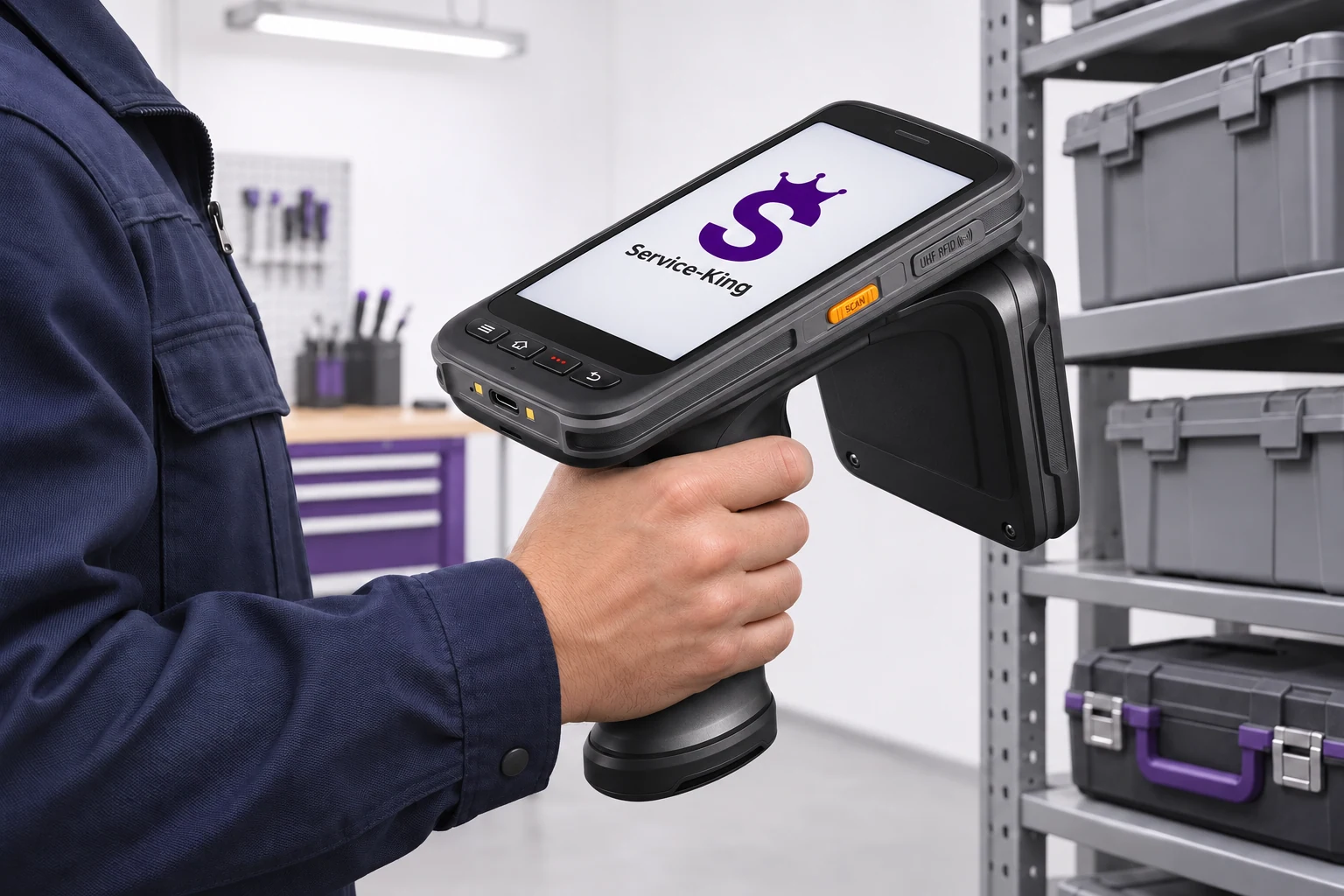
Search helps you in everyday situations in the tool crib, warehouse, service and equipment inspection.
See how a handheld reader guides you to a specific item instead of searching the shelves by hand.
Read range depends on the reader, the tag and the surrounding conditions.
Radio search requires a functional UHF tag associated with a specific piece.
One thing, one record
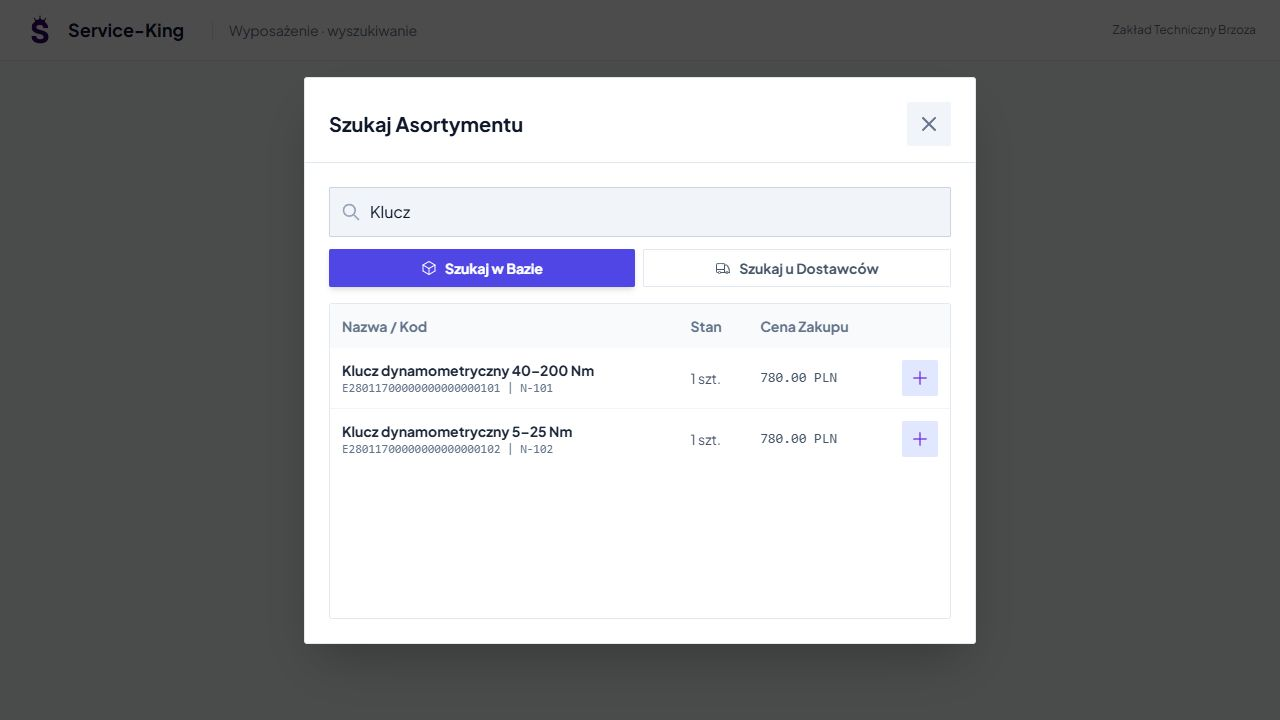
In Service-King you are looking for po name, identifier, additional code or index. You check the description and photo to choose the right item.
Two keys may look similar. The unique number indicates a specific piece, which you need for work or which was missing during the stocktake.
This screen is used to select a record. The UHF code of the selected item becomes the starting point for the search with the handheld terminal.
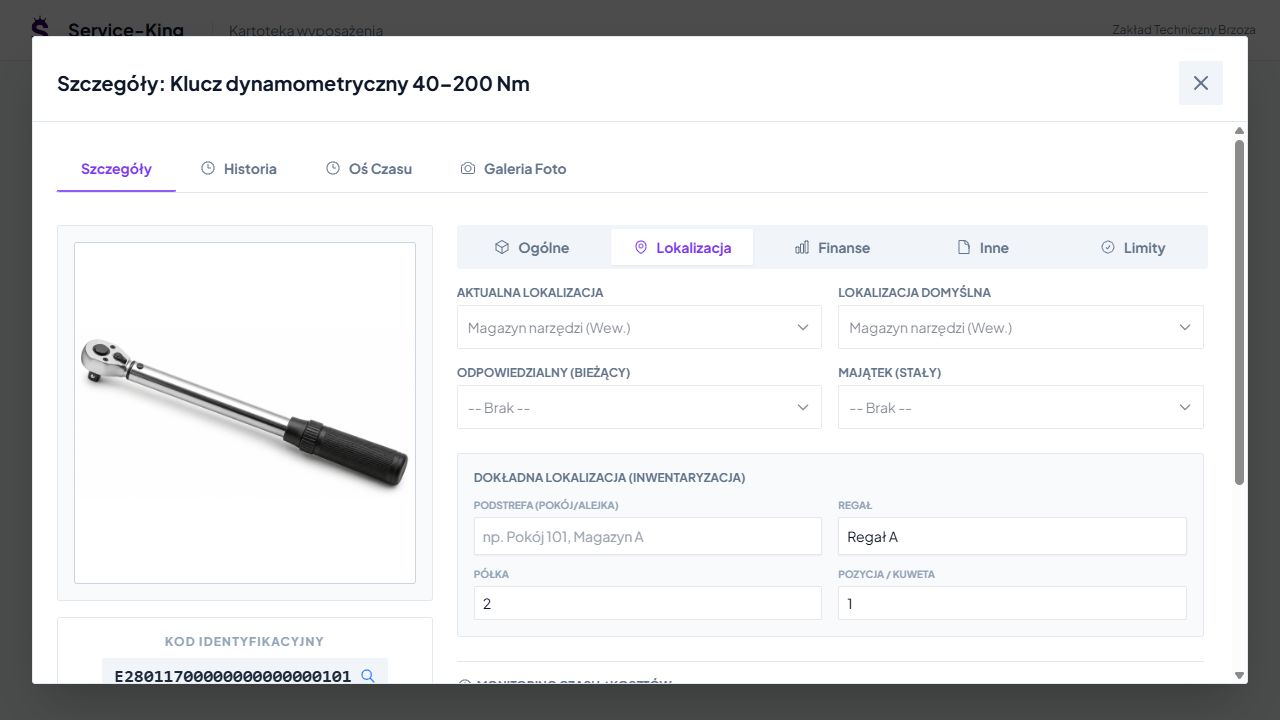
Location resulting from records
Record shows place recorded in the register: warehouse, rack, shelf and item. This helps narrow down the search area.
In this example, the spanner is assigned to the tool store, rack A, shelf 2 and position 1. These records stay current through the operations performed.
When things have been put aside, the next clue is history. Radio reading confirms receipt of the tag signal in the searched area.
In the handheld terminal locating application, you select the UHF code. You observe changes in the strength of the received signal, checking subsequent places and directions.

Signal strength is a search clue. Reading is affected by metal, liquid, tag position and surroundings. We check the distance dependence on real equipment; the indication does not give the exact number of meters. Selected applications can supplement them with sound.
Selection of hardware and software
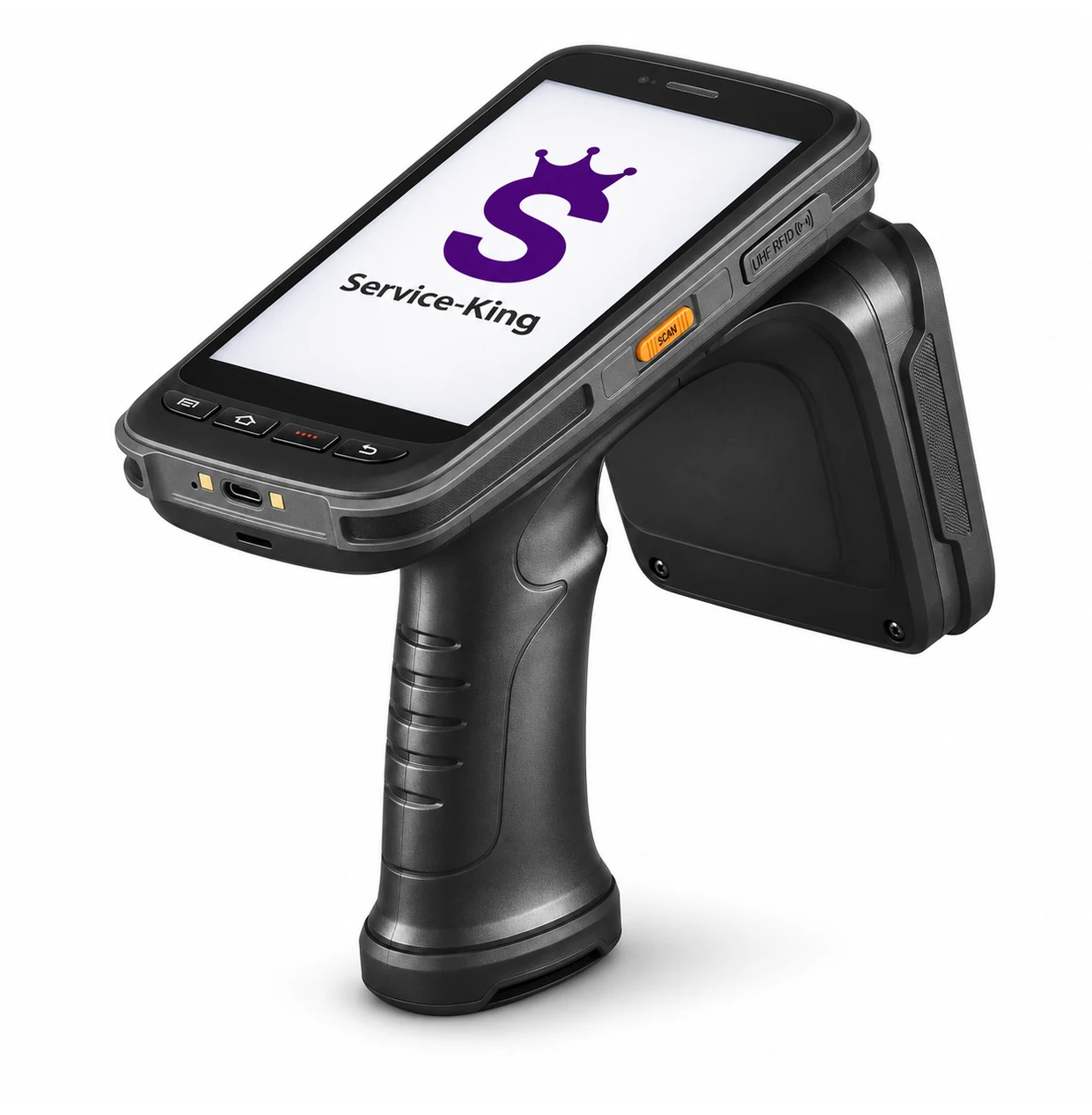
C72 connects the mobile terminal with UHF RFID reading module. In the appropriate configuration, you use it to collect codes and search for the selected tag.
Hot-cold search requires app or connection to UHF module, which provides signal strength. We select functions depending on the device and software version.
The record, place and history views on this page show Service-King. The radio indication comes from the prepared handheld terminal operation.
Search by equipment
You hold the handheld terminal by the handle, walk along the storage areas and you point the device at other parts of the area. The antenna remains rigidly connected to the handheld terminal.
You observe the indication, change direction and narrow the search. UHF reading can help with the label hidden from the shelf.
We choose the marker according to the material of the item and the surroundings. Piloting on selected items allows you to check the reading and convenient way of working.
Narrow search based on records
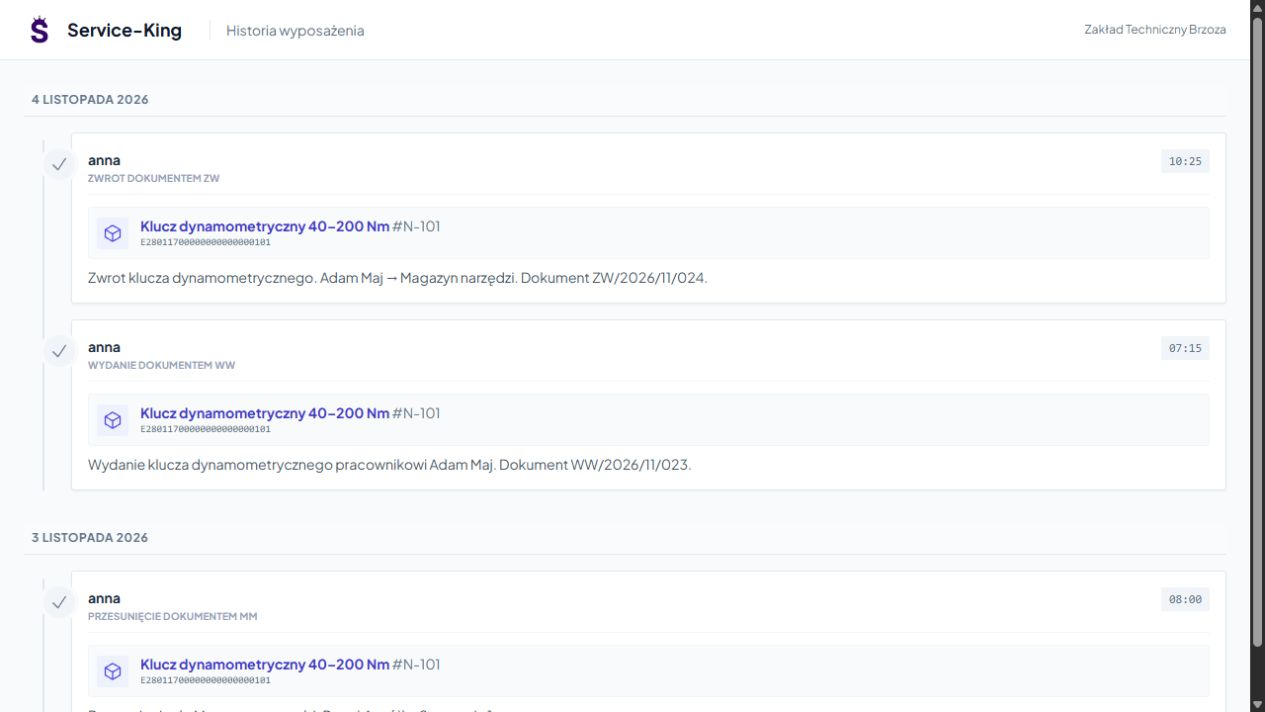
You check, to whom the item was given, when it was returned and where it was moved. Dates and documents help determine the last recorded stage.
This is useful when equipment circulates between the warehouse, station and service center. It's easier to choose the next place to check and the person with whom to explain the lack.
In one file you combine different ways of recognizing a specific item.
Helps you recognize a marked item and, with the location application, search according to signal changes.
With an available label, you quickly recognize the same record. QR helps confirm the found item.
First you select the item, then you search, and finally you save the necessary operation.
Finding and settling are separate activities. The detected tag is a hint; you record the return, issue or inventory result in the appropriate workflow.
Free consultation
Prepare some equipment examples. We will choose designation, handheld terminal and application, and then we will show you the whole way to search.
Let's start with a practical example and checking the reading conditions.
Describe the thing that takes the most time to find today.
Practical knowledge