

Knowledge baseTools
Tool crib 4.0: less searching, clearer check-outs and returns
A modern tool crib does not start with an RFID gate. It starts with the answer: what we have, who we checked out a specific item to and whether it can be re-checked out. Technology is intended to shorten this work at the counter.
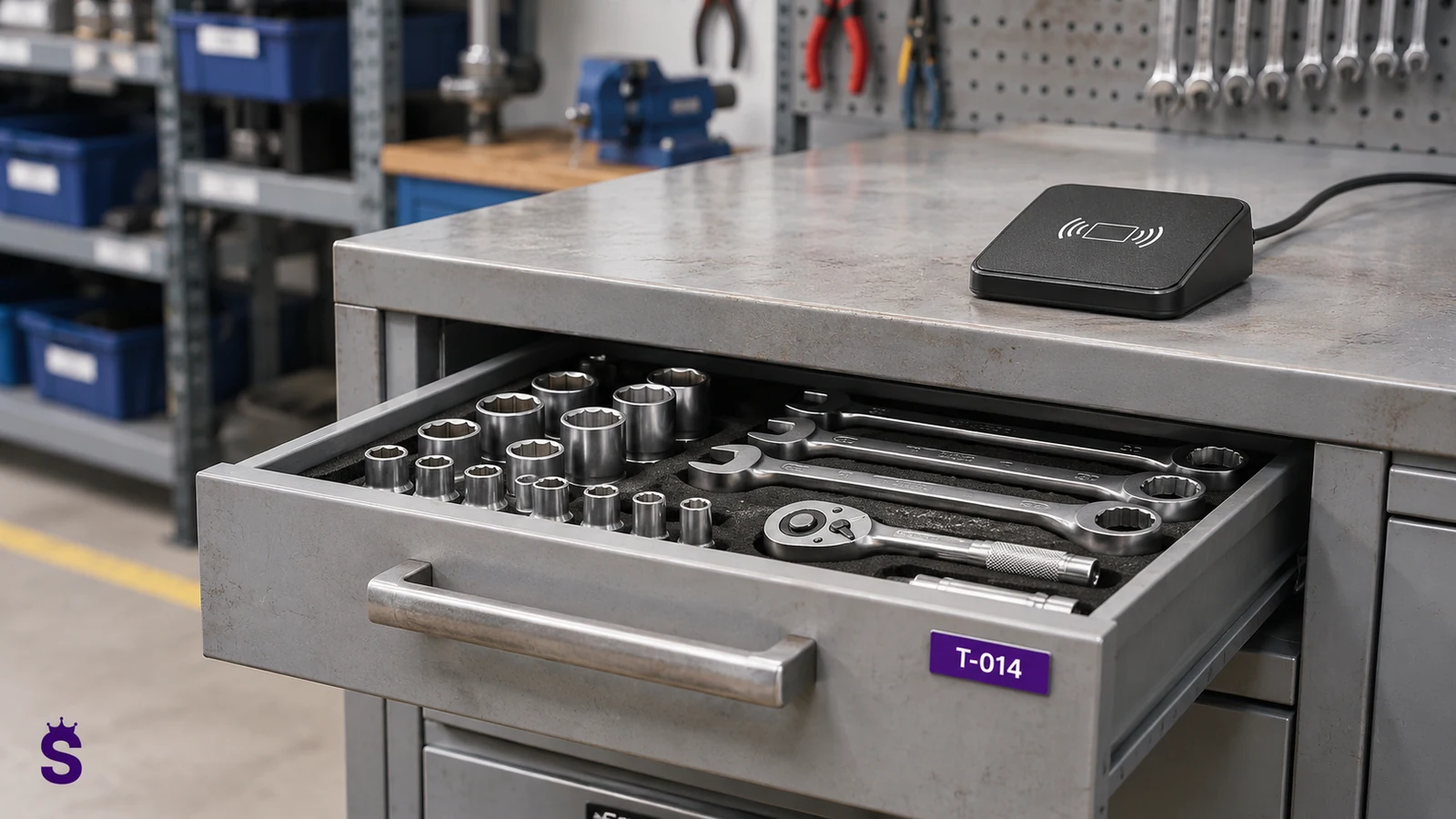
What really holds up work in the tool crib
An employee is waiting for a power screwdriver. The warehouseman looks for it in the rack, then calls the previous shift. The tool model is listed, but it is unclear which item was checked out. This is how a queue is created, even though the company has sufficient equipment.
We need the history of a specific item, associated with a person, location, and state. The record of the model "power screwdriver 18 V - 10 pieces" will not answer the question of which one is to be returned from the employee and which one is in the service center.
| Problem at the counter | What you need to write down |
|---|---|
| No one knows who has the tool | Individual item, employee and issue document. |
| Return of an incomplete set | List of set components and return inspection result. |
| Defective equipment is returned to the shelf | Condition after return and referral to appropriate service. |
| Queue when issuing multiple items | Employee recognition and quick addition of marked items. |
| Another purchase despite having the piece | Availability, location and check-out history. |
Example: checking out a kit to one team
- You recognize the employee. You select it in the system or use a supported card after agreeing on the integration method.
- You add tools and equipment to the operation. With UHF markings, you can read many pieces in the prepared zone.
- You check the list and confirm the check-out. A record is created associated with a person.
- When returning, you compare the set, assess the condition and note any missing or damaged items.
Radio reading does not replace operation confirmation. A tool lying next to the antenna should not be released accidentally. This is why a well-chosen reading zone and a clear list control stage are needed.
Under-counter readers: test the setup for convenient operation
The RFID reading point can be planned at the counter, also with the antenna under a properly selected countertop. The operator puts things in a designated place instead of pointing the scanner at each label. Effectiveness depends, among others, on: on the material of the countertop, the arrangement of tools and the distance from adjacent shelves.
With a metal table, the "antenna underneath" idea may not work without the right design solution. The test is performed on the target counter and real sets, also with batteries, cases and tools stacked on top of each other.
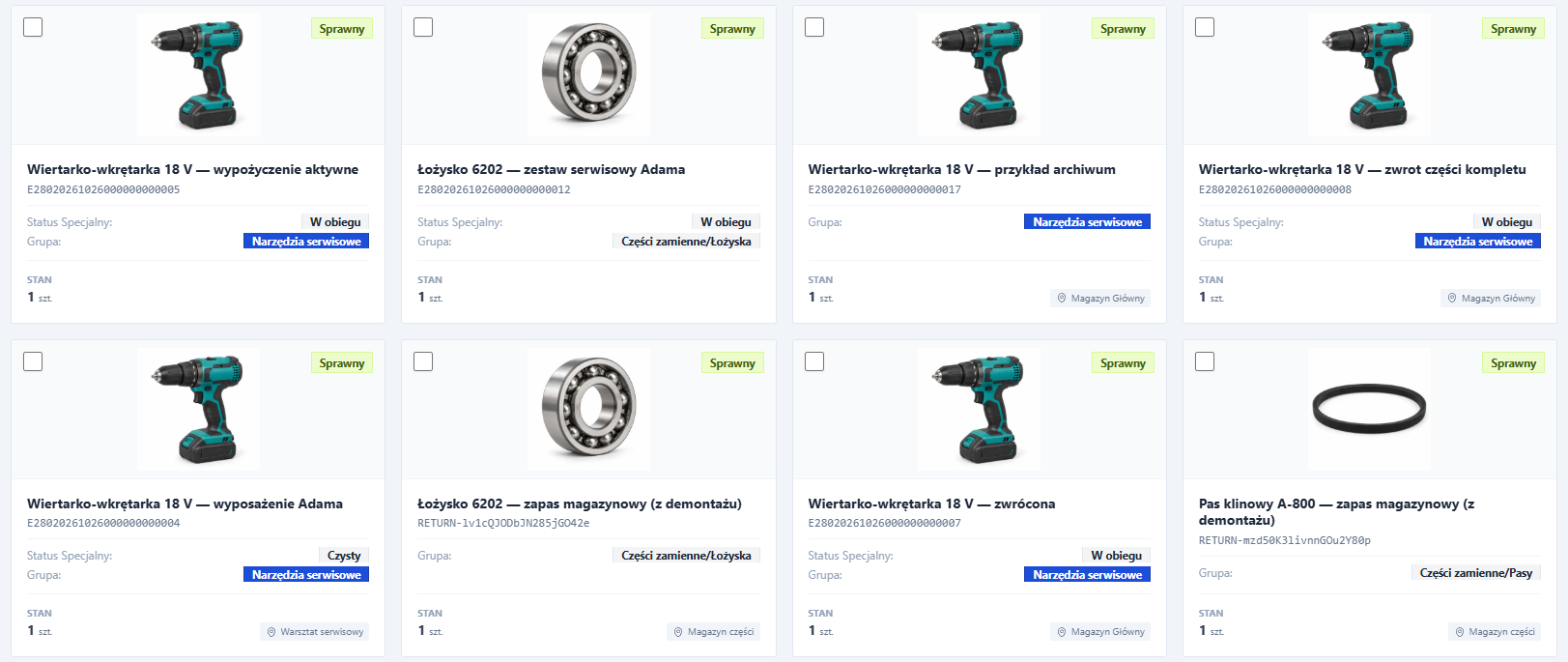
How to tag tool crib equipment
Tags intended for metal are used on metal tools, e.g. small PCB tags or appropriately selected on-metal labels. A different design may be considered on a plastic housing. The marking must survive use and not interfere with work.
Our offer includes, among others: on-metal formats 60 × 25 mm and 30 × 15 mm, and to the appropriate label surfaces 45 × 18 mm. The design of a specific tag, not its size alone, determines its usefulness. The assembly rules are described RFID tool marking guide.
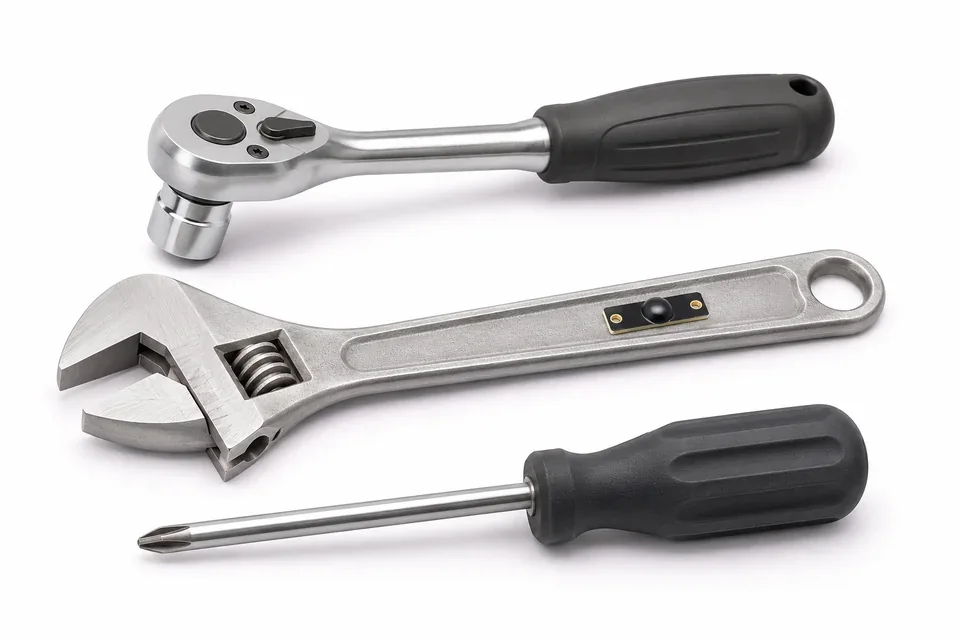
RFID finding and availability checks
When there are more things, quick search by name, code or ID is more important than a photo catalog. The operator should see the correct file, the last assignment and information about the status and circulation. The "in stock" item should be a result of the recorded operation, not a guess.
The search function using the UHF handheld terminal helps narrow down the search for a specific marked item. It is not a GPS map. It requires being within range and having appropriate reading conditions. More: property search.
Where to begin implementation
- Select the most frequently released tool group.
- Separate models from individual items and organize assembly.
- Establish rules for issue, return, damage and transfer to service.
- Test the markings on the equipment and how you work at the counter.
- Measure the overall operation time and the number of manual corrections.
- Train the shift on real exceptions, e.g., incomplete set.
See example of Service-King in the tool crib and module Tool Control. The scope can be developed gradually: from records and issues to reading stations, reviews and reports.
Sources and further verification
Continue on this topic