

Knowledge baseMachinery and maintenance
Digital machine passport: records, parts and history
Instructions in a binder, repair note in a message and parts written in a separate sheet. The machine card organizes this information so that the next shift knows what has been done and what needs to be checked.
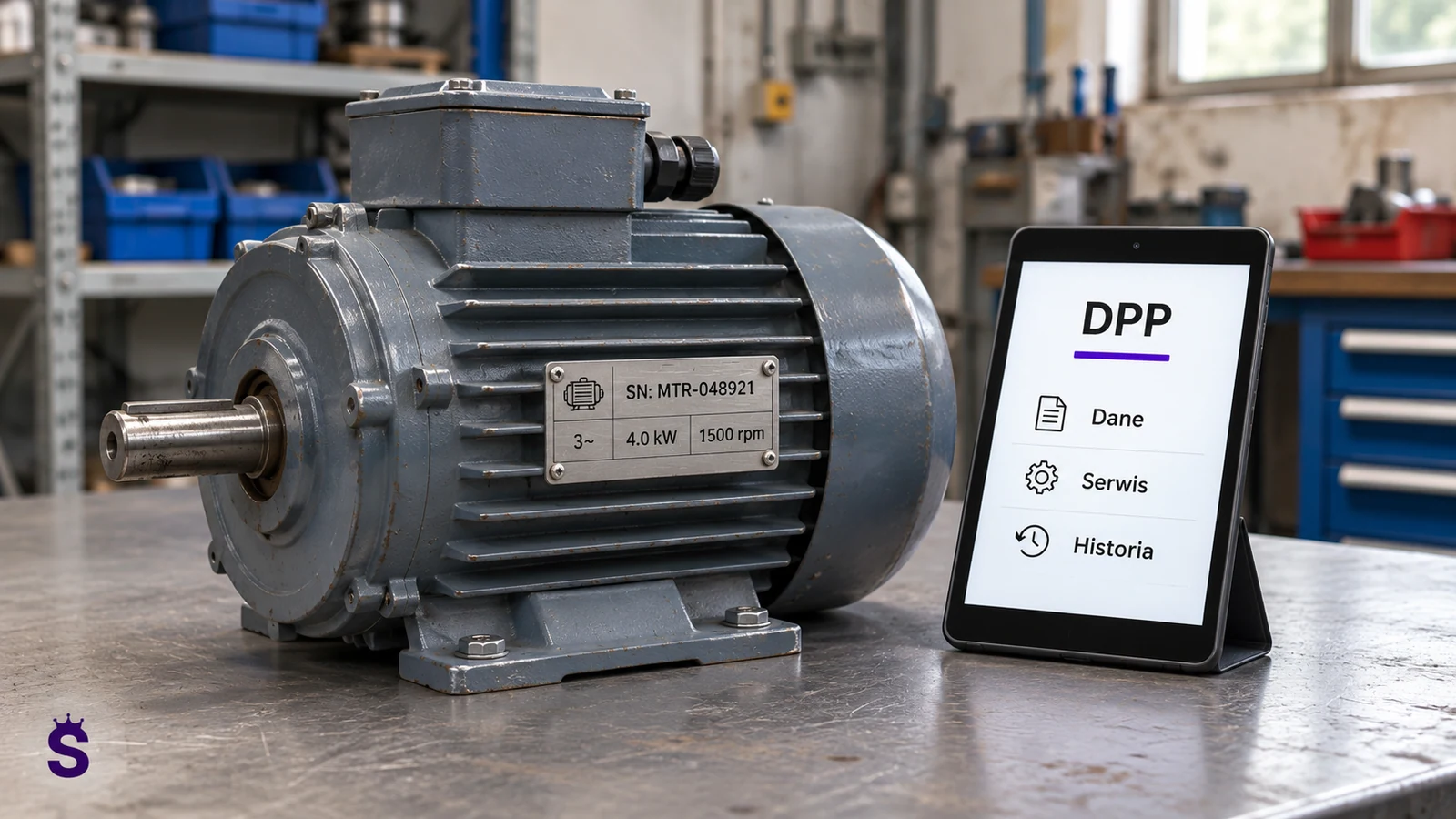
What a machine record should contain
| Area | Useful data |
|---|---|
| Identification | Name, code, serial number, model and location. |
| Current status | Saved status, notes and usage restriction information. |
| Parts | Elements installed, installation date and assumed service life. |
| Journal | Repairs, inspections, replacements, observations and persons performing activities. |
| Documentation | Manuals, maintenance plans, photos and appropriate versions of attachments. |
| Deadlines | Agreed inspections and activities to be performed. |
The QR or RFID identifier leads to the appropriate machine file. Documents and history are stored in the system; there is no need to save the entire instruction in the tag memory.
Example: what a part replacement history tells you
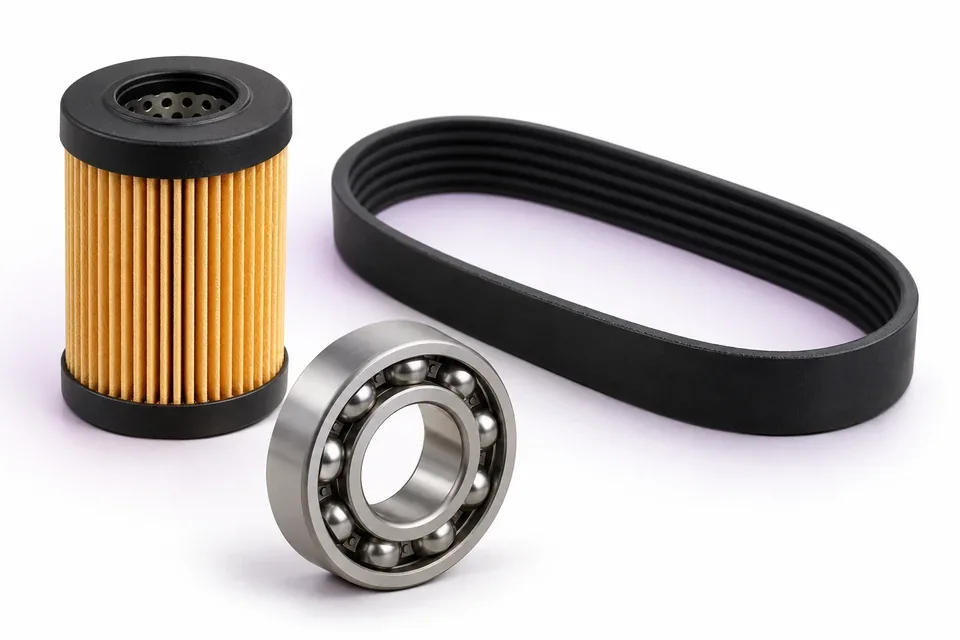
The filter has been replaced on the machine. After a few weeks, a similar symptom appears. Without a history, the next technician starts with questions: what filter, when it was installed, who performed the test and whether there was a note after commissioning.
In the organized tab, returns to the entry, checks the part and documentation. It can distinguish a recurring problem from wear and tear on another component. The entry should describe the result of the action, not just the fact "I was at the machine".
How this works in Service-King
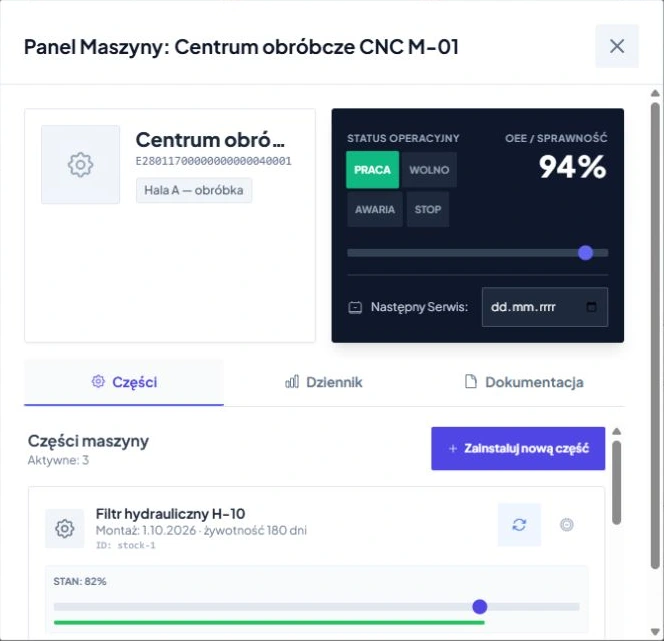
In the machinery fleet module, you work with a list of devices and a card of a specific machine. Separated in the card parts, logbook and documentation. This brings the person operating the machine and the technician back to the same history rather than creating parallel lists.
When replacing a new part, you can link the new part to the warehouse records and save its assumed useful life. The planned lifespan is an organizational parameter. It is not a measurement of actual consumption or a guarantee of trouble-free operation.
Status and OEE: distinguish between recording and measurement
The 'work', 'failure' or 'service' information helps determine the order of operations if the team updates it. The recorded efficiency or OEE value should have a clear source. The percentage field in the application alone does not mean an automatic OEE measurement.
Reliable OEE measurement requires established data on availability, performance and quality, as well as rules for obtaining it. If you need signals from machines, the scope of integration and the method of counting must be agreed separately. Similarly, time-of-use planning does not automatically predict failures based on sensors.
An internal machine passport and a regulatory product passport
In this guide, "digital machine passport" means internal device card and its service history. It is not a declaration of compliance with all legal requirements regarding the digital product passport. Obligations relating to a specific product group must be checked separately.
If you need information transferred outside the company, determine the recipients, scope of data and access rules. The technician's internal notes, personal information, and manufacturer documentation should not automatically become public content when a label is scanned.
Machine record setup checklist
- Select machines whose history is most often lost between changes.
- Provide unique IDs and confirm locations.
- Attach current instructions and service plan.
- Record parts and assembly dates that are actually known.
- Determine who updates status and who approves actions.
- Test opening the correct card at the machine and the operation of the next shift.
See machinery fleet and practical inspection plan. The goal is faster access to reliable information, not another catalog of outdated documents.
Continue on this topic