

Knowledge base · Service-King
Paperless warehouse: issues, documents and confirmations
Deleting printouts helps only when the employee does not have to rewrite the same data later. The digital workflow should combine real traffic, confirmation and the actual document.
Choose a single system of record
If a check-out is created in the application and at the end of the change someone adds it to a separate sheet, two workflows still work. Determine which record is binding and how it is transferred to other systems. Without this, two versions of the state appear.
| Today | What to determine after the change |
|---|---|
| Manual check-out list | Person, items, date and method of confirmation. |
| Return card | Actual return, condition and missing items. |
| Document binder | Binding document to operation and searching. |
| Transfer to accounting | Agreed export and verification responsibility. |
Digitisation starts with the data source
If the receipt is created on a piece of paper, then on a sheet, and finally in a program, it is necessary to determine which entry is binding. The file paper replacement itself does not remove the three steps. Ultimately, the data should be created during the actual operation and be further used without being re-entered.
Not every system needs to store everything. It is possible to determine the source of files in one program and operations in another, provided that the exchange rules are clear. There needs to be accountability for correction and a visible result of the transfer. File export and ongoing integration are different organizational scopes.
Forms should request data that will actually be used
Too long a list of mandatory fields prompts you to enter substitute values. Too short does not allow you to explain the operation later. Determine the minimum for a given process: person, object, quantity or item, time and appropriate document. Additional fields should have a recipient and a purpose. If no one uses the information, it is worth checking the point of compulsory collection.
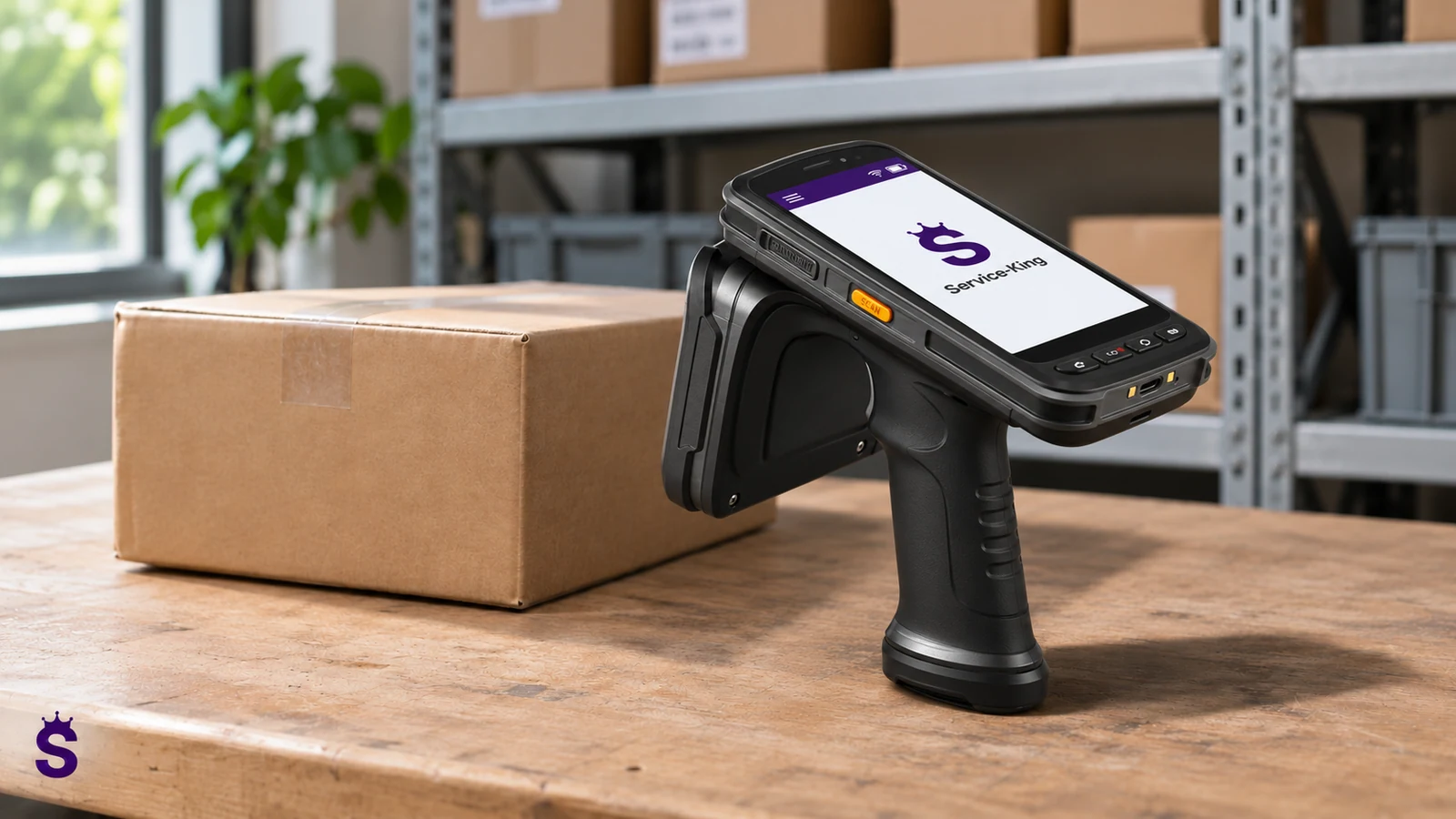
Legibility, order and operation of the scanner are also important at the station. The operator should be able to see what has been recognized and what will be approved. With exceptions, previously entered data should not disappear. Ergonomics is part of writing accuracy, not just the appearance of the screen.
Not every PDF is a complete process
Generating a file does not mean that the document has been approved, signed properly or transferred to the recipient. Evidence and signature requirements depend on the type of document and organizational policies. The "PDF" button itself should not be promised universal legality.
At Service-King, documents and history help you return to operations. Examples include receipts, check-outs, and transfers. The scope of fields and exchanges with another program must be agreed.
Plan how exceptions will be handled
What does an operator do without access to the device? How does it correct misperceptions? Who approves an incomplete return? A digital process is convenient when these situations have a straight path. The contingency plan should not create an independent record that will not be later agreed upon.
Also check the convenience of the workstation: readability, number of required fields and access to the correct list. Less paper can't mean more accidental clicks.
What to do with old documentation
You don't have to rewrite the entire history just because you launch a new workflow. Set the start date, initial status and method of access to previous documents. If you import an archive, retain the source and distinguish confirmed from incomplete data. The most important thing is that from the selected moment, new operations are carried out consistently. Two active lists without clear accountability quickly create again the problem that digitalization was intended to solve.
Related topic: preparation of implementation.
Distinguish draft documents from approved documents
| Stage | Meaning | Control |
|---|---|---|
| Preparation | The list may be subject to change. | Doesn't it trigger a prematurely binding move? |
| Confirmation | Operator approves actual scope. | Are the person and list correct? |
| Handover | The document is delivered to the recipient or system. | Is the delivery result visible? |
| Correction | Clarified change to previous save. | Does history allow us to recreate the reason? |
| Archiving | Maintain required access. | Can the document still be found? |
The signature and PDF must be matched to the document type
A PDF file facilitates transmission and printing, but the format itself does not determine the legal consequences or the required method of confirmation. It is worth establishing a form for specific company documents and policies. Any signature click or image is not a universal replacement for any required form.
In Service-King, reports and documents can be linked to operations and records. The scope of reports, columns and exports is described reports and workflow history. Before launching, check whether the recipient will receive the data in the required format, and not just an aesthetic document without required fields.
How to move safely from the existing workflow
Determine the start date, initial status and method of access to older documentation. There is no need to rewrite the entire history unless there is a legitimate need. When importing, mark incomplete data instead of giving it the appearance of certainty.
Results can be compared for a short, agreed period, but two independent lists should not run indefinitely. After receiving the process, indicate one source of valid recording and a fallback path. Test normal operation, correction, no connectivity and restart work.
Scenario: the document was prepared but no stock movement occurred
The check-out list is created earlier, and the recipient ultimately does not arrive. If the document generation itself has changed state without proper differentiation, the warehouse may show missing equipment that is still on the shelf. The preparation and execution of an operation must have a defined meaning. Not every draft should act as a confirmed move.
Determine if and when reservation, issue and cancellation occur. The scope depends on the specific solution, so you should not default to one rule for all documents. The person making the list and the person handing over the items may have different roles. The system should show the correct status without the need to check private correspondence.
When canceling, you need a clear result for all associated places. If the data was transferred to another program, the correction should be properly agreed. Deleting a PDF file does not automatically undo the previous save. Also, regenerating the document should not create a second physical check-out.
In the reception of the digital workflow, go preparation, lack of reception, change of the list and subsequent actual check-out. Check whether the history distinguishes the working document from the confirmed activity. This is more important than just being able to download the file because it shows whether the team can trust the state and get back to the reason for the correction.
| Area | Practical arrangement |
|---|---|
| Sketch | Does preparation change any state. |
| Confirmation | Moment of actual handover. |
| Roles | Person preparing and performing. |
| Cancellation | Impact on state and related systems. |
| Files | PDF report with binding provisions. |
| Reissue | No accidental duplicate stock movements. |
Transition checklist
- One source for correct notation.
- Minimum details needed for confirmation.
- Clear permissions and correction handling.
- Agreed export and archiving.
- Normal operation and crash test.
See reports and workflow history and questions about access and copies of data.
Questions worth clarifying before implementation
Do I need to delete all my prints?
No. A specific recipient may need the printout. It is important that the data comes from a joint operation and does not require independent rewriting.
Is CSV export an archive of the entire system?
Does not have to include attachments, configurations, and full relationships. The scope of copying, exporting and archiving must be determined separately.
How to handle a failure?
Prepare an agreed procedure and a method for subsequent merger of records. Offline mode and automatic data reconciliation require confirmation for a specific solution.
Go to solutions related to this topic
- Warehouse management (WMS) - Receipts, storage locations and issues.
- Reports and movement history - Statements and documents related to operations.
- Customer and employee portal - Records and notifications within the scope provided.
- Service-King App - View system areas and select a scope for your company.
Free consultation
Let's remove double entries from your workflow.
Describe documents and places where data is transcribed. We will determine which operations should create a common history and export.
Thank you for your inquiry.
Your message has been sent to the correct department. We will contact you to determine next steps.
Send another inquiry